
















Shopping Cart

Select your country/region to shop
Home / Artist Ultra Series / Artist Ultra 14
image
image
image
image
image
image
image
image
image
image
NEW

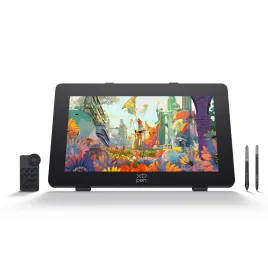
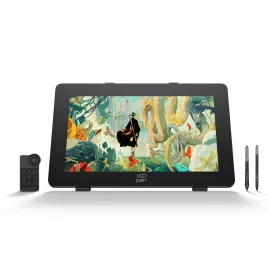
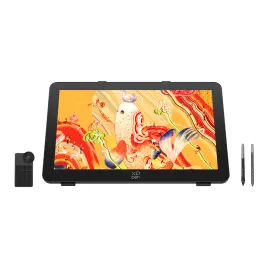
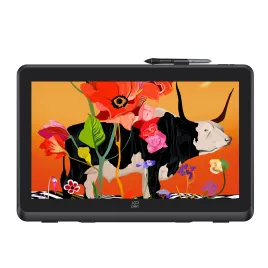
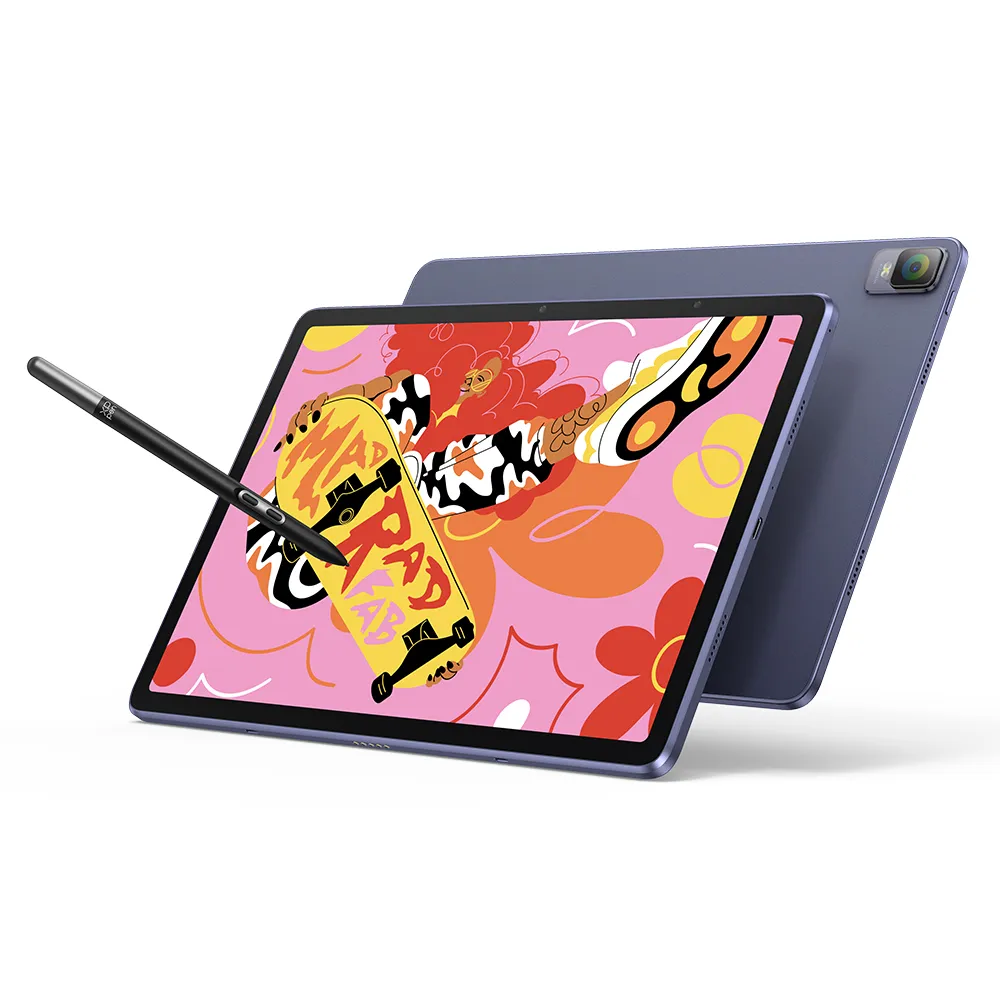
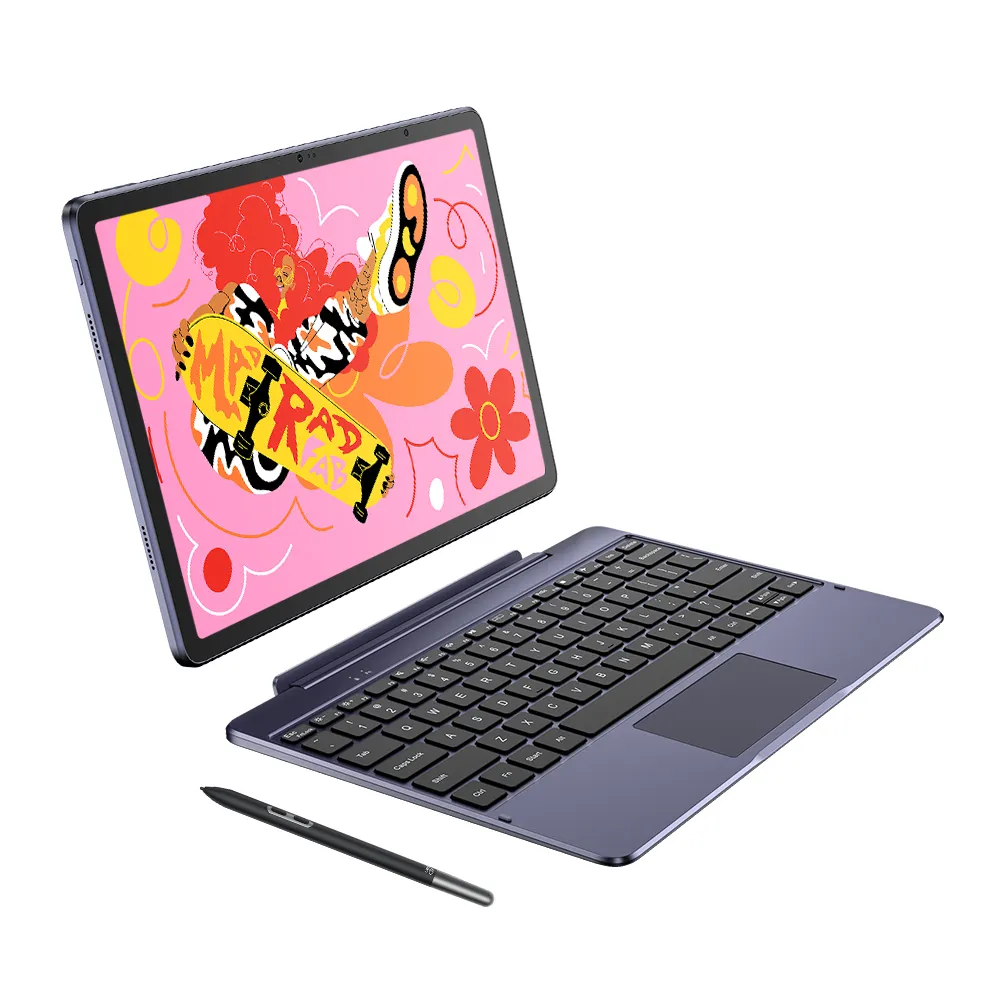
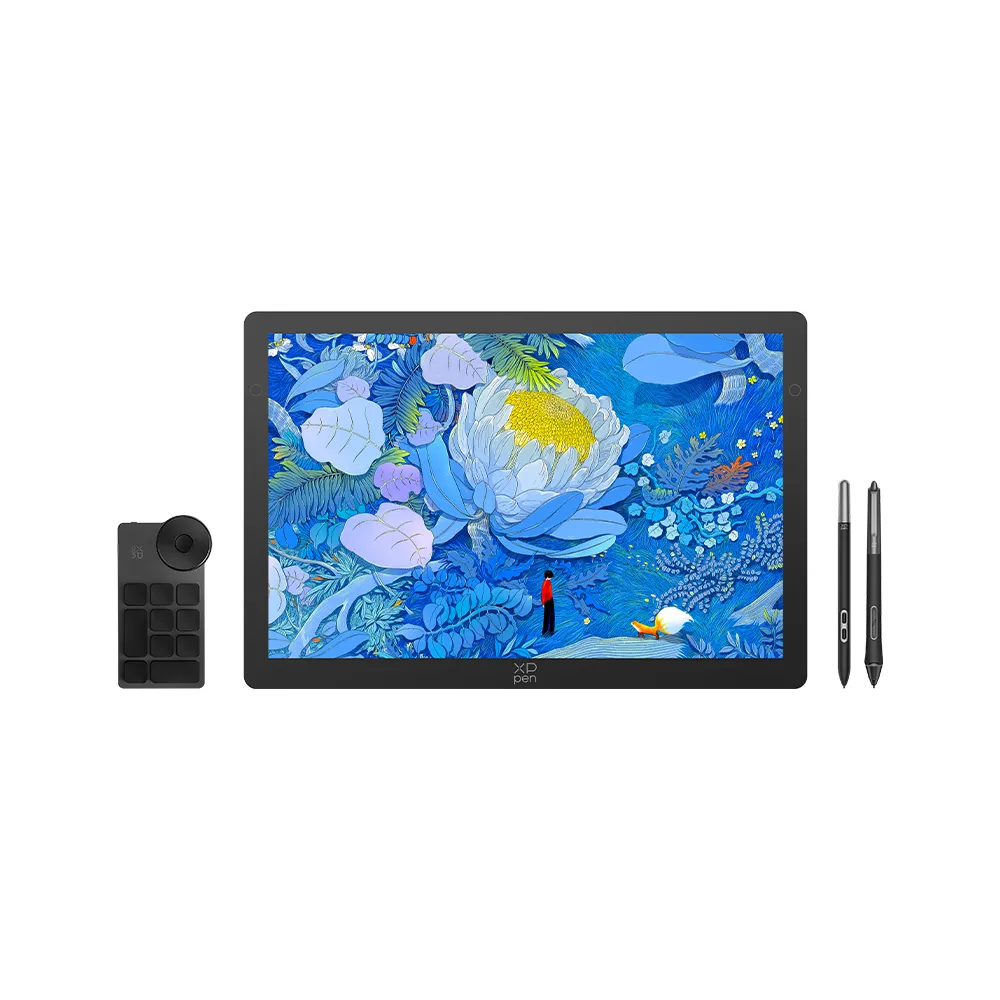
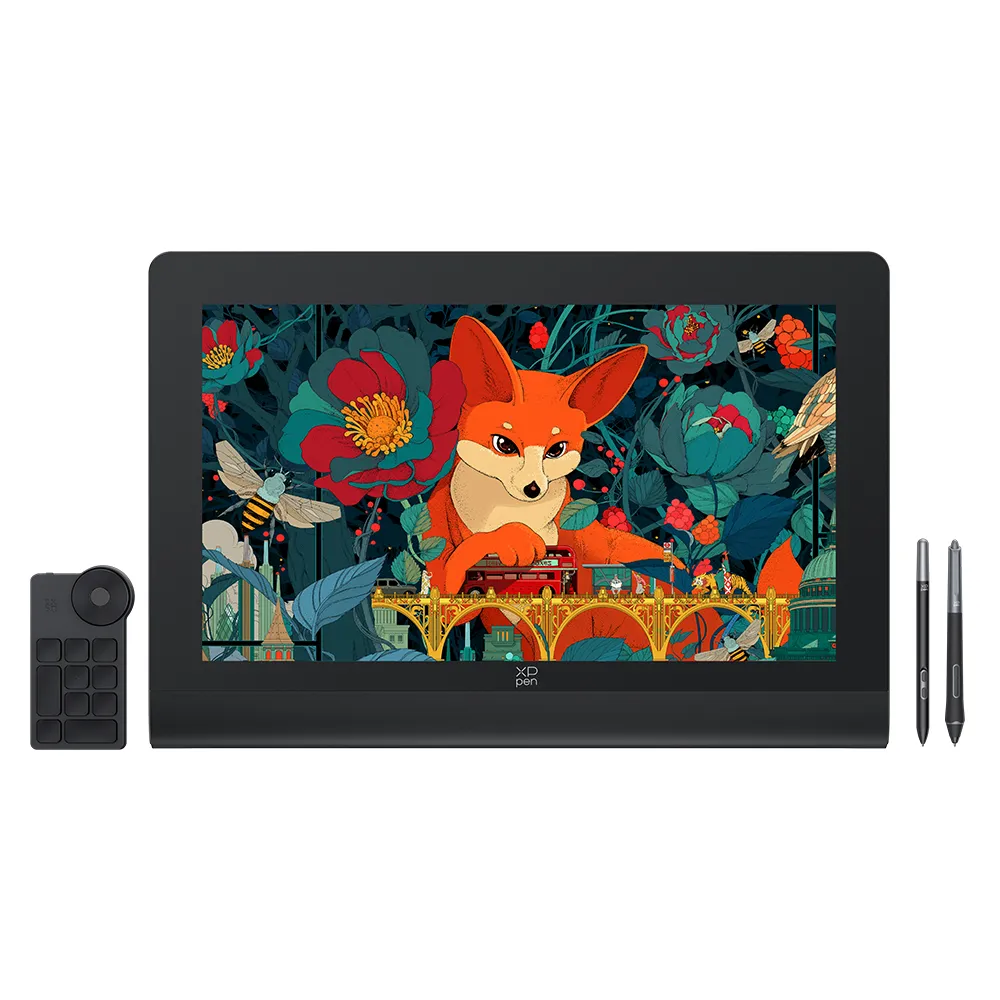
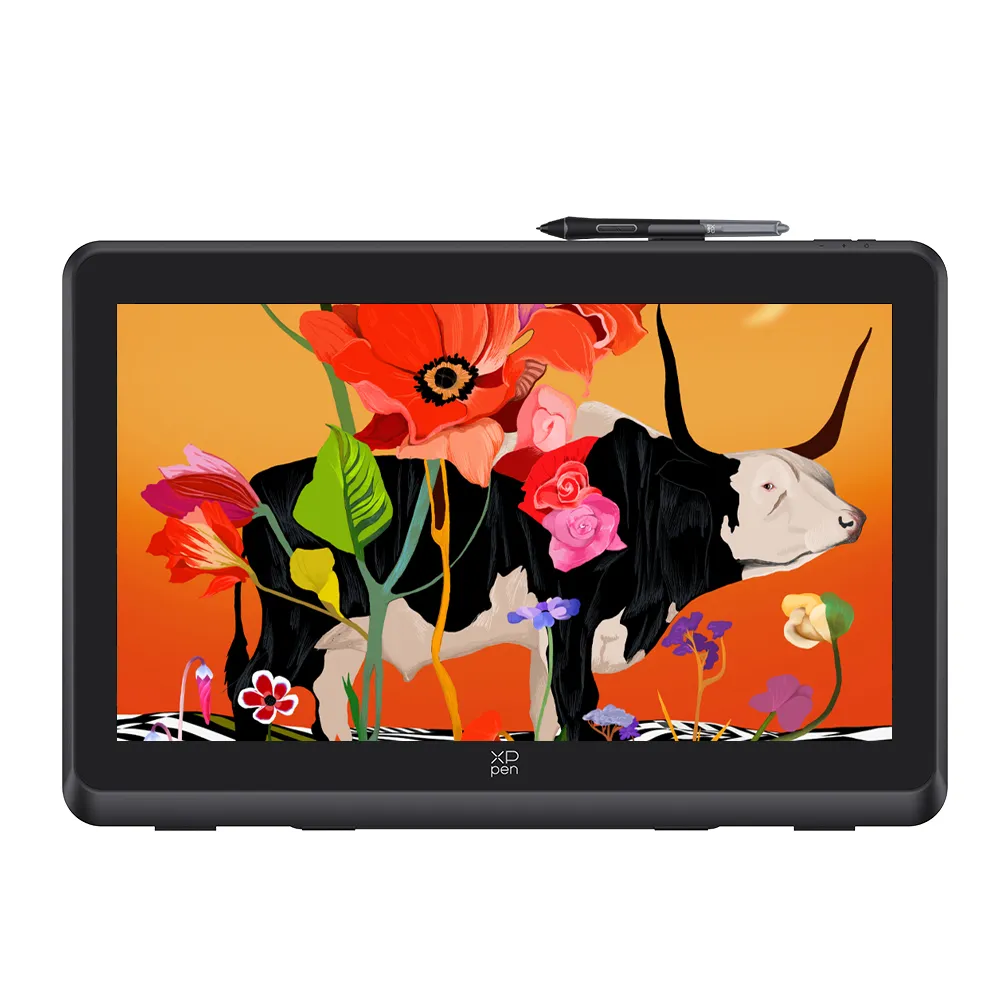
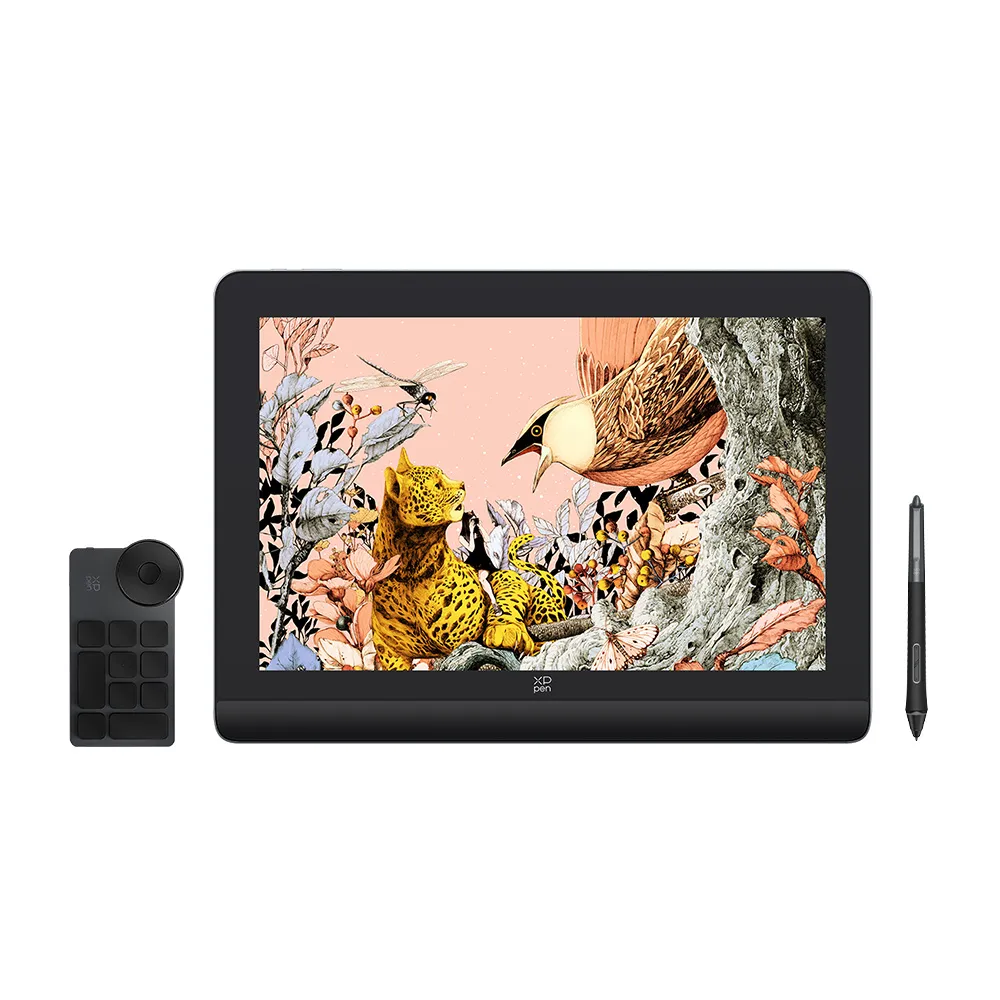
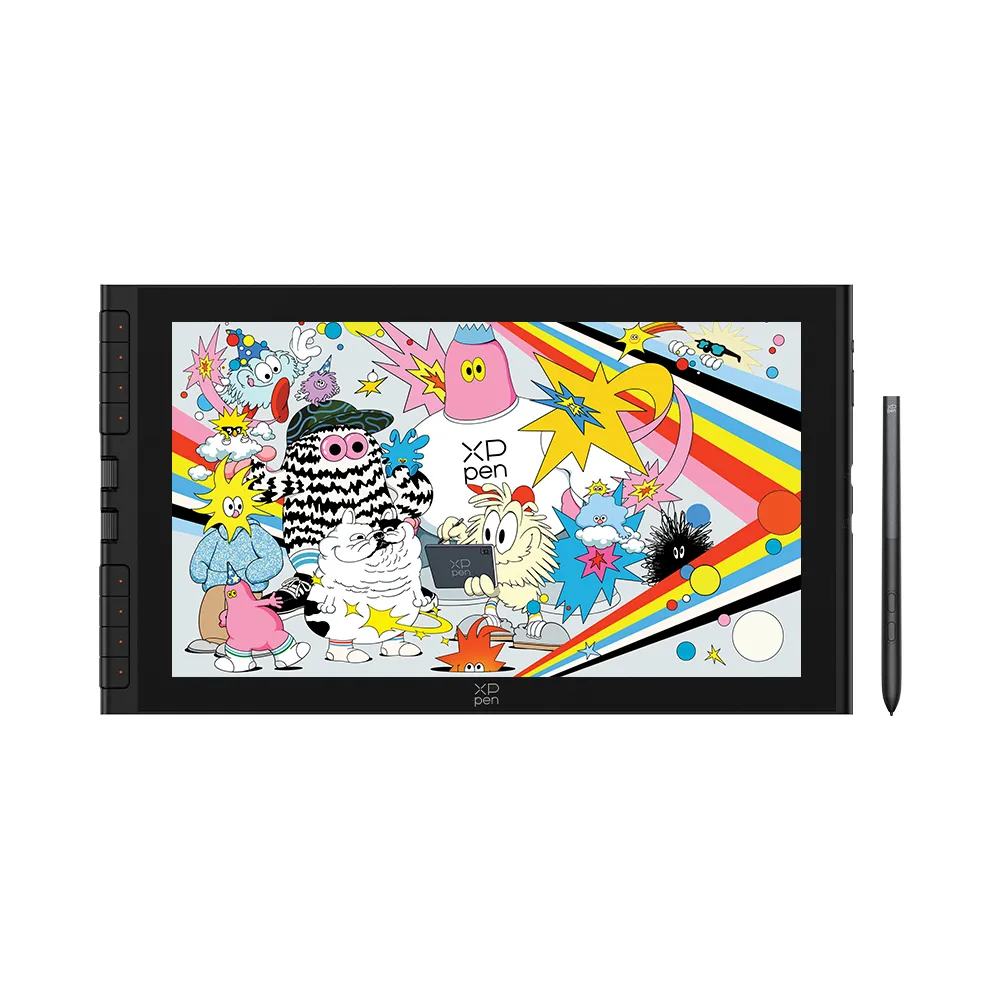
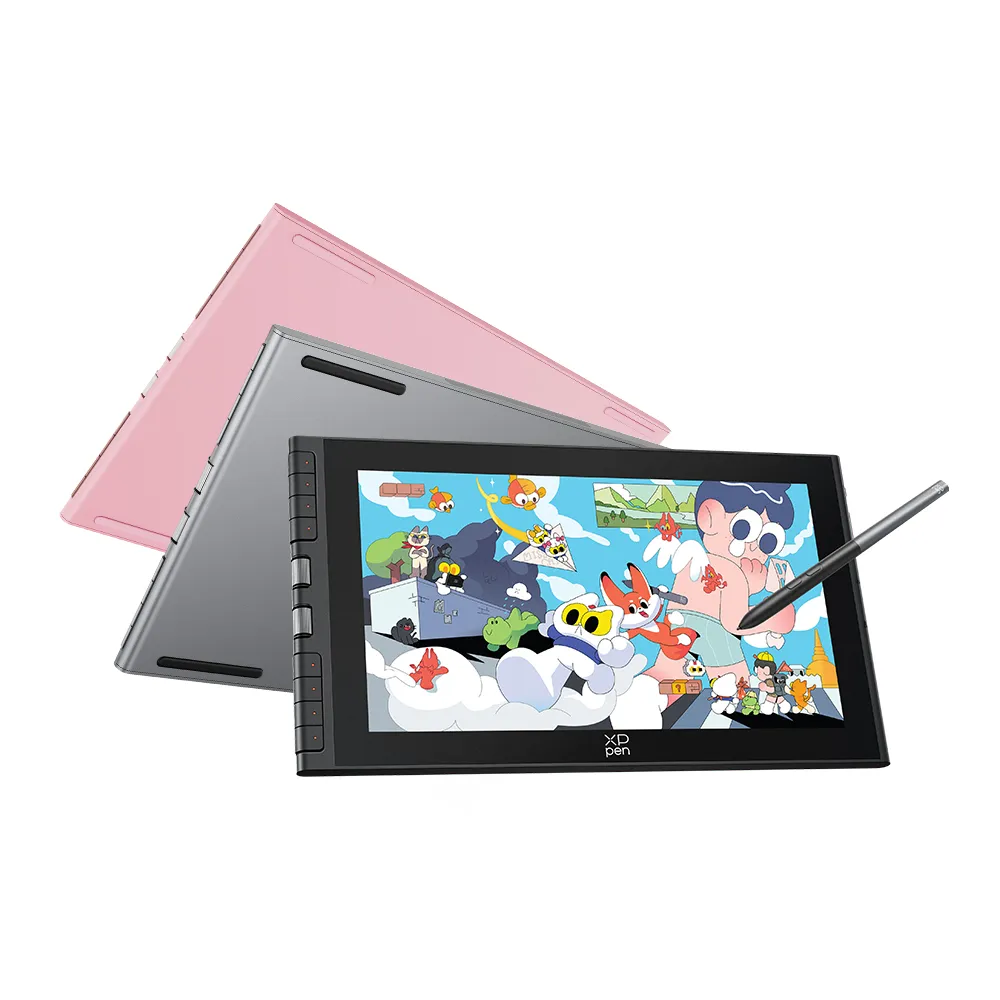
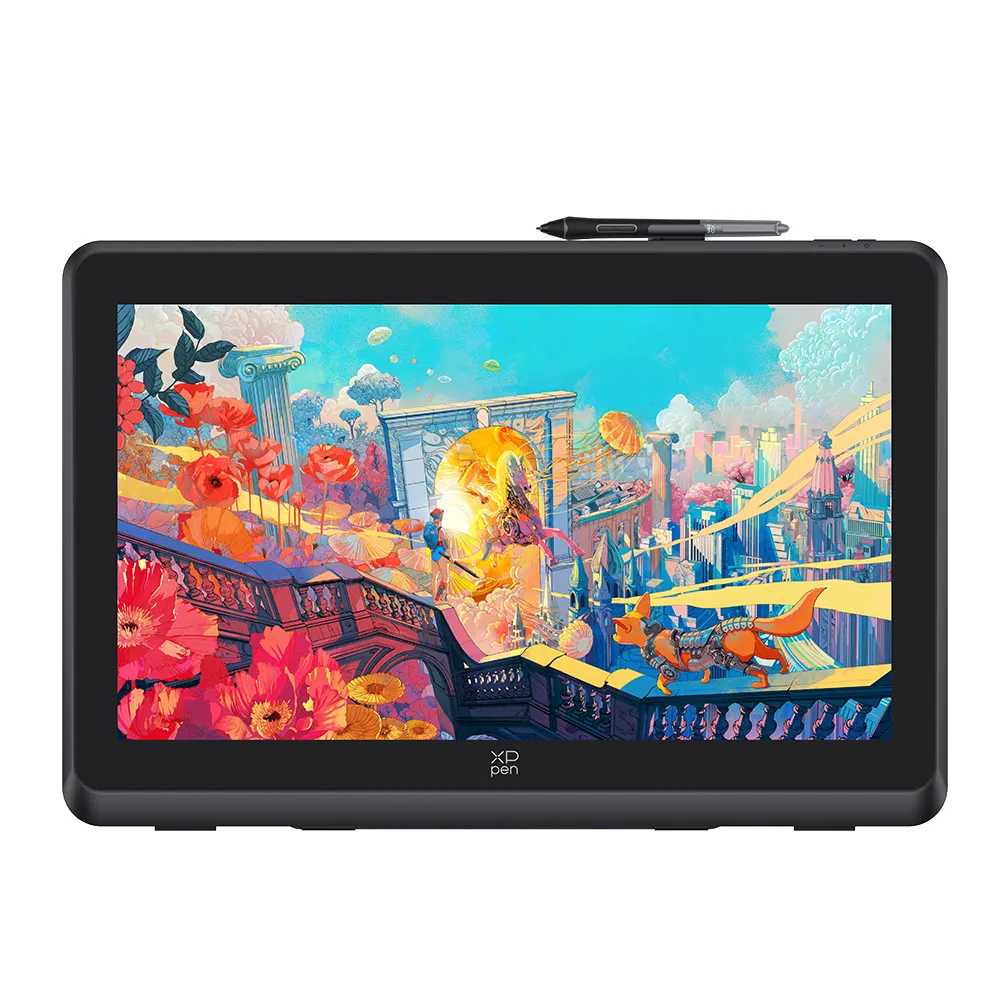
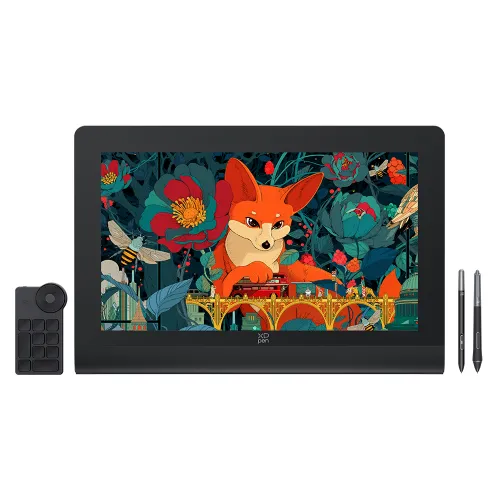
Artist Ultra 14

  0 

Pre-Order Artist Ultra 14 | Expected to Ship Aug. 31

First 40 Orders Get an Exclusive Anniversary Gift Pack

Key Features

  • 2.8K OLED Display

  • Ultra Slim Design

  • X-Touch Solution

  • Device Connection Required

$592.99
$699.99
Pen Display:
Quantity:
X-Coins Log in and purchase to receive an estimated {points} 592 X-Coins
? Final X-Coins rewards are based on the actual amount paid. Check your balance in Profile and redeem gifts in the XPPen Community ?

Add to Cart

Buy Now

Estimate

Country
image
Feature Highlights

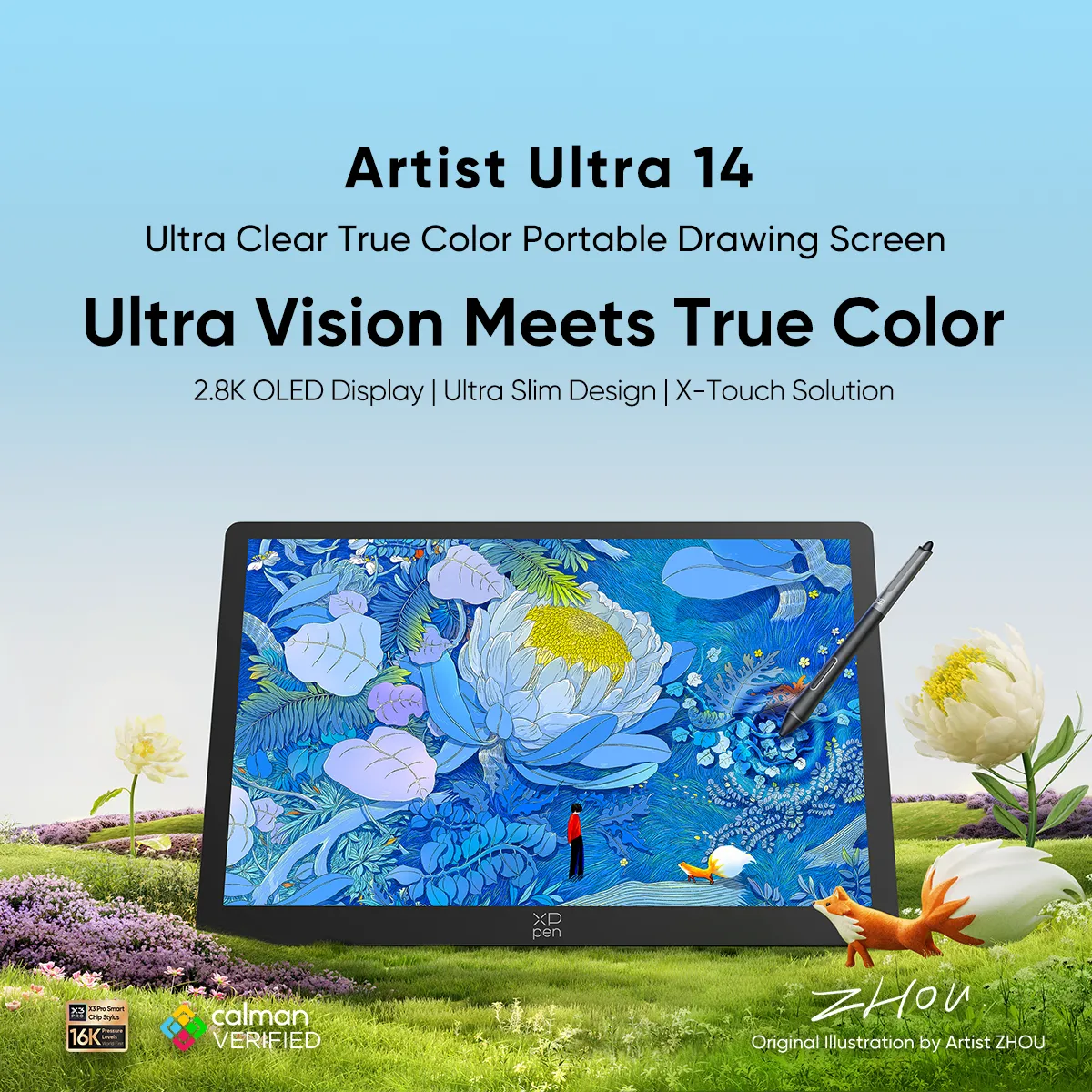
Artist Ultra 14

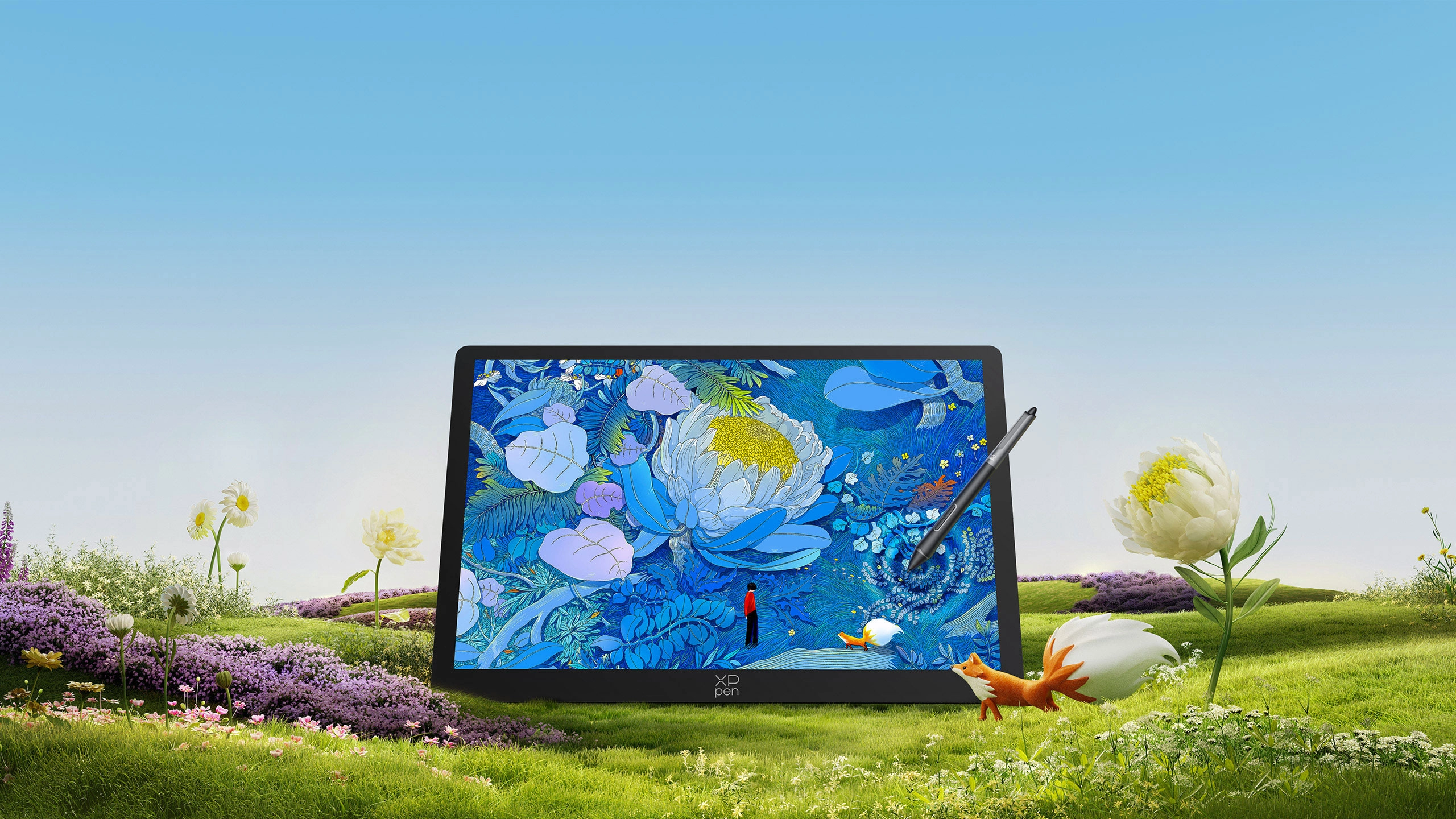
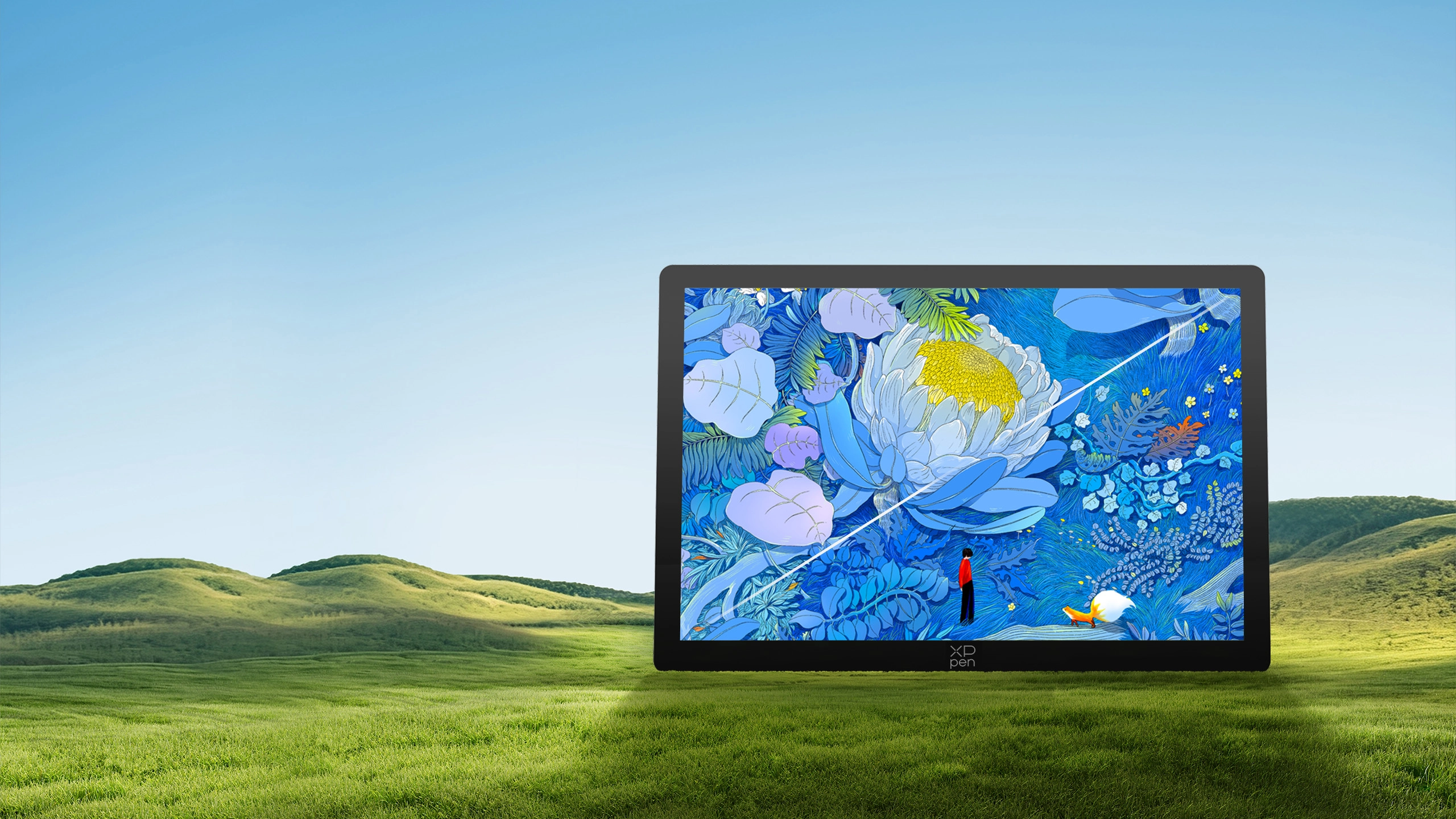
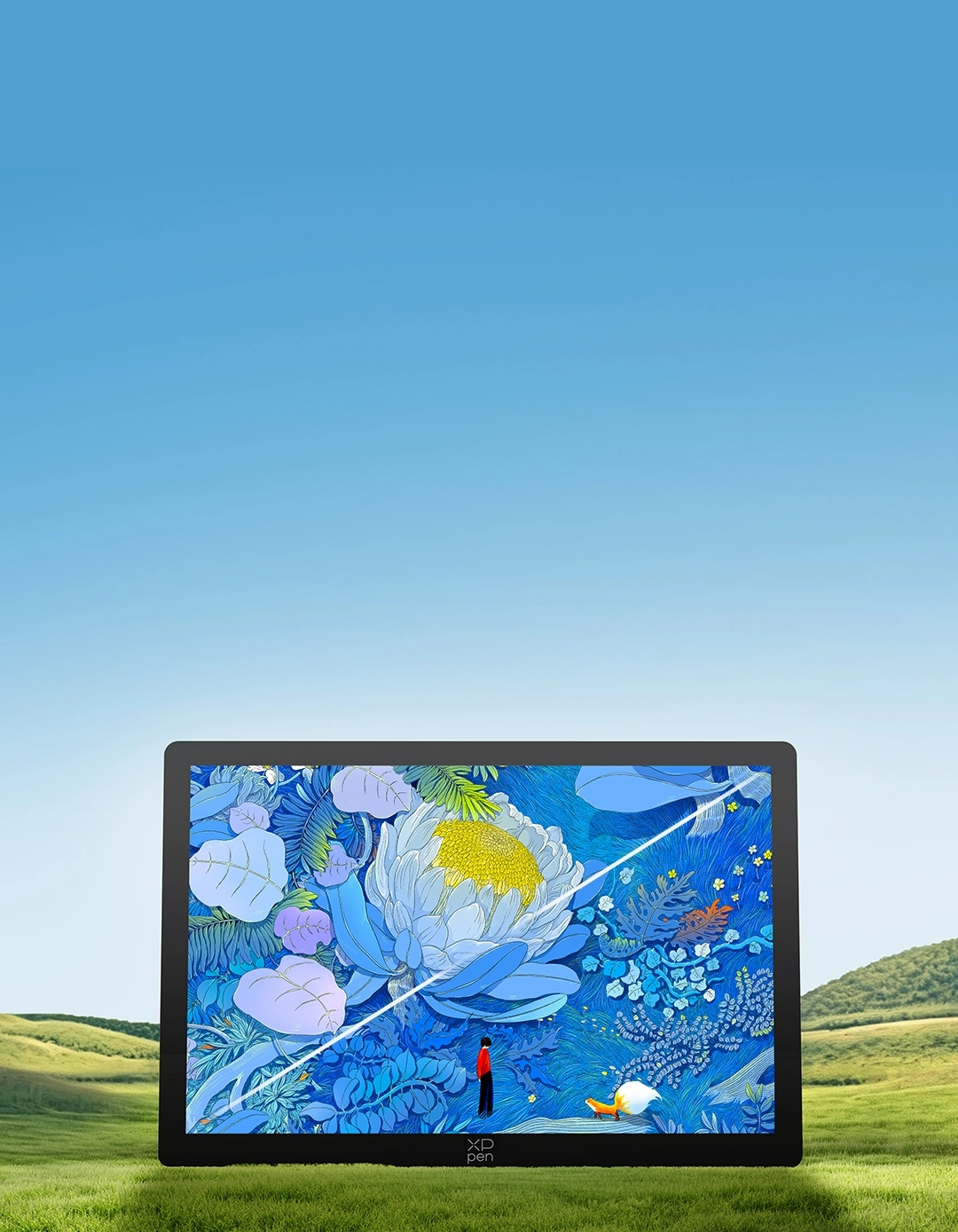
Ultra Clear True Color Portable Drawing Display

Ultra Vision Meets True Color

2.8K OLED Display | Ultra Slim Design | X-Touch Solution

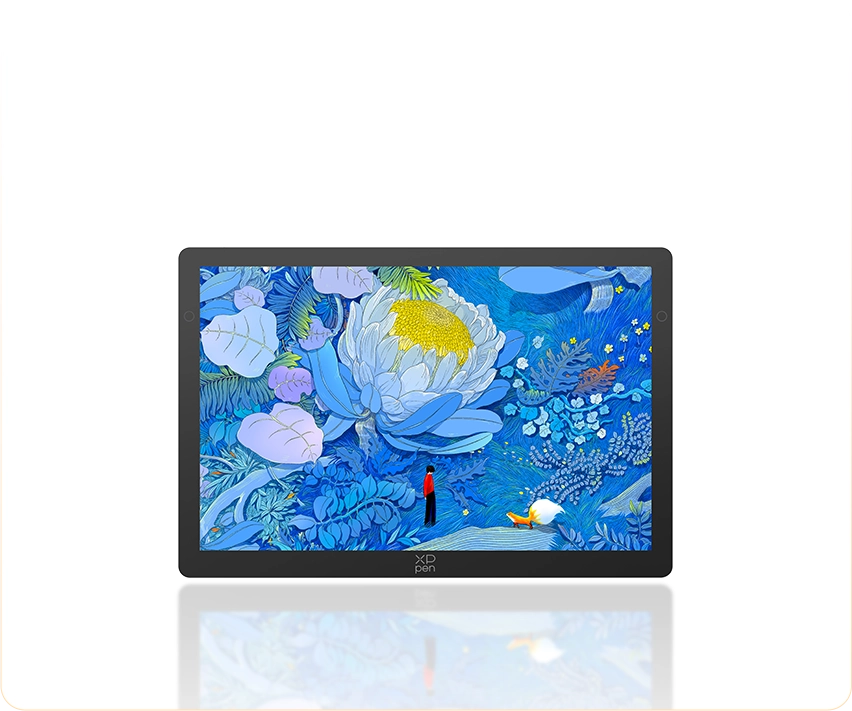
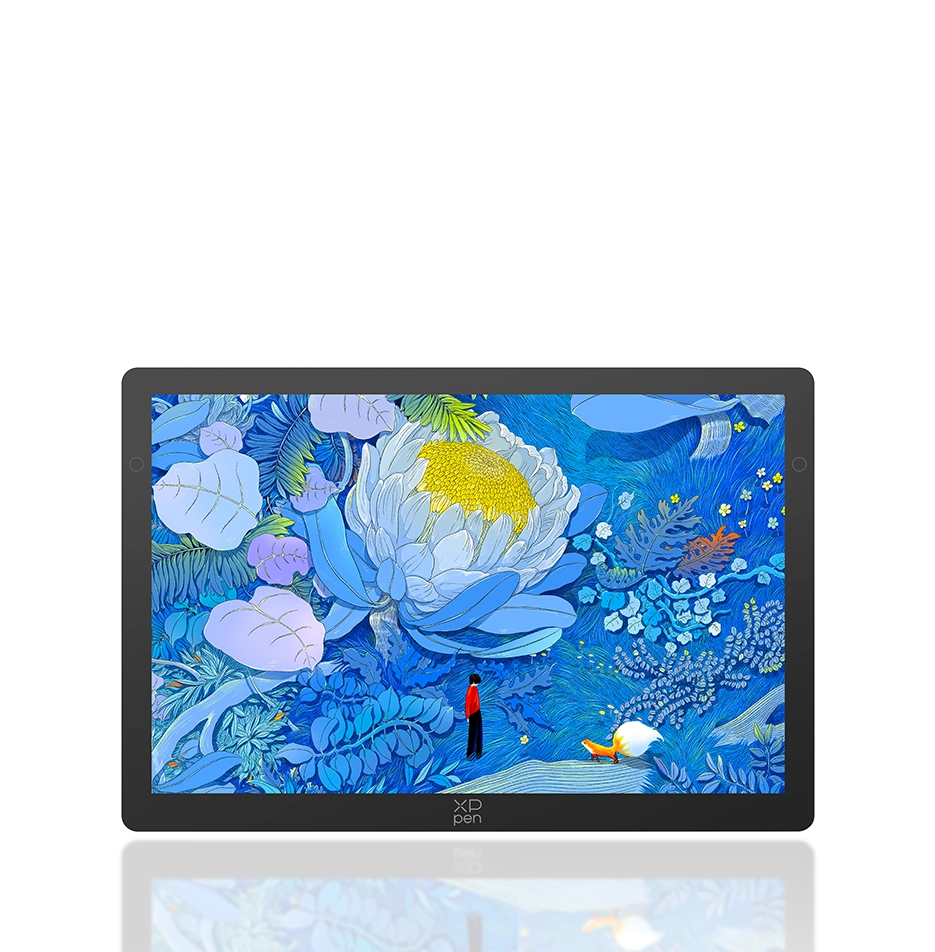
Original Illustration by Artist ZHOU

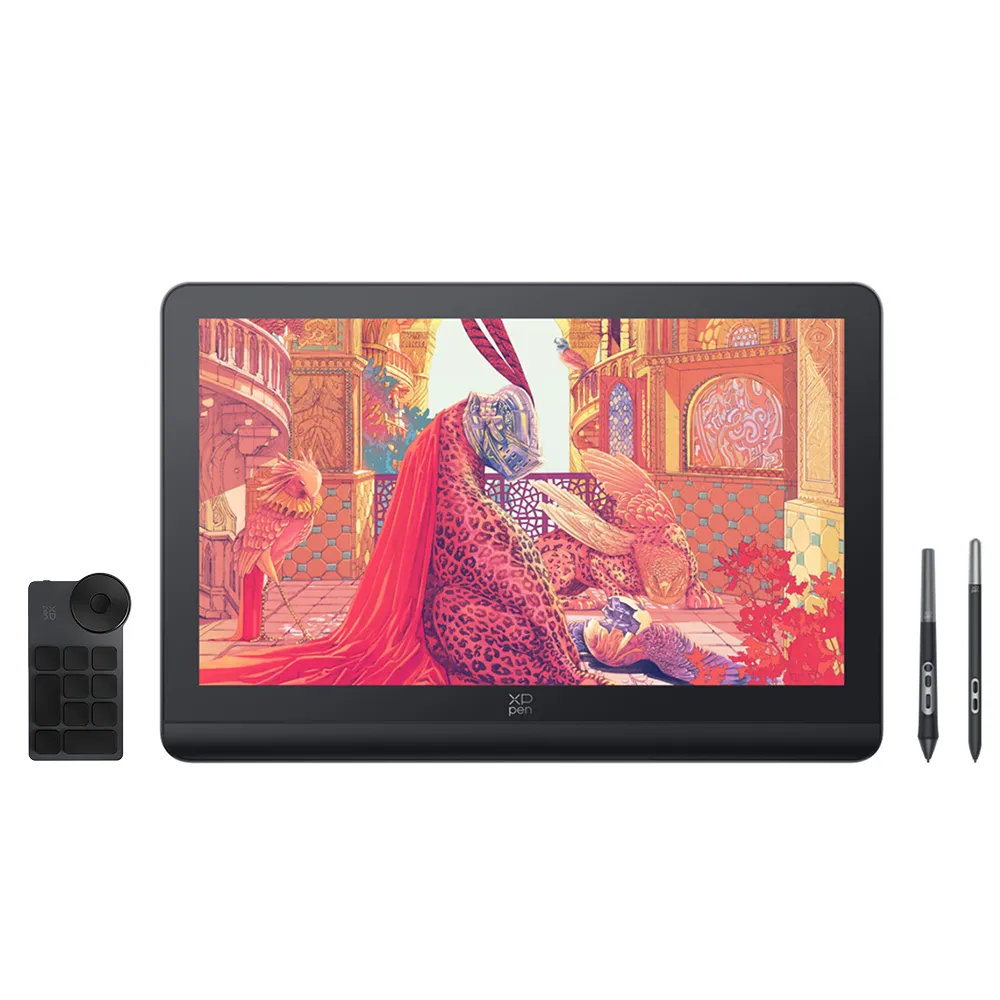
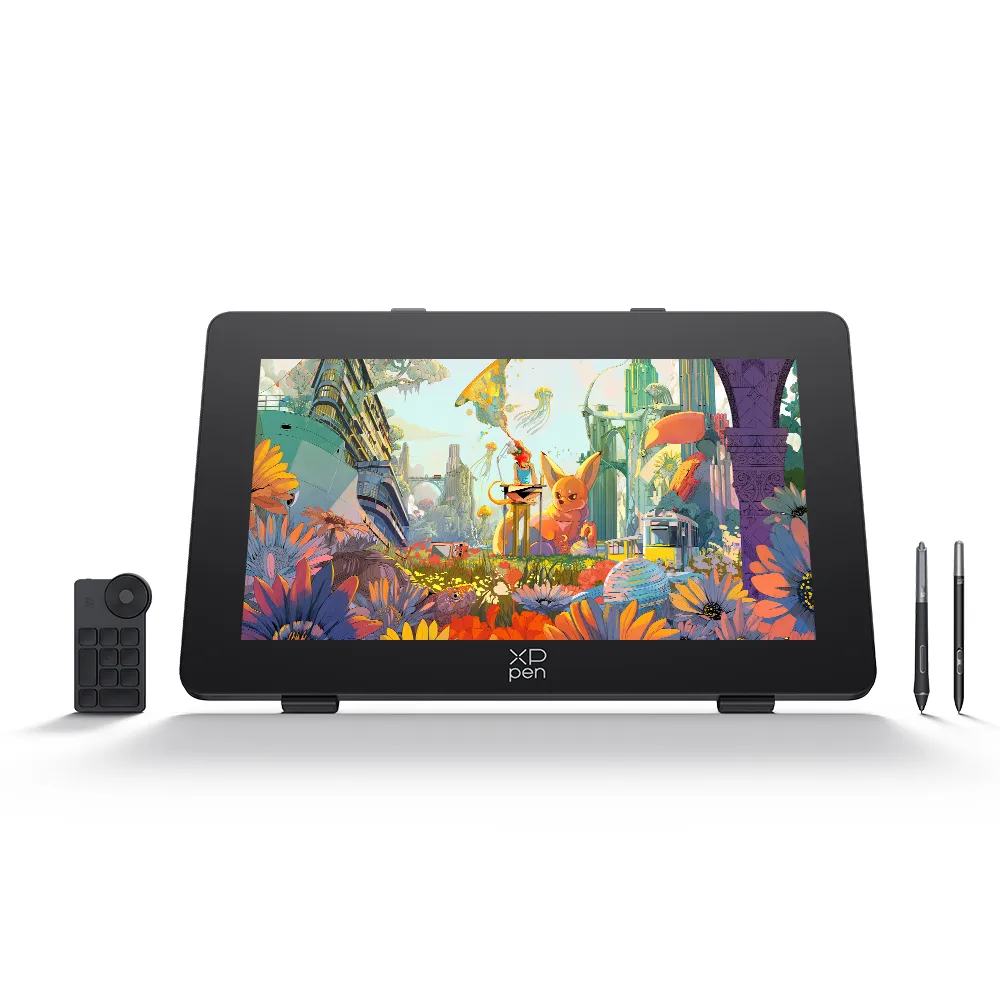
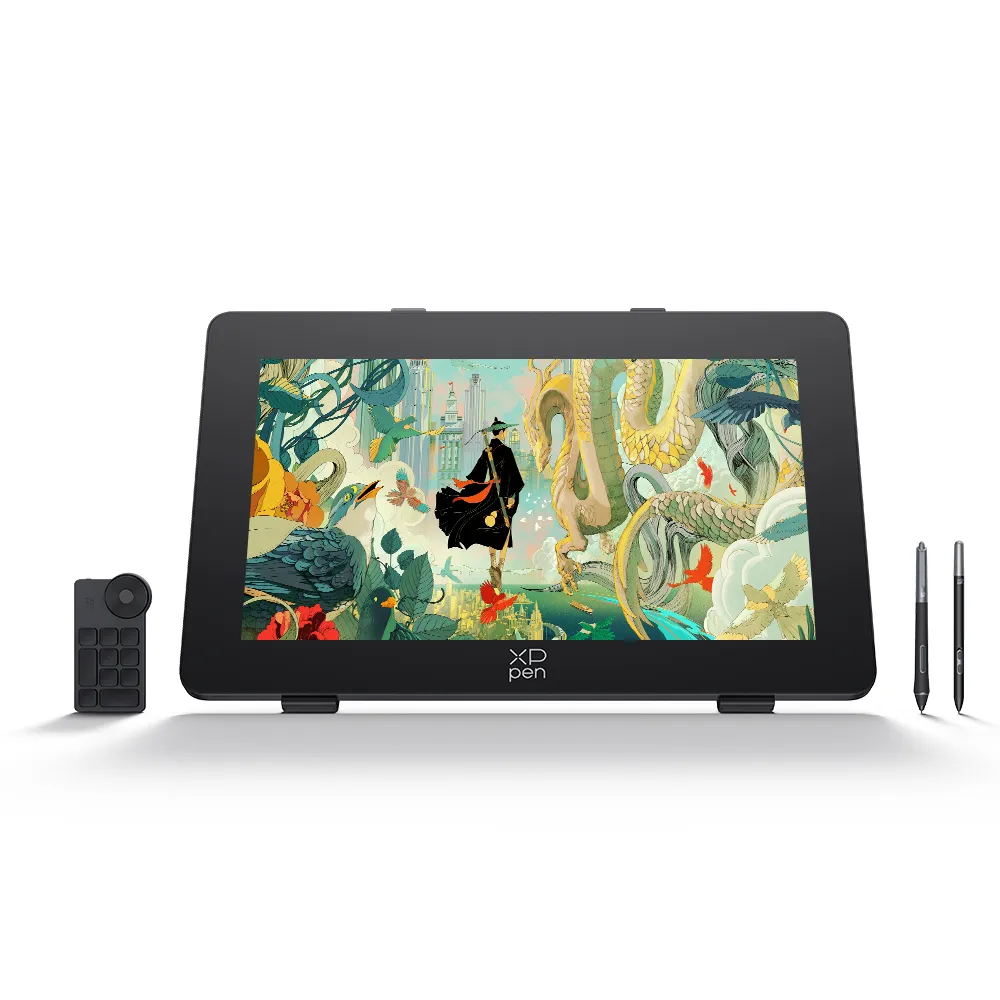
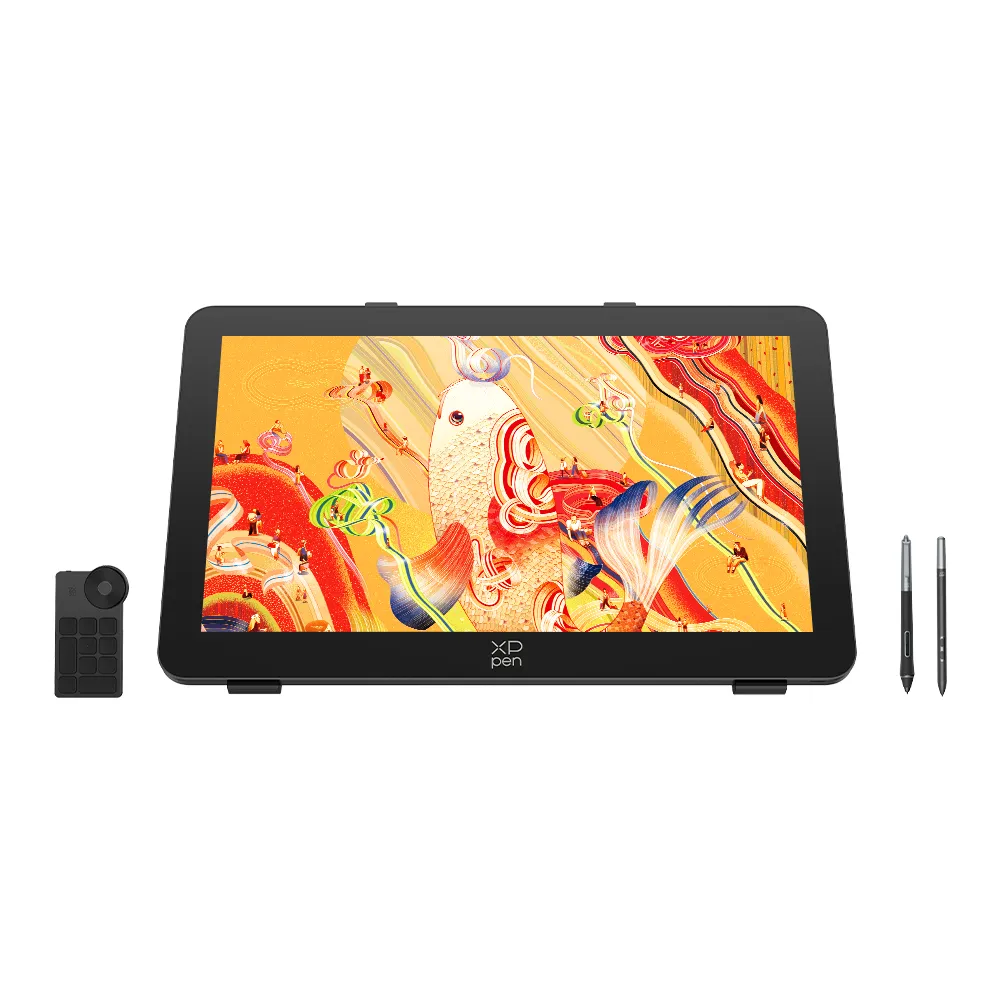
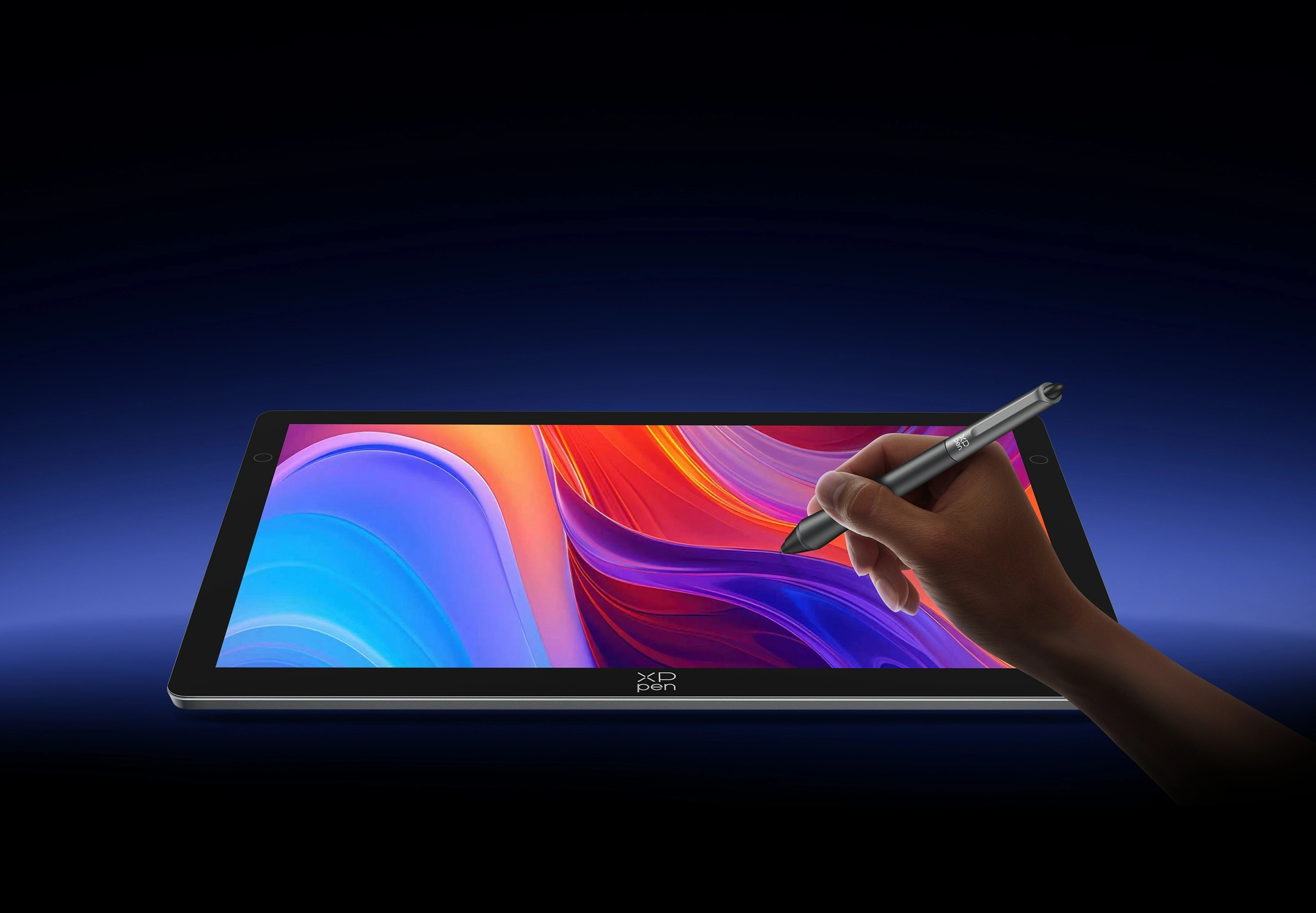
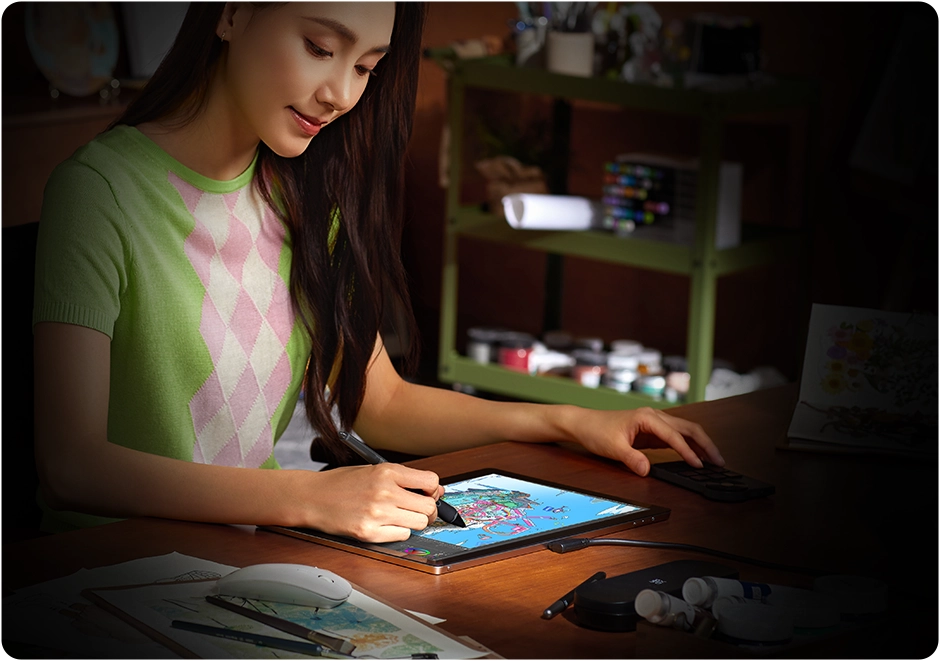
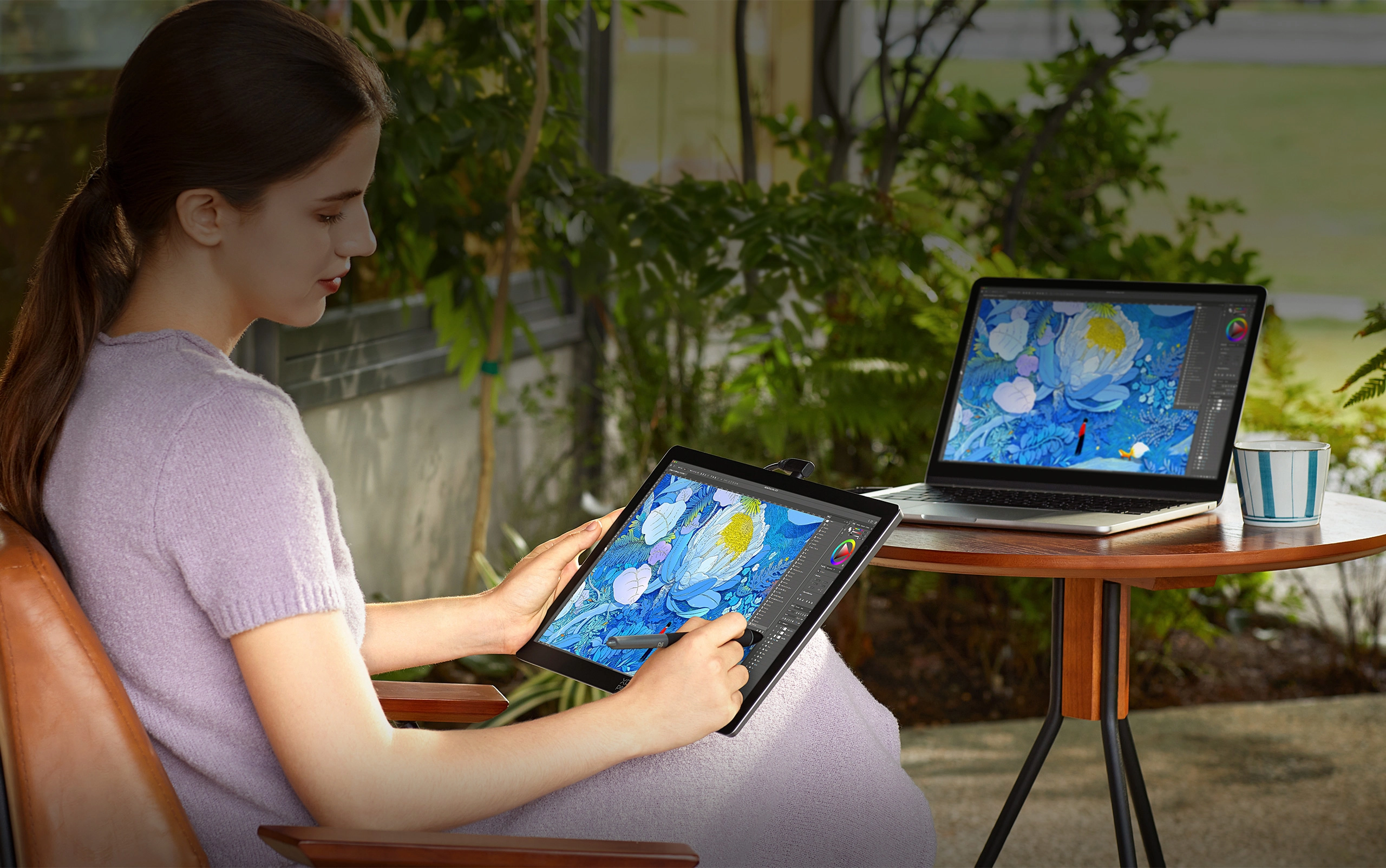
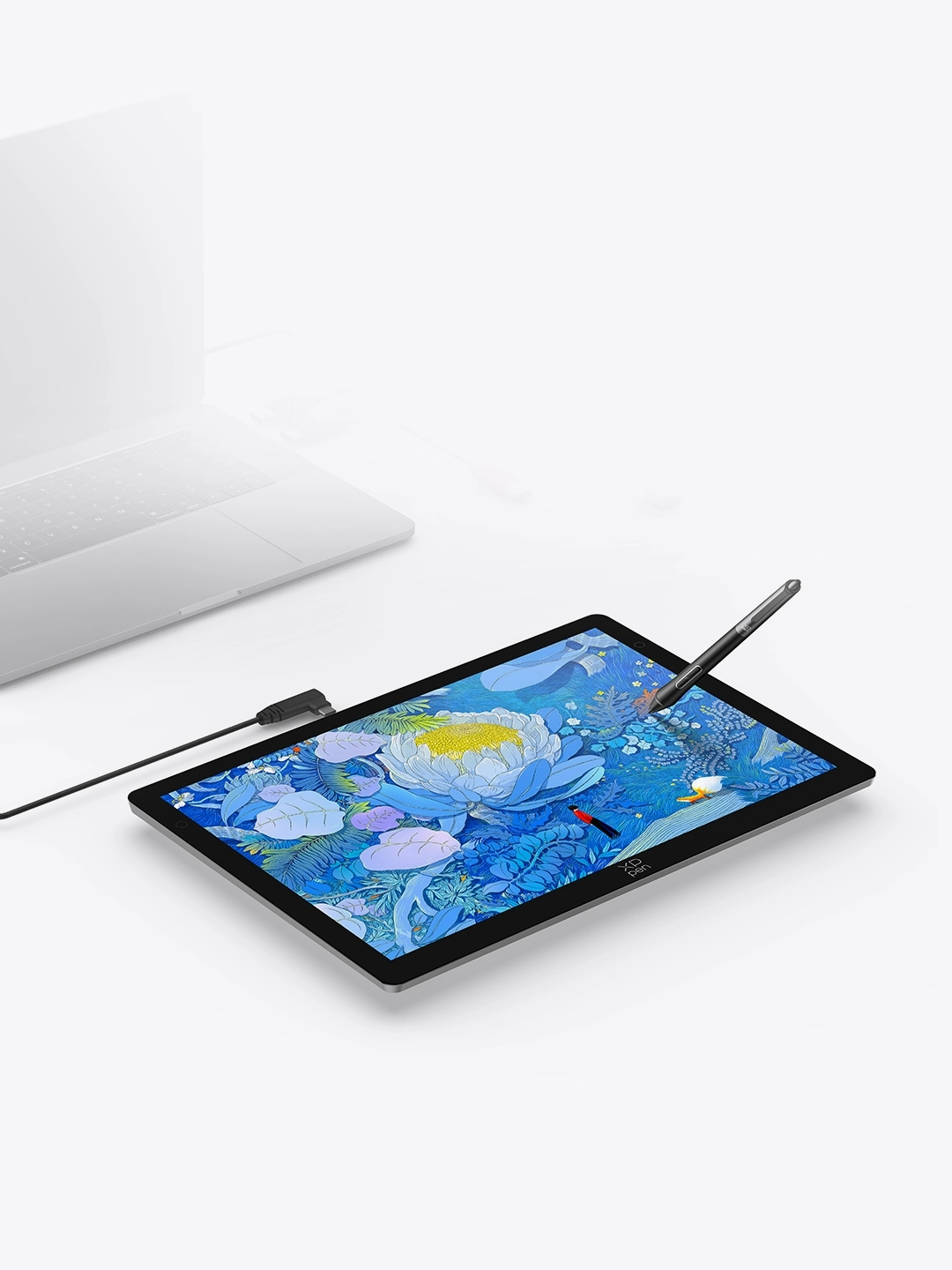
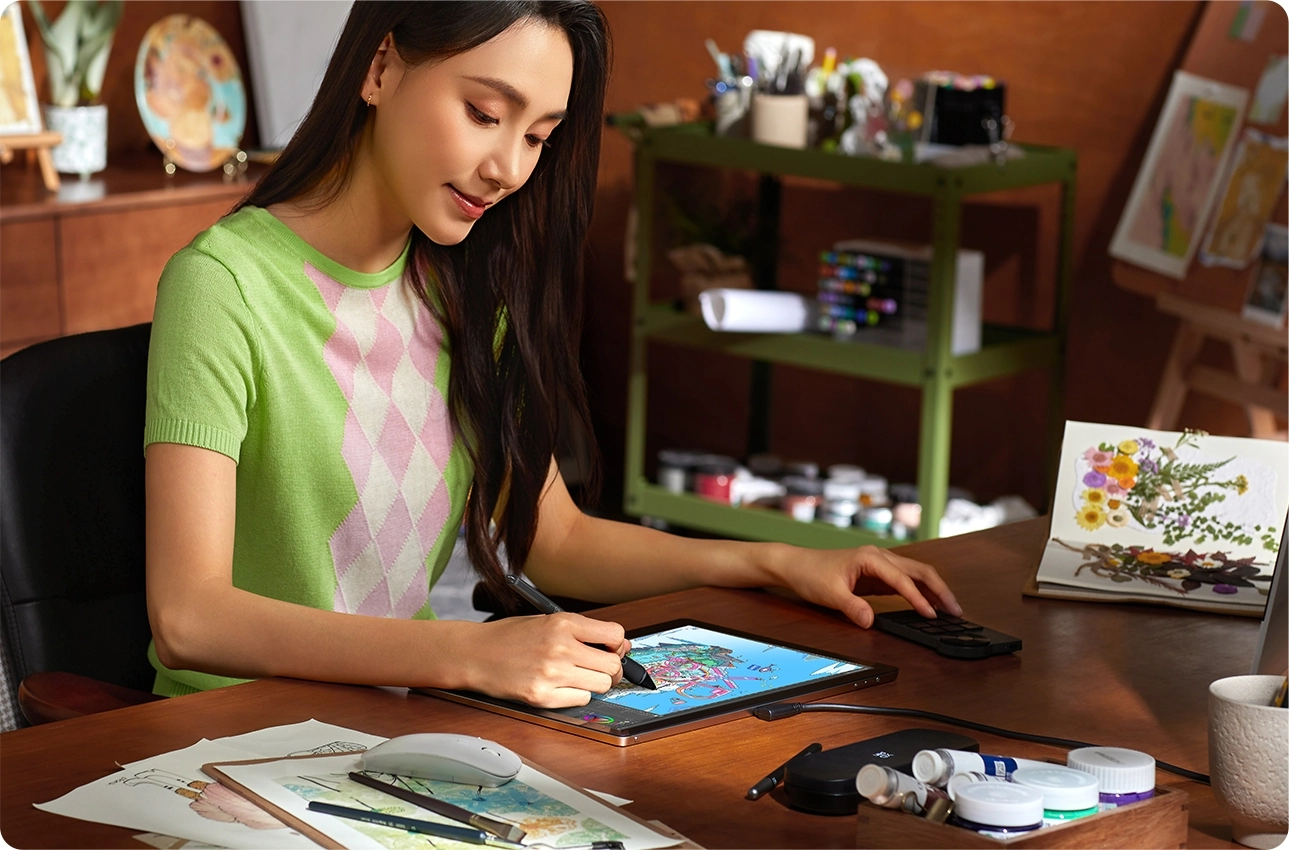
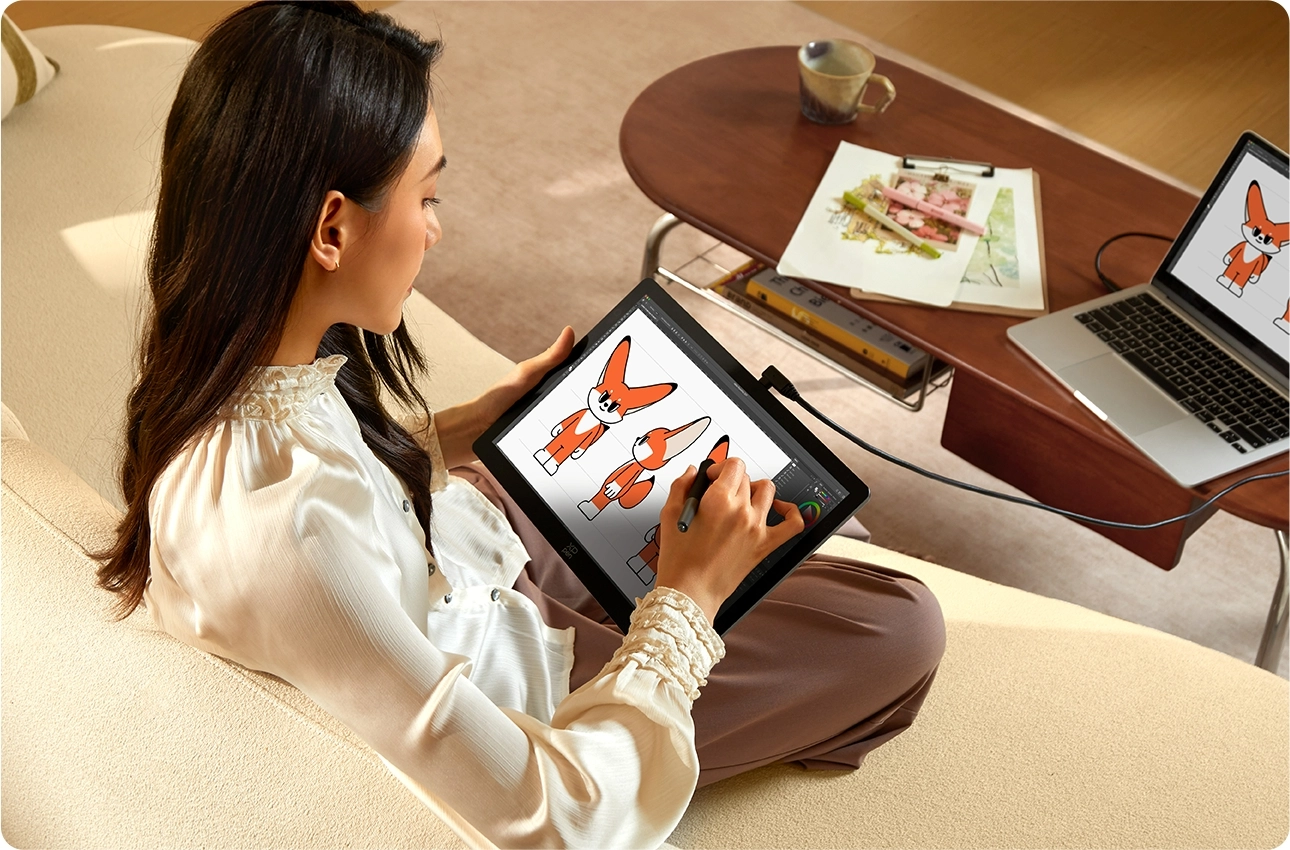
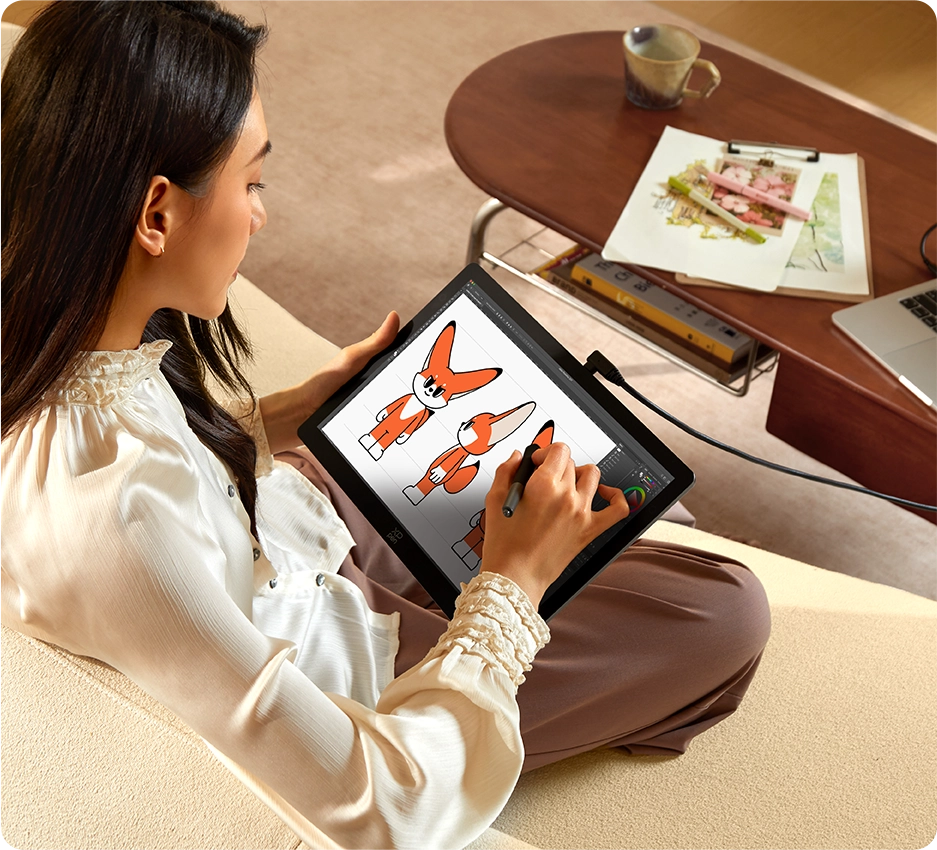
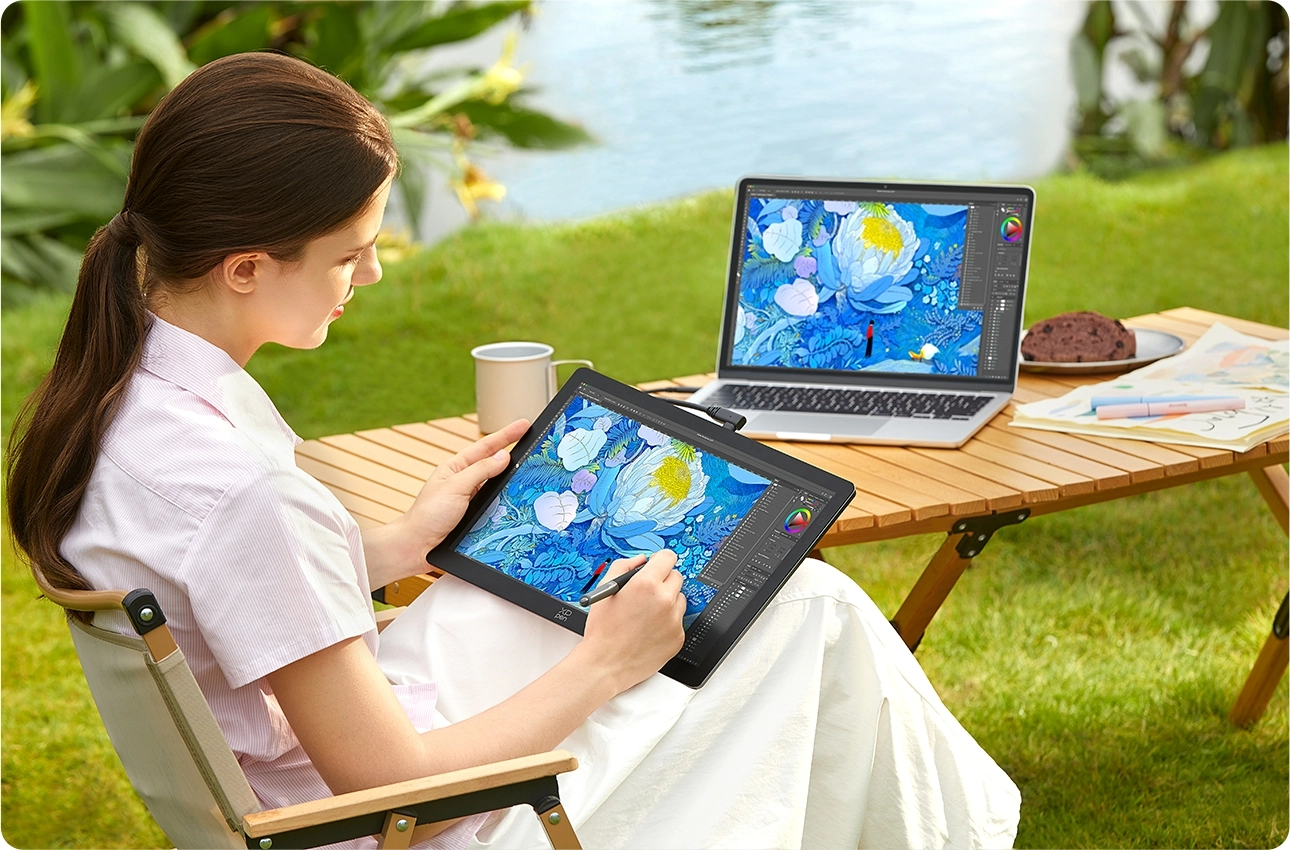
The Artist Ultra 14 is your professional,
portable creative partner.

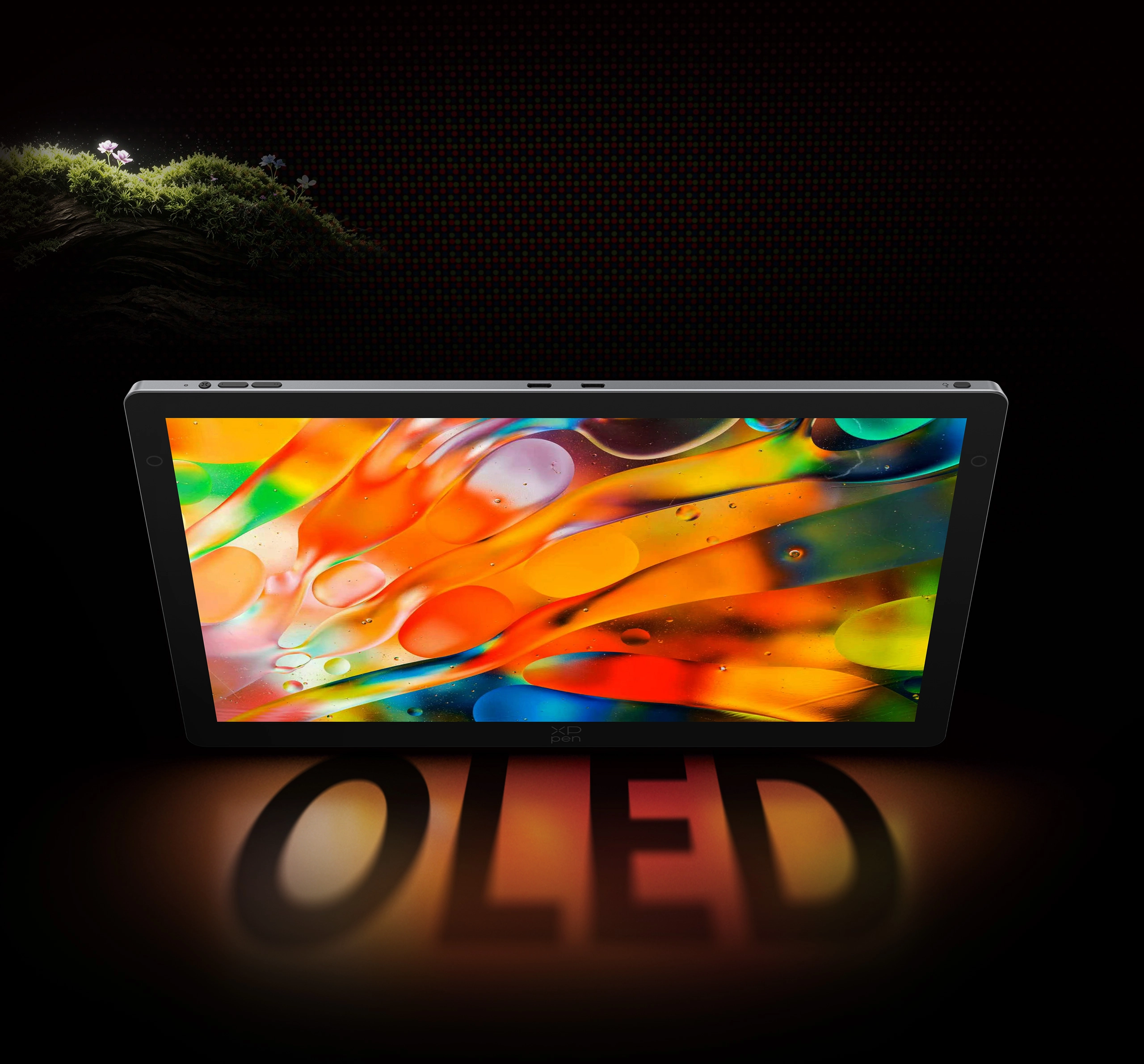
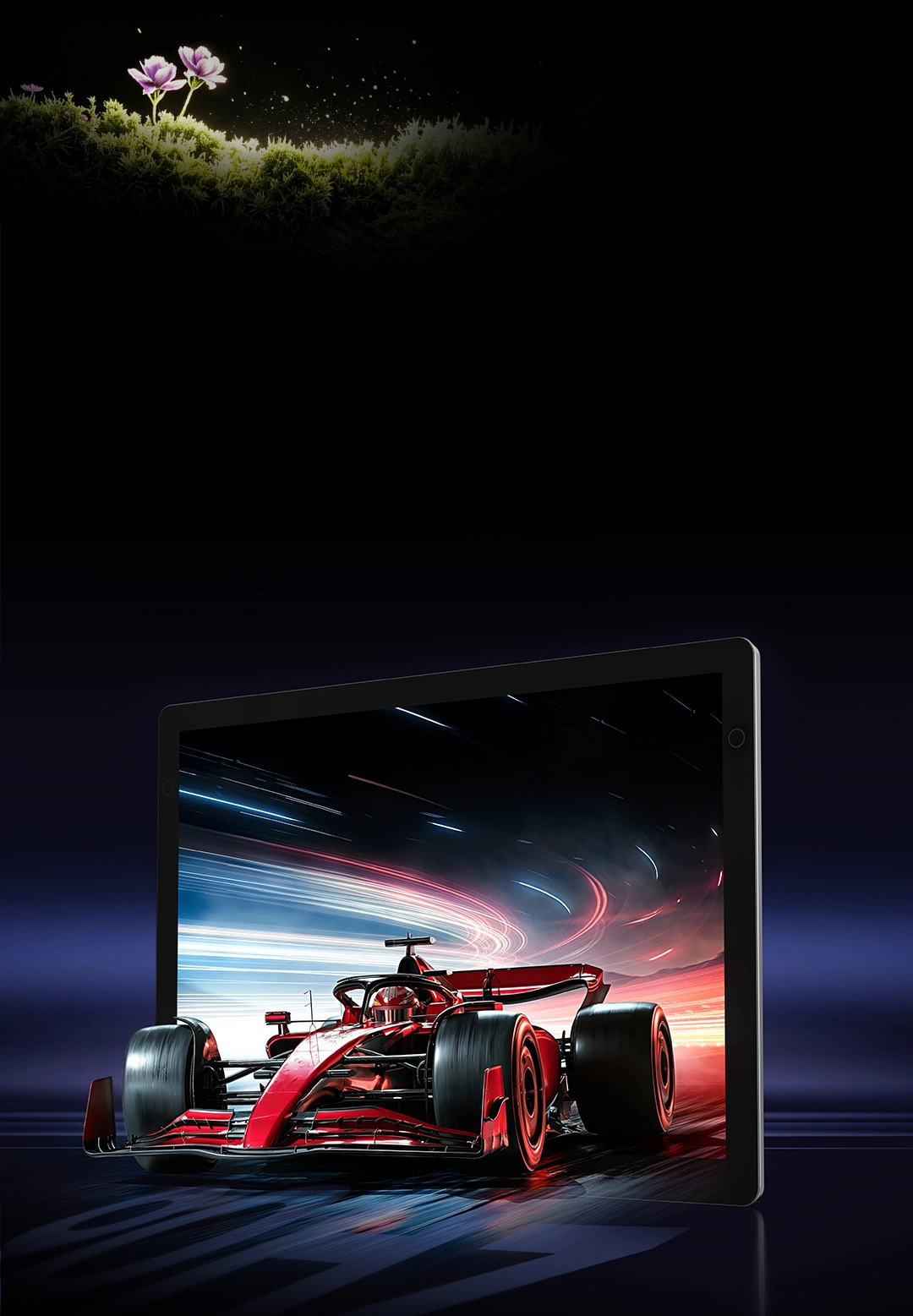
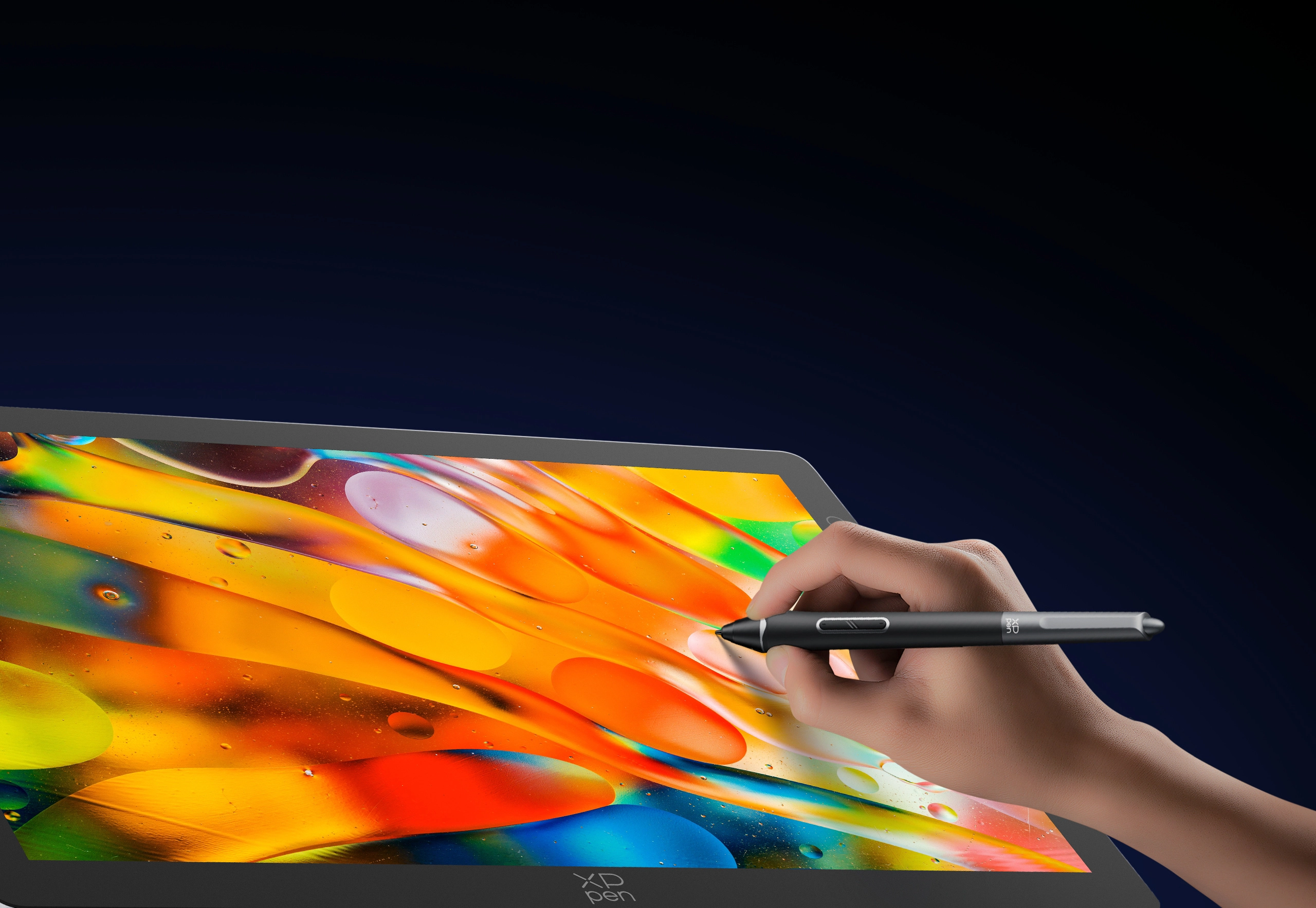
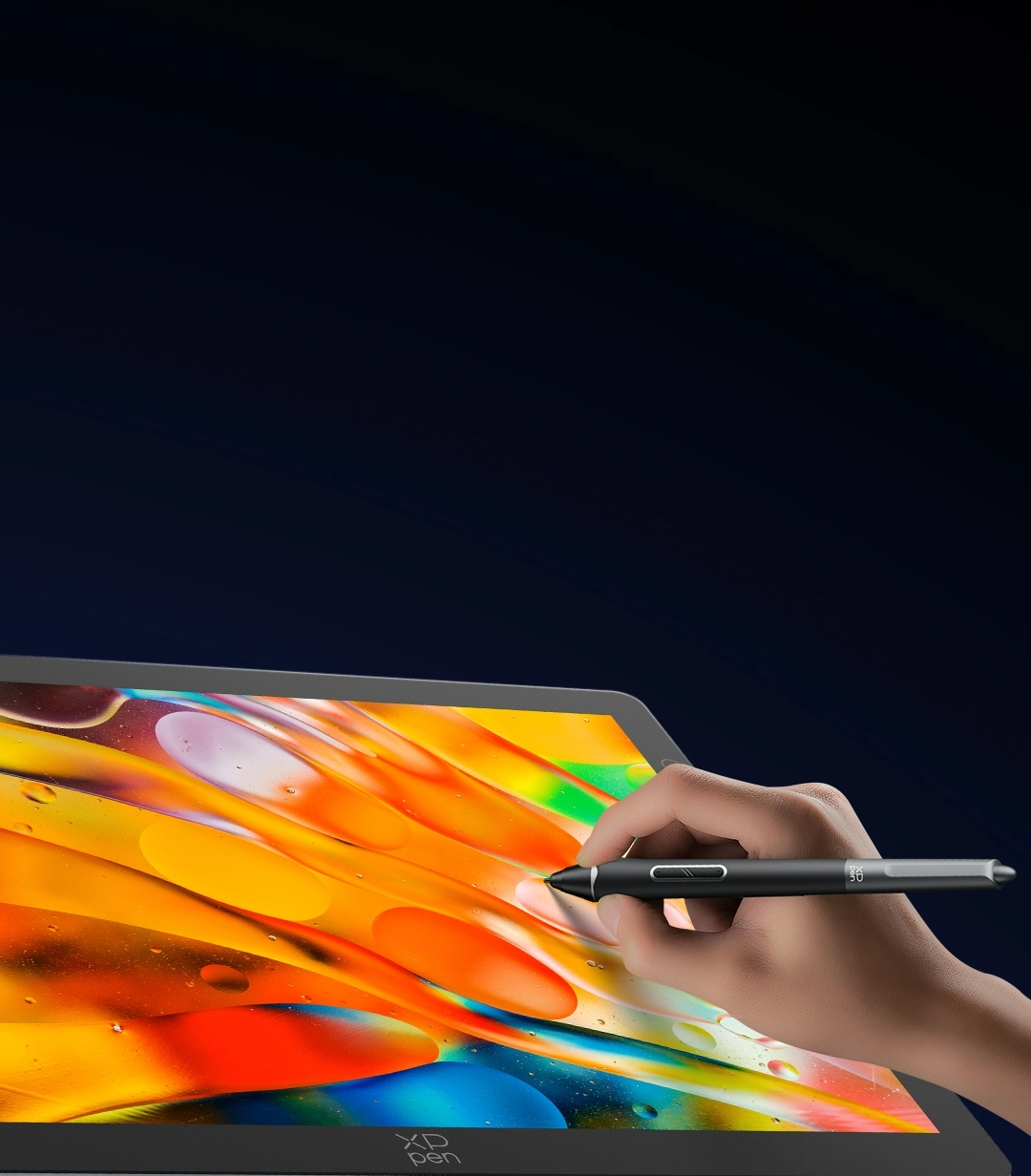
The 2.8K OLED display delivers unparalleled
clarity and true-to-life colors.
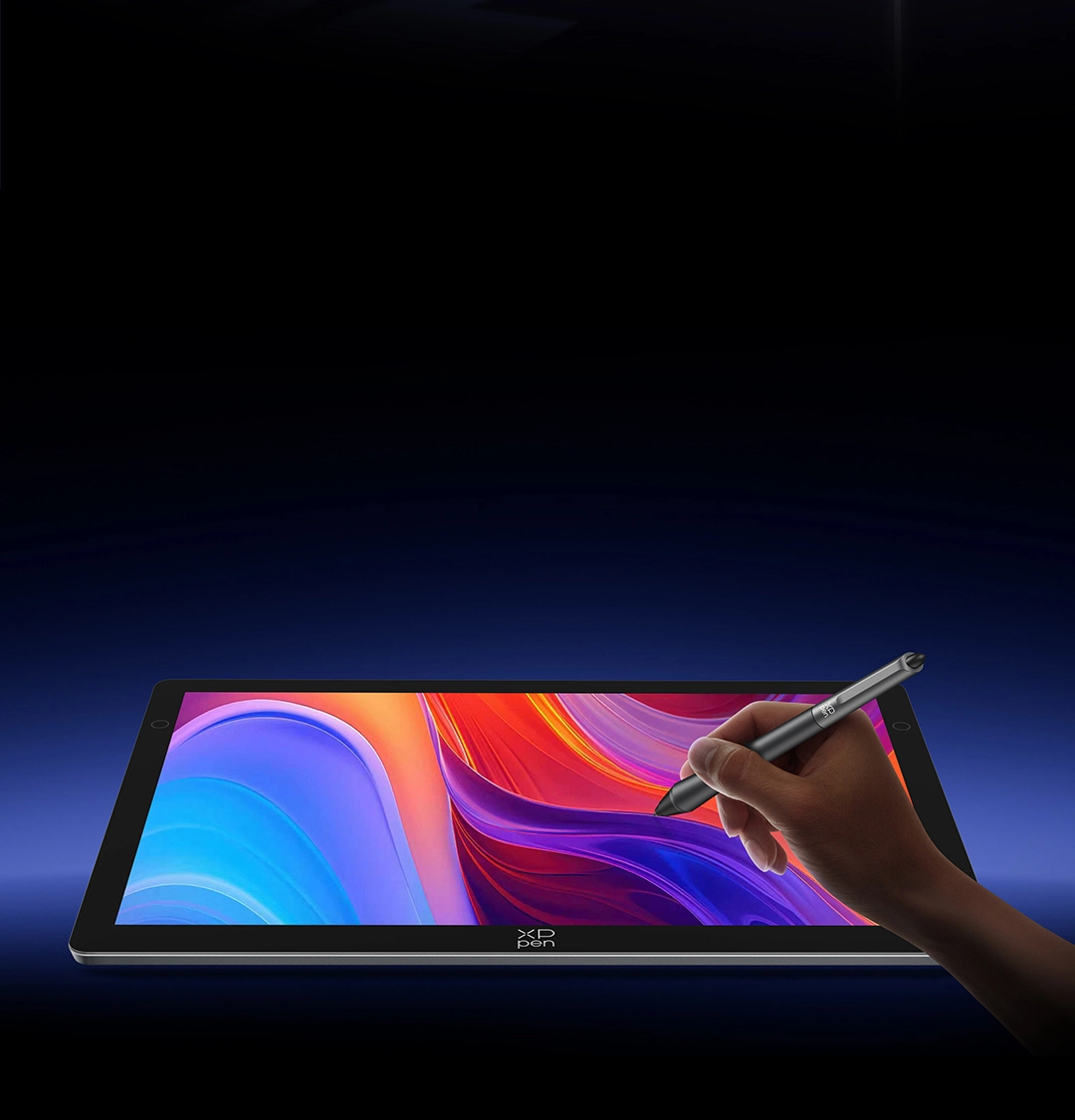
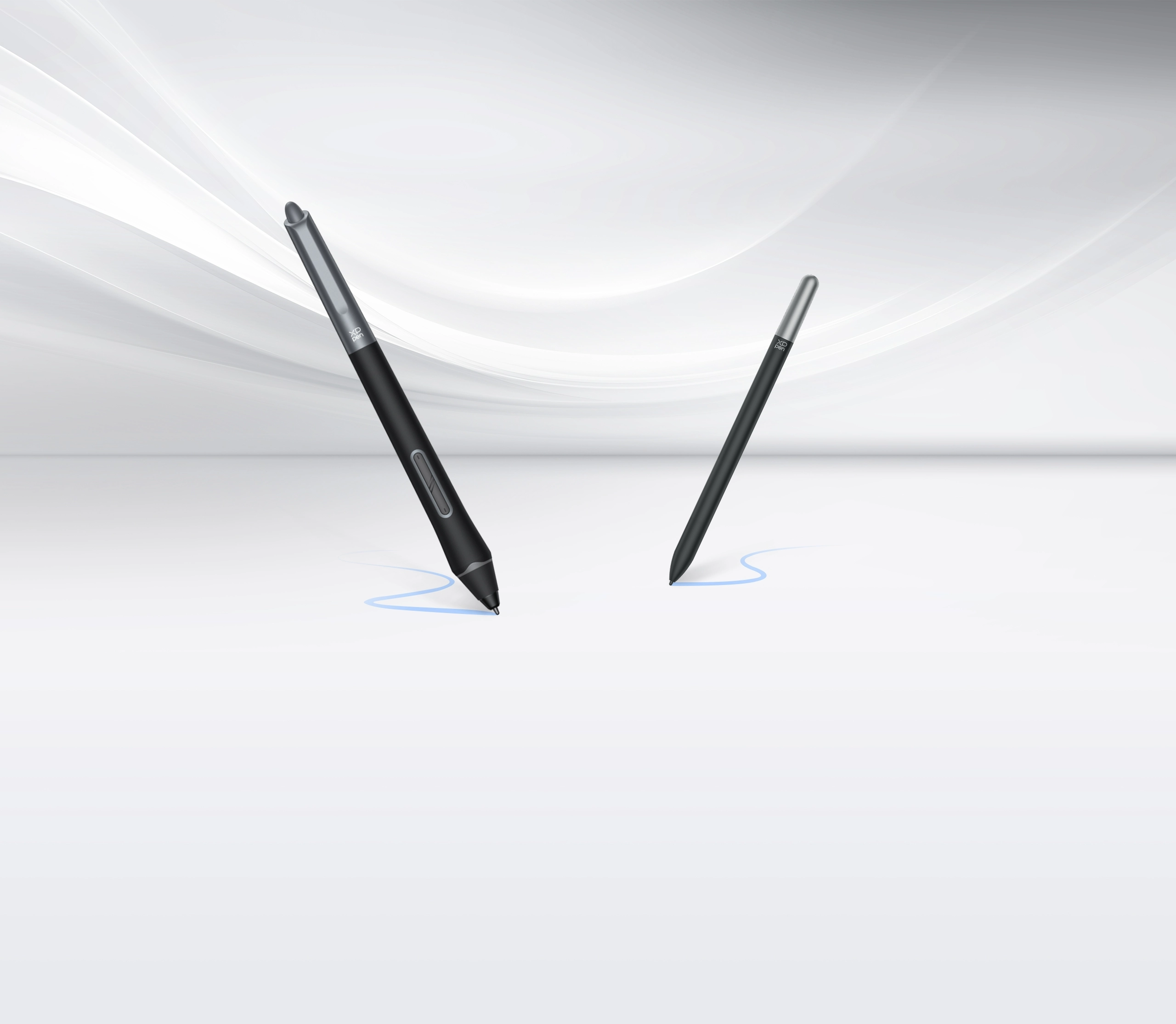
Dual styli ensure smooth, delicate strokes,
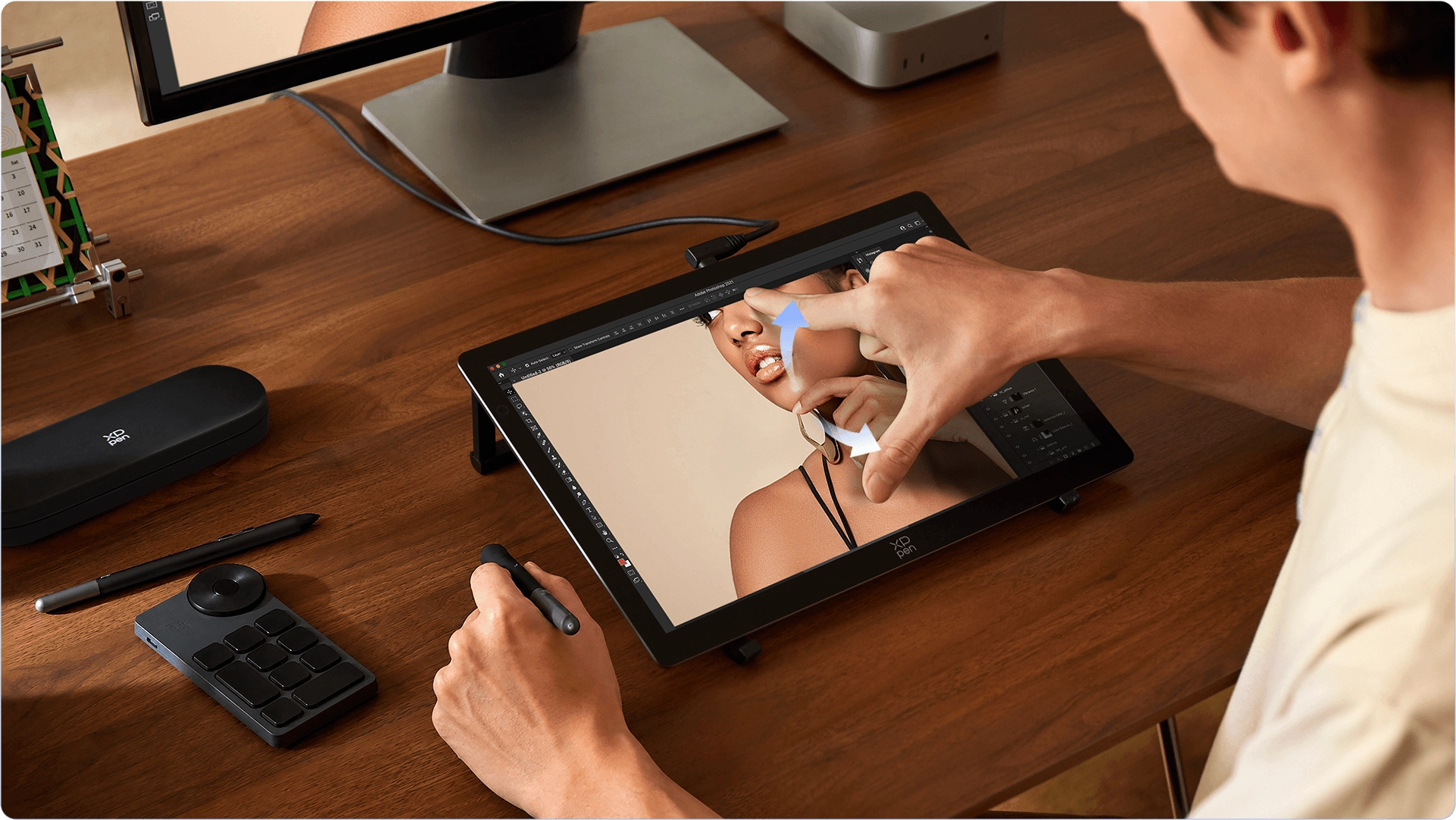
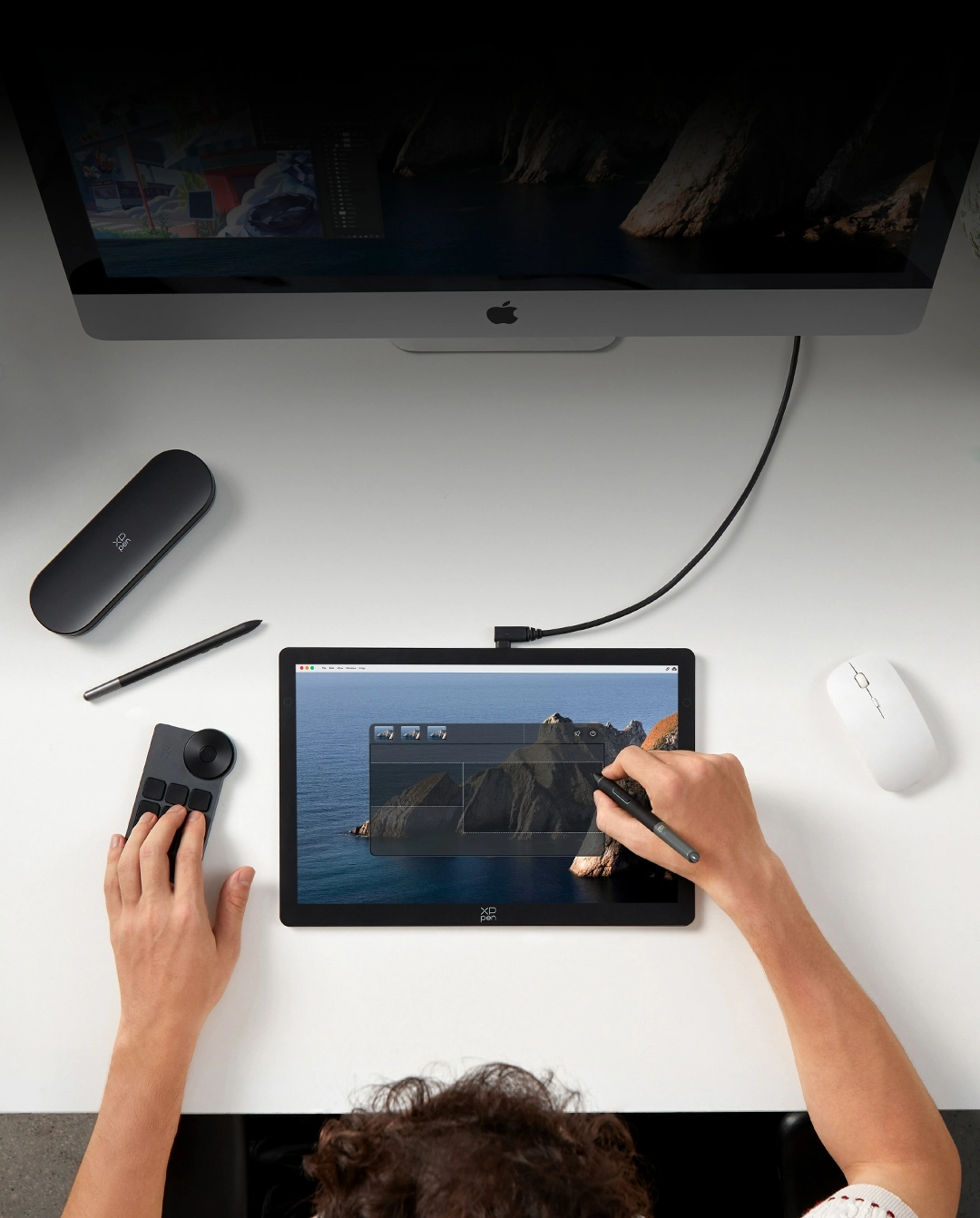
while the X-Touch solution lets you intuitively
control the canvas with one hand.

The ultra-slim design not only delivers an
immersive drawing experience
but also makes it convenient to carry.

Grab the Artist Ultra 14 and start creating
anywhere
to transform your wildest
imagination into real art.

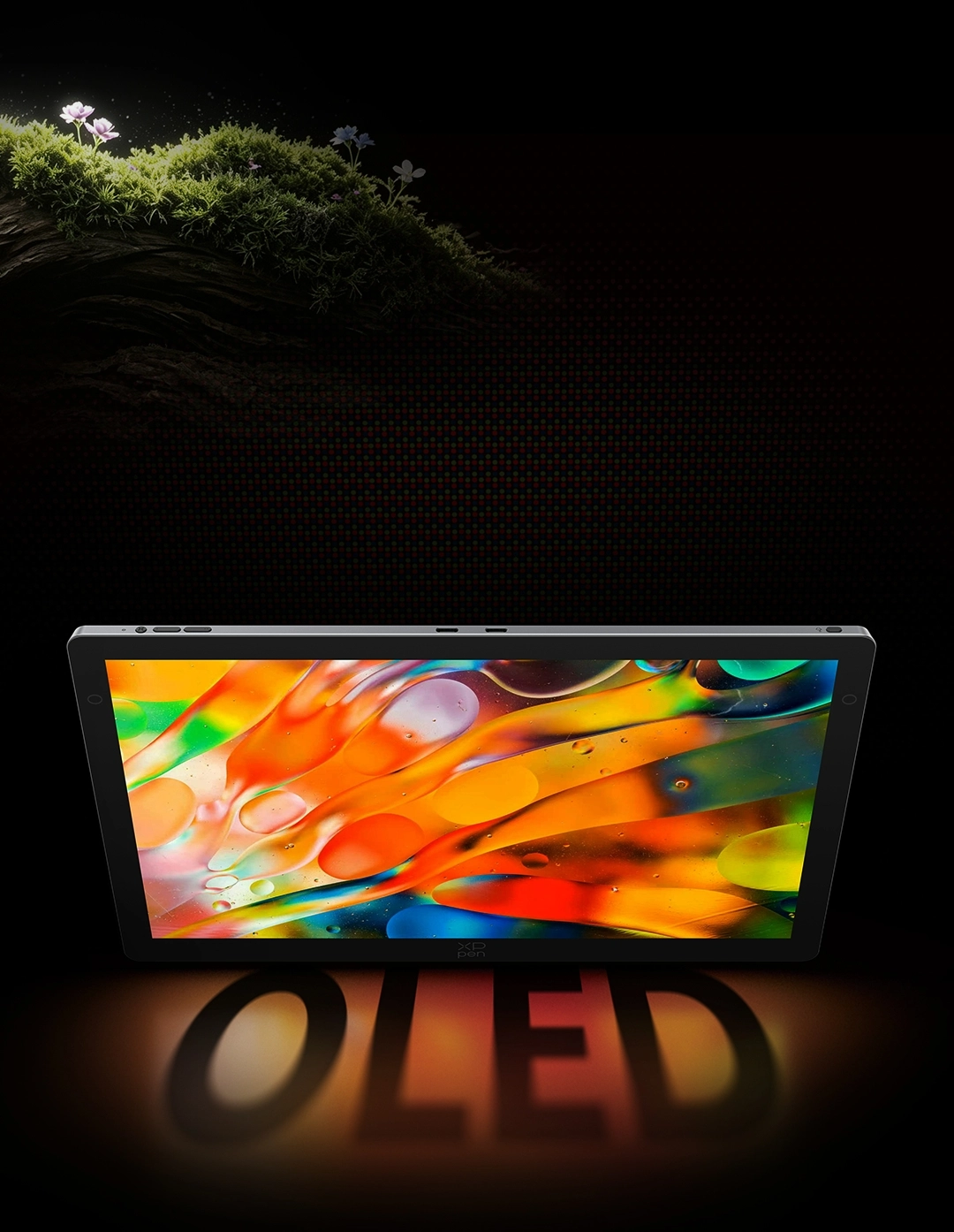
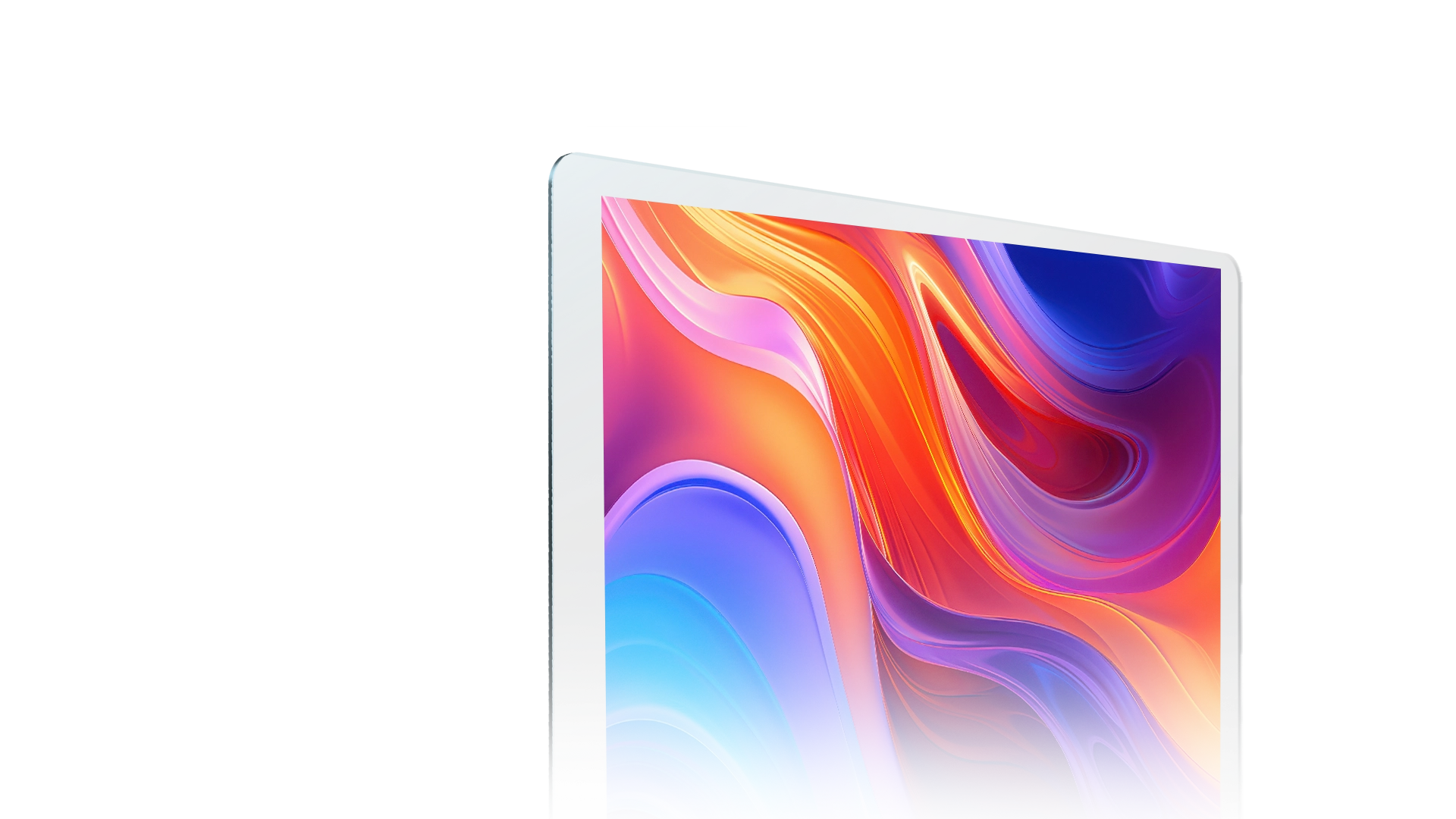
14-inch 2.8K OLED Display

Bring out the Clarity of Every Detail

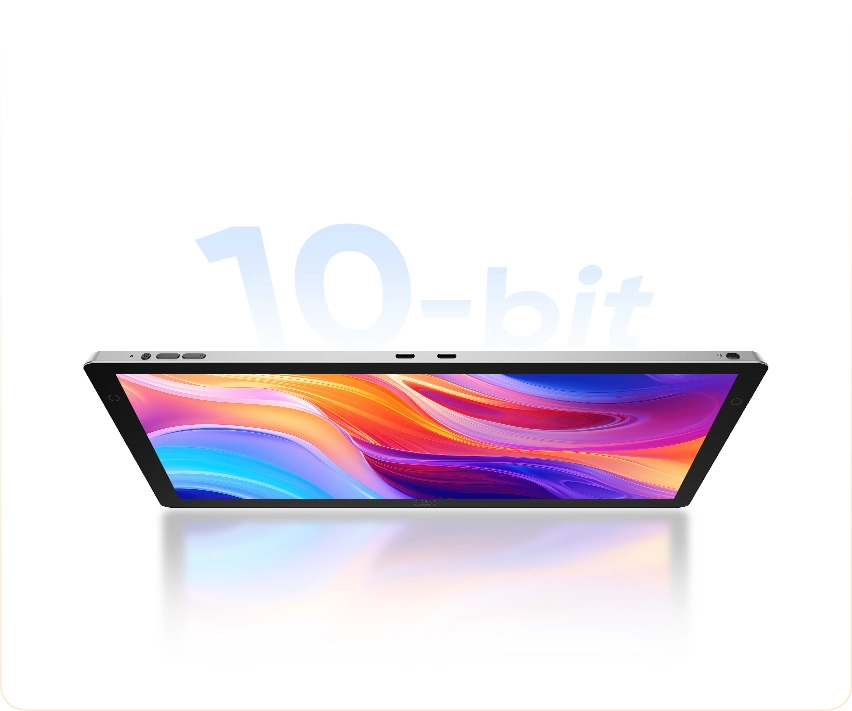
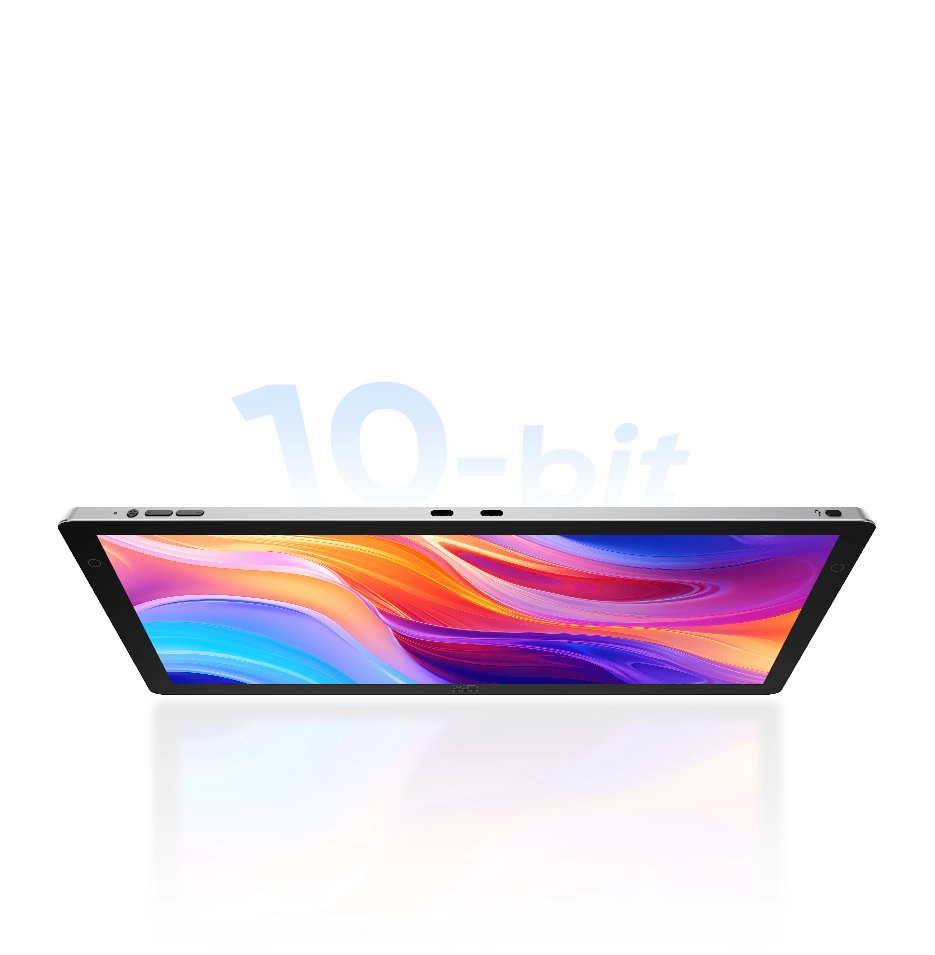
Native 10-bit Color Depth

Seamless Color Transitions with Delicate Gradients.

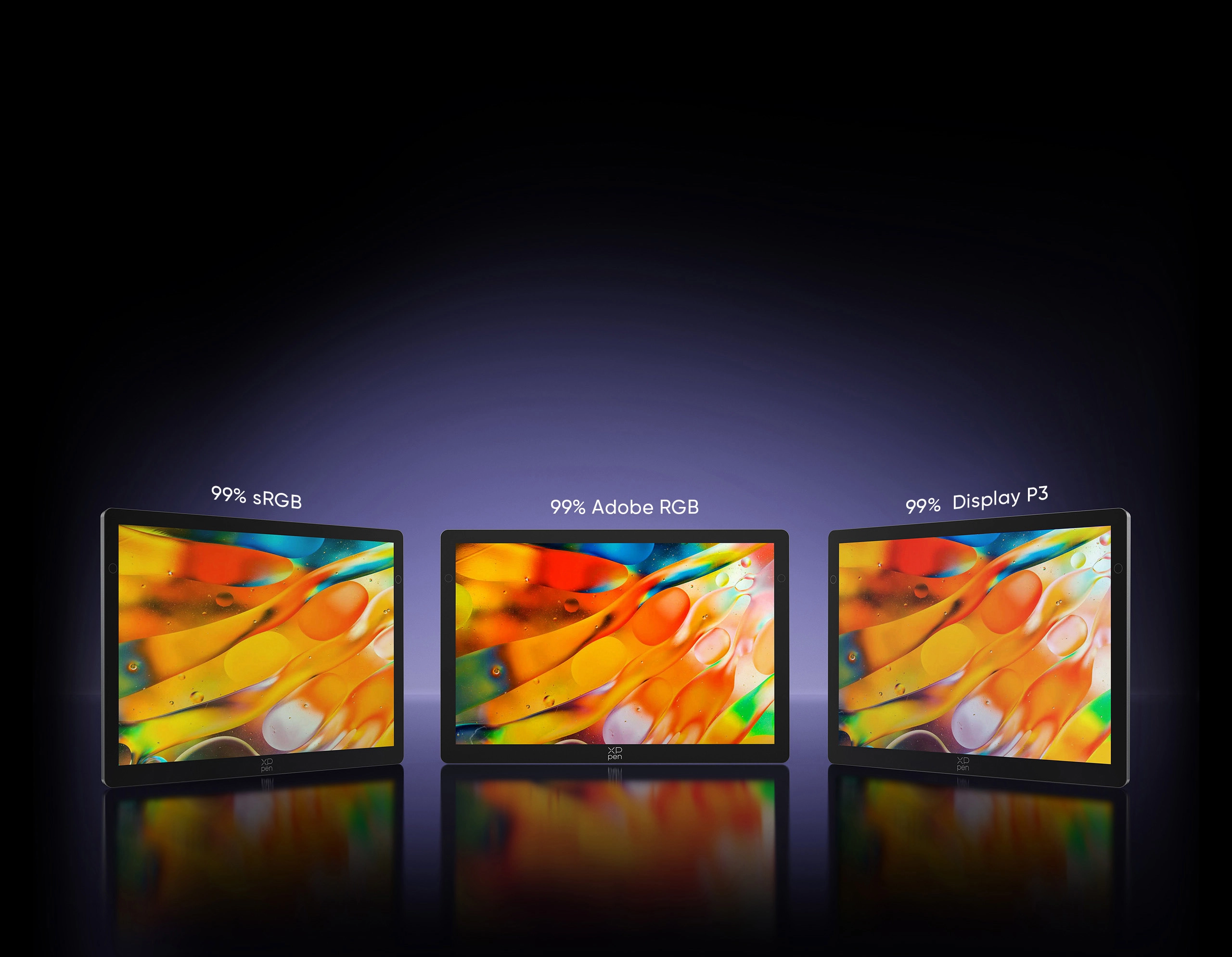
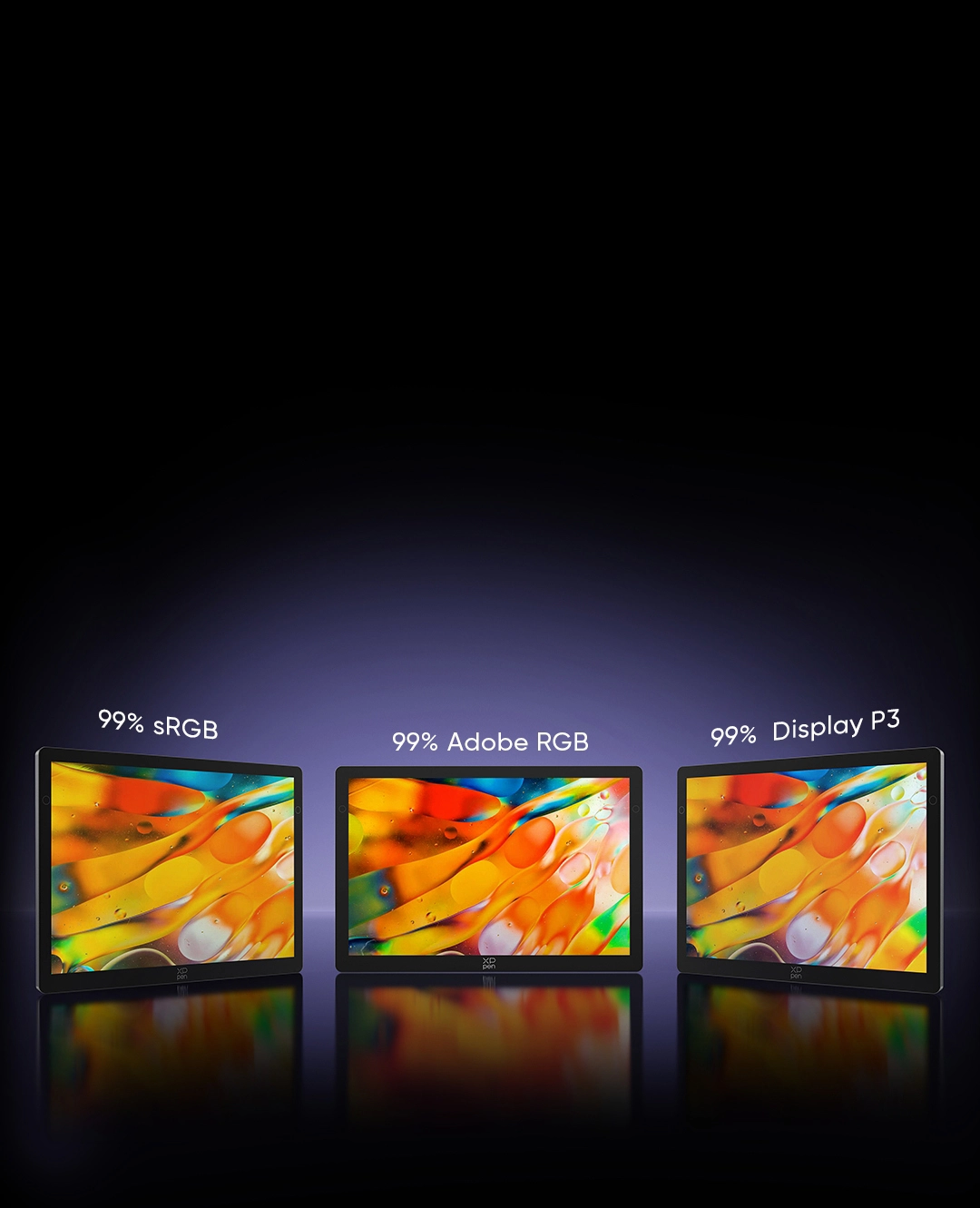
99% Adobe RGB Color Gamut

Fully Present Color Details

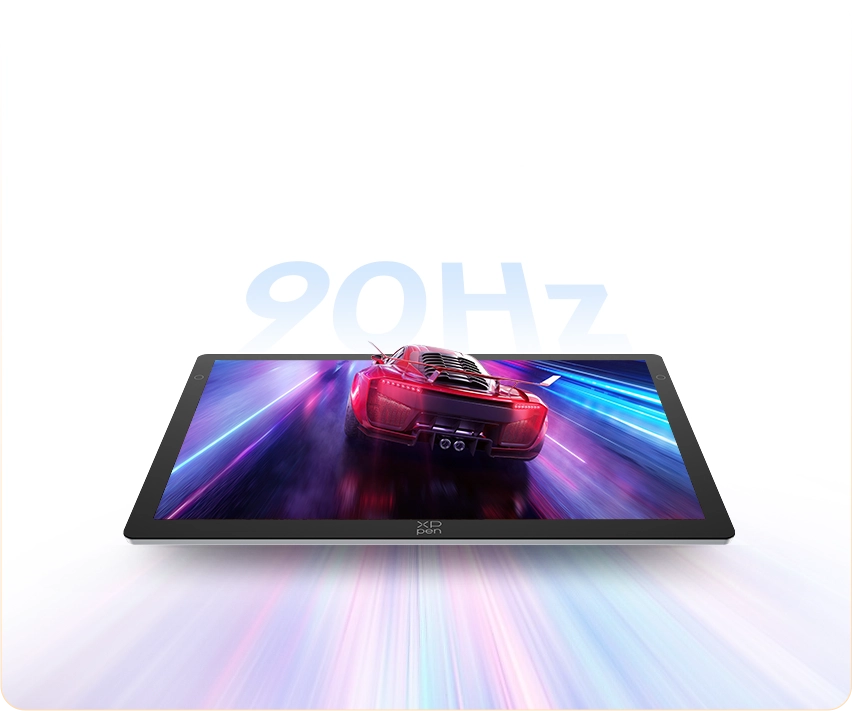
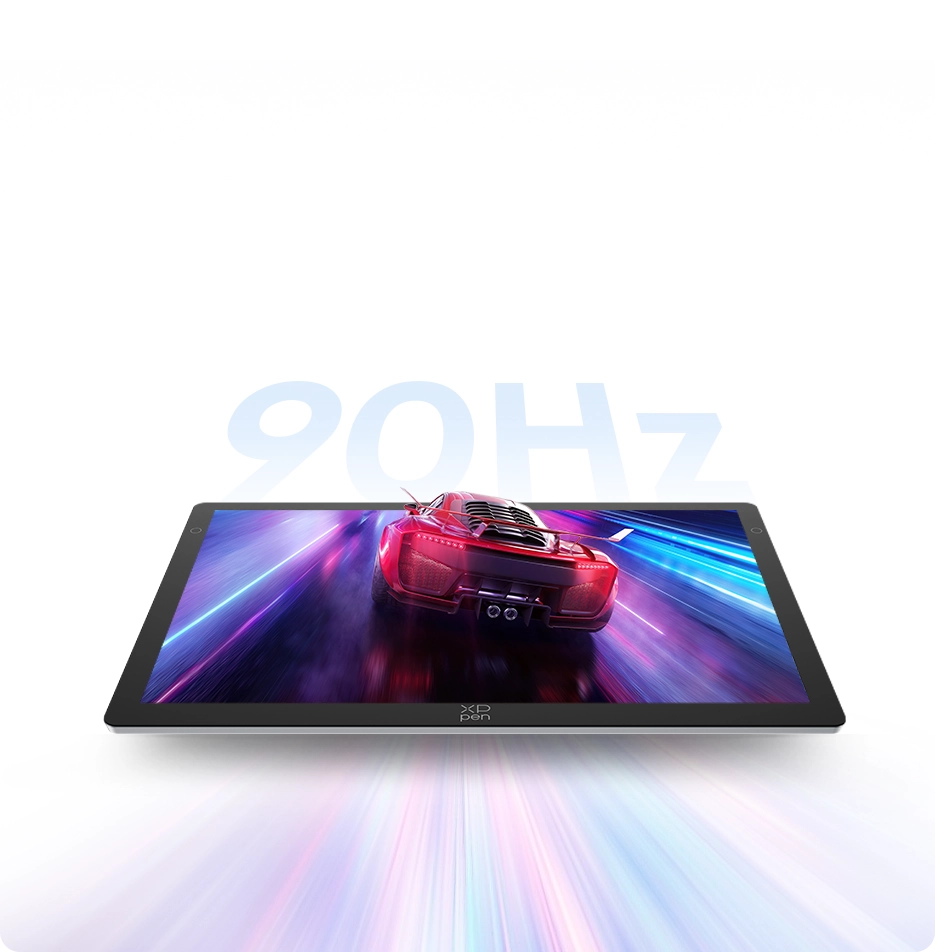
90Hz Refresh Rate

Lag-free Display, Smoother Creation

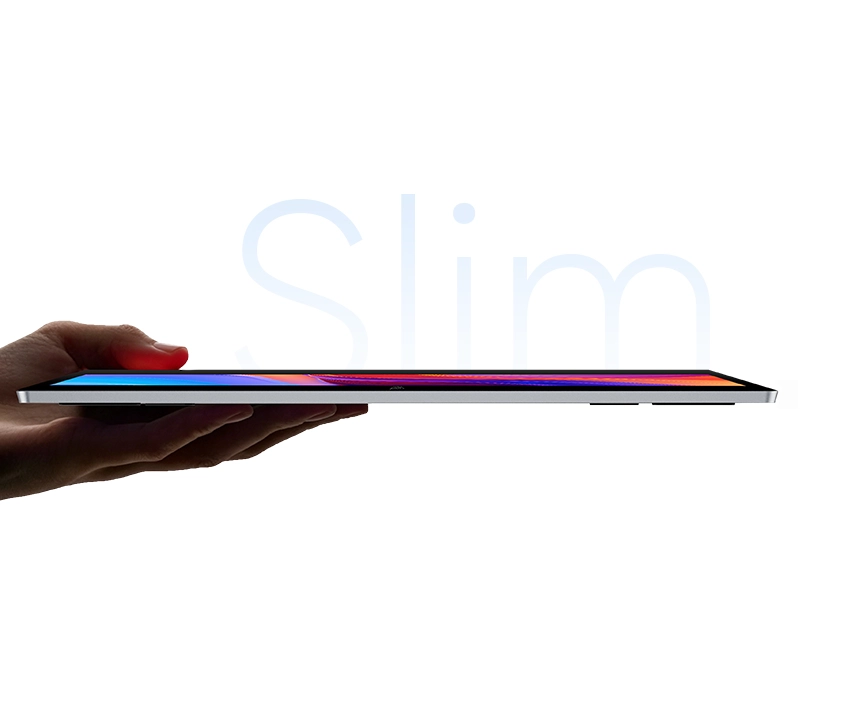
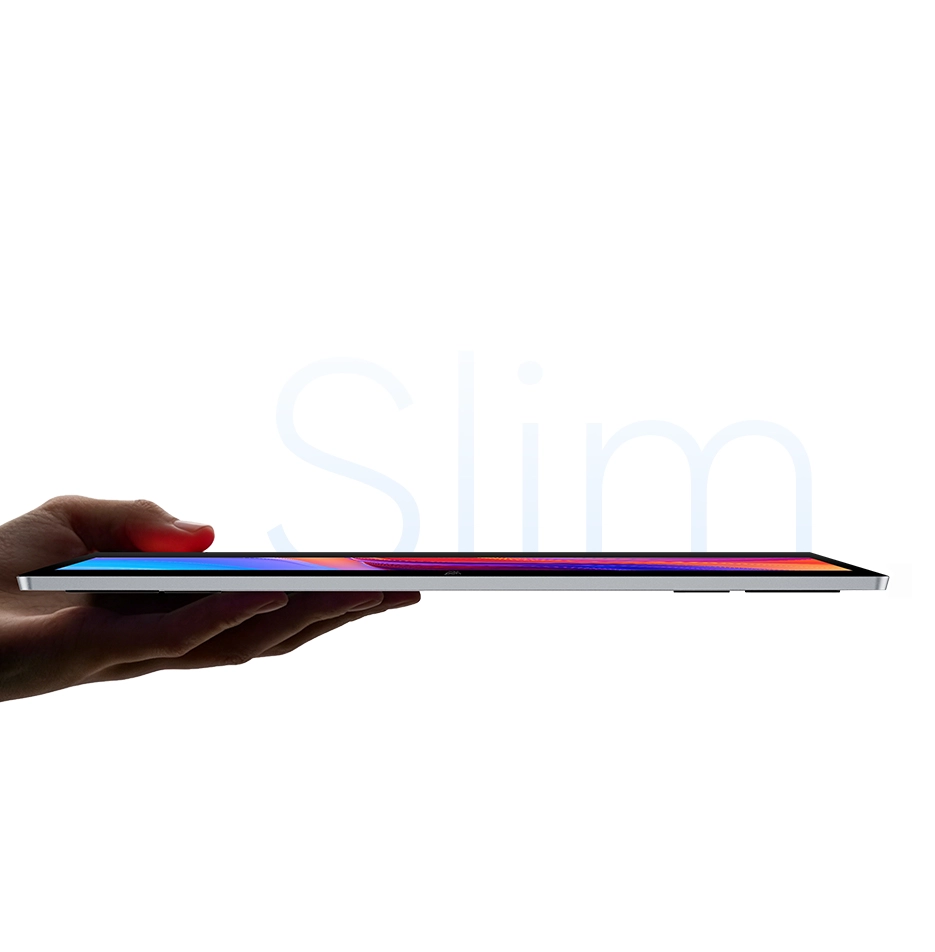
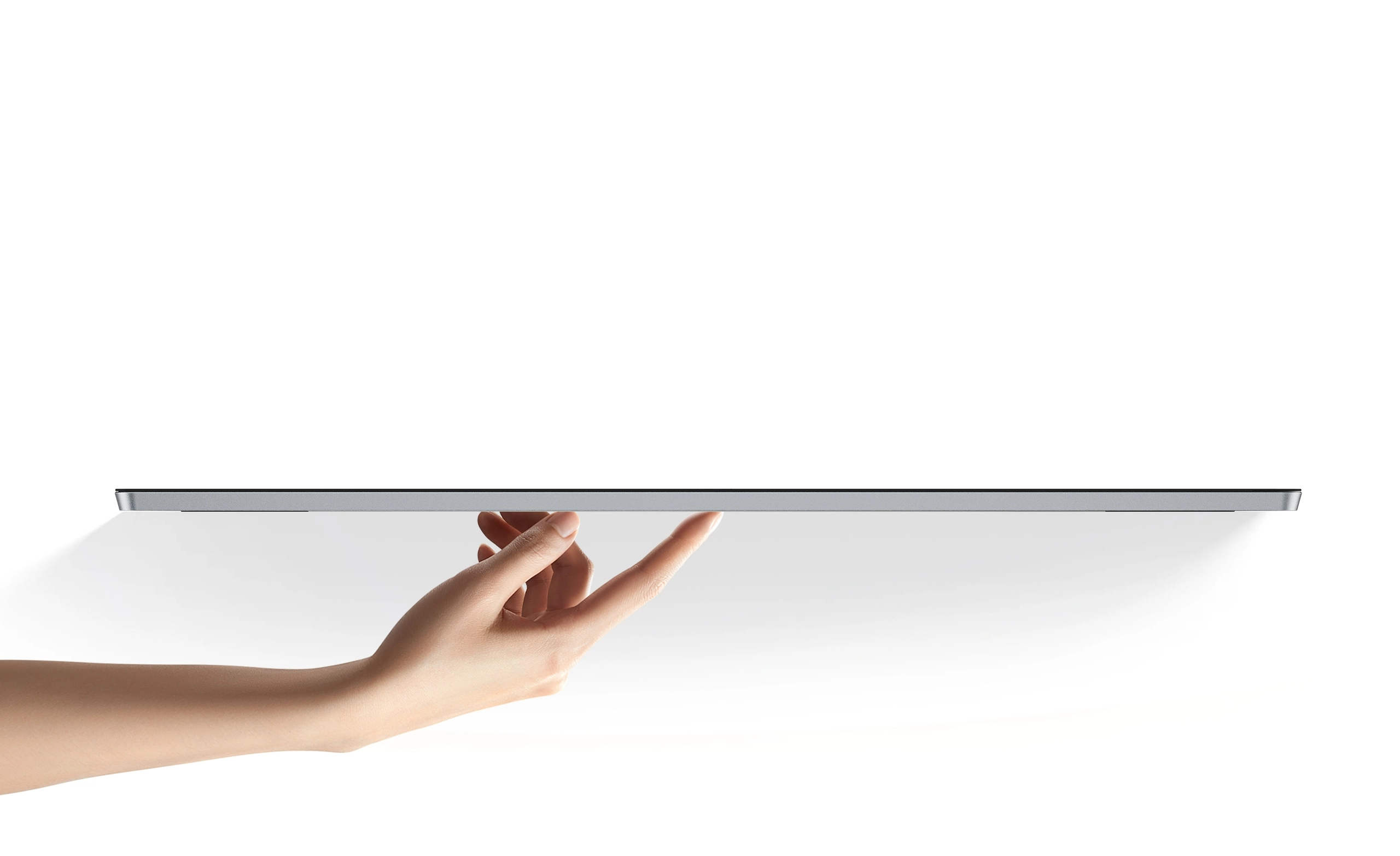
6mm Minimum Body Thickness

Convenient to Carry and Create Anywhere

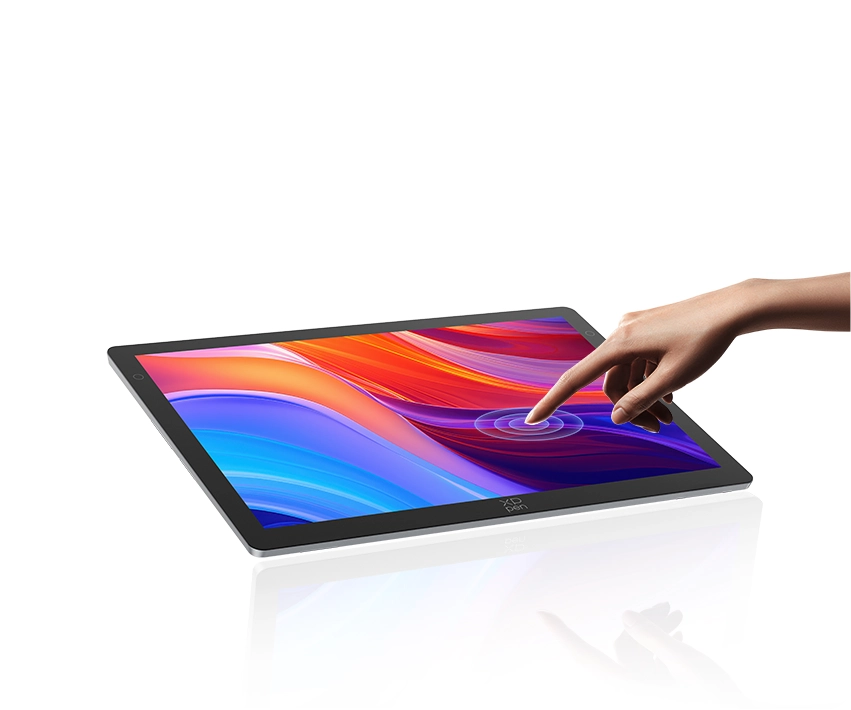
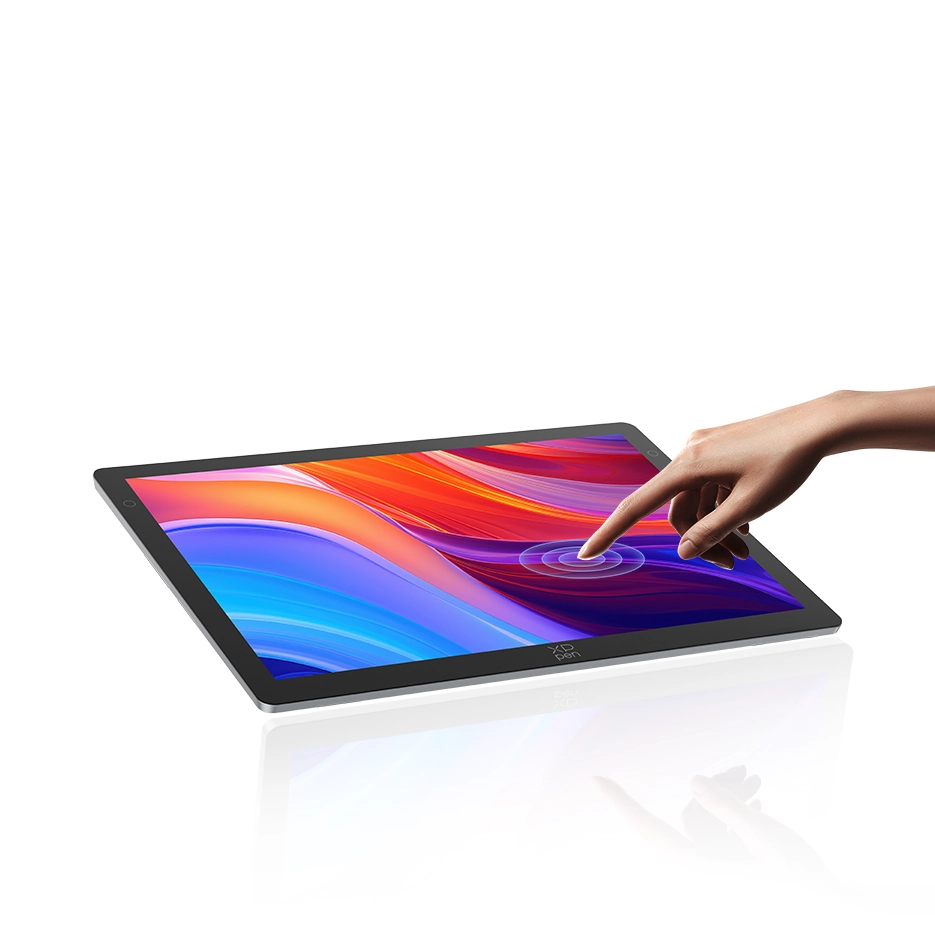
X-Touch Solution

Intuitive Touch, Effortless Control

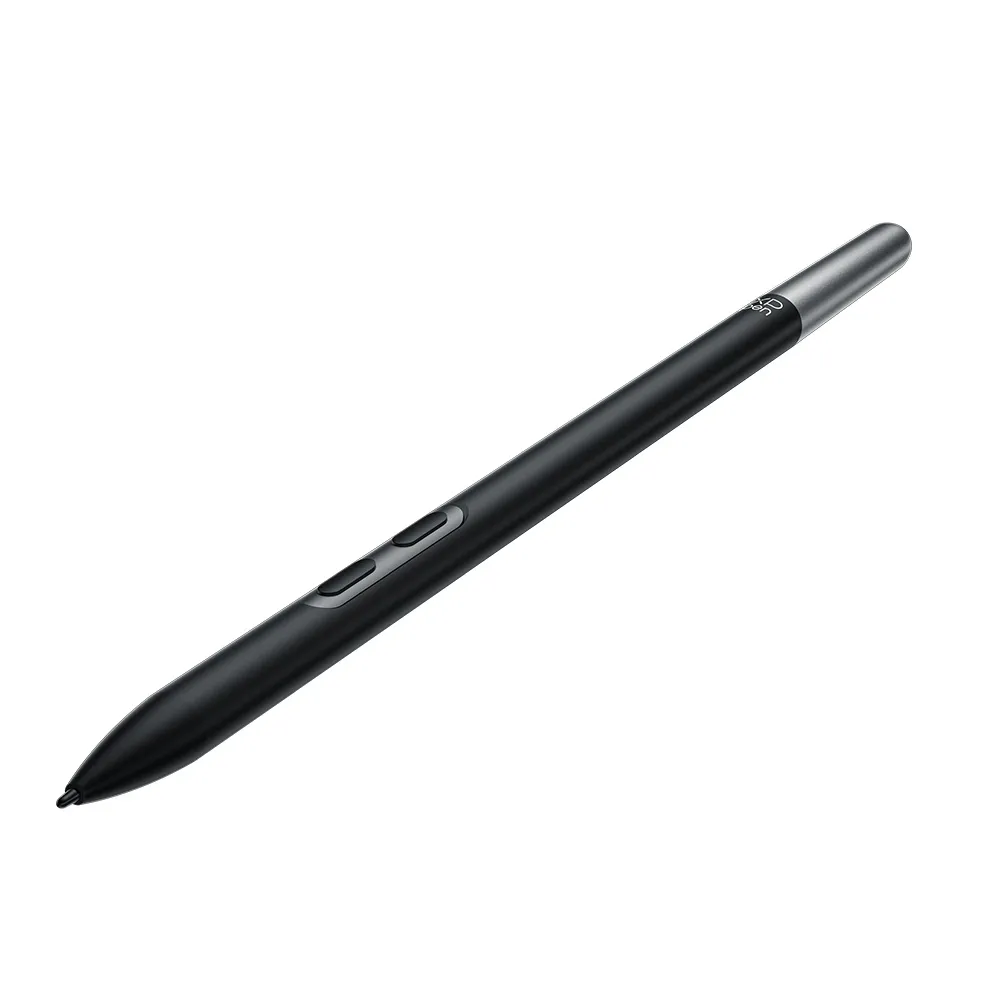
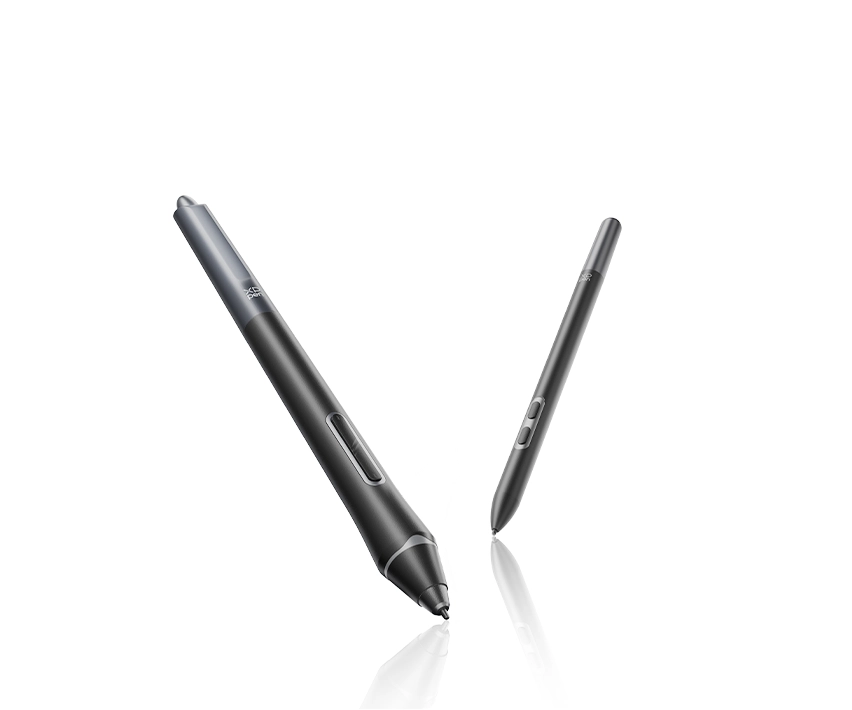
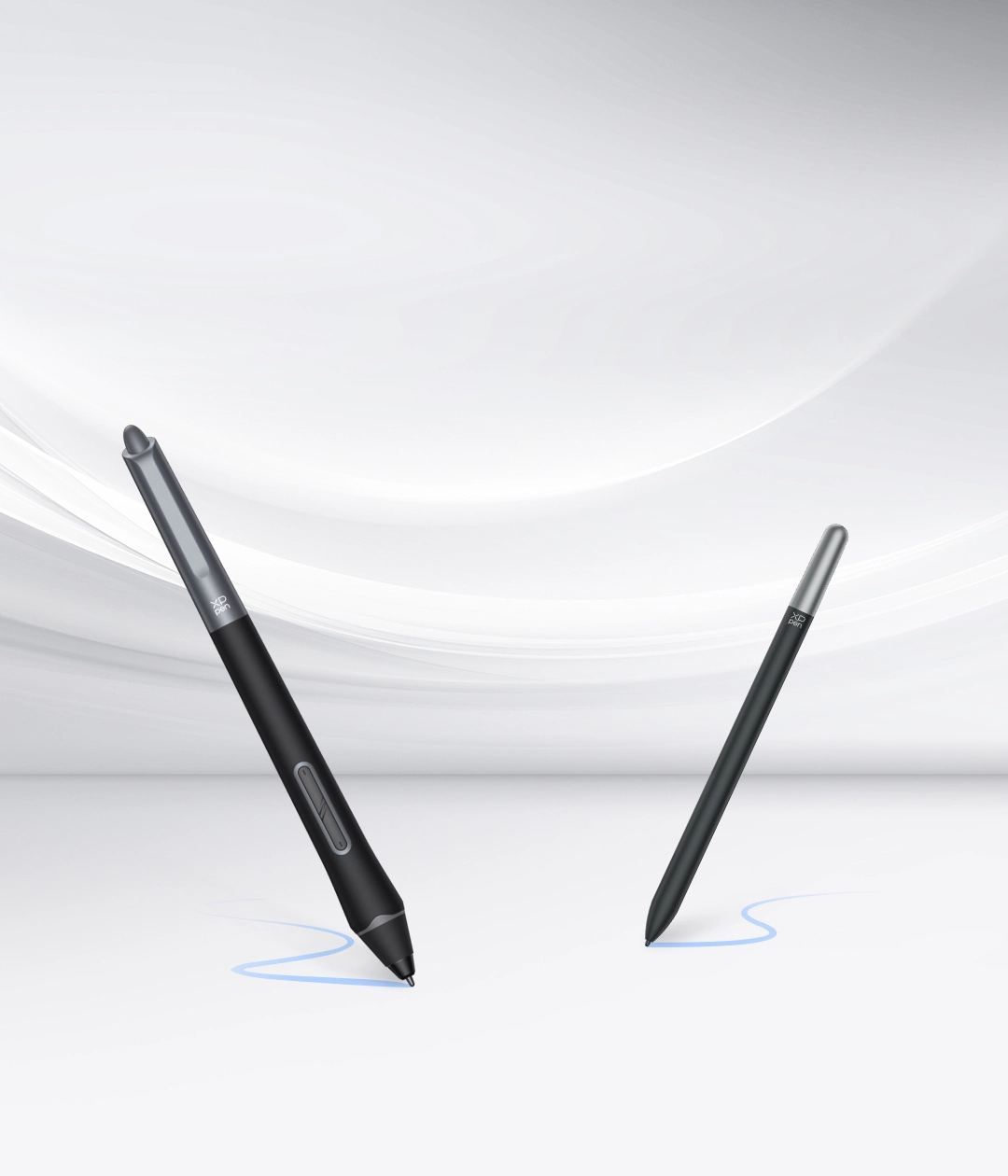
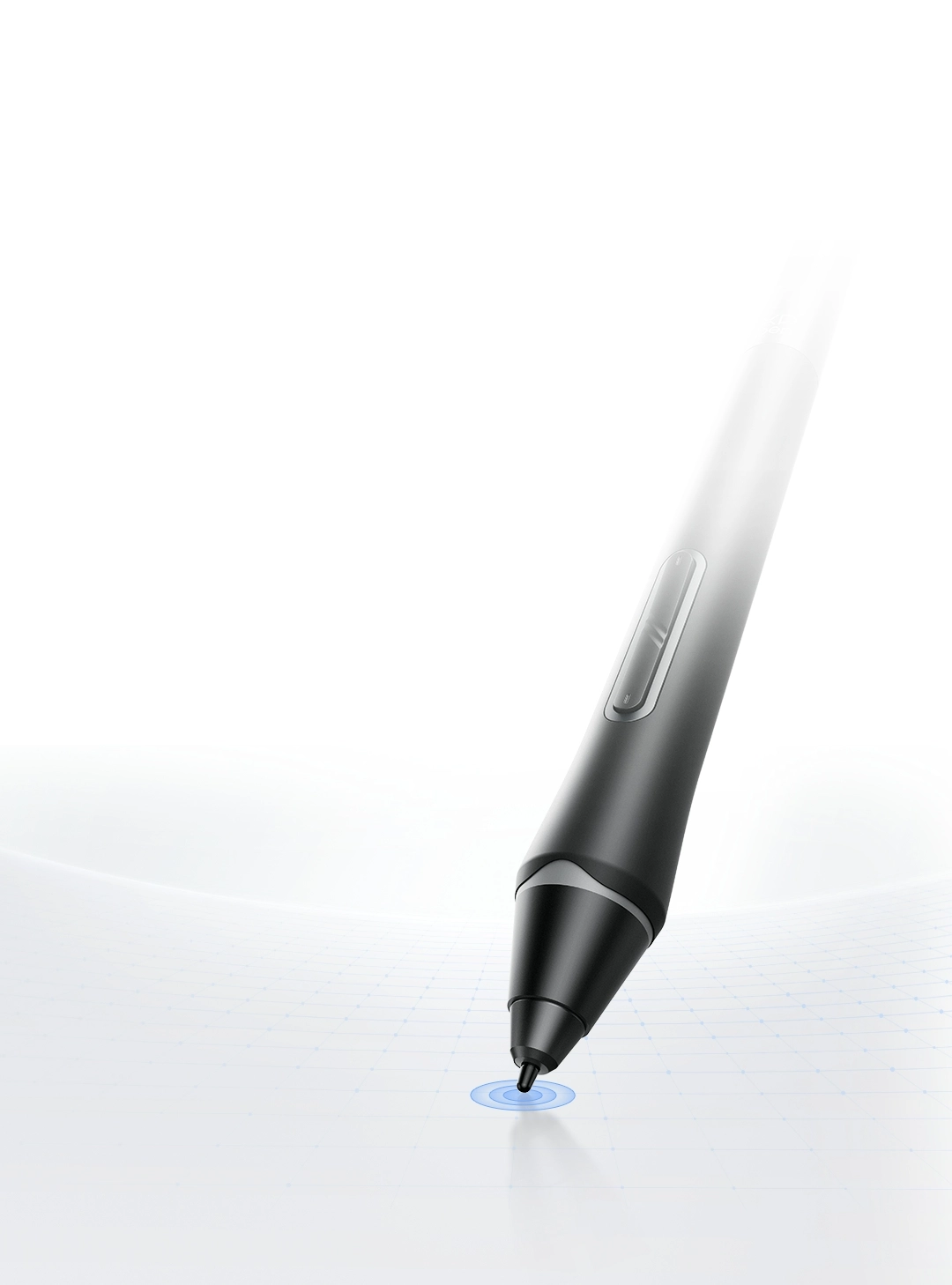
Dual X3 Pro Series Styli

Draw with Delicate and Precise Strokes

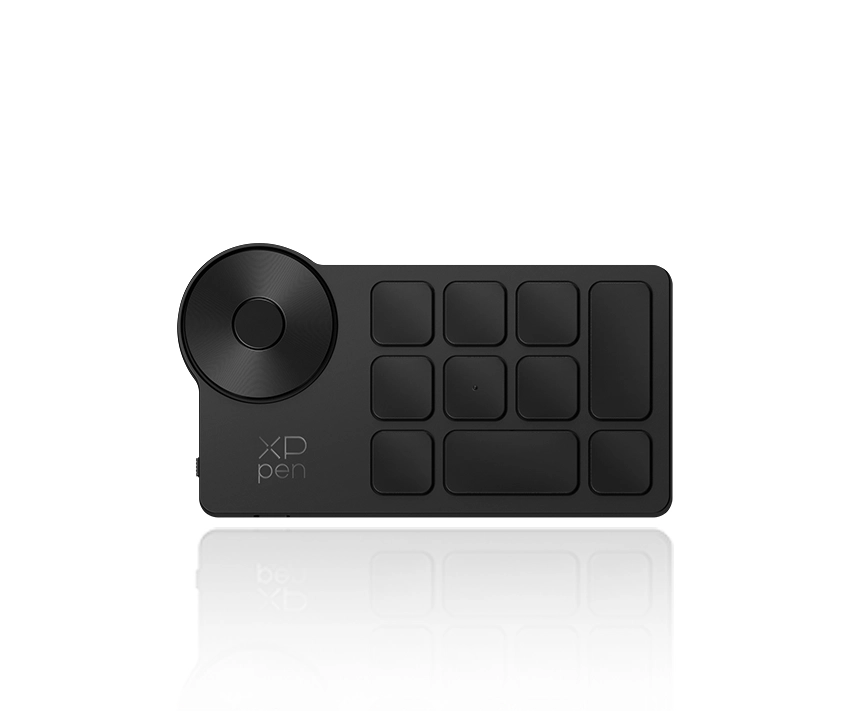
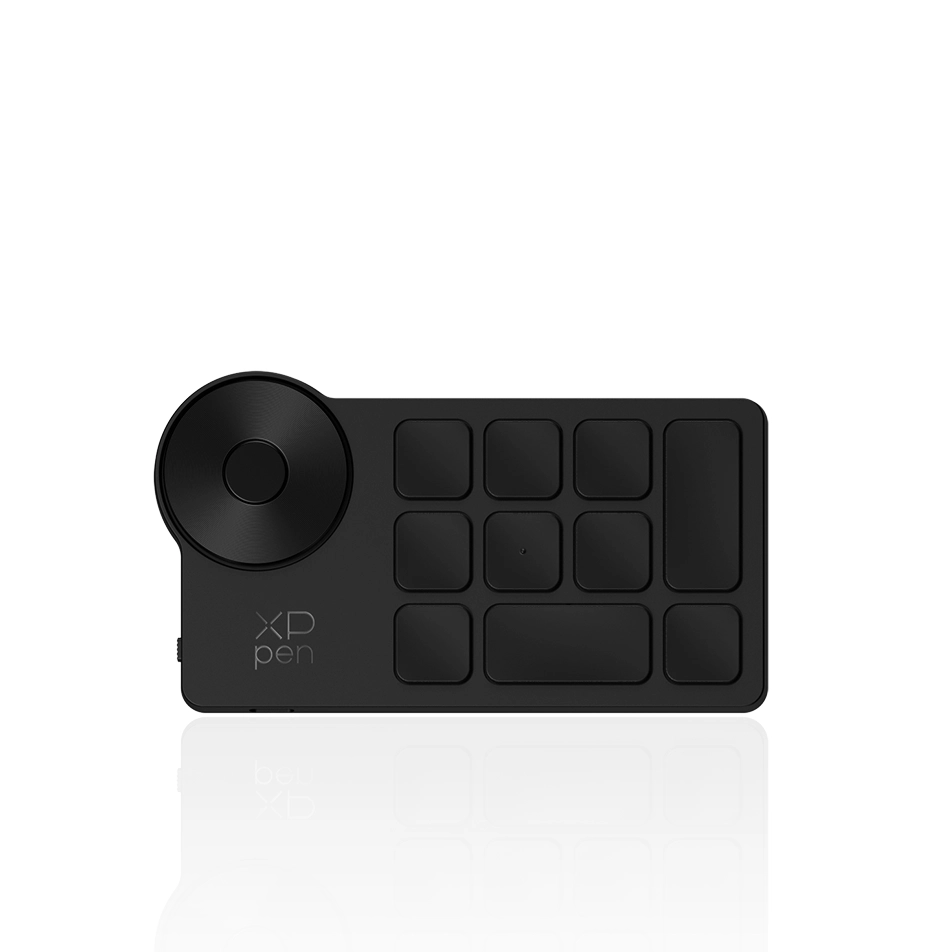
ACK05 Shortcut Remote

Smoother Creation, Faster Pace

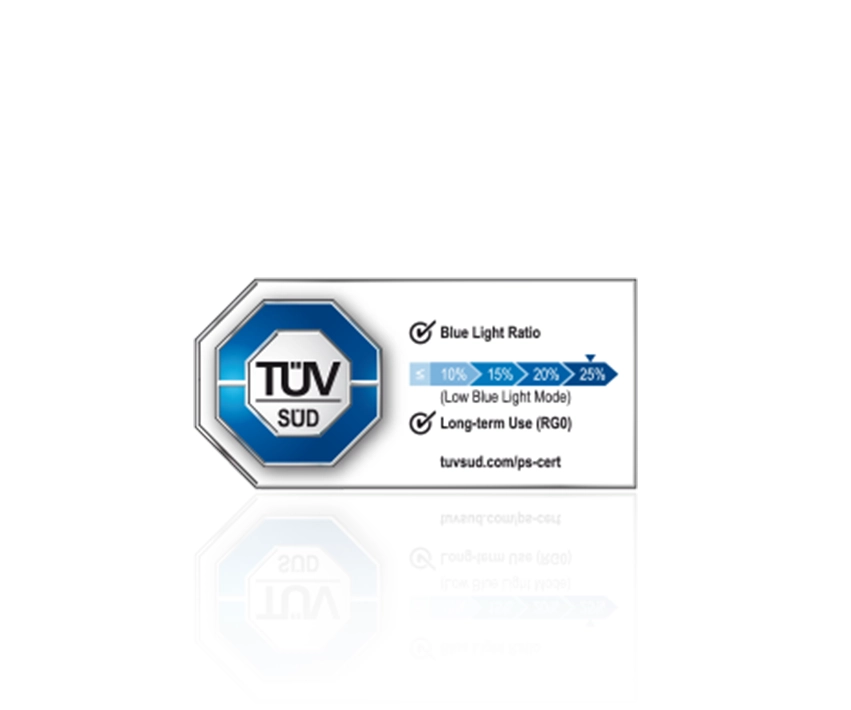
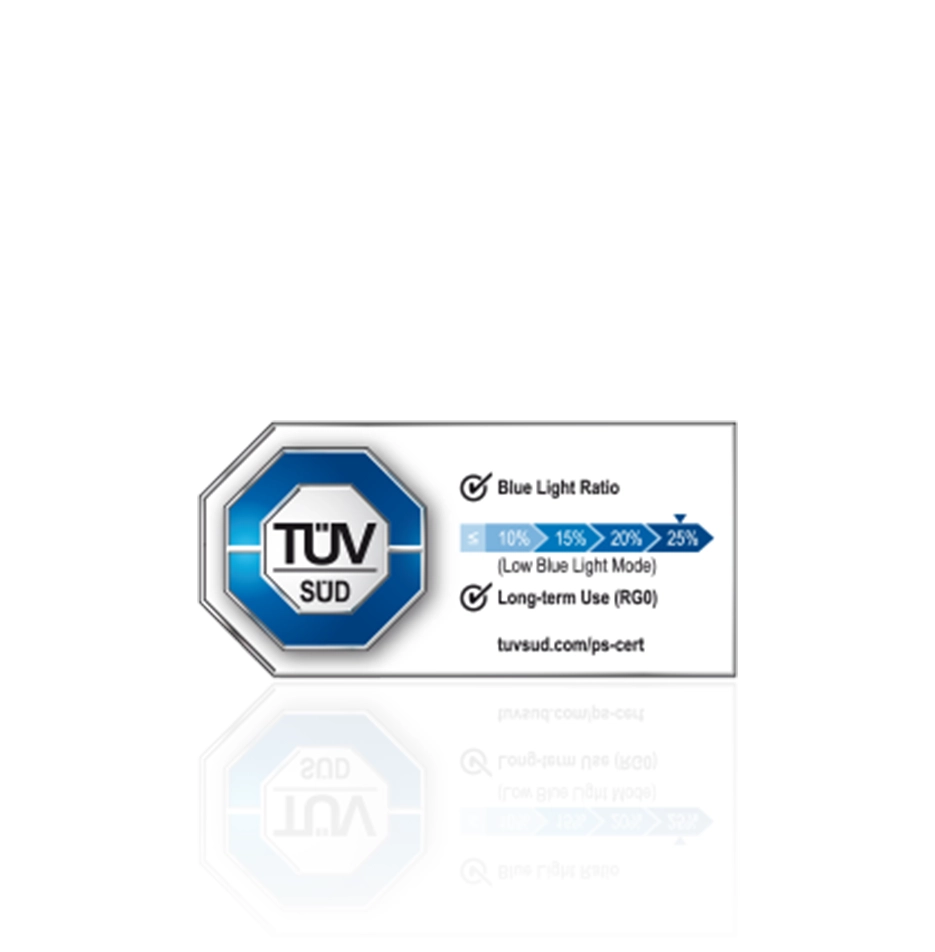
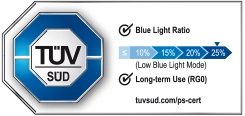
TÜV SÜD Cerfitifaction

Hardware Low Blue Light, Caring For Your Eyes

ZHOU

Illustrator ZHOU is known for her realistic and healing style,
focusing on emotional narratives and symbiosis with nature.
With delicate brushwork, she builds story-driven visual worlds.

ZHOU is the invited artist of China's famous illustration exhibition
and participated in multiple art projects of it.

XPPen is honored to collaborate with ZHOU
to introduce the Artist Ultra 14 drawing display.

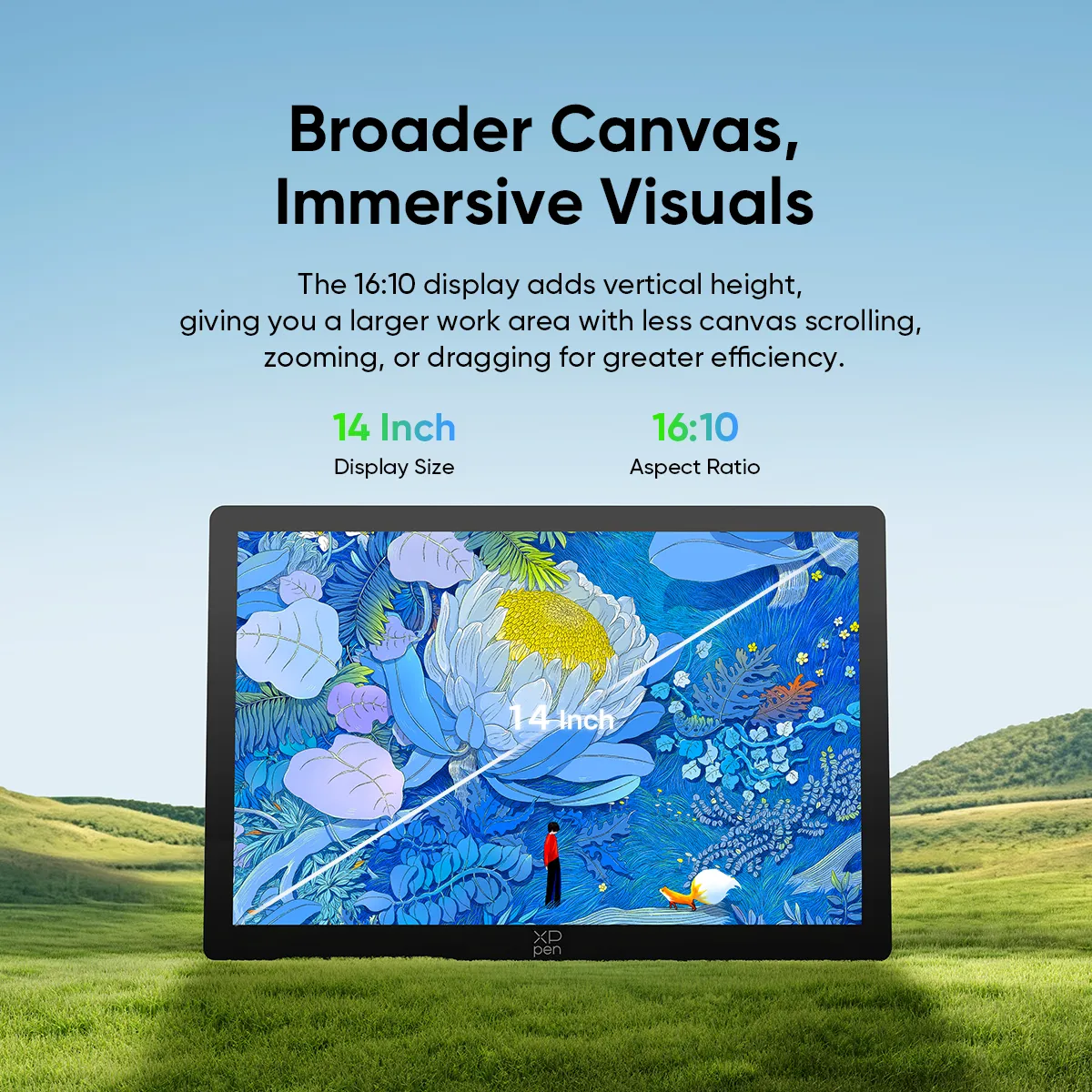
14 Inch

Broader Canvas,
Immersive Visuals

Immerse yourself in the 14-inch display with a 16:10 aspect ratio. The new ratio provides extra vertical canvas height, allowing you to view a larger work area without frequently scrolling, zooming, or dragging the canvas, so you can create more efficiently.

14-Inch

Display Size

16:10

Aspect Ratio

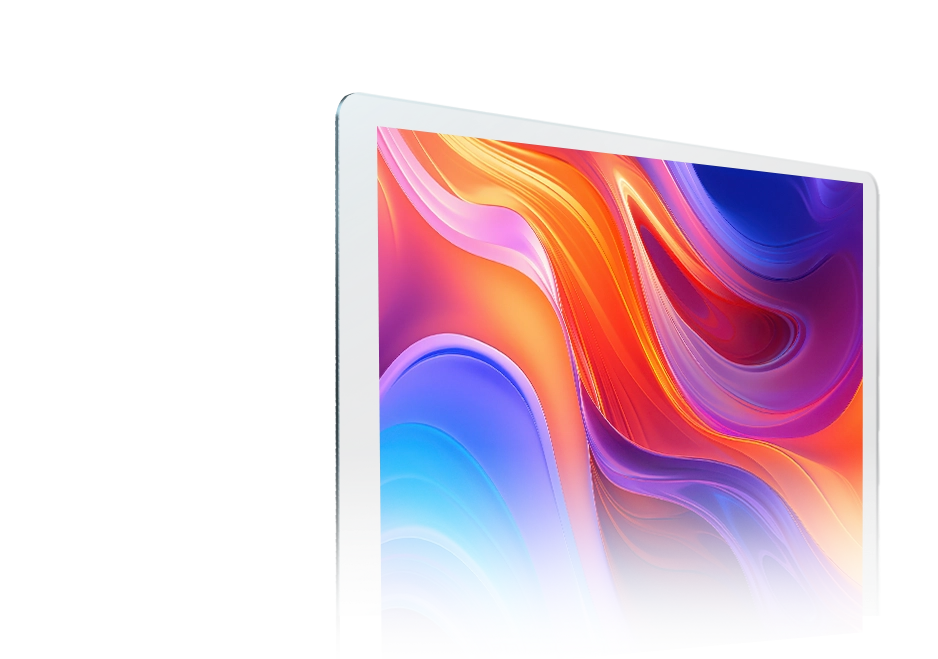
Virtually borderless,
Truly captivating

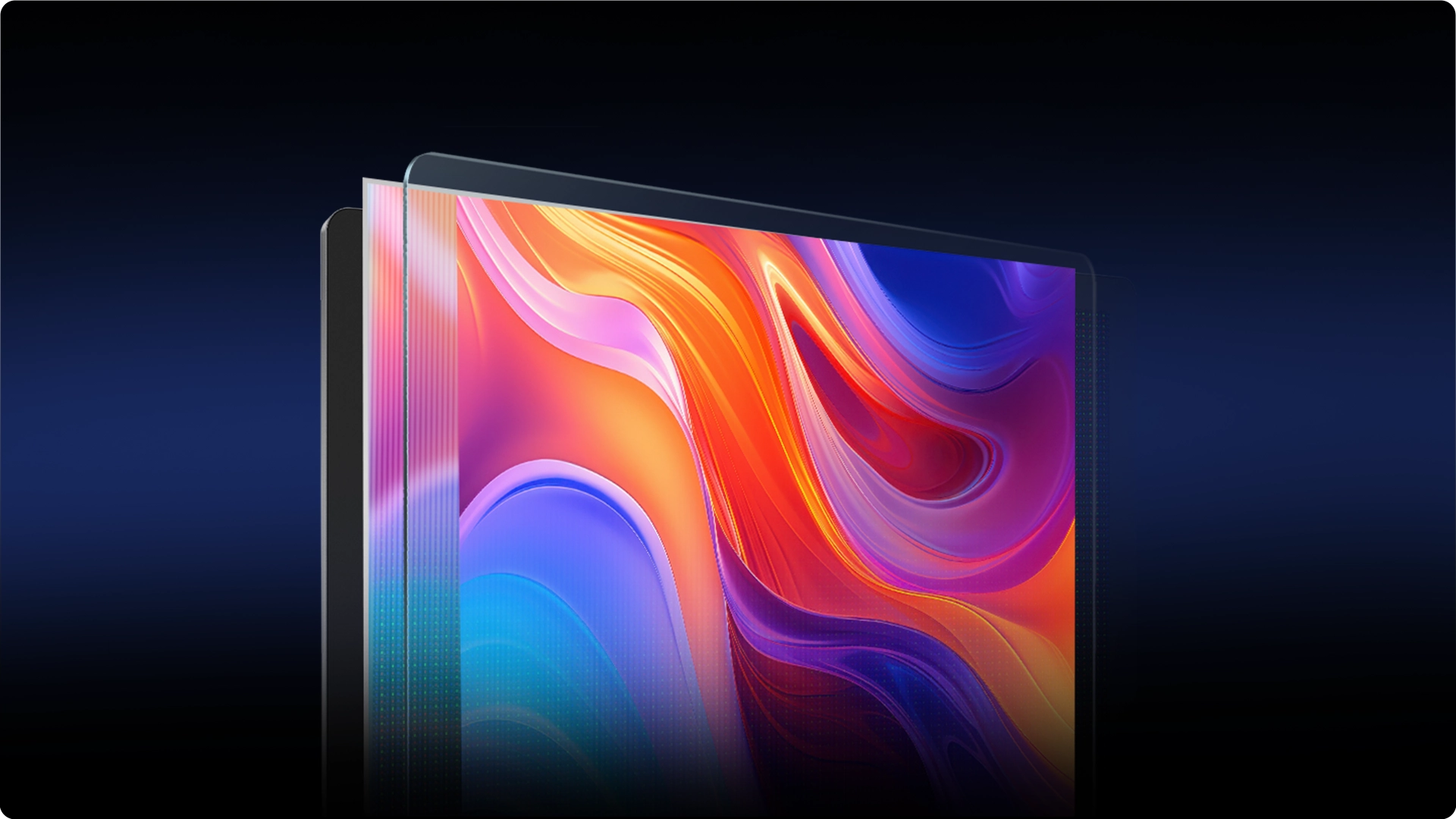
The floating etched glass design and a mere 14.5mm bezel create a truly borderless full-screen display with a significantly improved screen-to-body ratio, delivering a more immersive drawing experience.

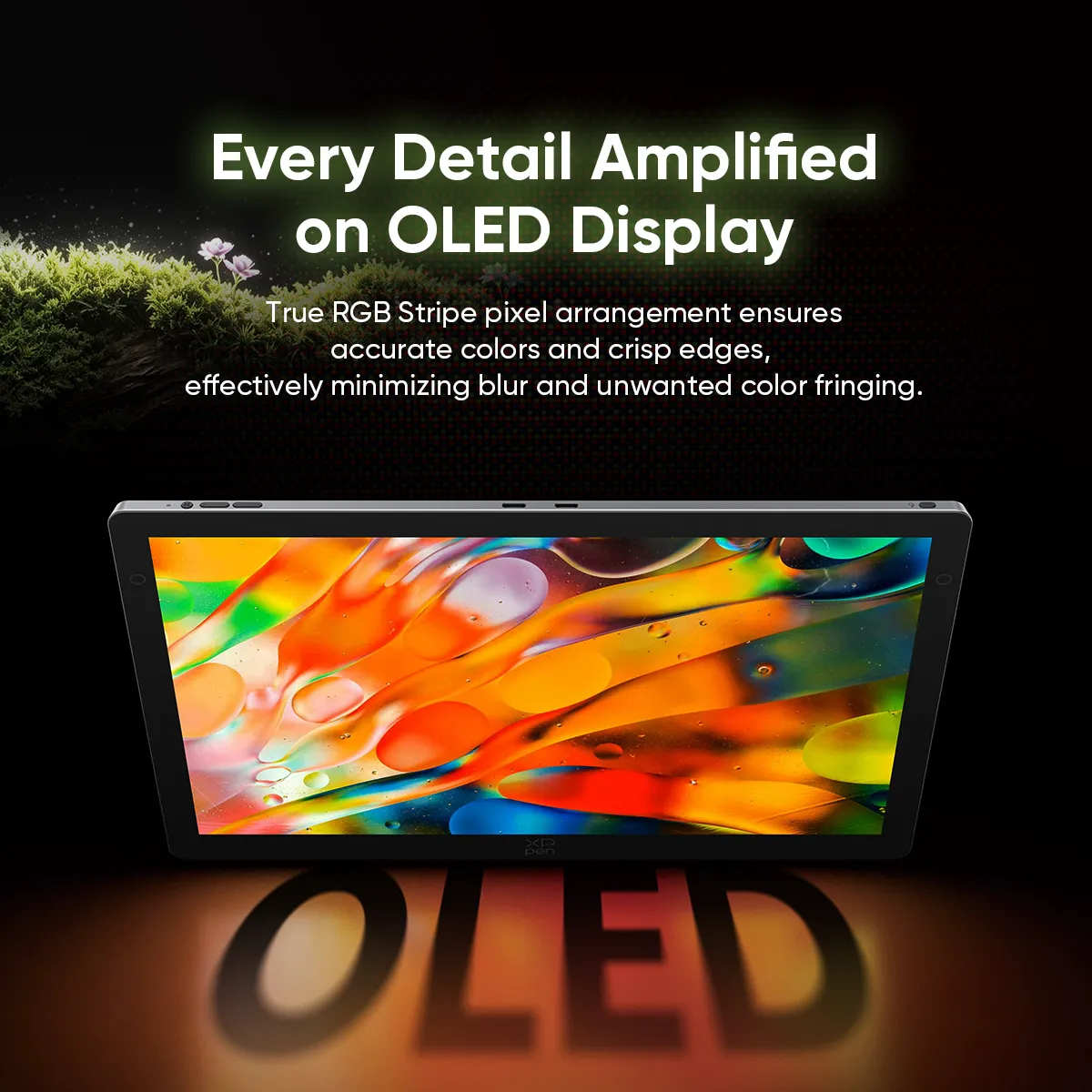
Every Detail Amplified
on OLED Display

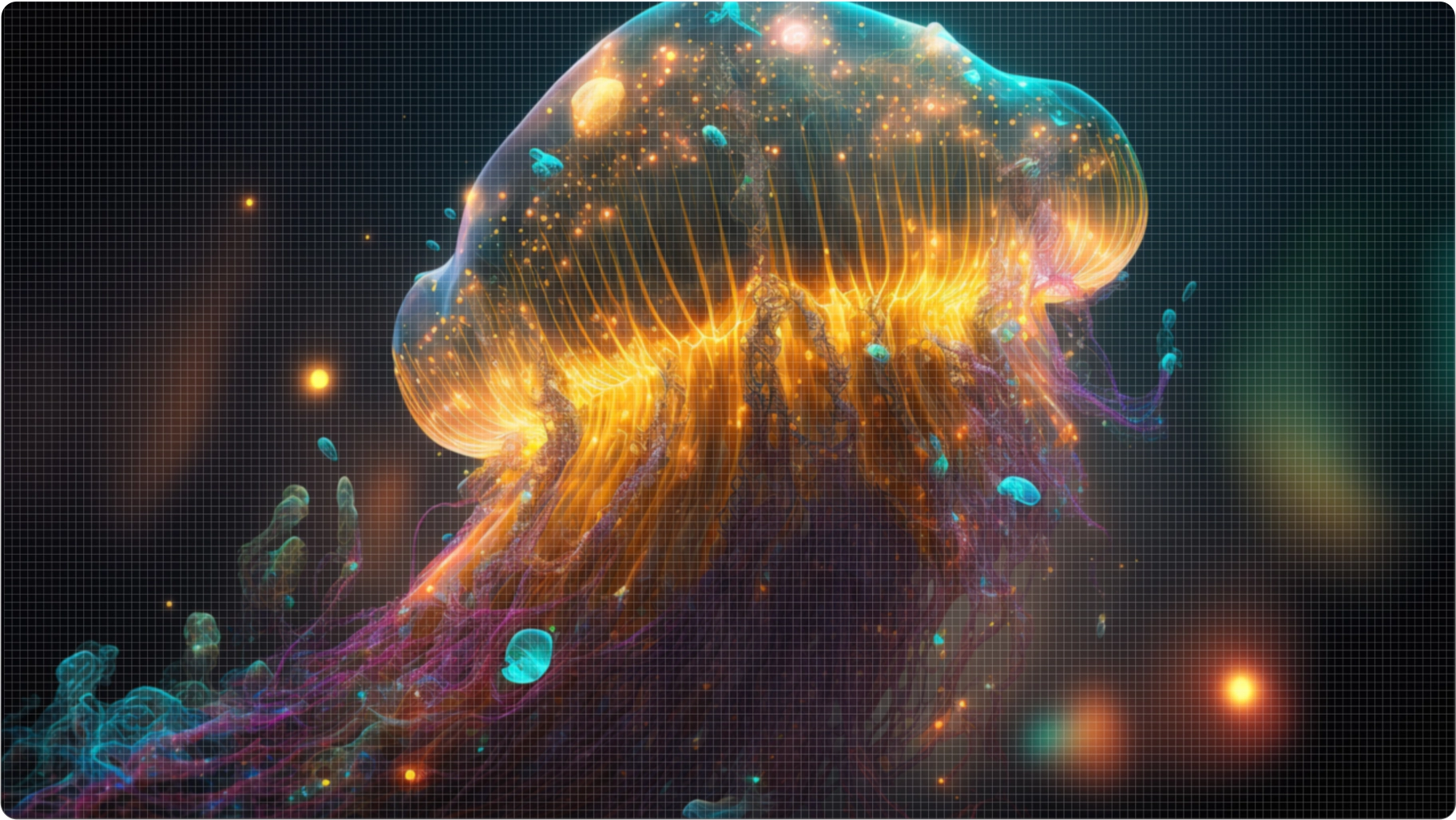
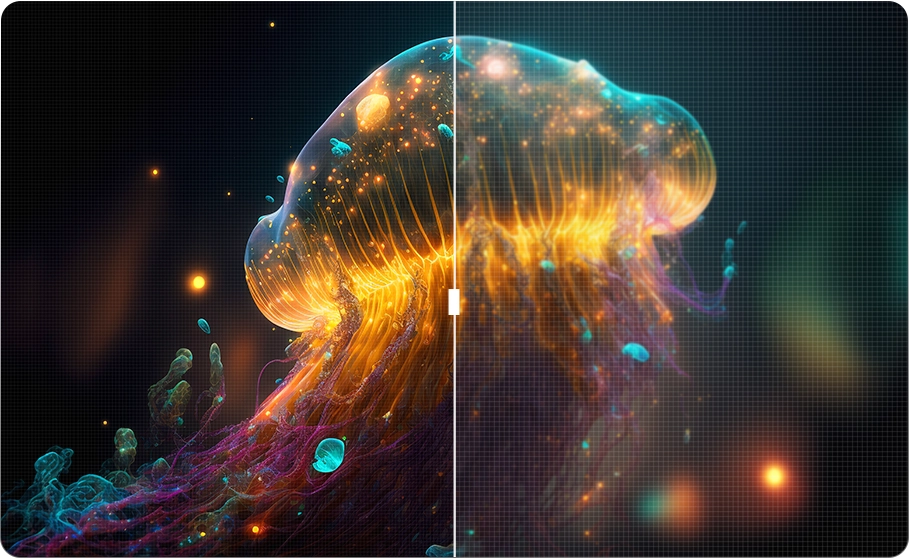
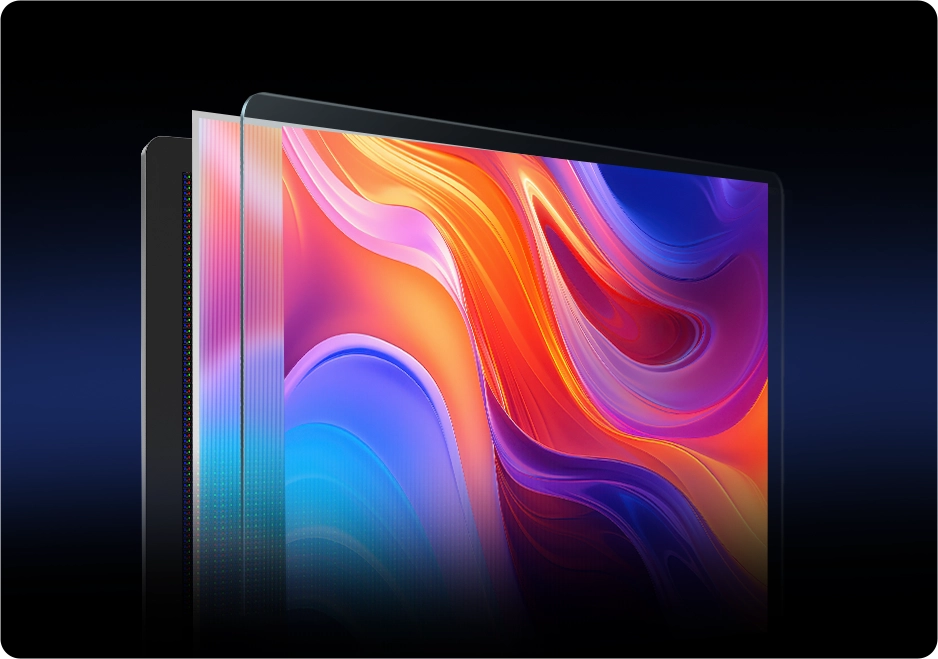
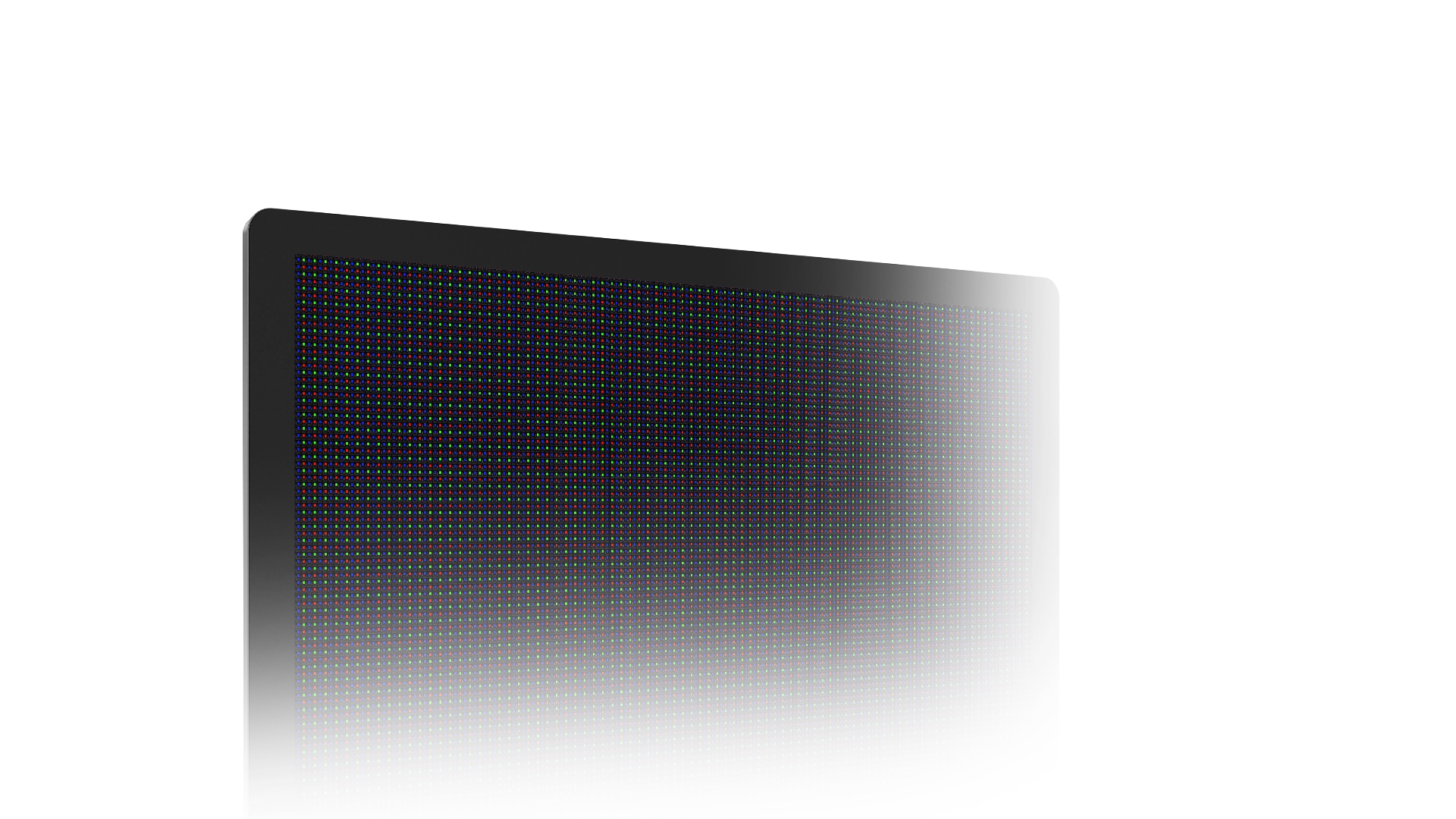
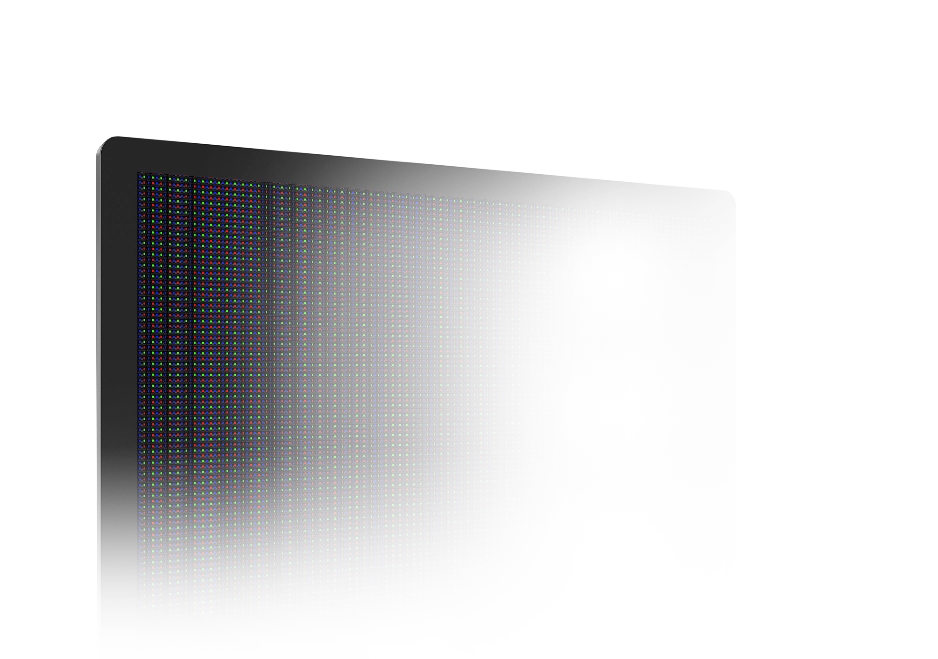
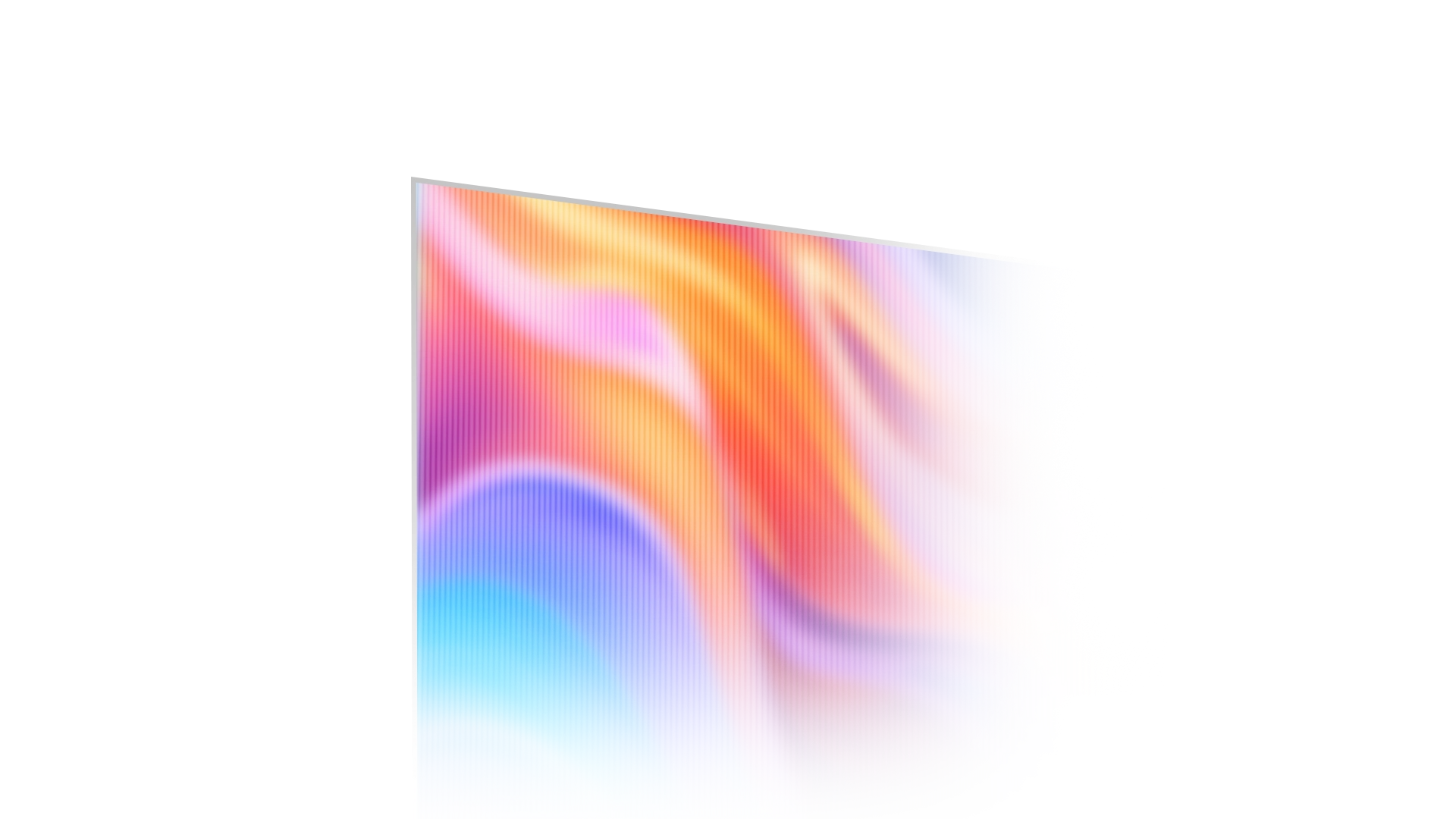
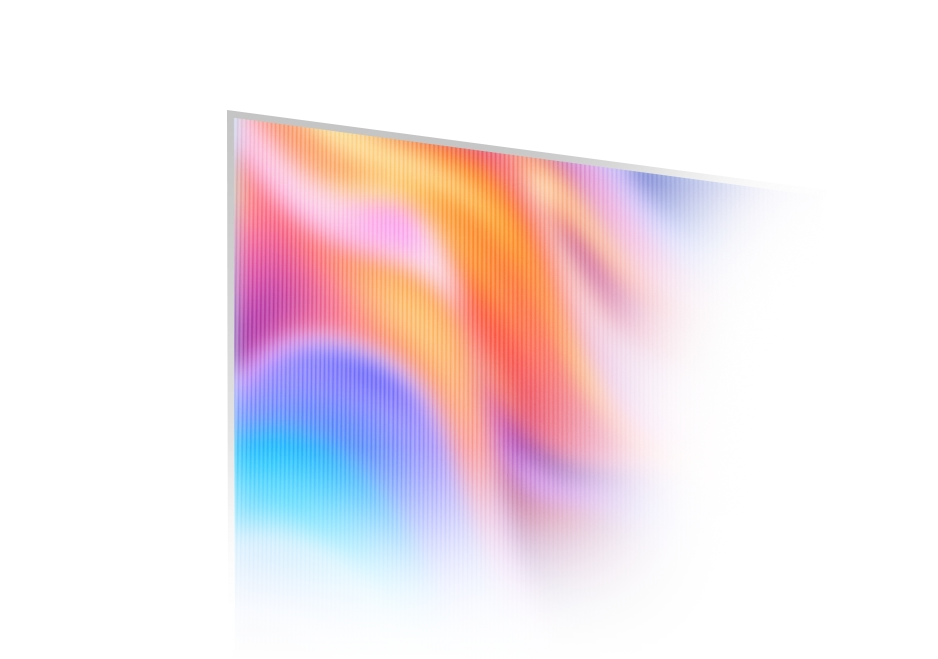
With True RGB Stripe pixel arrangement, the OLED display delivers accurate colors
and crisp edges while minimizing blur and unwanted color fringing,
ensuring every detail of your artwork is presented with stunning clarity.

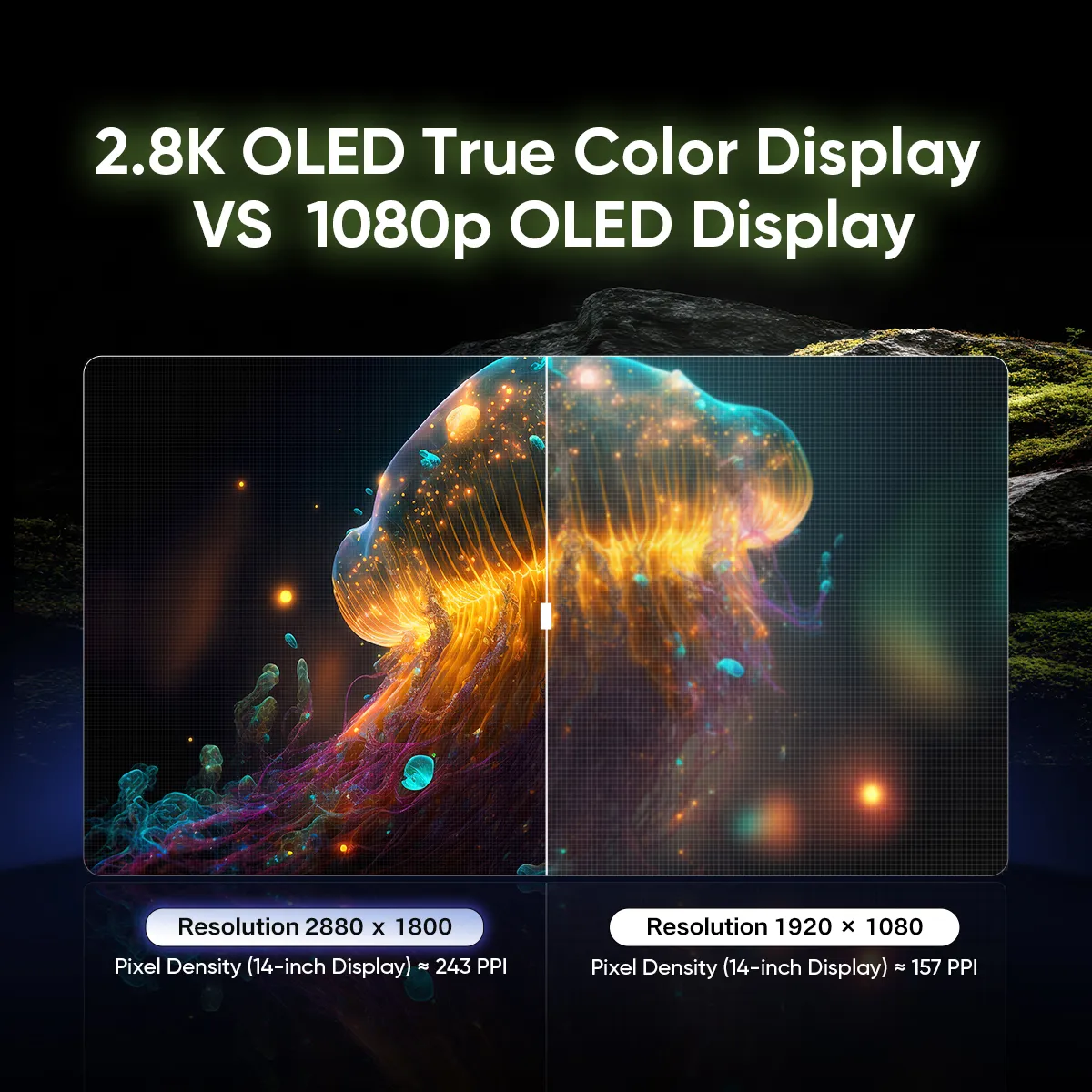
Sharp Details and
Boundless Clarity

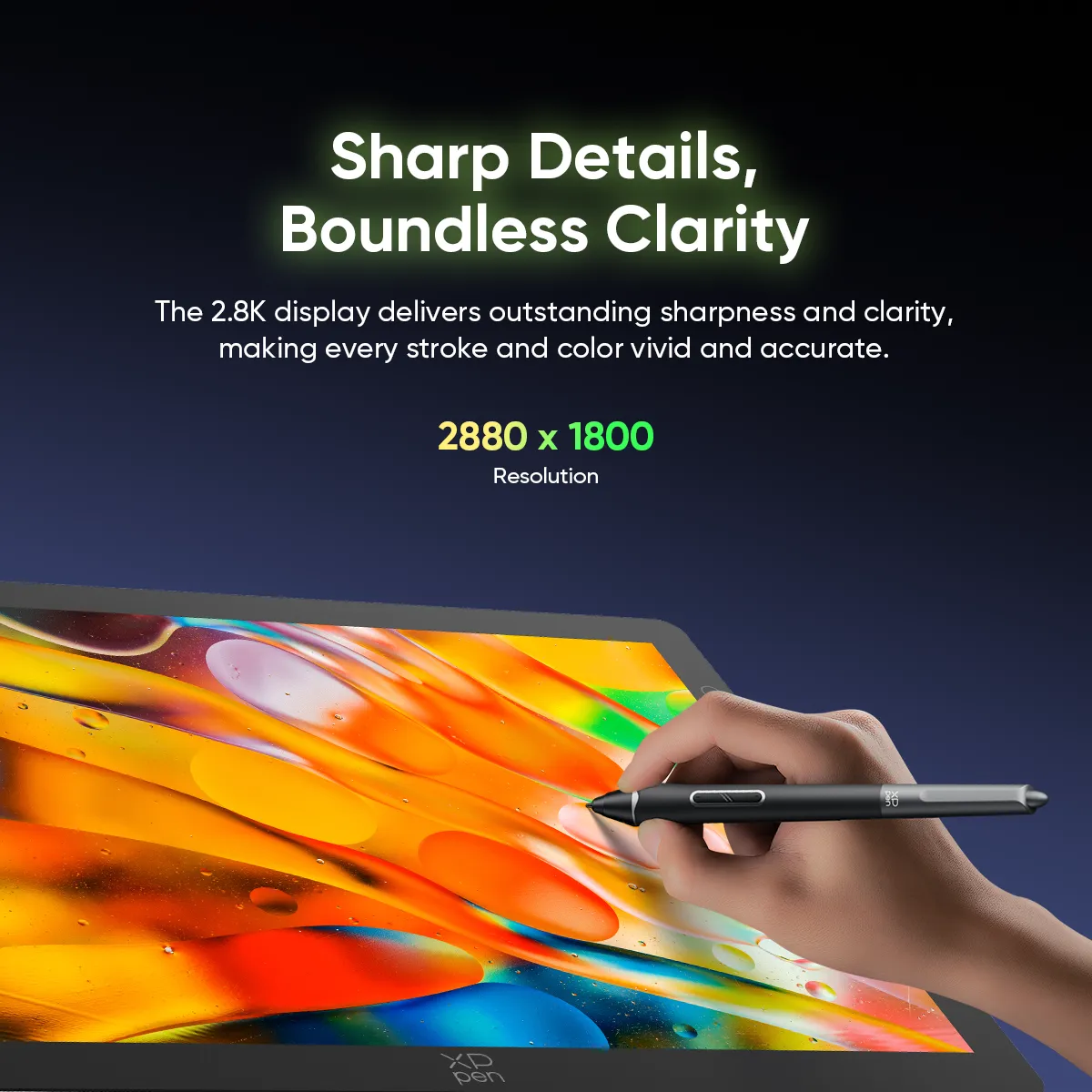
With a 2.8K resolution, the display delivers outstanding sharpness and clarity,
making every stroke and color appear vivid and accurate.

2880×1800

Resolution

2.8K OLED
True Color Display

Pixel Density (14-inch Display) ≈ 243 PPI

1080P OLED
Display

Pixel Density (14-inch Display) ≈ 157 PPI

Fluid Motion,
Instant Response

With a 90Hz refresh rate, motion blur is minimized
for smooth animations and high-frame-rate videos.
The ultra-fast response time provides instant feedback the
moment the pen touches the display, eliminating image trailing.

90Hz

Refresh Rate

< 1ms

Response Time

Deep Shadows, Bright Highlights

The OLED display delivers a 100,000:1 contrast ratio,
offering finer color variations and sharper light-shadow
distinction for a more vivid, realistic creative experience.

100,000 : 1

Contrast Ratio

Protect the Comfort for Eyes

The AG nano-etched glass helps reduce glare in bright conditions,
while the hybrid dimming solution minimizes flicker and visual fatigue,
keeping your eyes comfortable in any environment.

AG

Nano-etched Glass

AF

Coating

TÜV SÜD

Low Blue Light Certification

Low Blue Light Certification

AG Nano-etched Glass

AF Coating

TÜV SÜD Low Blue Light Certification

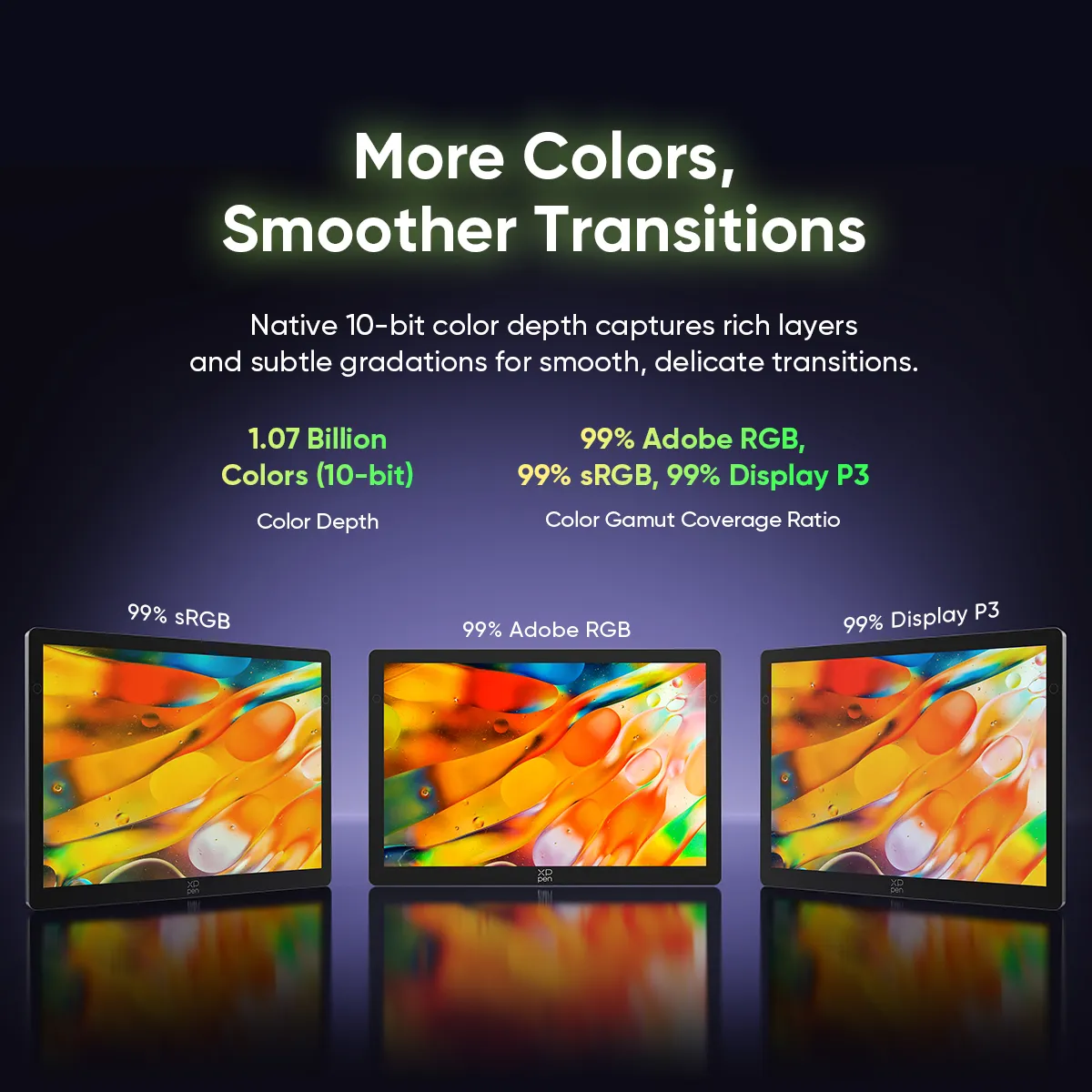
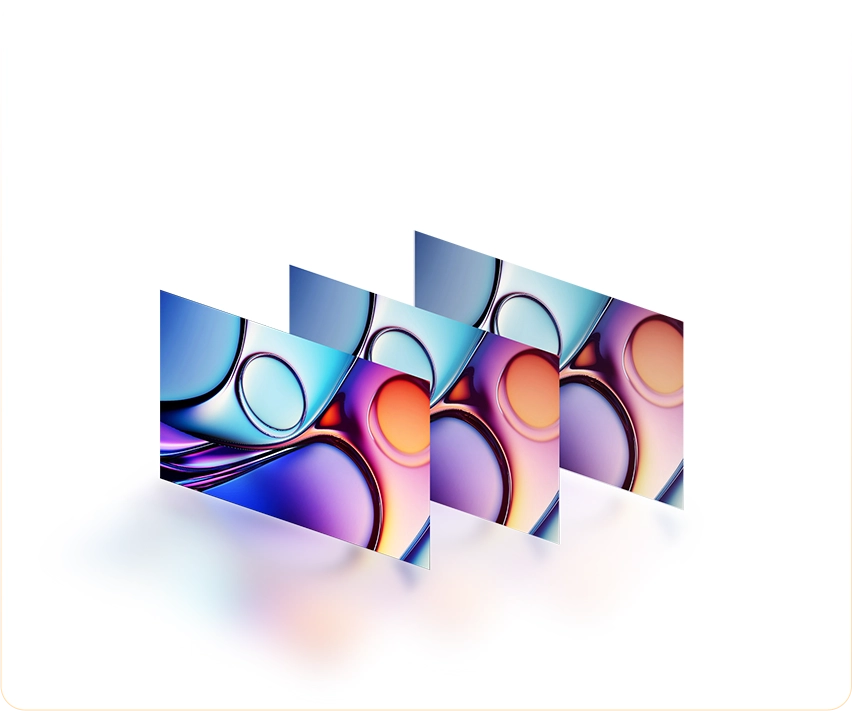
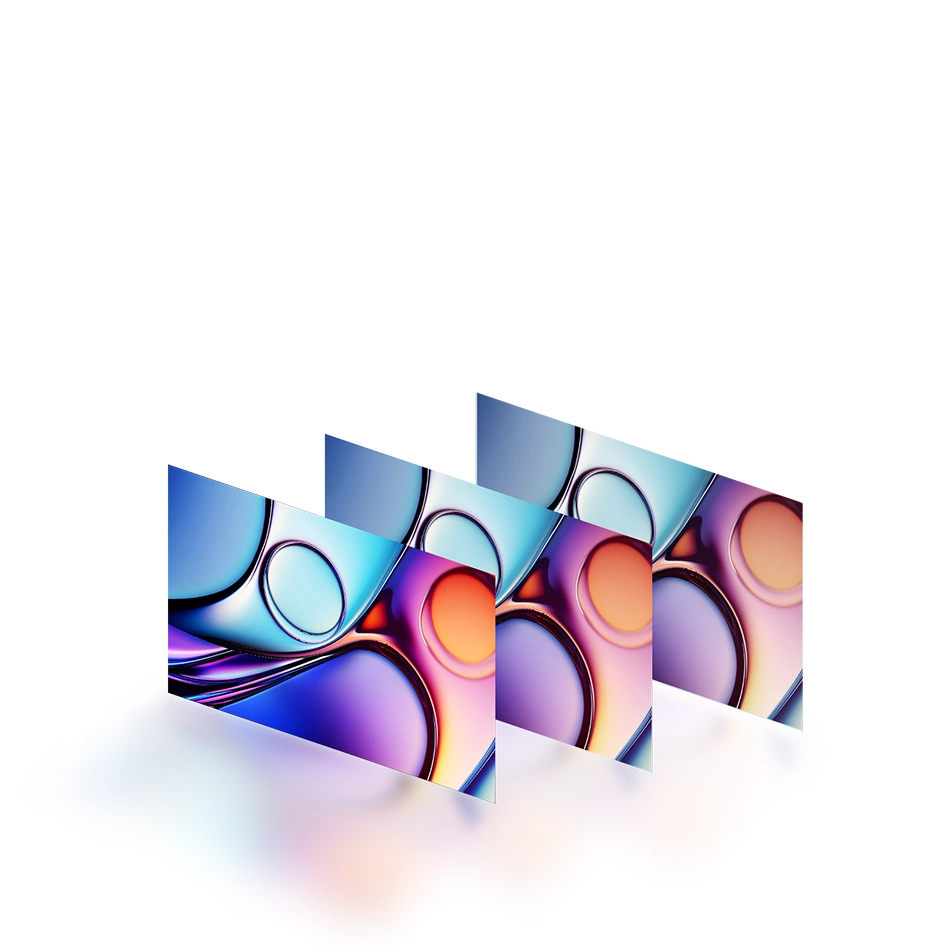
More Colors, Smoother Transitions

The Artist Ultra 14 brings your art to life with a vast spectrum of colors.
Its native 10-bit color depth captures rich layers and subtle gradations,
rendering every transition smooth and delicate.

1.07 Billion Colors (10-bit)

Color Depth

Color Gamut Coverage Ratio (Typical)

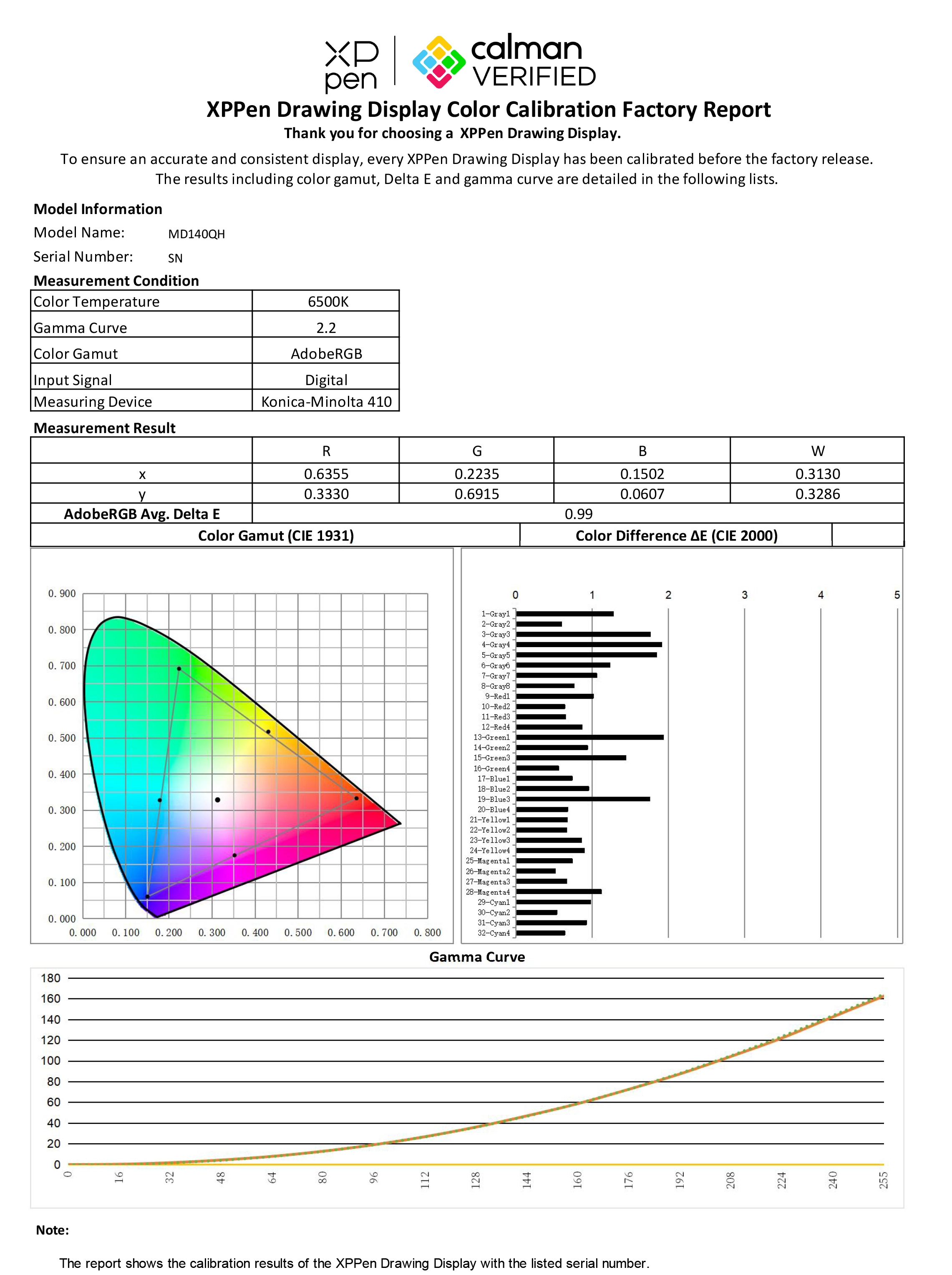
View the Color Calibration Report >

Flawlessly Preserve True Colors

The color accuracy of the Artist Ultra 14 has reached Delta E < 1*.
It ensures that colors are reproduced with great precision,
satisfying the requirements of professional creation.

*This data is an average value and applies to Adobe RGB only

Consistent Color Accuracy with Calman Verified

As a Calman Verified drawing display, the Artist Ultra 14 allows for accurate
color matching across different devices and environments.
You can enjoy out-of-the-box color calibration without manual adjustment.

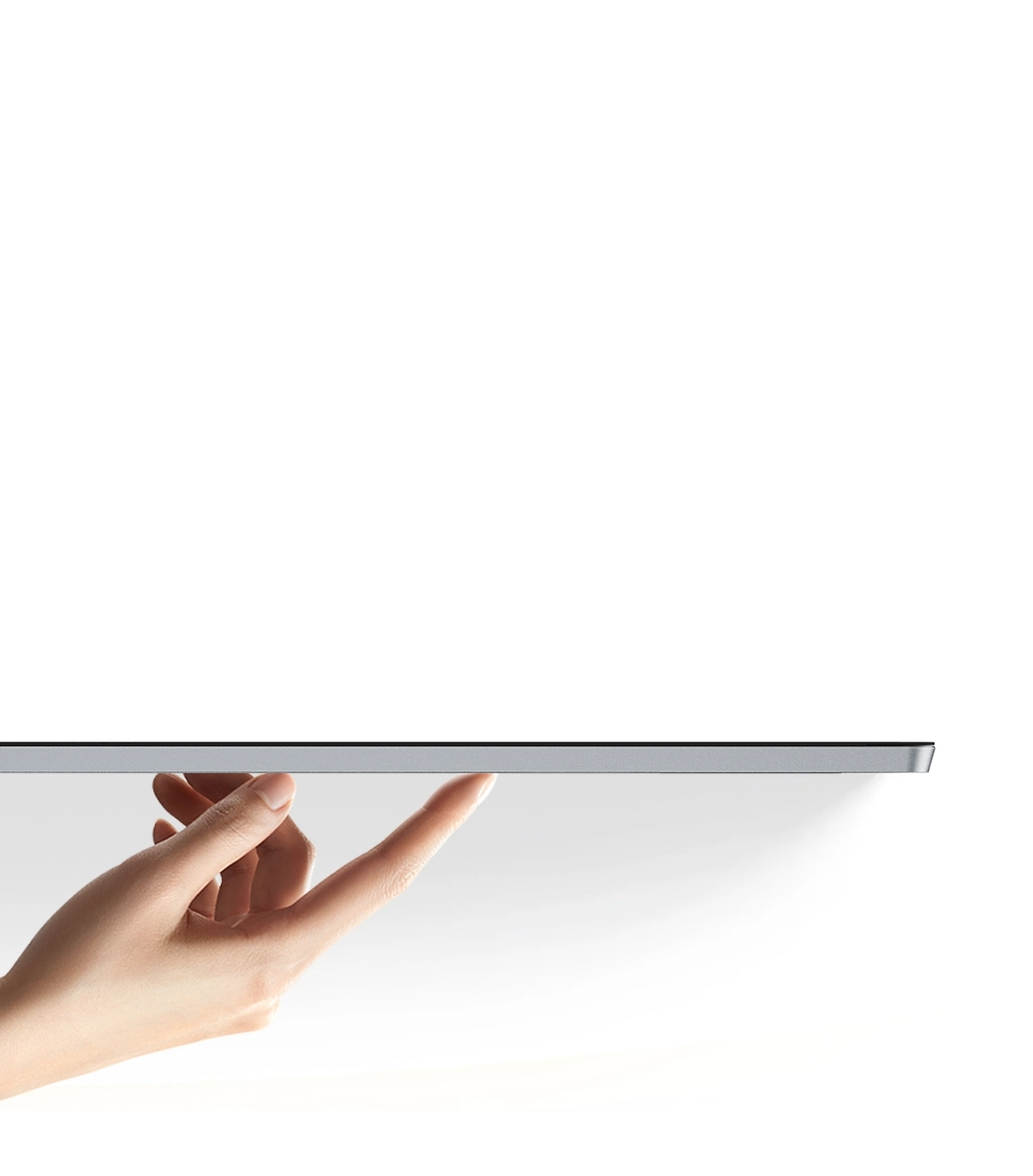
Slim Body, Portable Weight

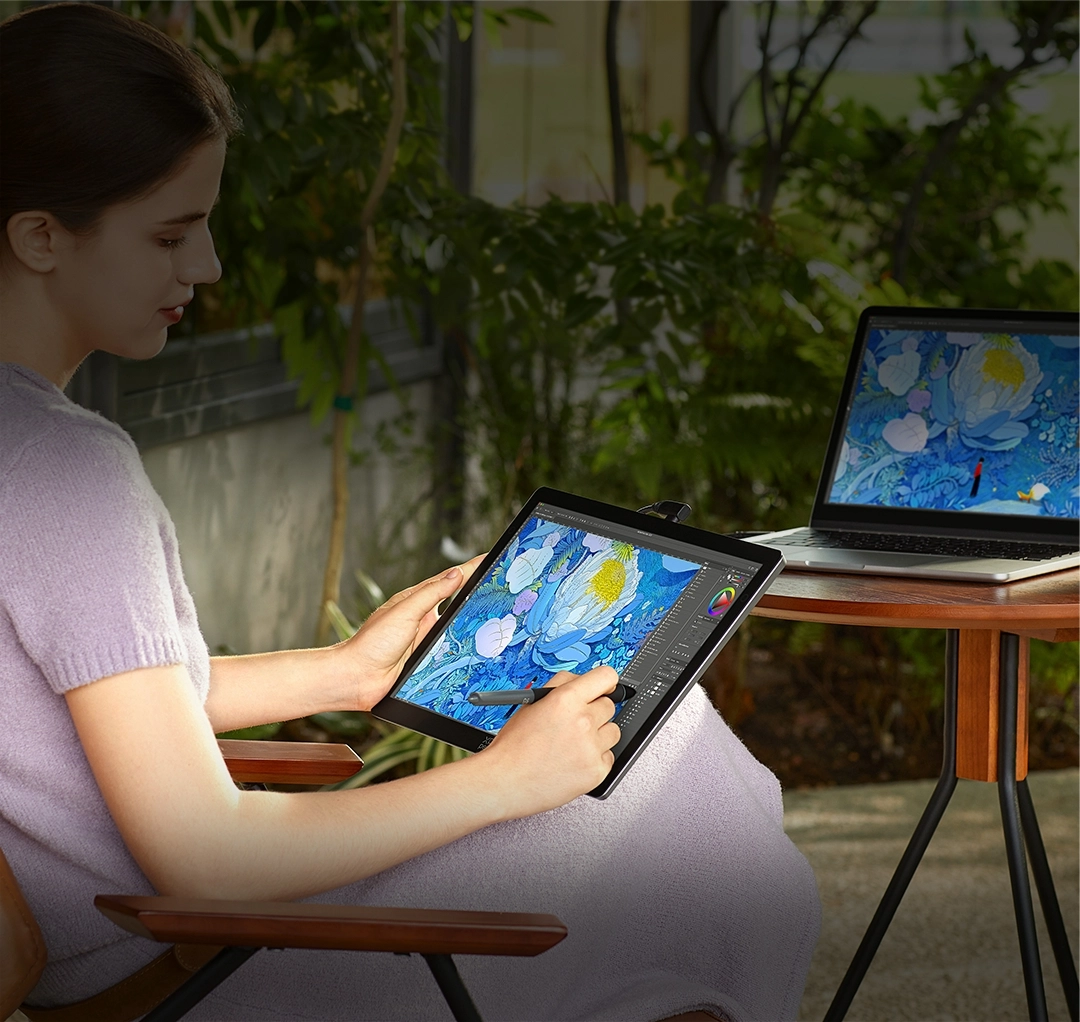
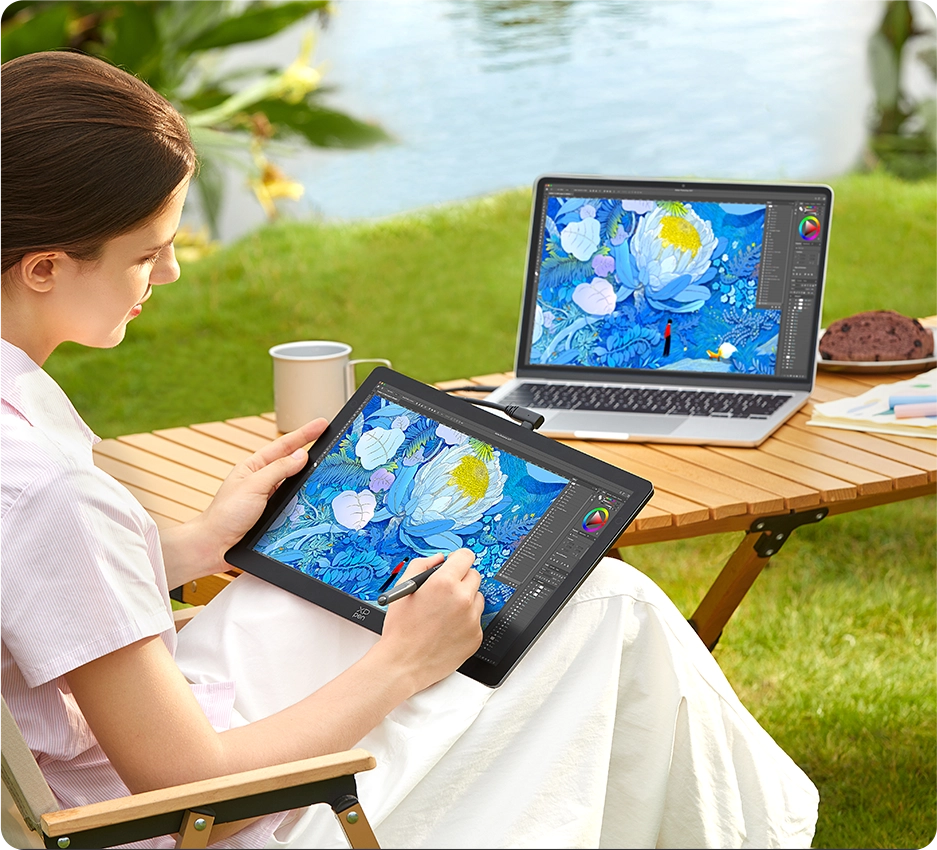
As the body is only 6mm at its thinnest point, the drawing display is perfect to hold in hand or carry outside.
Its slightly curved edges help reduce wrist pressure,
while the aluminum alloy back panel enhances both heat dissipation and durability.

6mm

Thinnest Point

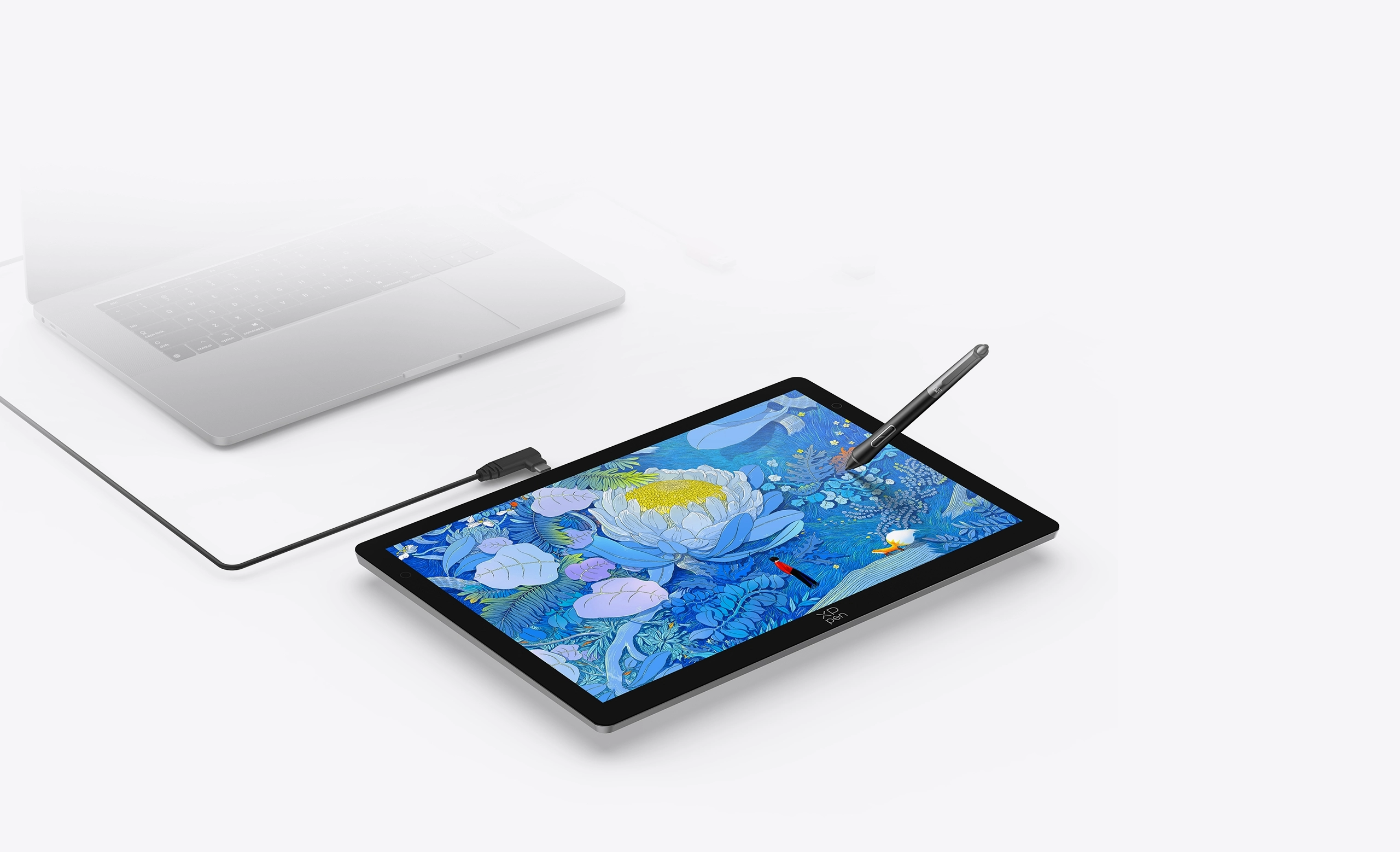
Connect and Create
with One Cable

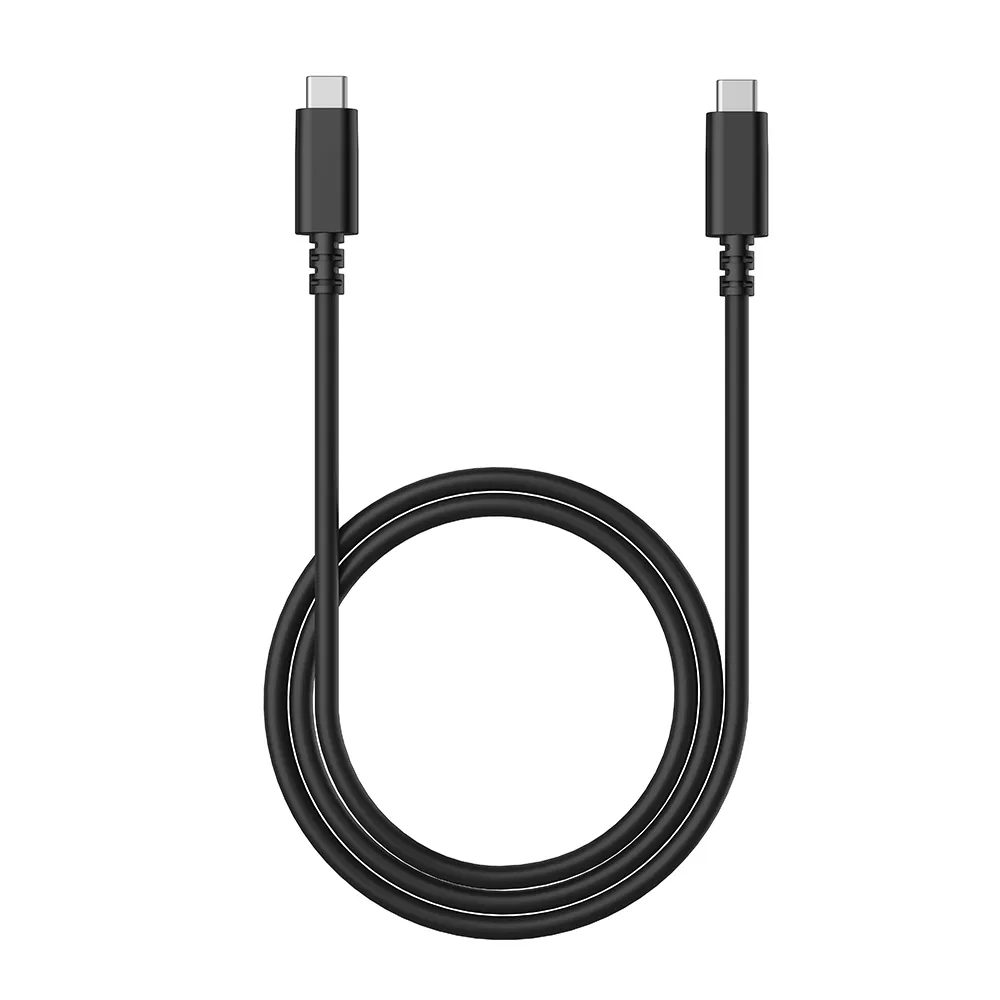
The included full-featured USB-C cable effortlessly supports video transmission,
data transfer, and power delivery * —— all with a single connection.
No messy wires, perfect for on-the-go creativity.

* Supports direct connection to computer or Android phone/tablet via USB-C cable. The actual performance depends on the device's battery level and the USB port's power output. Some phones may require an external power source for a stable connection.

Reshape Your Drawing
Experience with Dual Styli

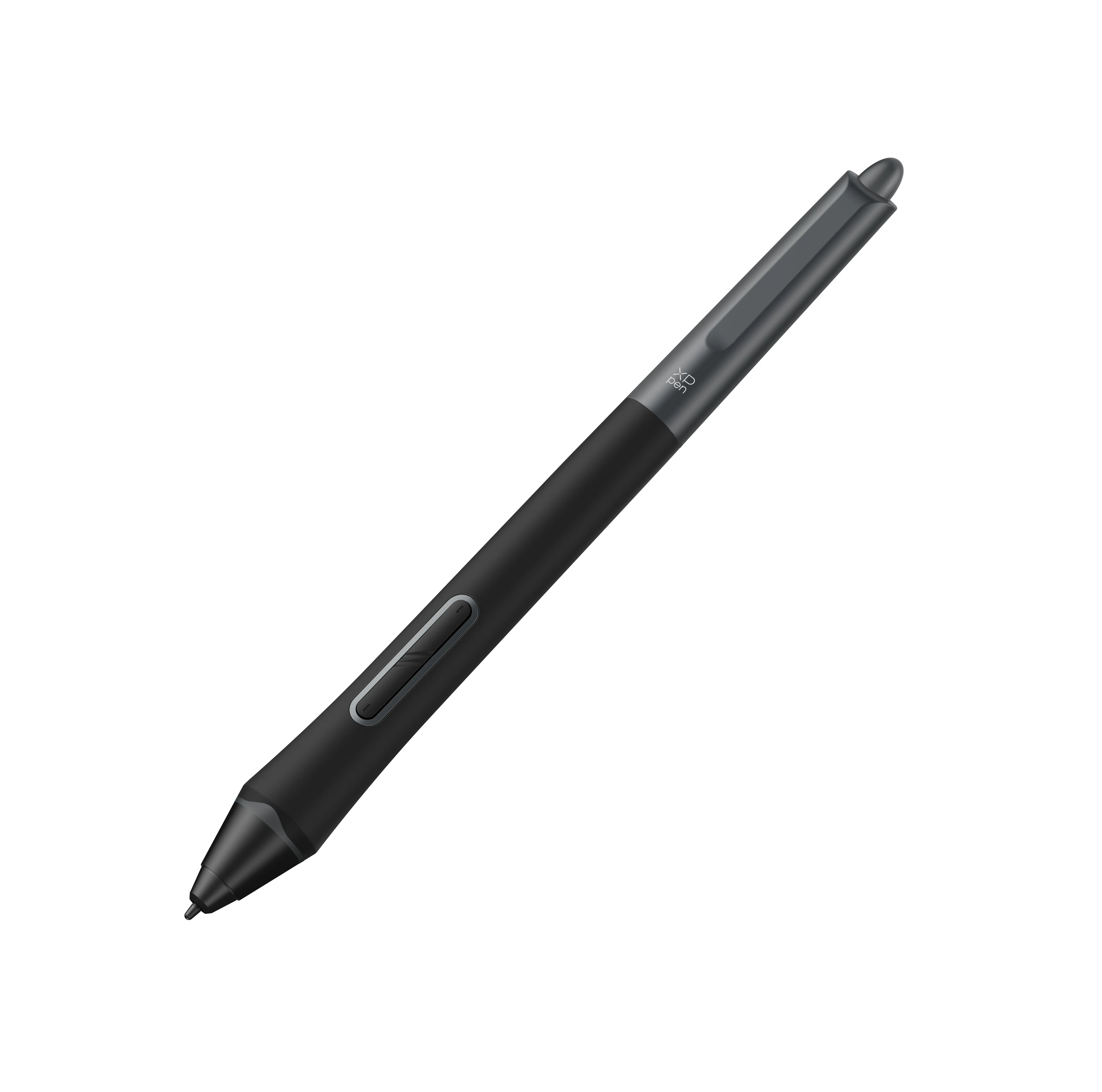
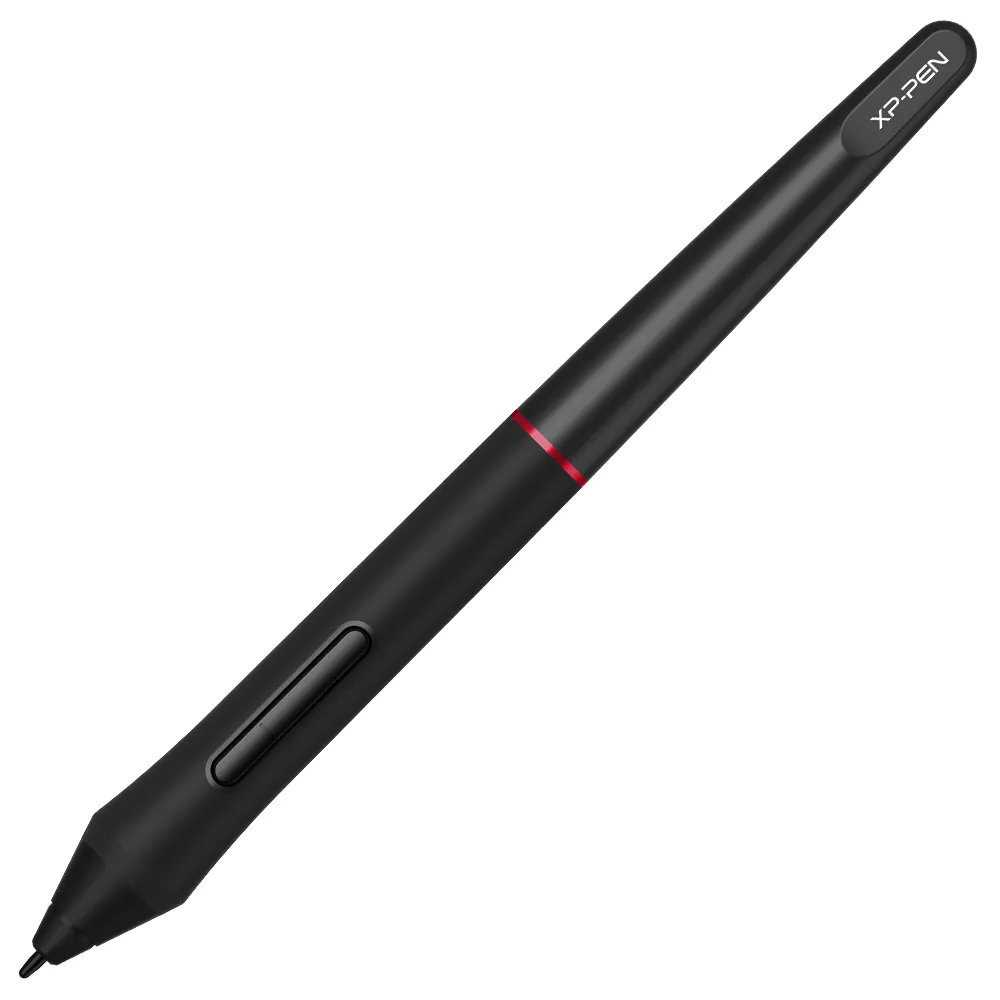
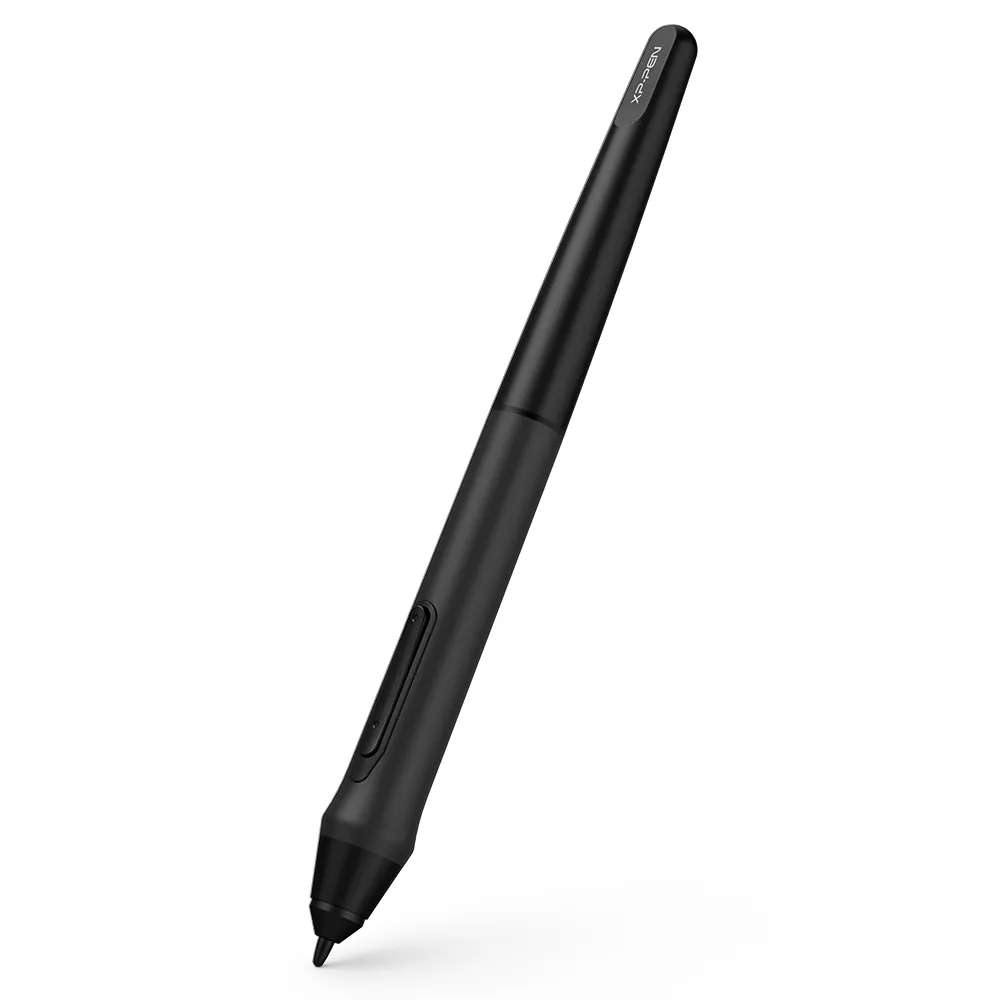
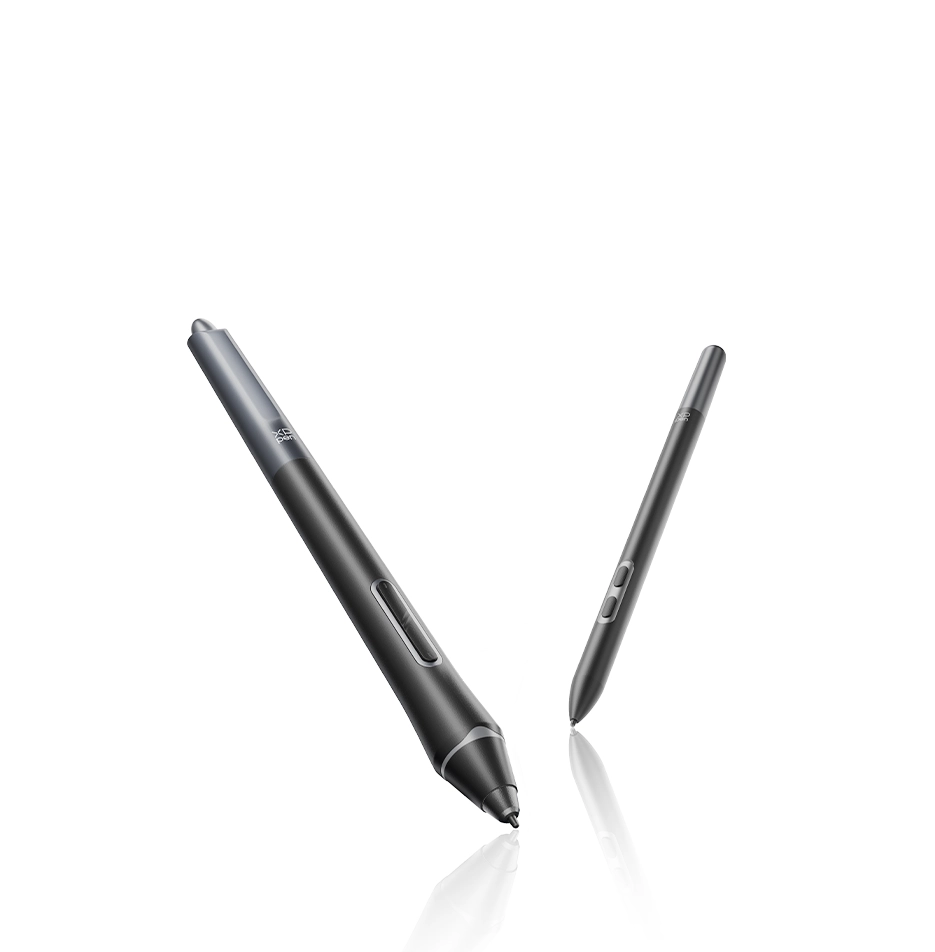
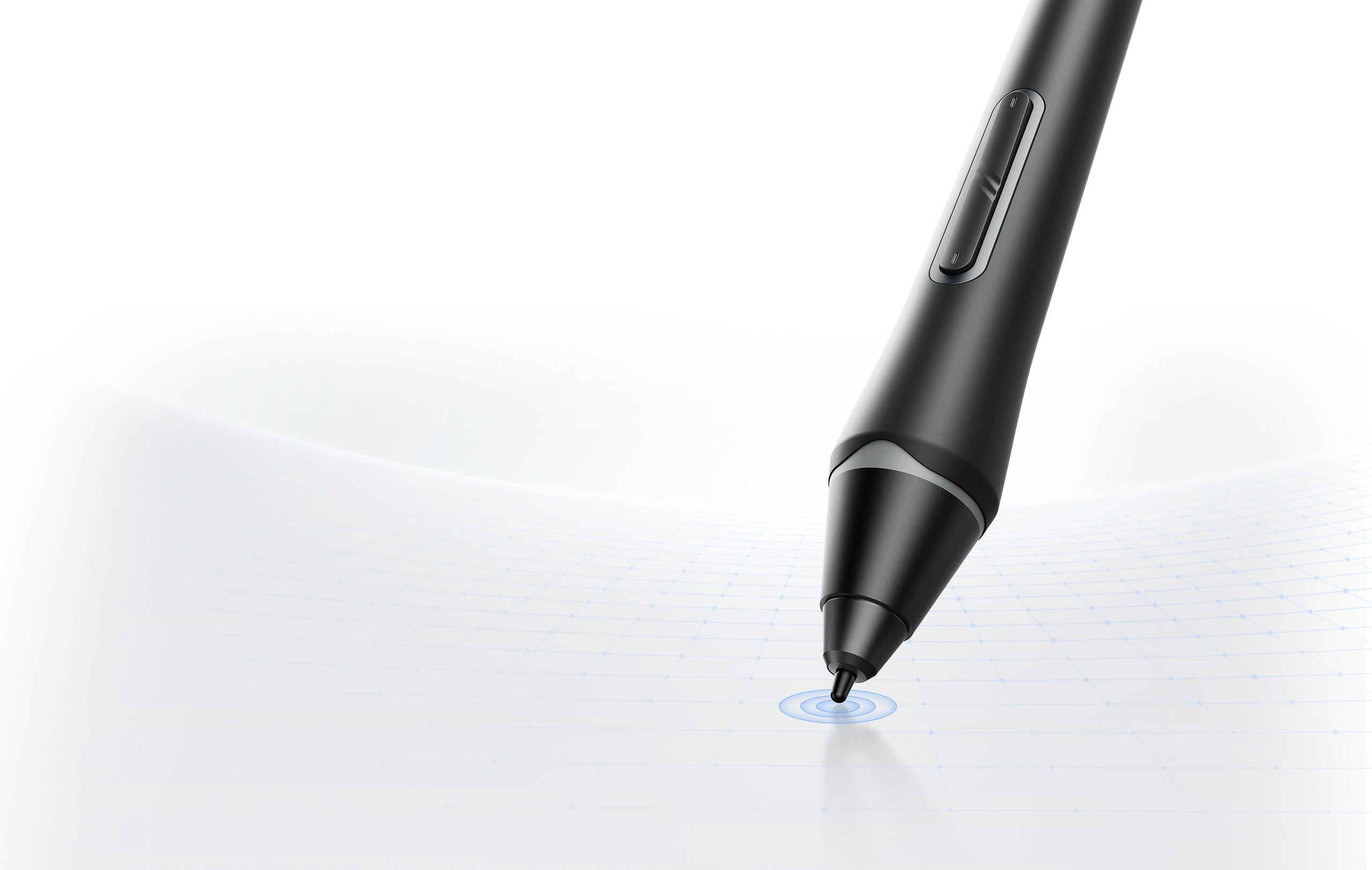
X3 Pro Smart Chip Stylus

Powered by X3 Pro smart chip, the 16K pressure levels sensitivity provides a lifelike drawing experience. It includes two shortcut keys and a digital eraser, improving its functionality for drawing while providing comfort with its silicone grip.

Learn More

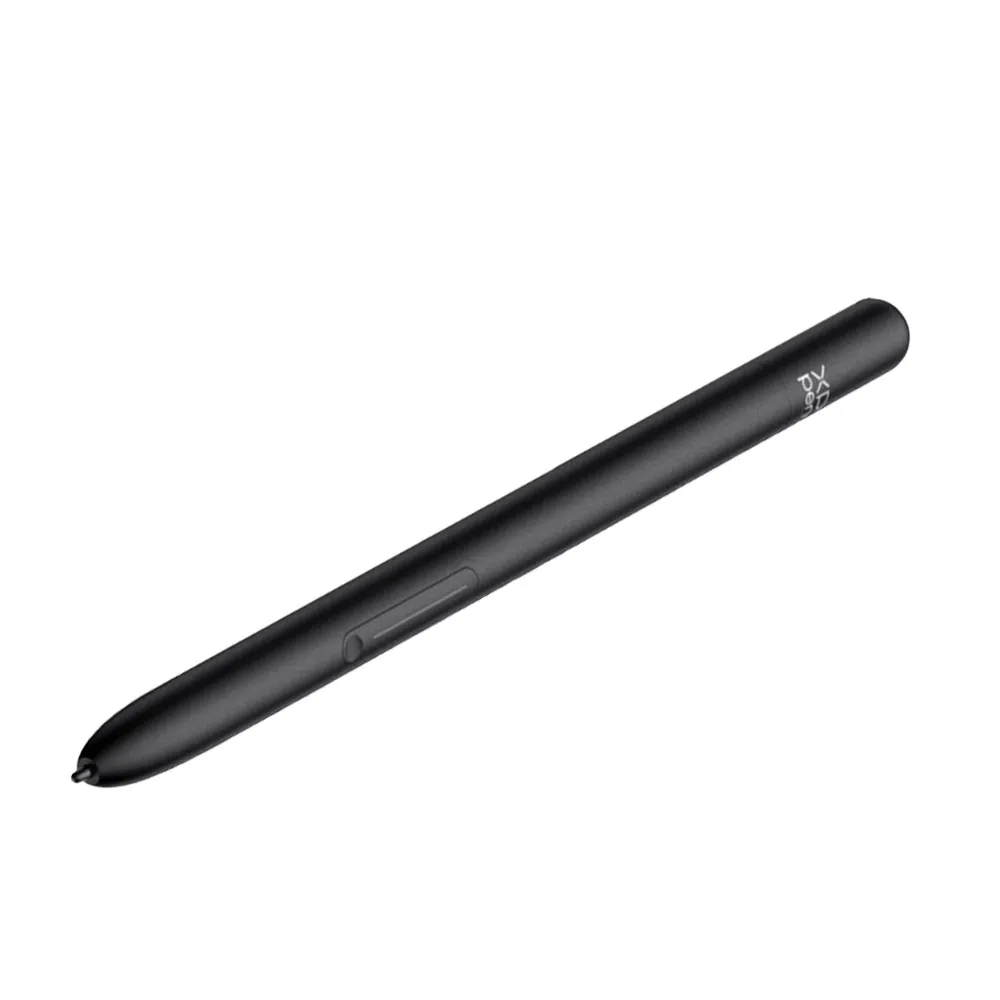
X3 Pro Slim Stylus

Being the first slim stylus with the X3 Pro Smart Chip and 16K sensitivity, it is lightweight and slim, yet comfortable to hold. The double shortcut keys are customizable to accommodate various creative preferences and requirements.

Learn More

Tilt & Hover,
Accurate Response

Both styli allow for a 60° tilt, making it easy to create
shaded strokes and varied line styles, just like drawing
on paper. You can use it comfortably with either hand
and in any posture.

60°*

Tilt

10 mm*

Responsive Height

Multi-Angle
Omni-Directional

Cursor Calibration

* This data was taken from a laboratory simulation test and may vary depending on the environment where the device is used


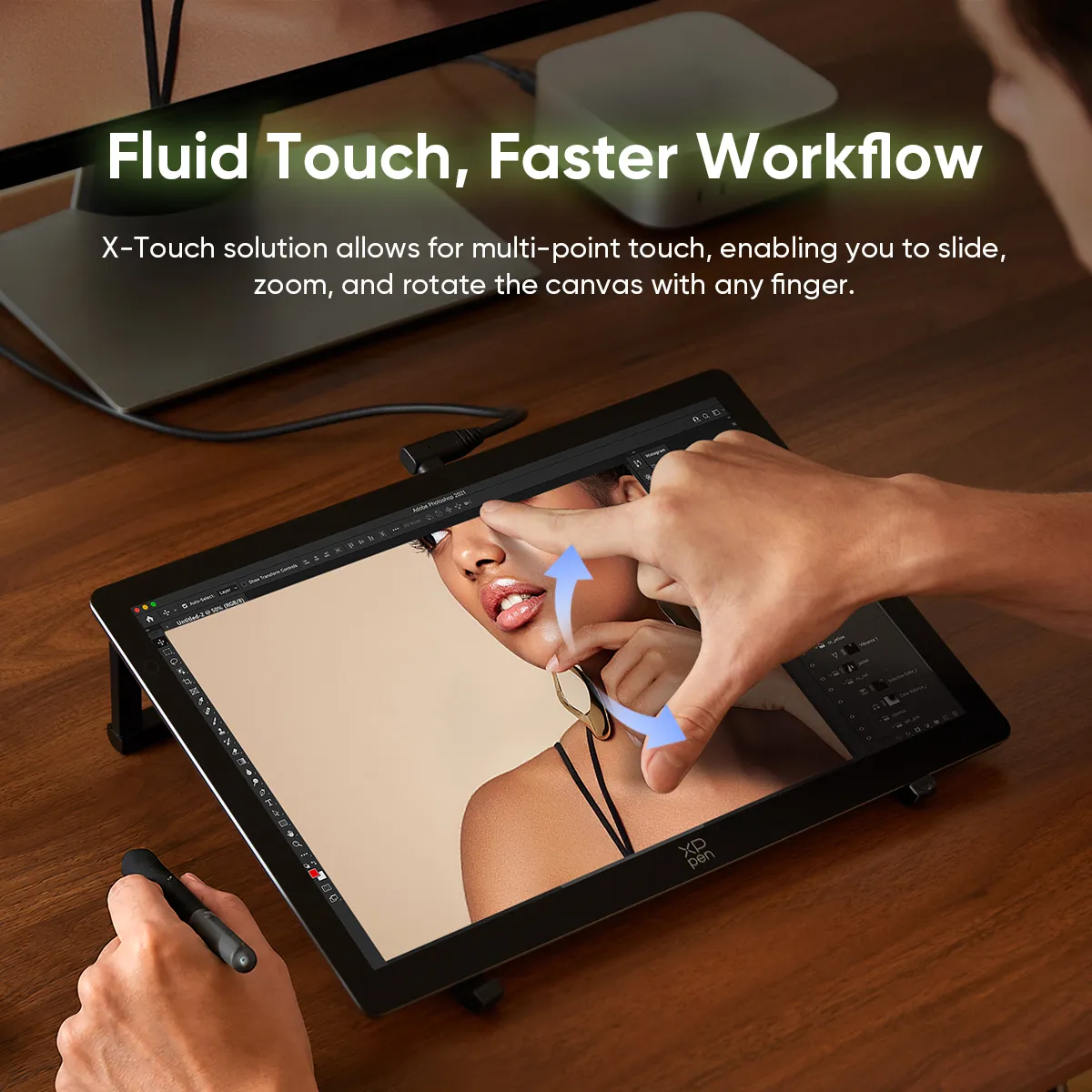
Fluid Touch, Faster Workflow

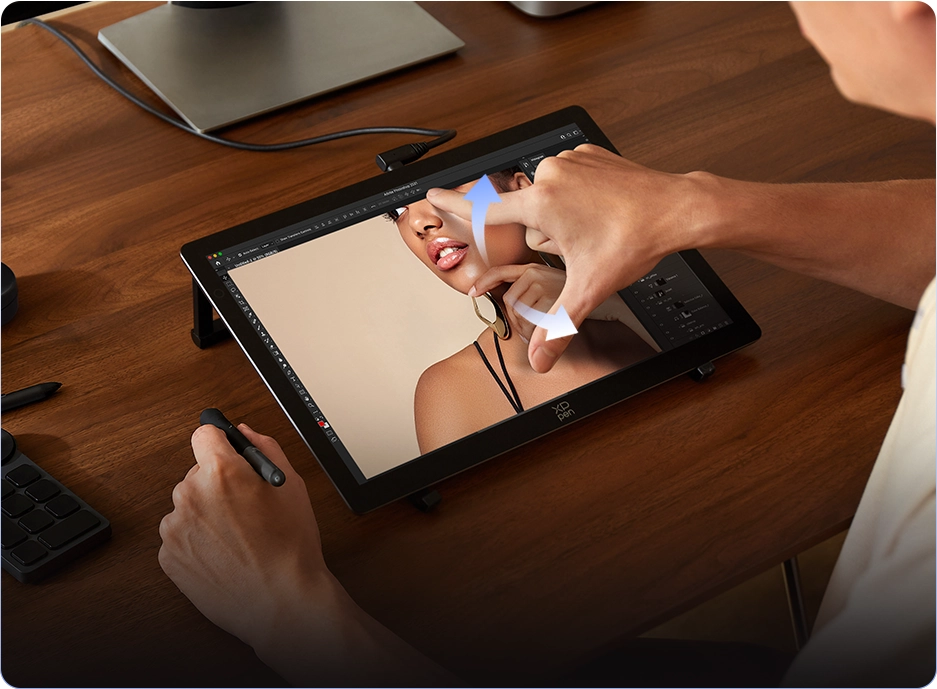
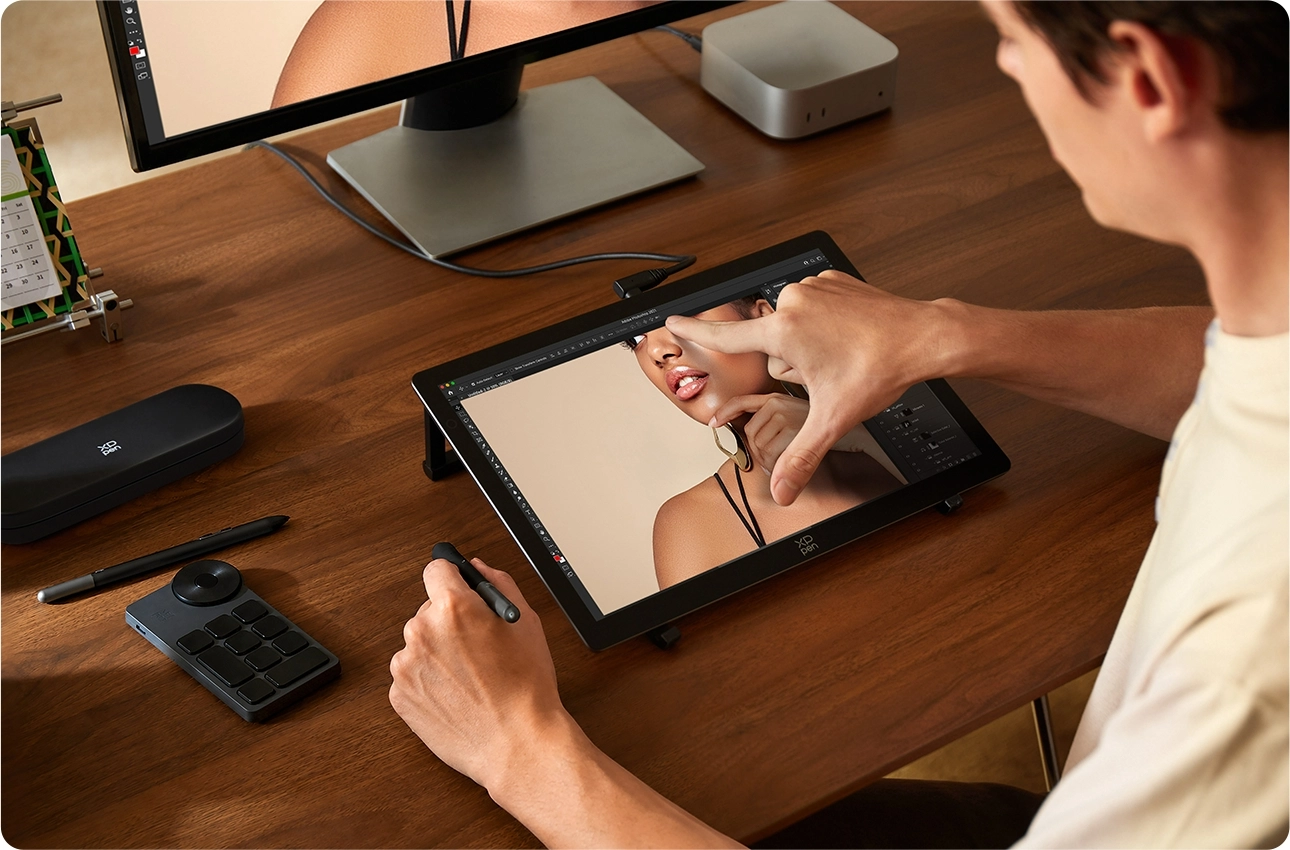
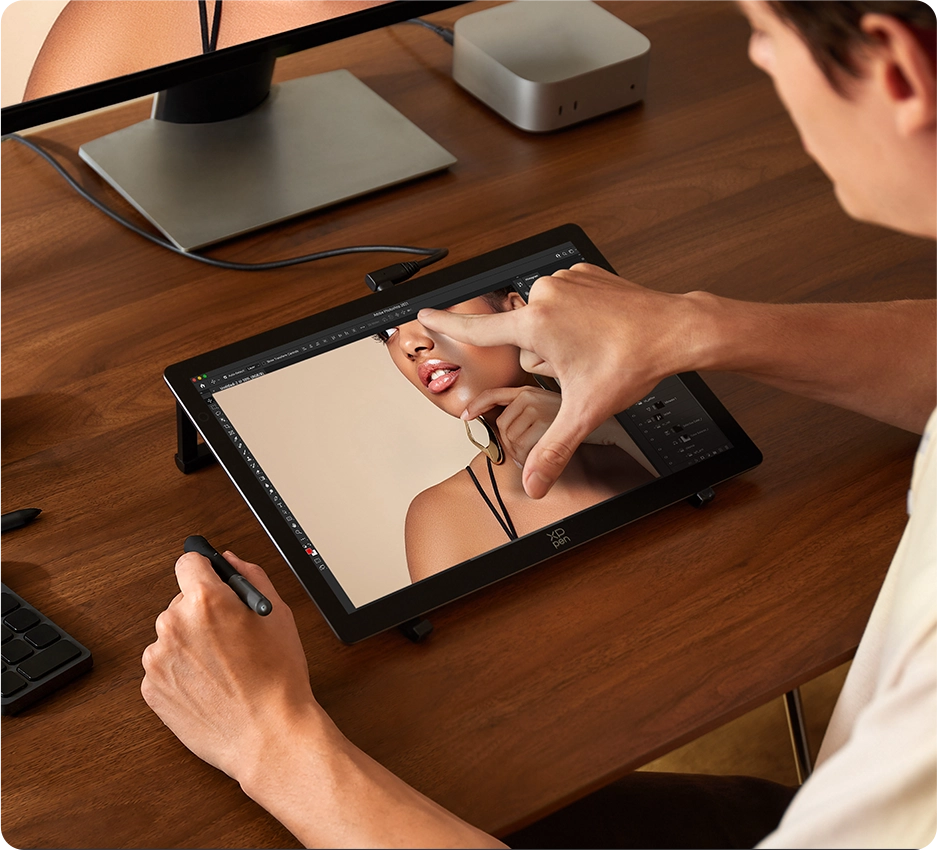
X-Touch solution allows for multi-point touch, enabling you to slide, zoom,
and rotate the canvas with any of your fingers. You can also customize
several finger gestures to suit your habits in the driver.

*Most of the standard touch gestures from Windows and macOS can be applied to the Artist Ultra 14.
Customizing three, four, and five-finger gestures is also allowed to suit your workflow needs.

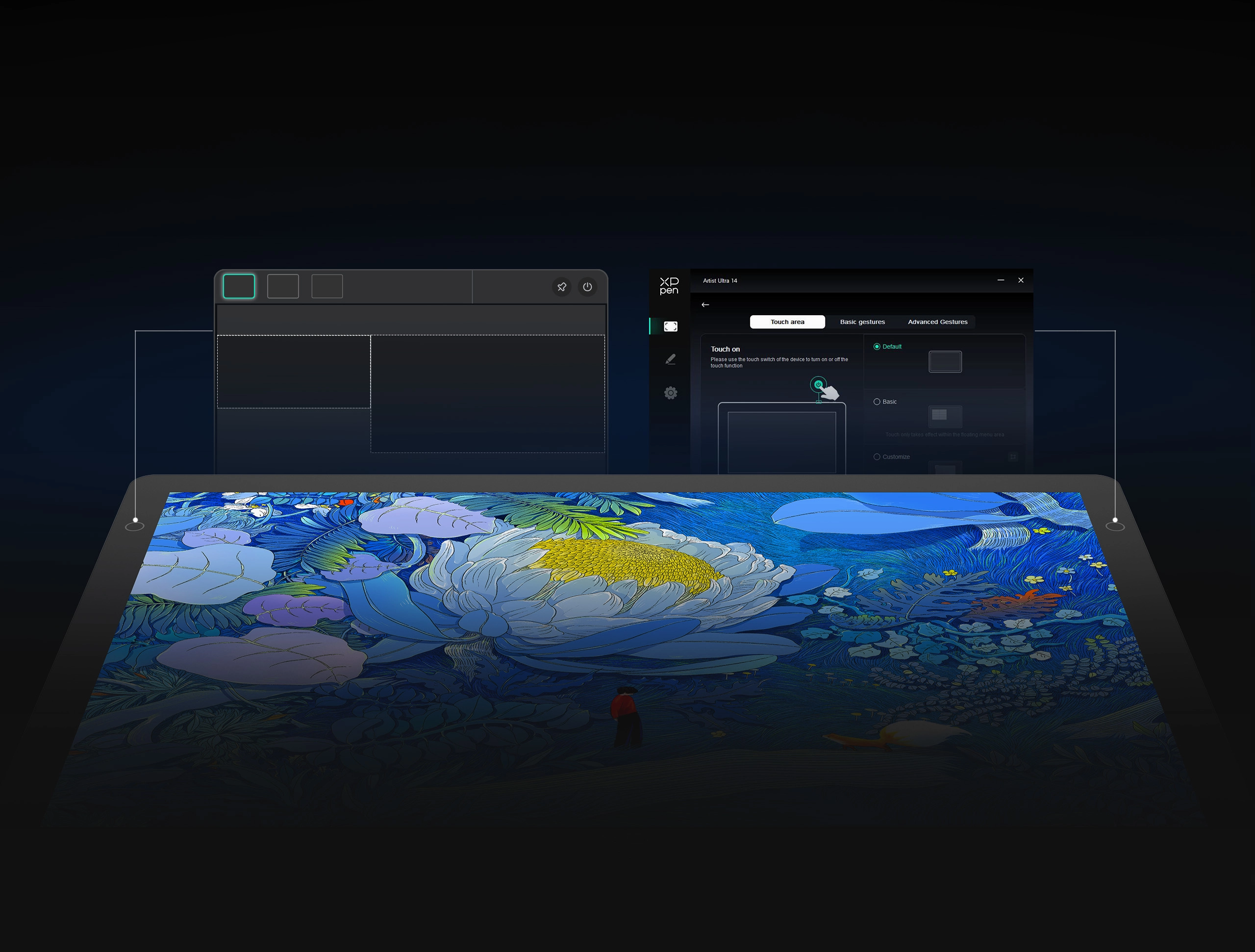
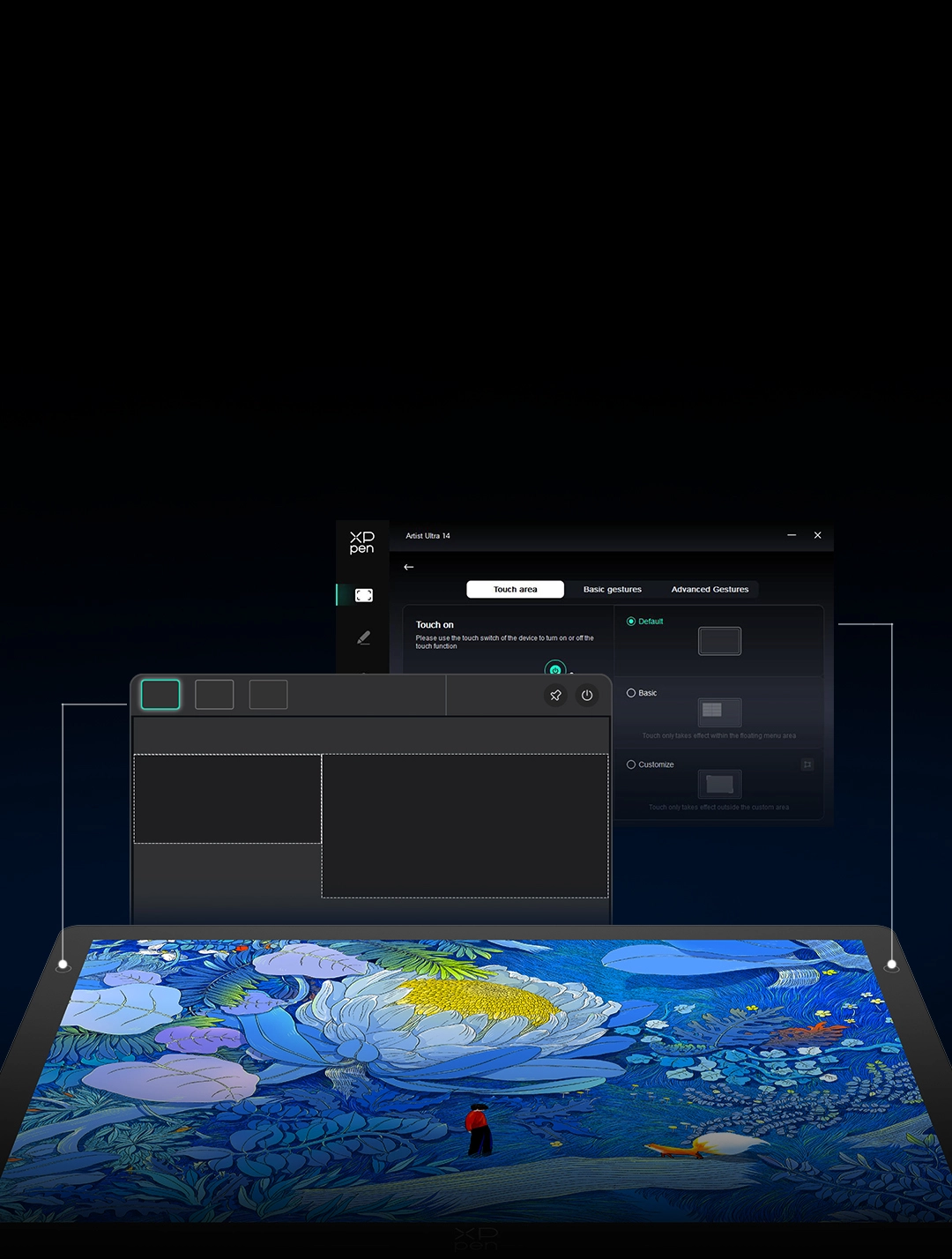
Prevent Mistouch with Customized Area

You can set non-touch areas to prevent accidental touches during detailed work.
A floating menu, accessed via shortcuts or gestures, lets you copy, paste, delete,
and undo. X-Touch also supports fully customizable functions —— you make the rules.

Customizable Area

Floating Menu

Customizable Area

Floating Menu

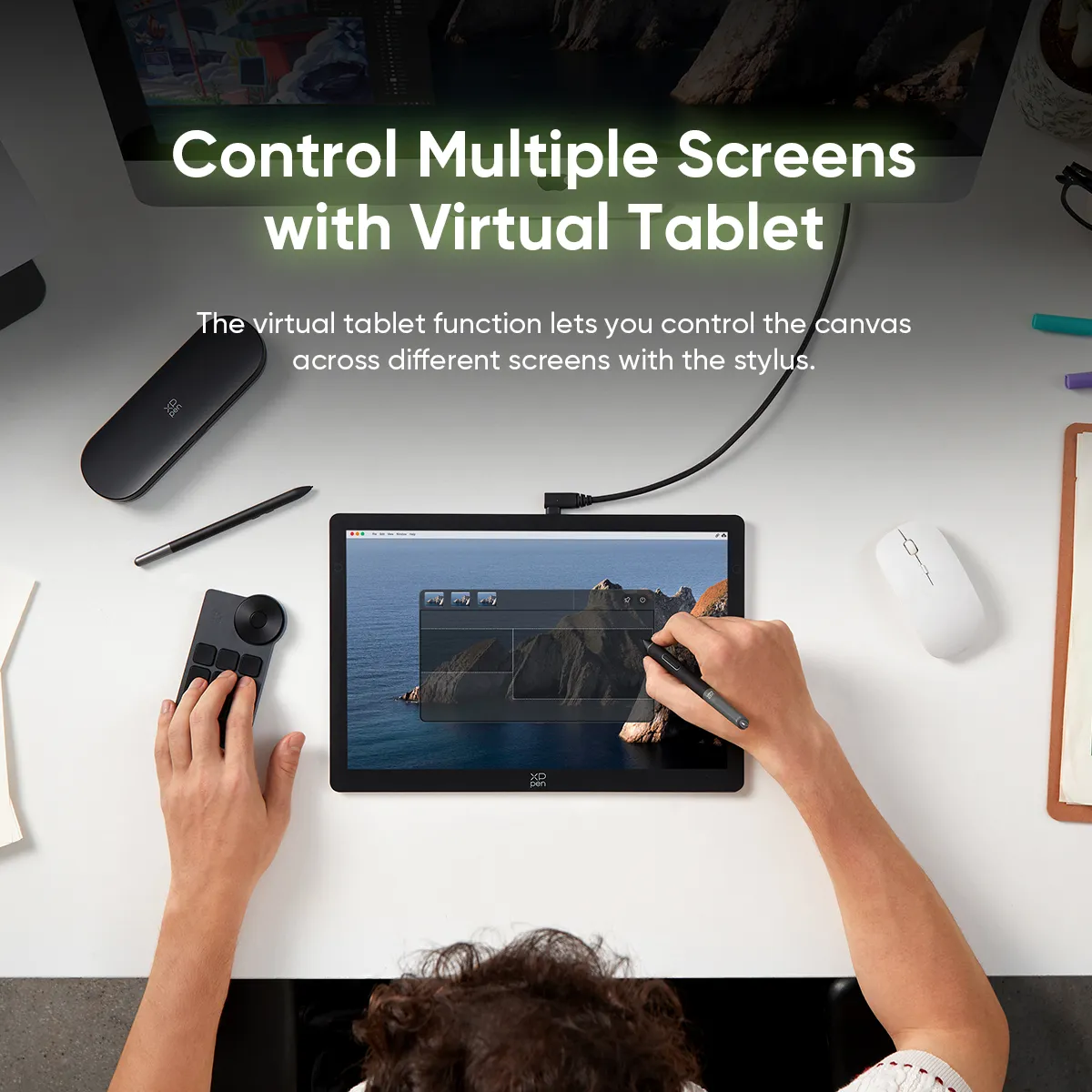
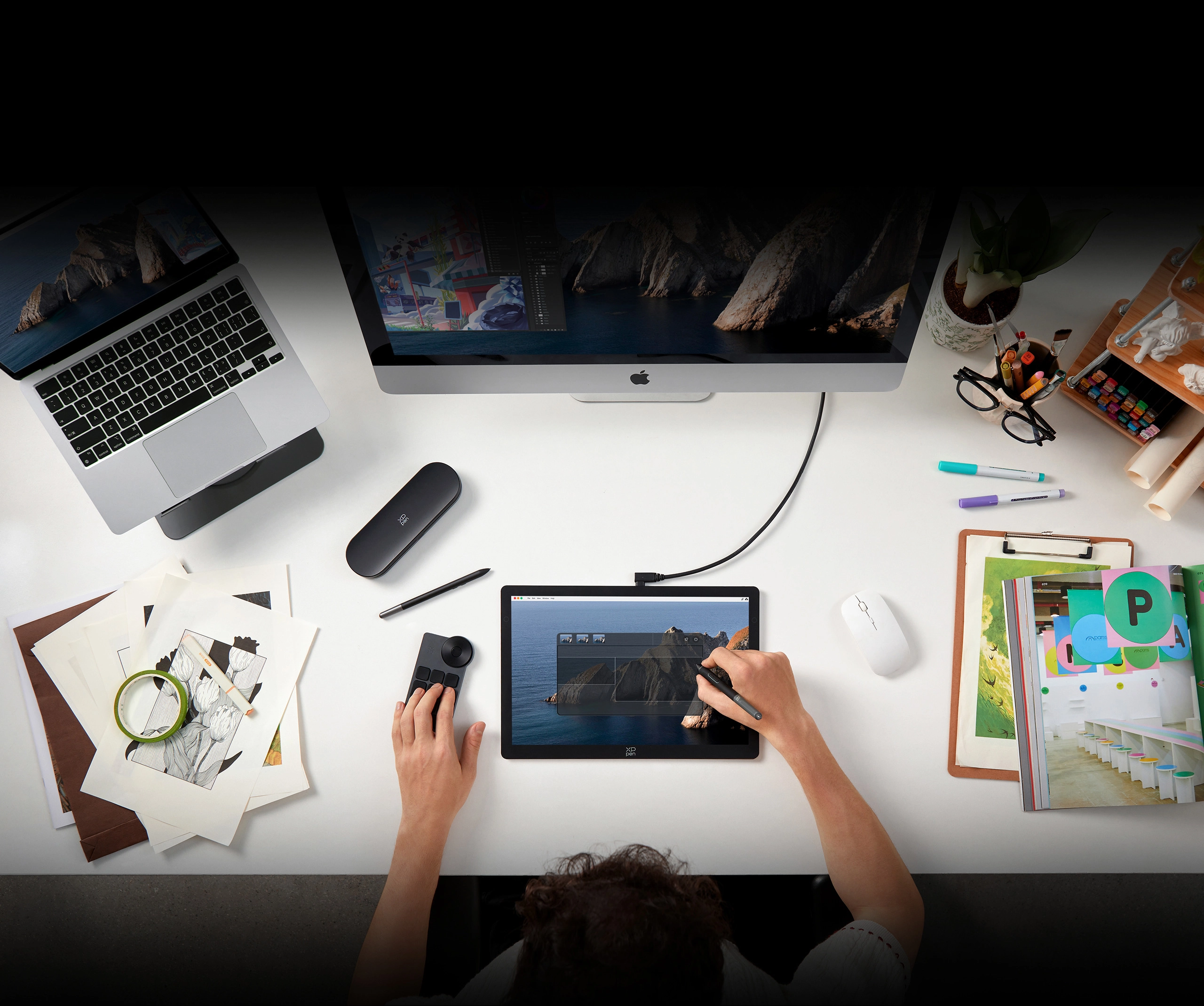
Control Multiple Screens with Virtual Tablet Mode

The brand-new virtual tablet Mode lets you control up to 10 screens using just your stylus.
Enjoy unnoticeable latency cross-screen operations, allowing you to freely drag files and windows seamlessly.

One Press for More
Customized Functions

Press the two side buttons to open the floating menu and the virtual tablet interface respectively.
You can also customize the functions of the side buttons through the driver,
such as bringing up a floating menu or switching screens, to suit your creation habits.

Rich Accessories,
Reliable Assistance

Standard Accessories

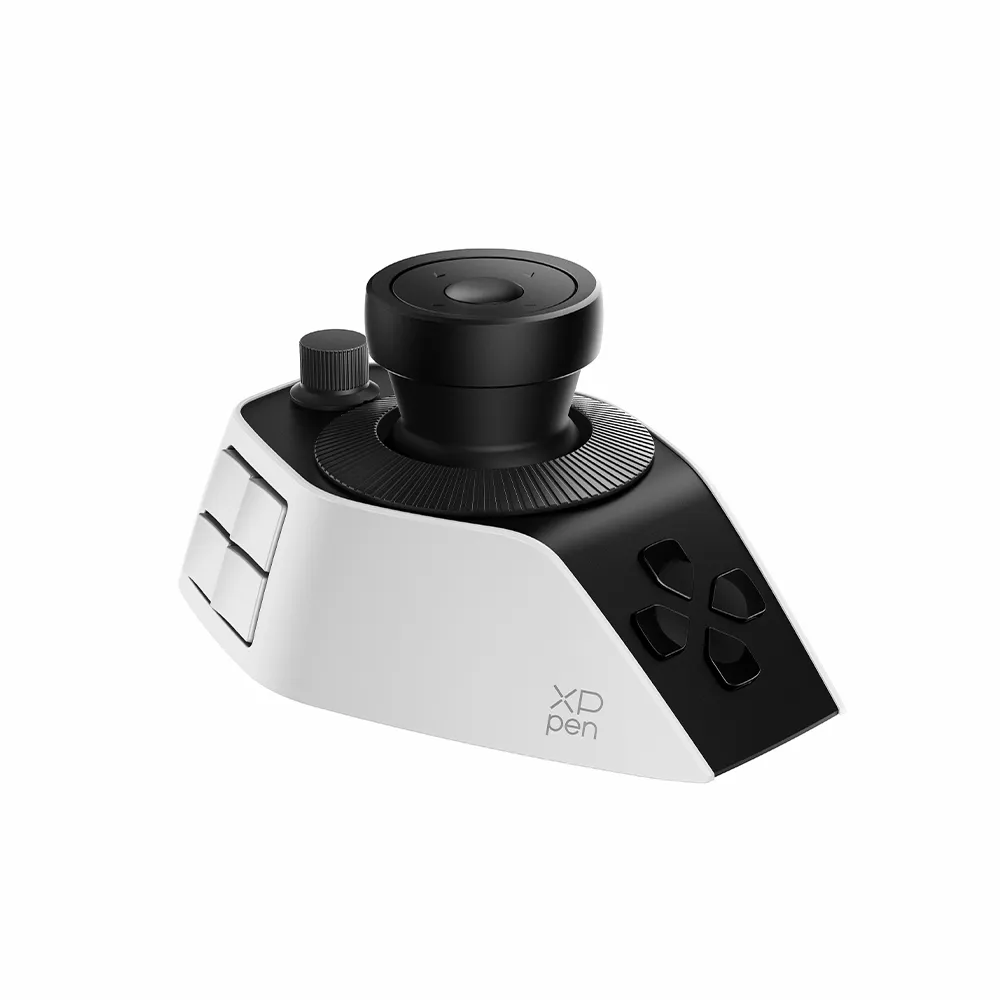
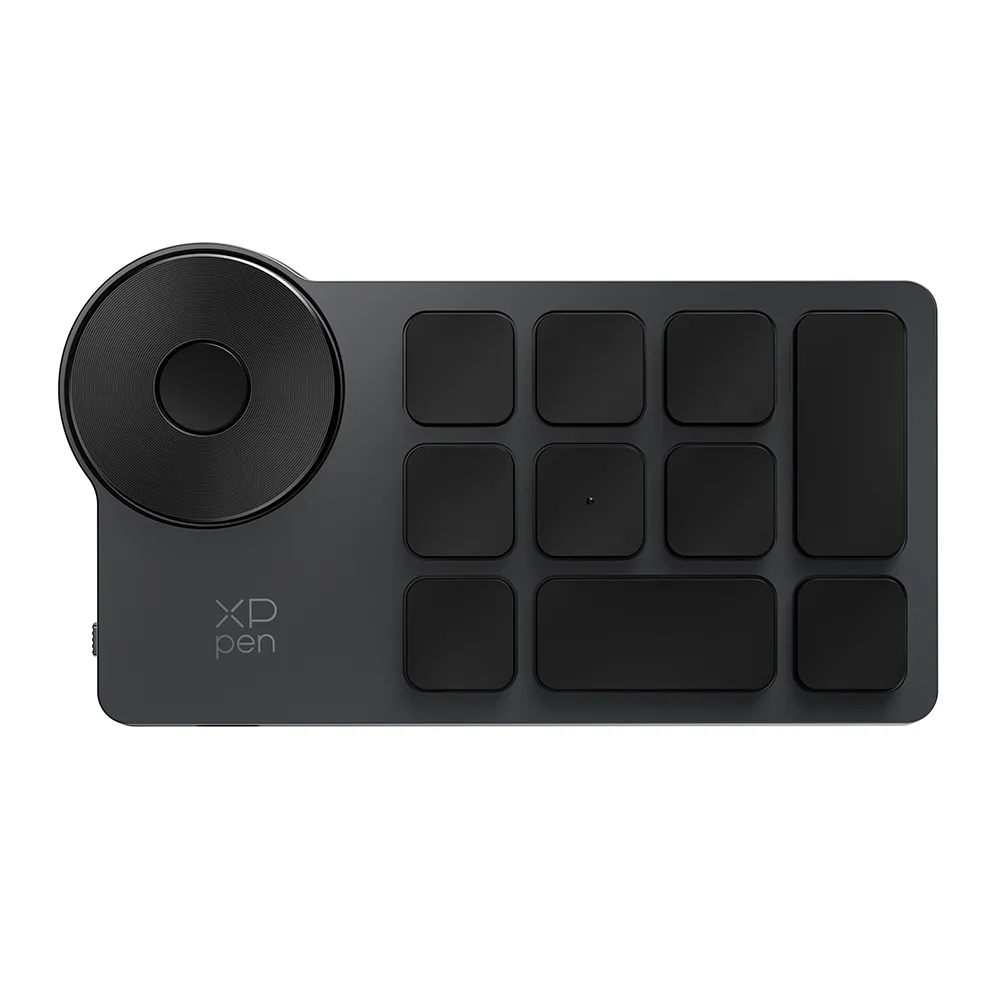
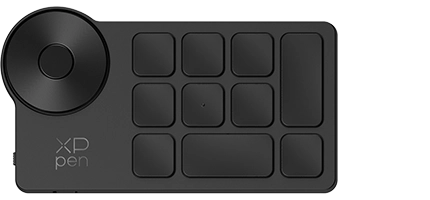
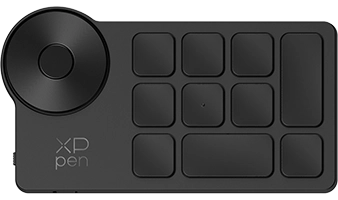
ACK05 Shortcut Remote

Effortlessly customize 40 shortcut keys in the driver settings and manage them single-handedly to streamline your workflow.

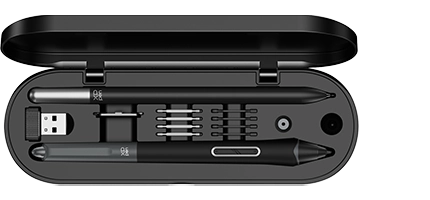
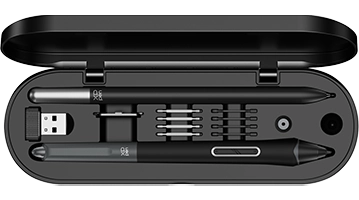
H11 Pen Case

The pen case holds two styli, plus built-in nibs and a replacement tool for easy changes anytime. The pen holder also allows convenient stylus switching during drawing.

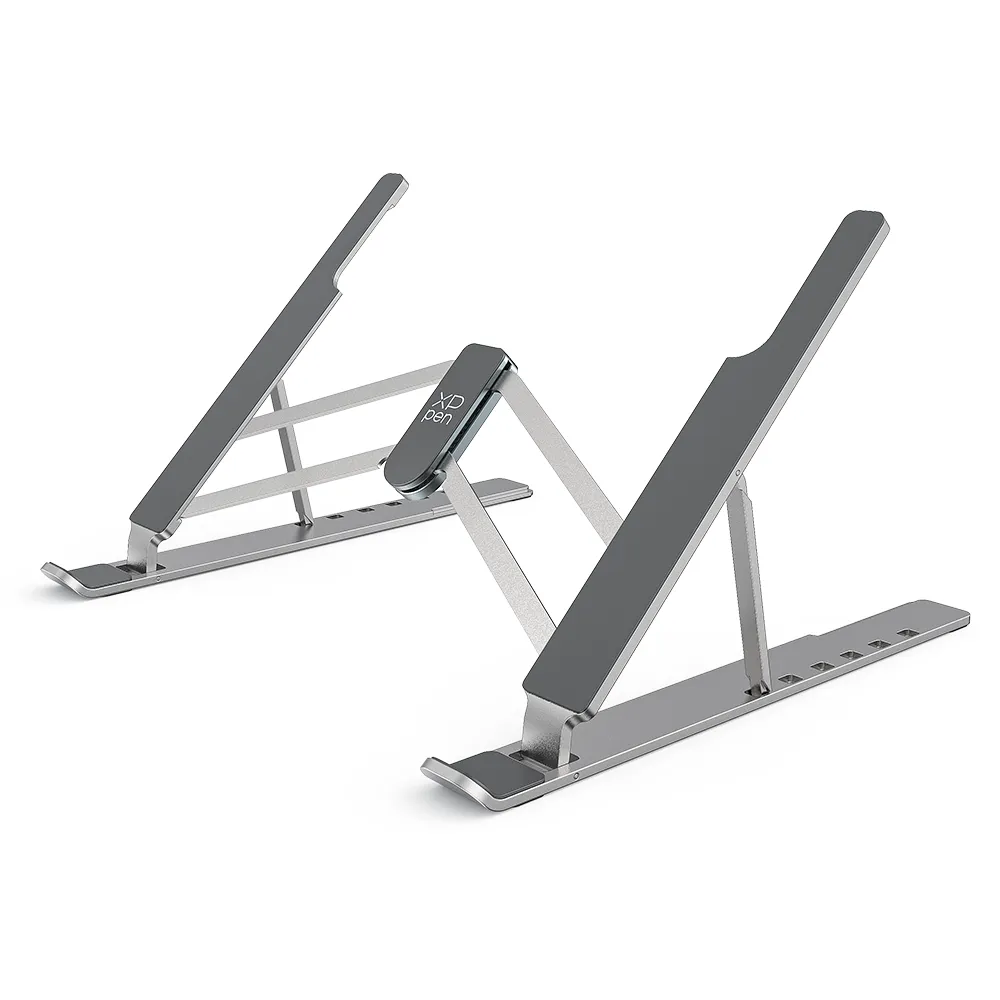
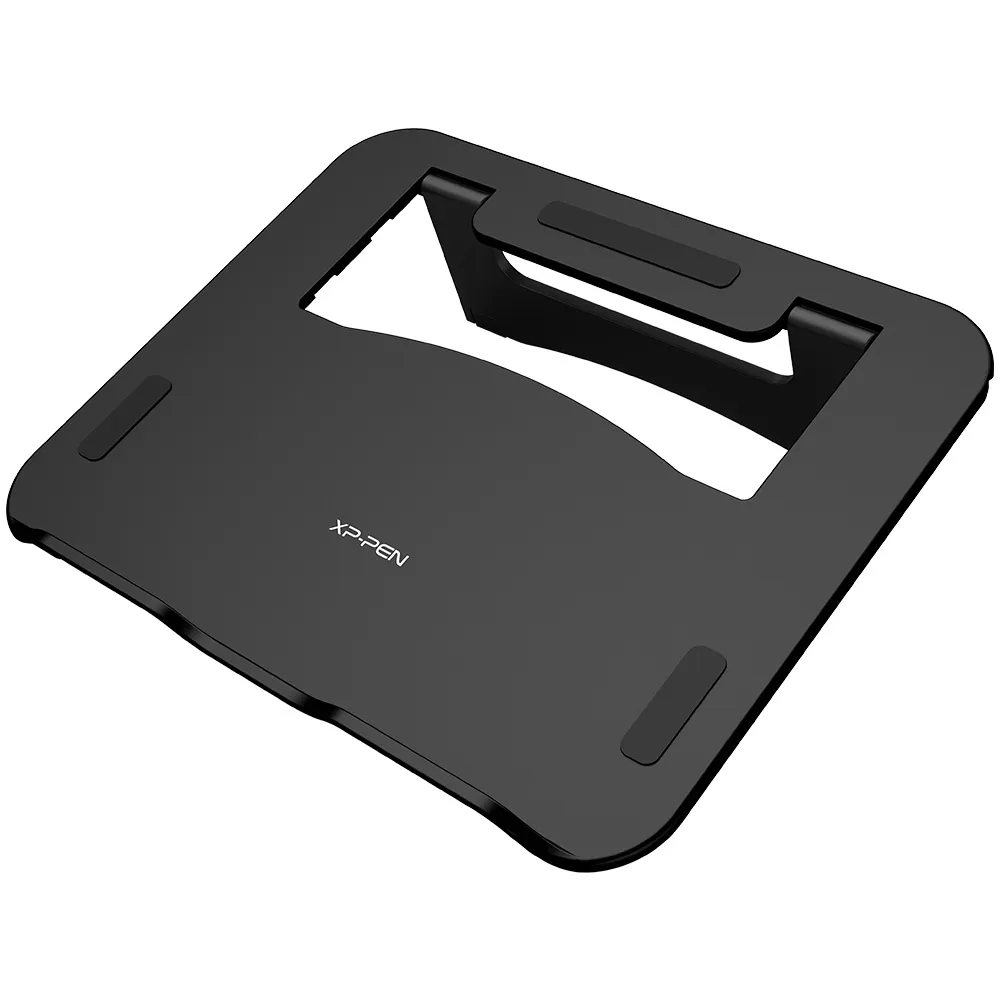
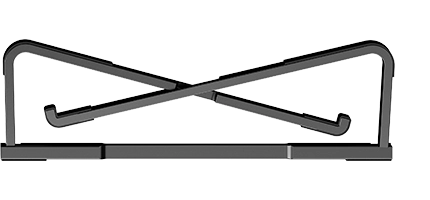
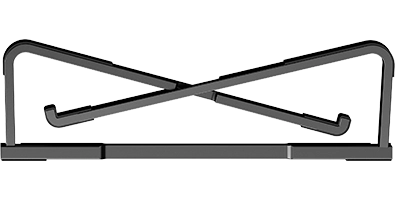
ACS 20 Stand

The foldable stand provides a 19° support angle. Place the drawing display on it for comfortable creation.

Optional Accessories

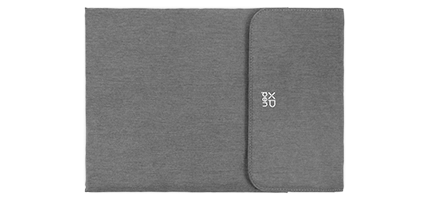
Portable Protective Case

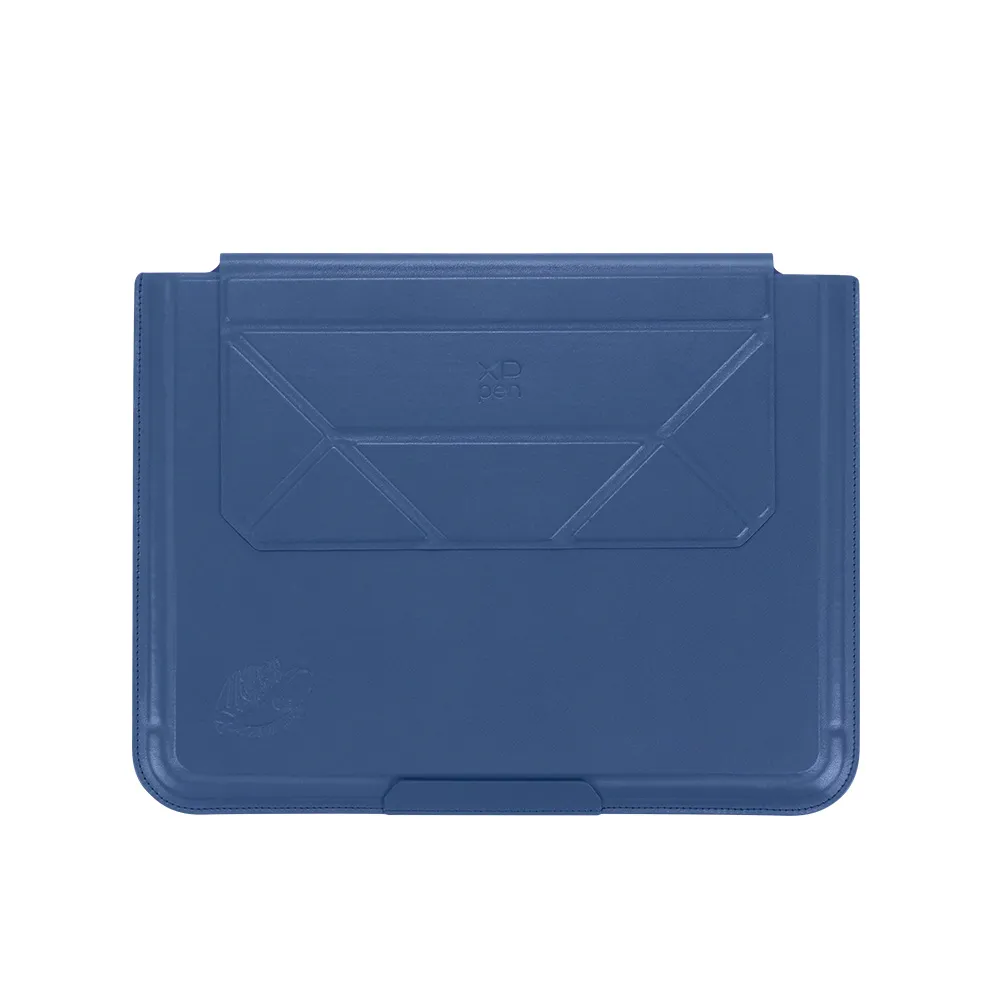
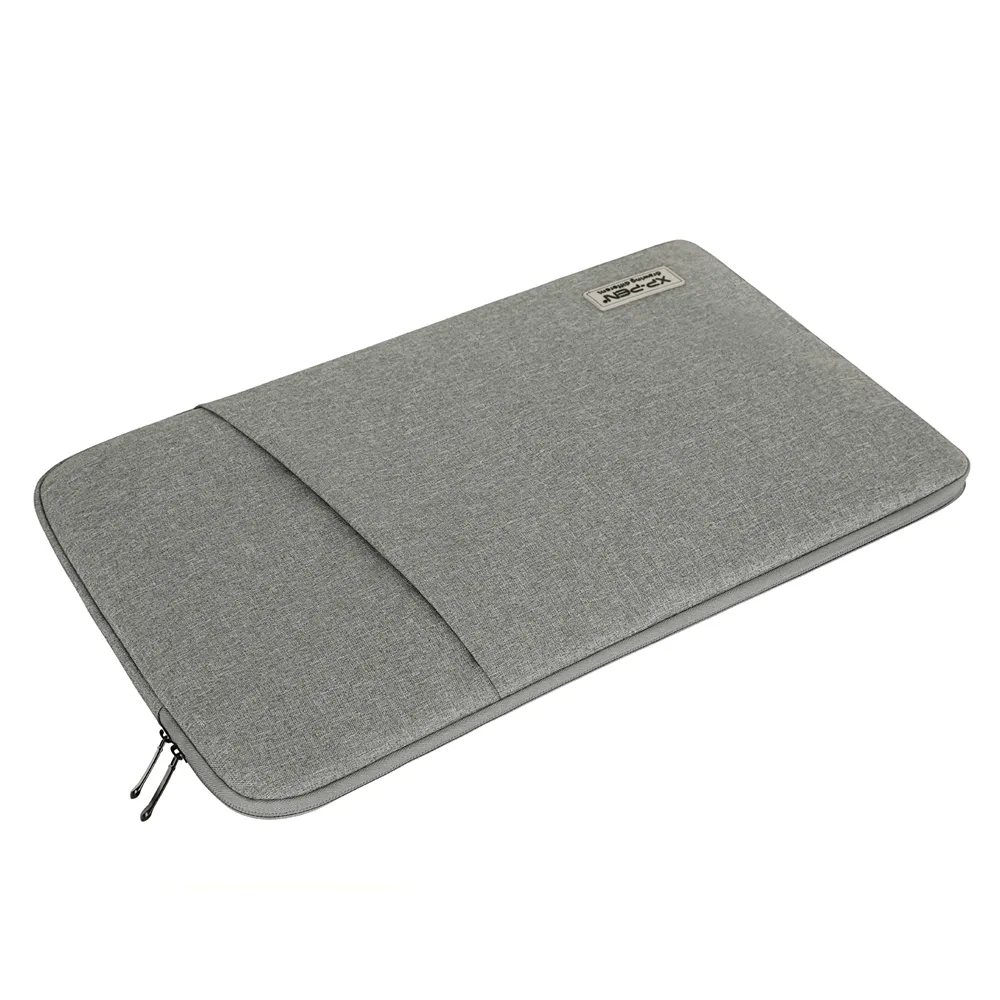
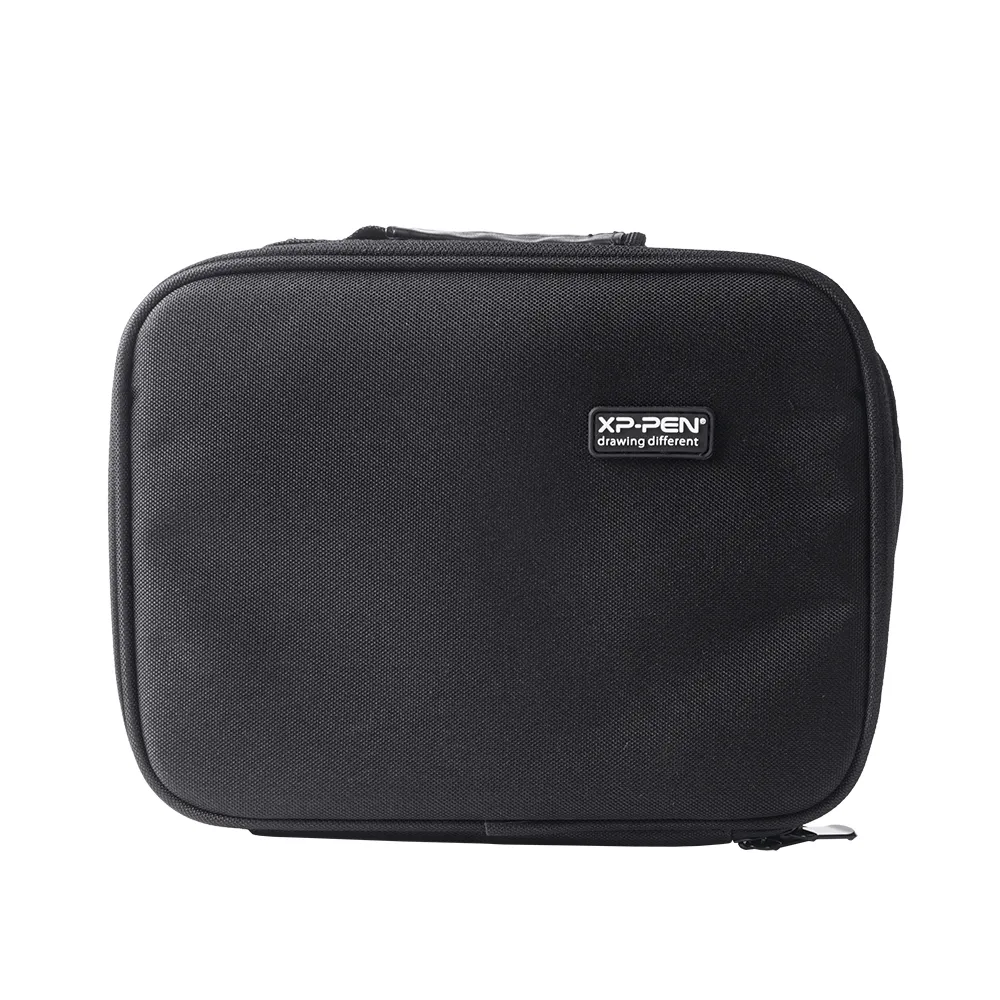
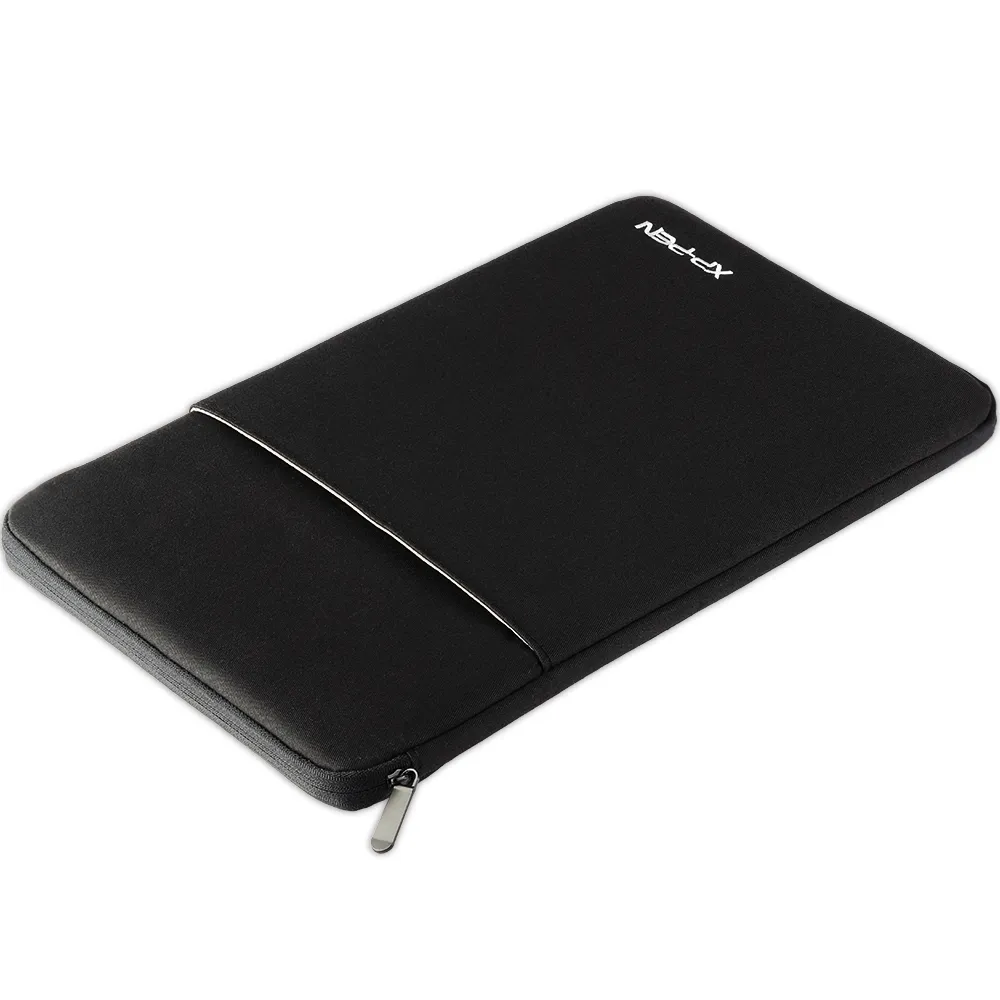
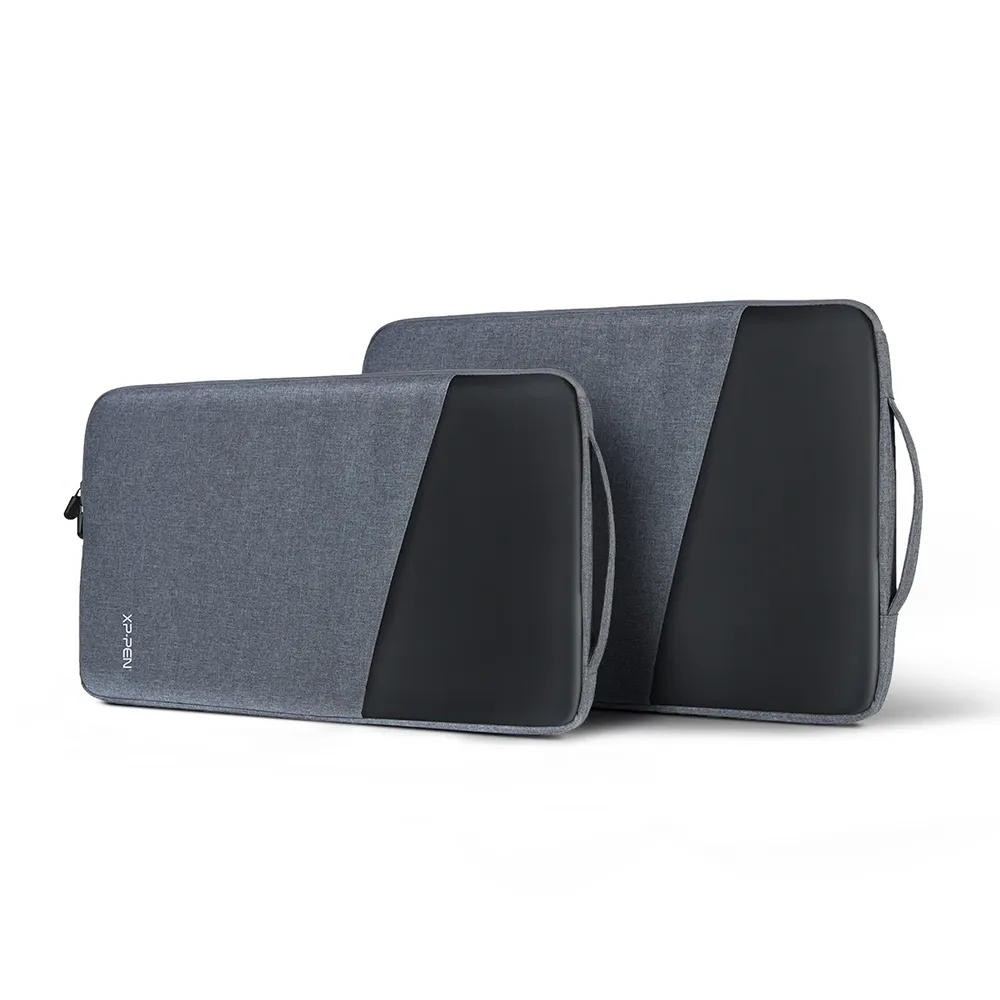
Pack your drawing display and accessories into this abrasion-resistant protective case with a soft velvet interior and zipper-free Velcro closure. Easy to carry outdoors , no worries of bumps.

*Coming Soon, Anticipate with Pleasure

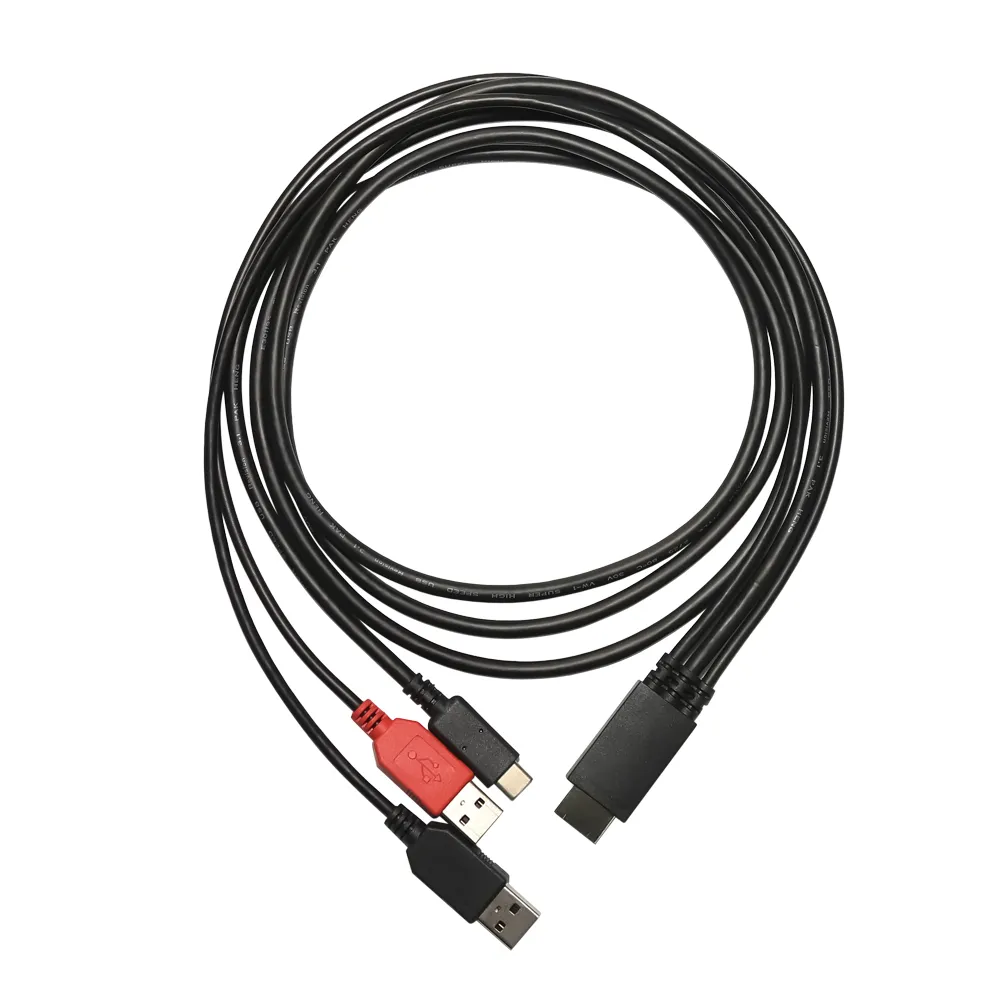
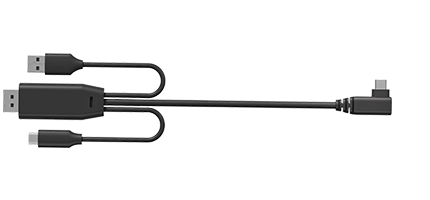
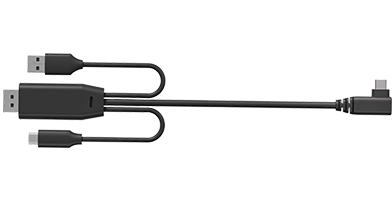
DP to USB-C Cable

For computers with DisplayPort but no video-output USB-C, this cable delivers full 2.8K/90Hz/10 -bit performance to your drawing display*.

*If the computer does not provide enough power, an additional power connection is required.

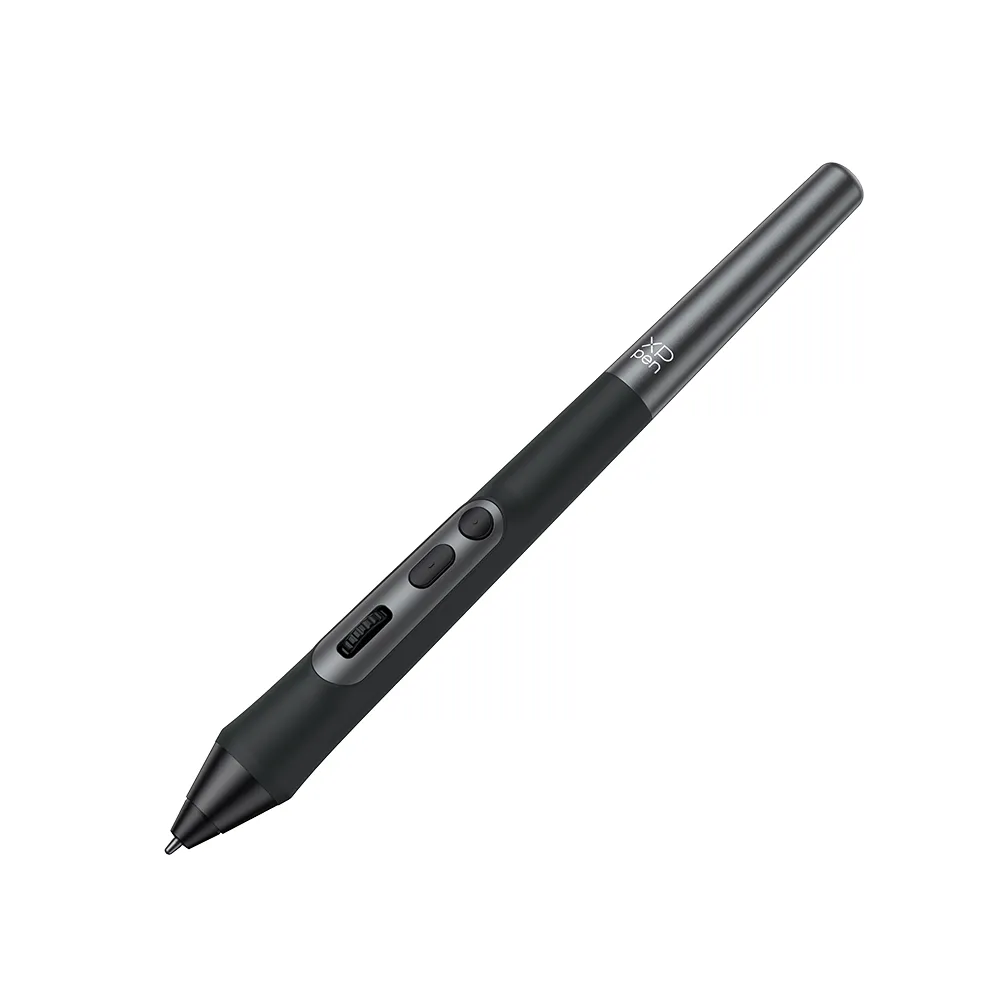
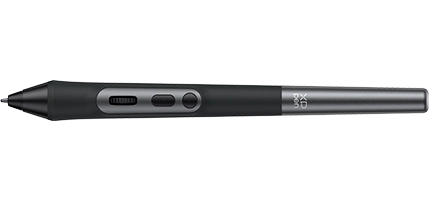
X3 Pro Roller Stylus

The stylus features a roller wheel and dual shortcut keys for easy access to common functions without clicking a mouse.

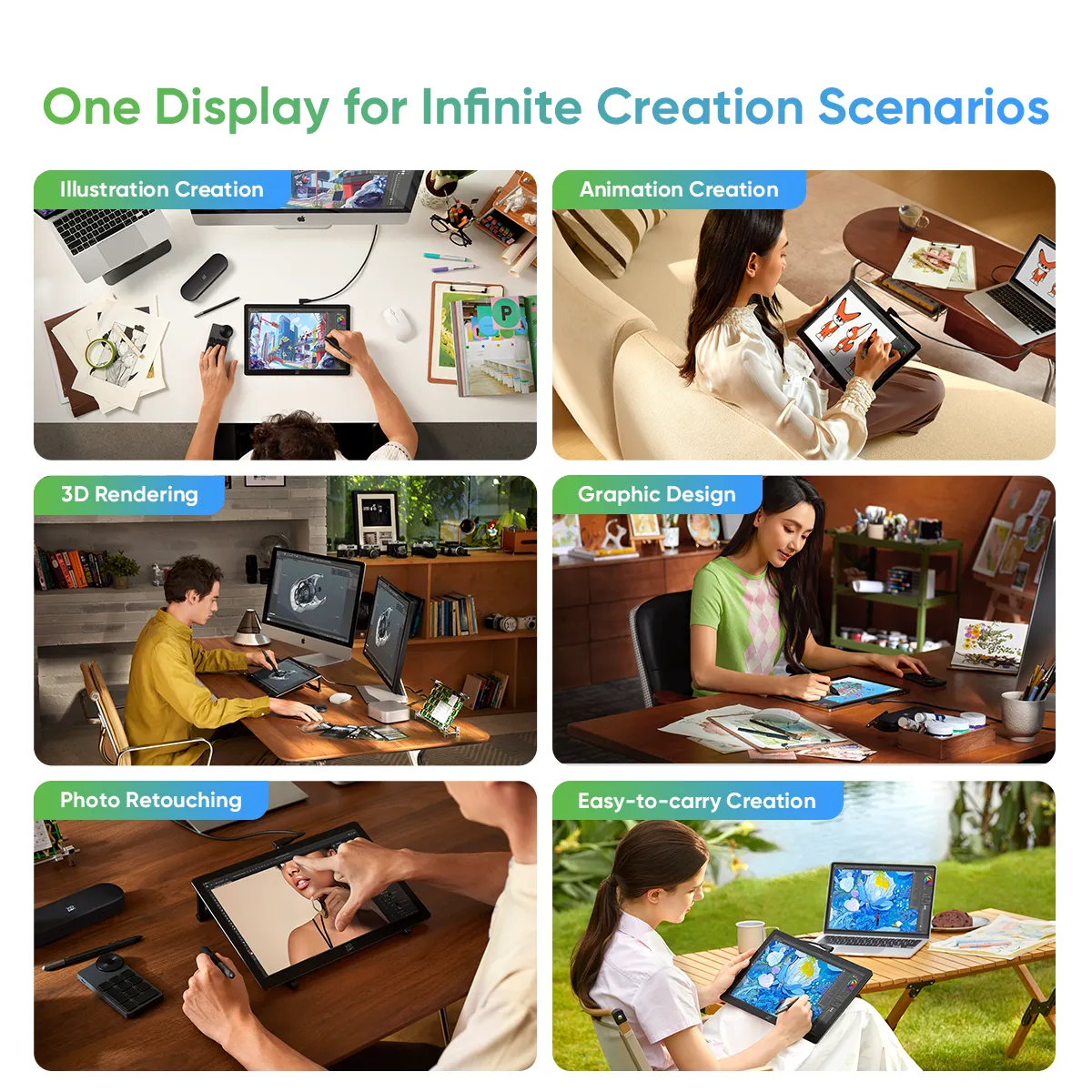
One Display, Infinite Possibilities

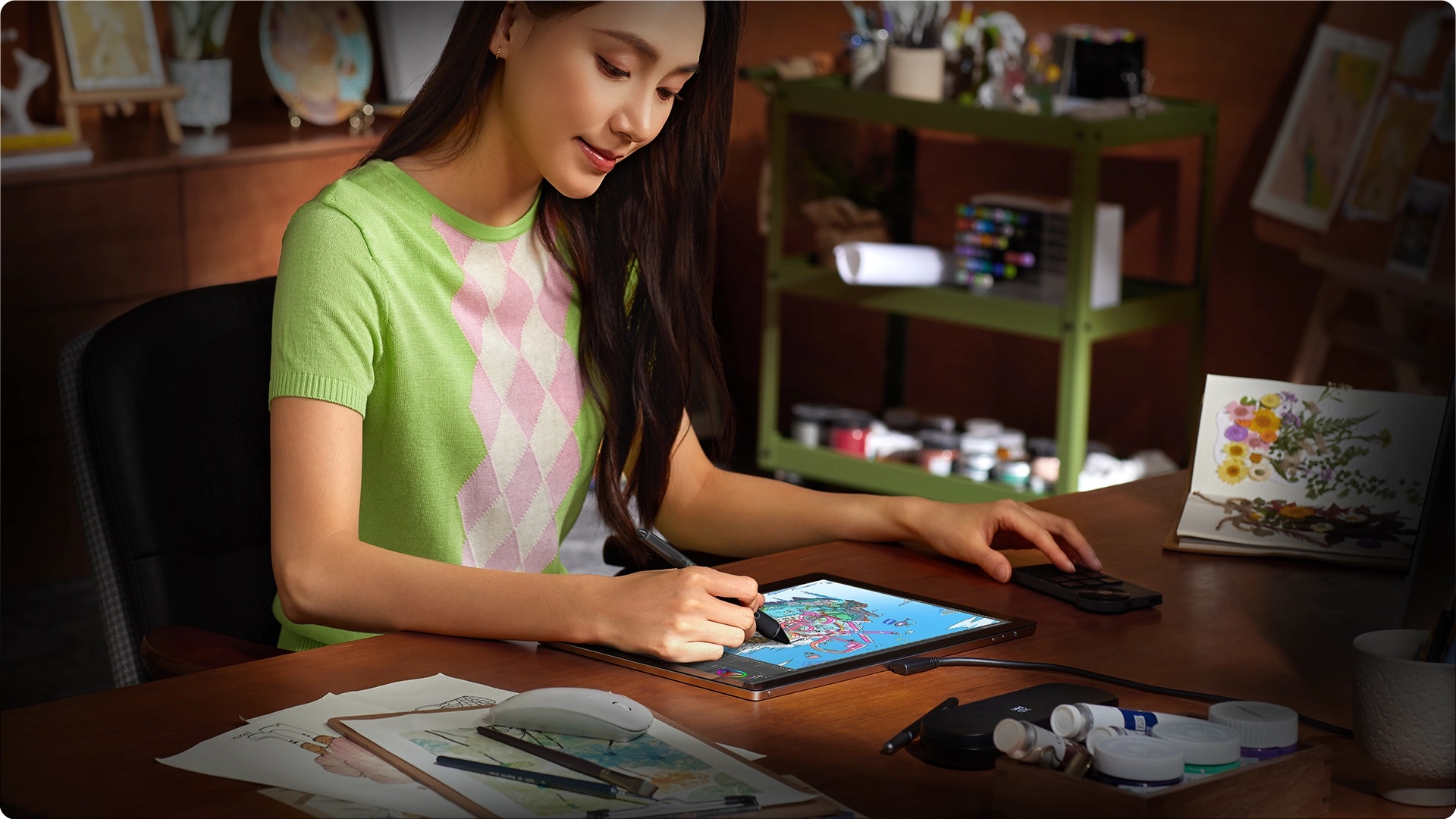
The Artist Ultra 14 is designed to meet the diverse needs of creative professionals across various fields.

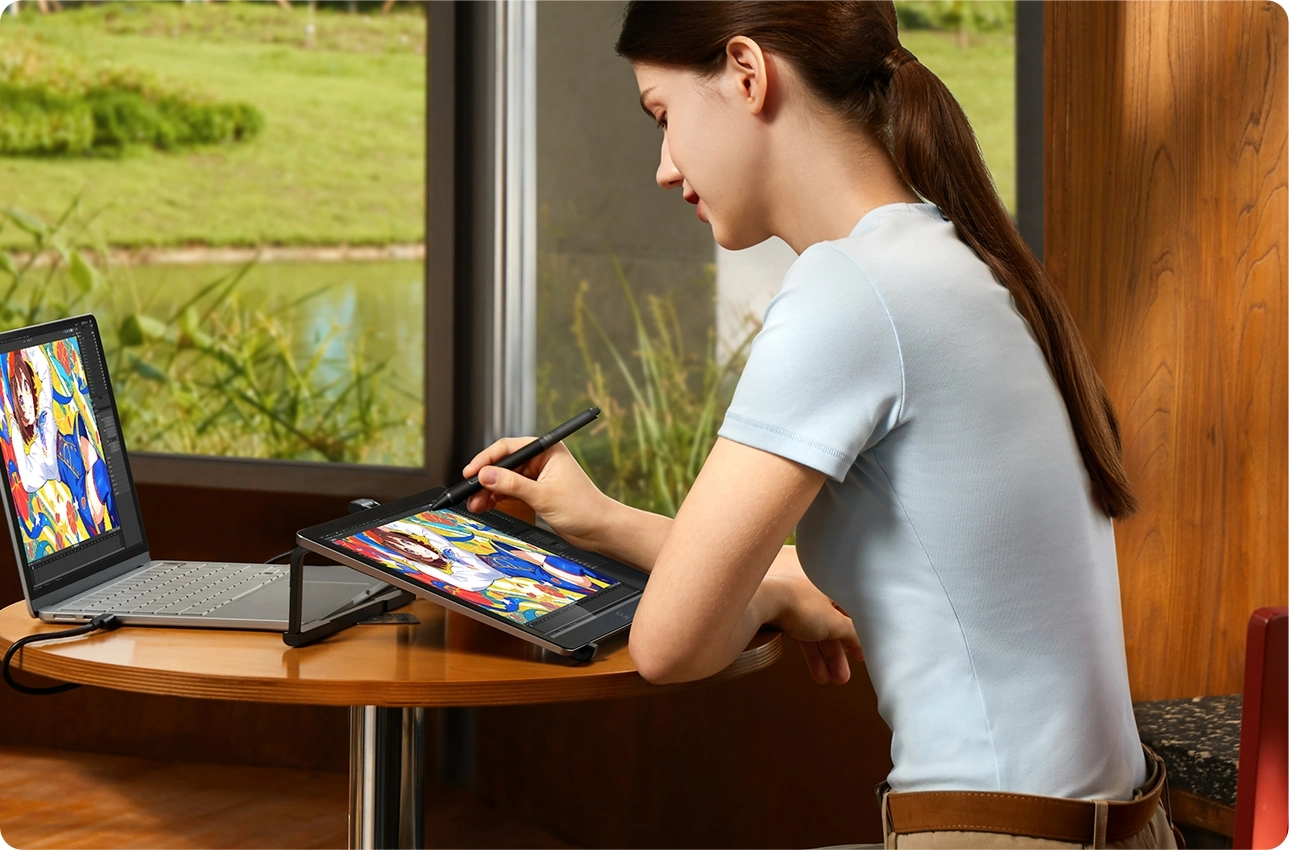
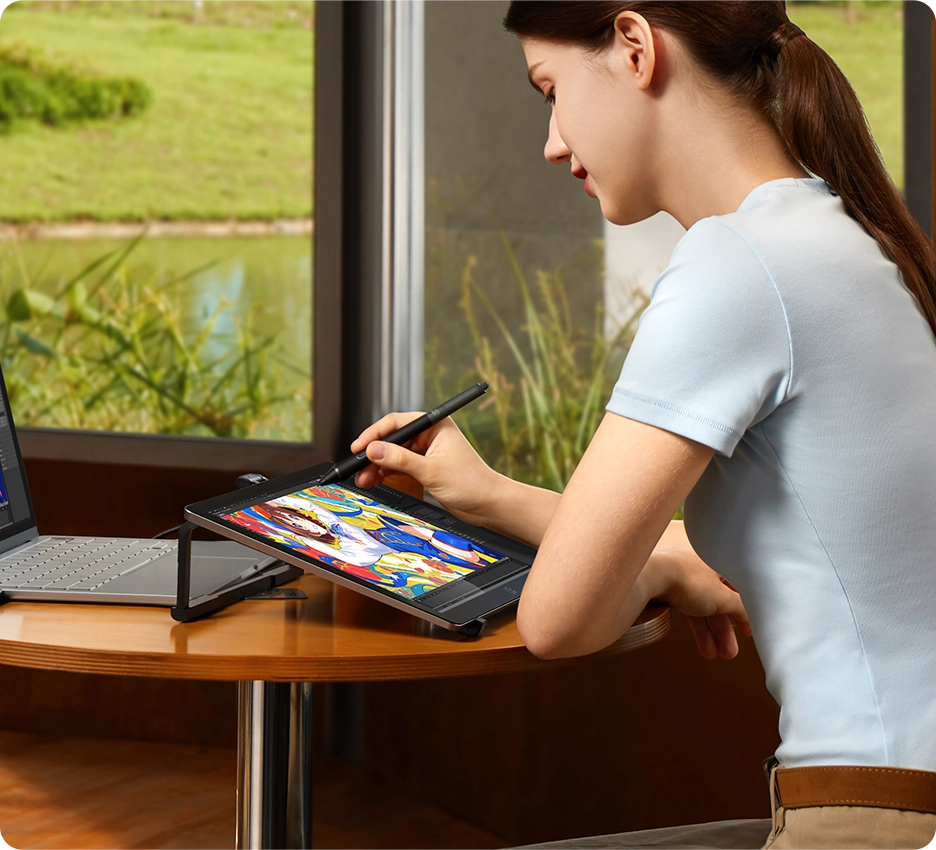
Illustration Creation, With 16K ultra-sensitive pressure levels, the stylus delivers delicate, smooth strokes that make drawing feel natural and effortless, just like on paper.

Animation Creation, Excellent color performance that satisfies the concept designer's demanding eye for accurate colors and fine details.

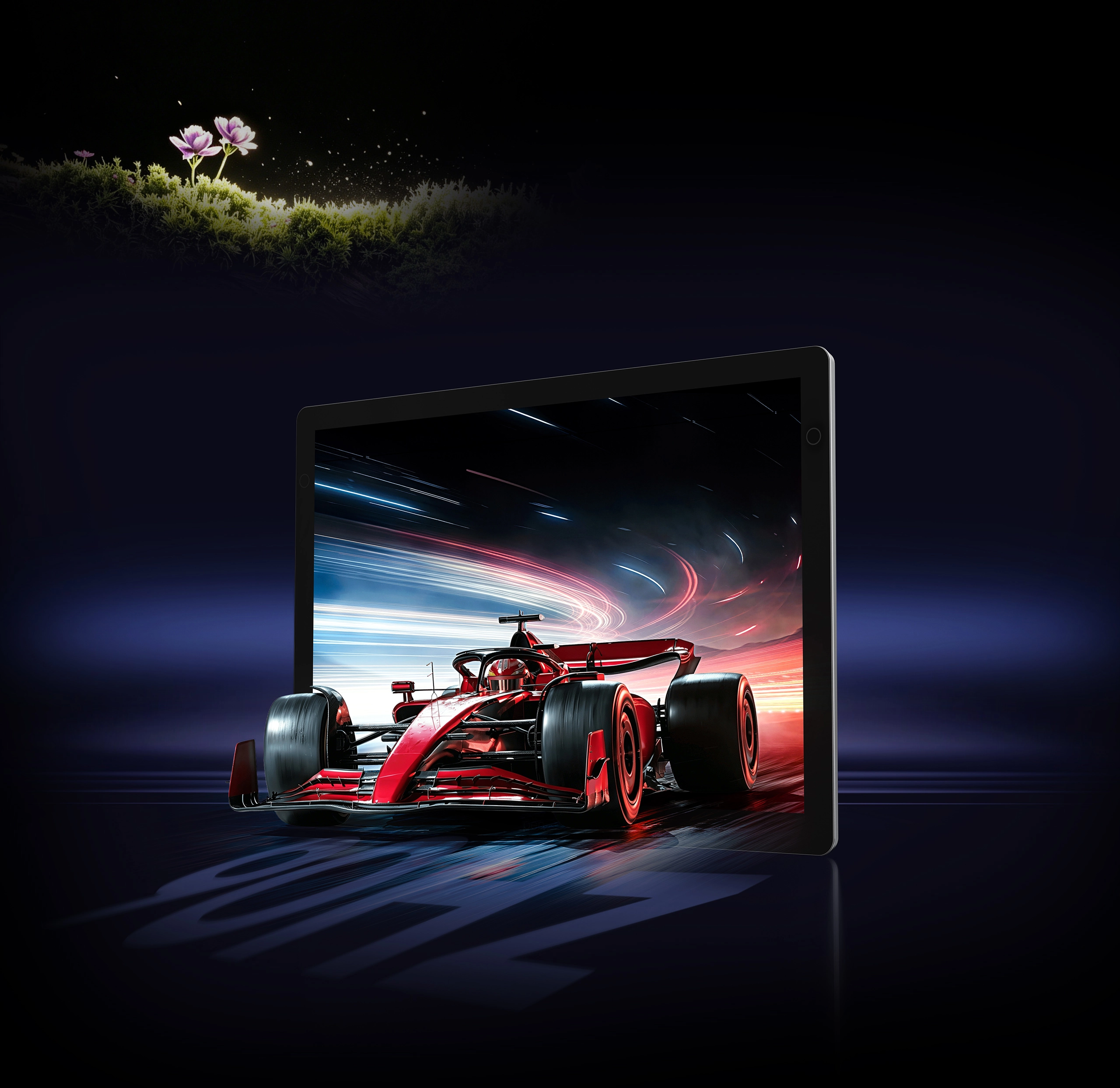
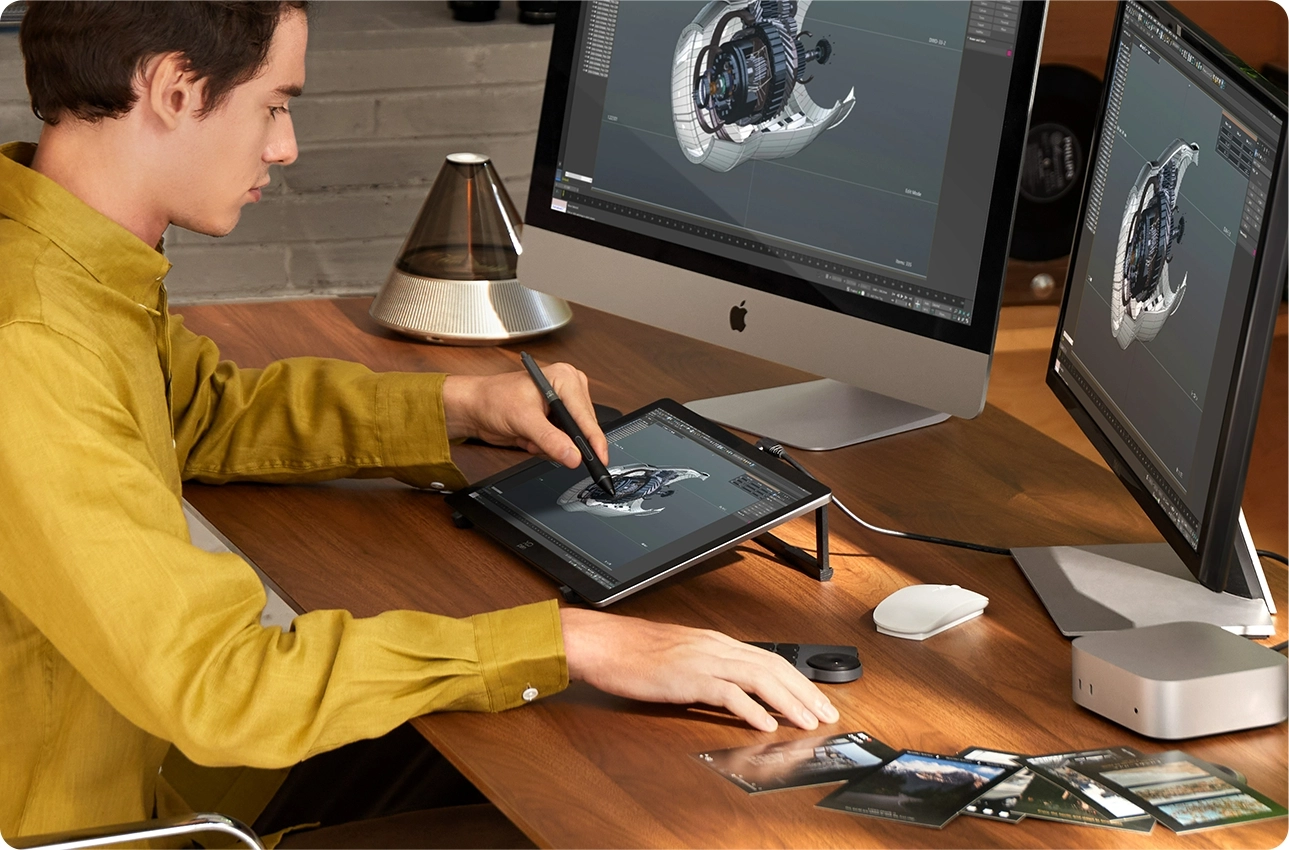
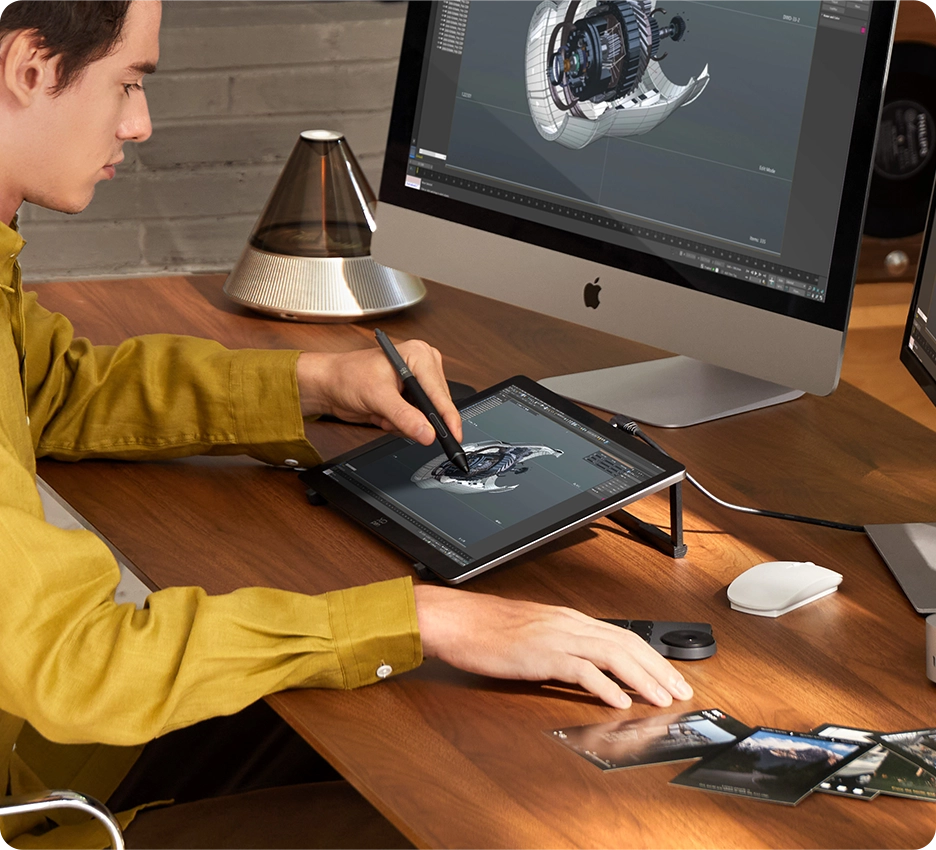
3D Rendering, The OLED display 's fast response and refresh rate minimize pixel delay, reducing motion blur and making it ideal for high-frame-rate content.

Graphic Design, The OLED display offers high definition, vibrant color quality, and together with a robust stylus, all of which enhance your artistic creations.

Photo Retouching, The 2.8K display with 99% sRGB ensures accurate color retouching retouching, while the 16K-pressure styli provide precise control for fine detailed adjustment.

Easy-to-carry Creation, The slim and streamlined design ensures a comfortable grip and easy portability, letting you create anytime, anywhere.

High Compatibility,
More Possibility

Works smoothly with various systems and software.
Windows 7 or later (Touch function supports only on Windows 10 or later),
macOS 12 or later, Android 10.0 or later (USB3.1 DP1.2 required), ChromeOS 88 or later,
Linux (Touch function supports only on Ubuntu 20.04 LTS or later)

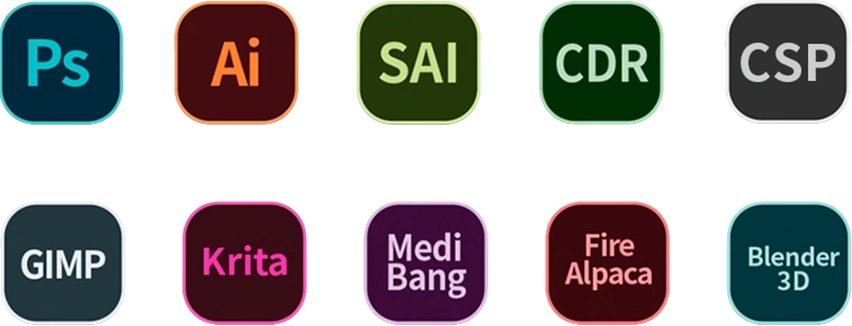
Compatible with popular digital art software such as Adobe Photoshop,
Illustrator, SAI, CDR, Clip Studio Paint, GIMP, Krita, MediBang, FireAlpaca, Blender3D, etc.

Getting started with your
XPPen Artist Ultra 14
Learn more >
Artist Ultra 14
comes with one free creative software.
Learn more >

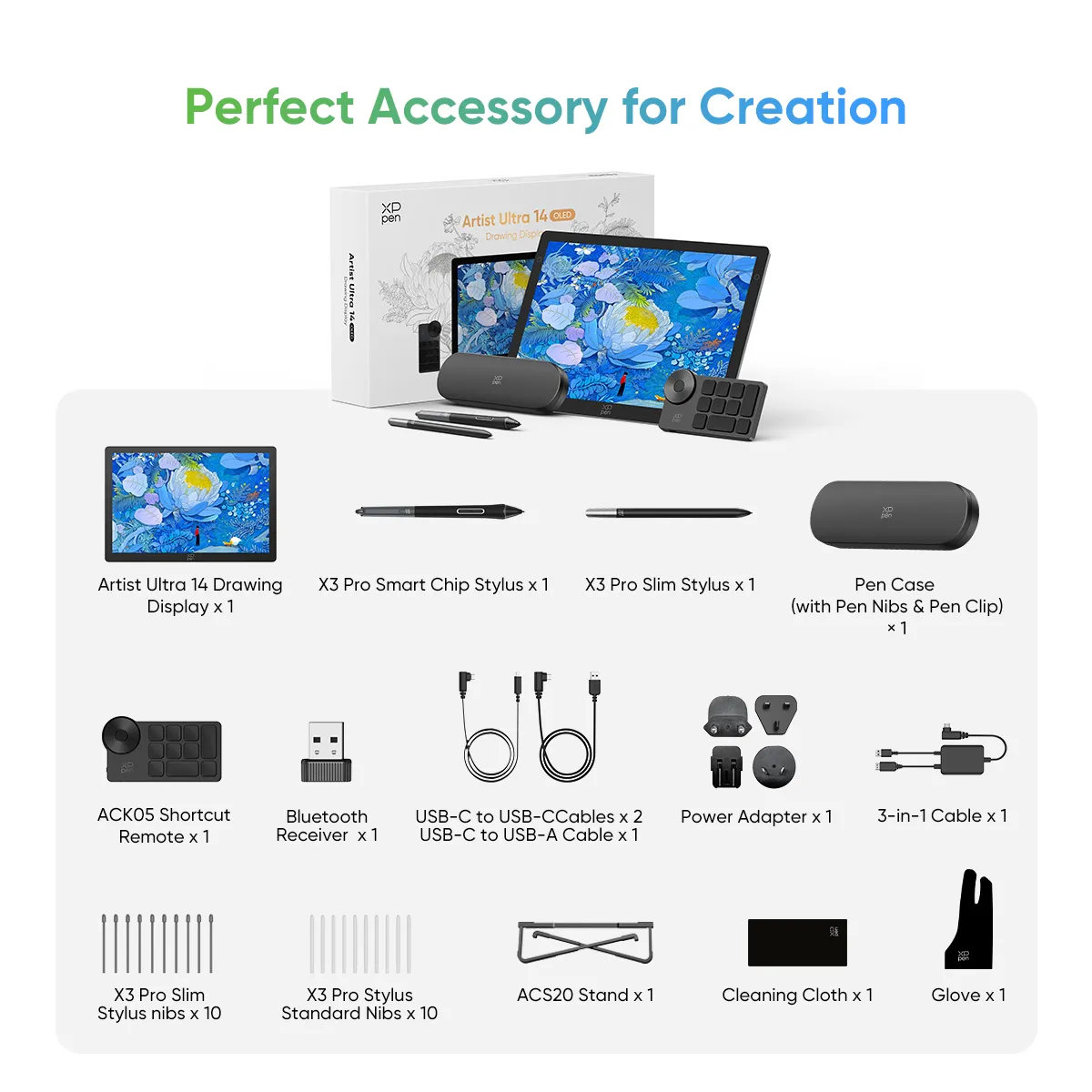
Accessory

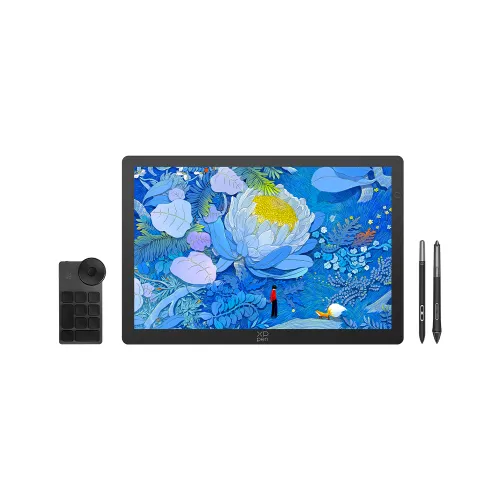
Artist Ultra 14 Drawing Display x 1

X3 Pro Smart Chip Stylus x 1

X3 Pro Slim Stylus x 1

Pen Case (with Pen Nibs & Pen Clip) × 1

ACK05 Wireless Shortcut Remote × 1

Bluetooth Receiver  x 1

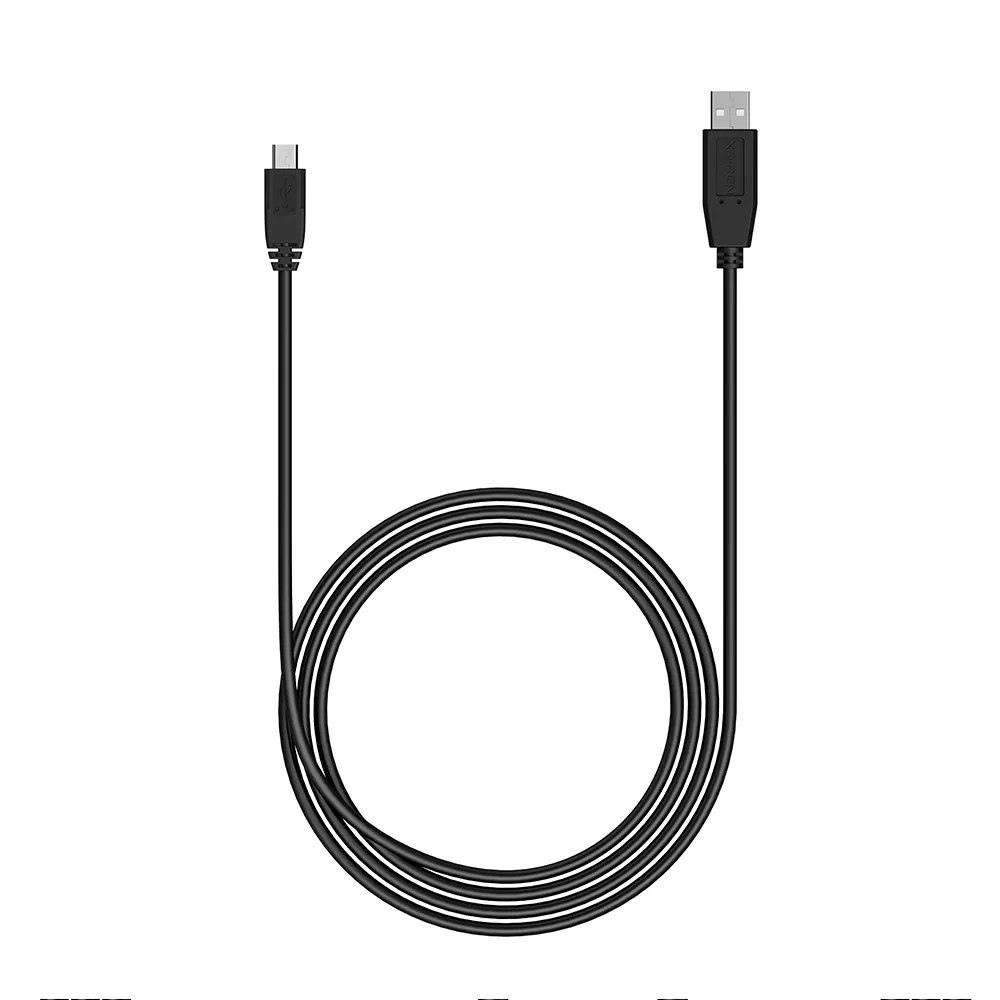
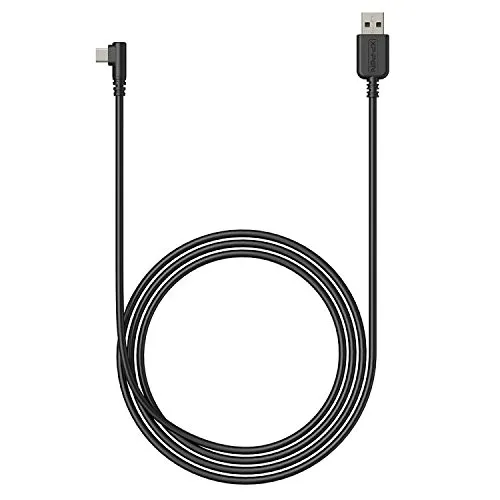
USB-C to USB-C Cables x 2

USB-C to USB-A Cables x 1

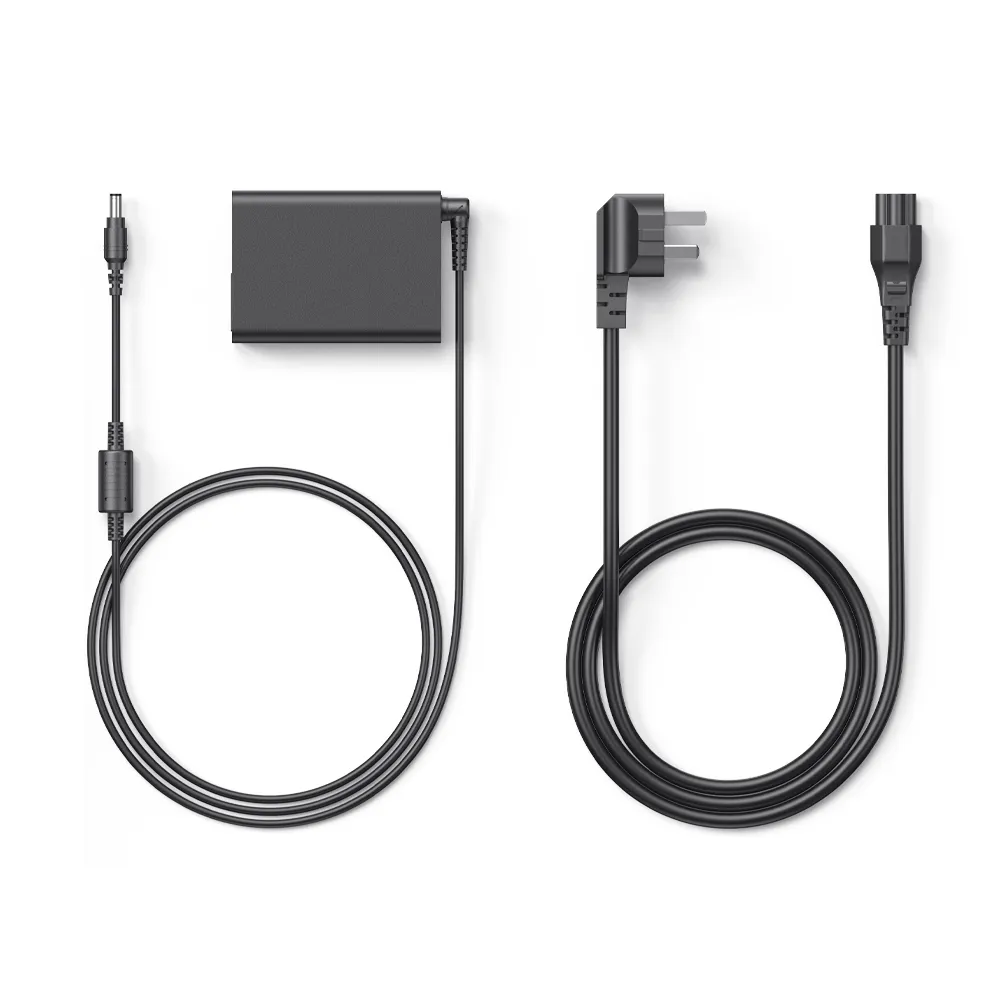
Power Adapter x 1

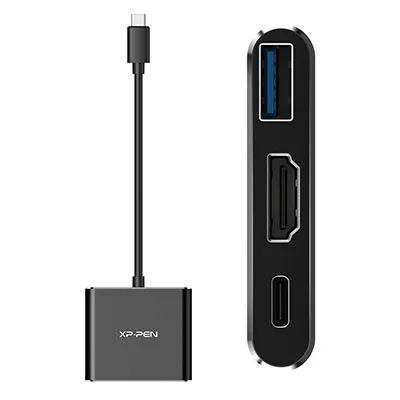
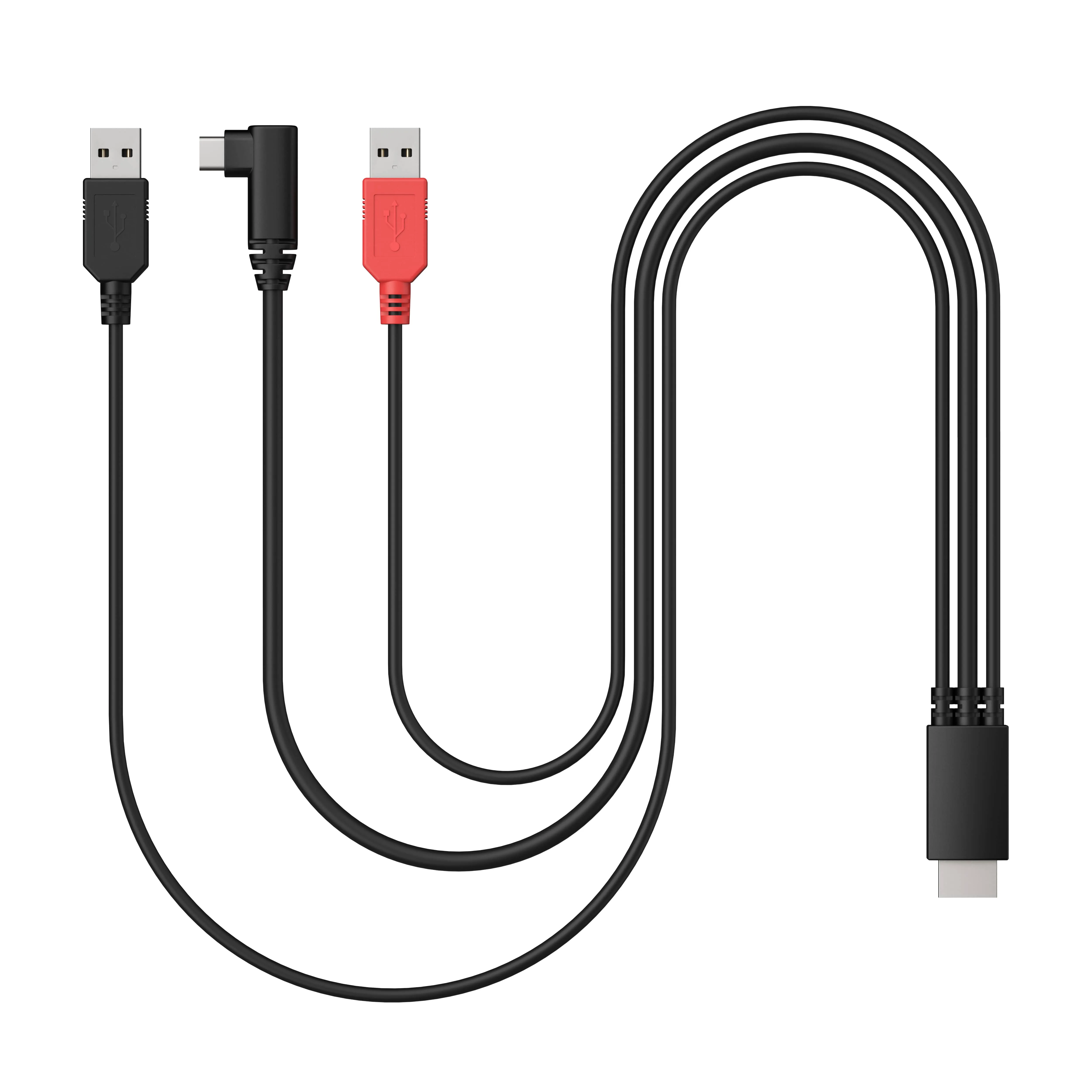
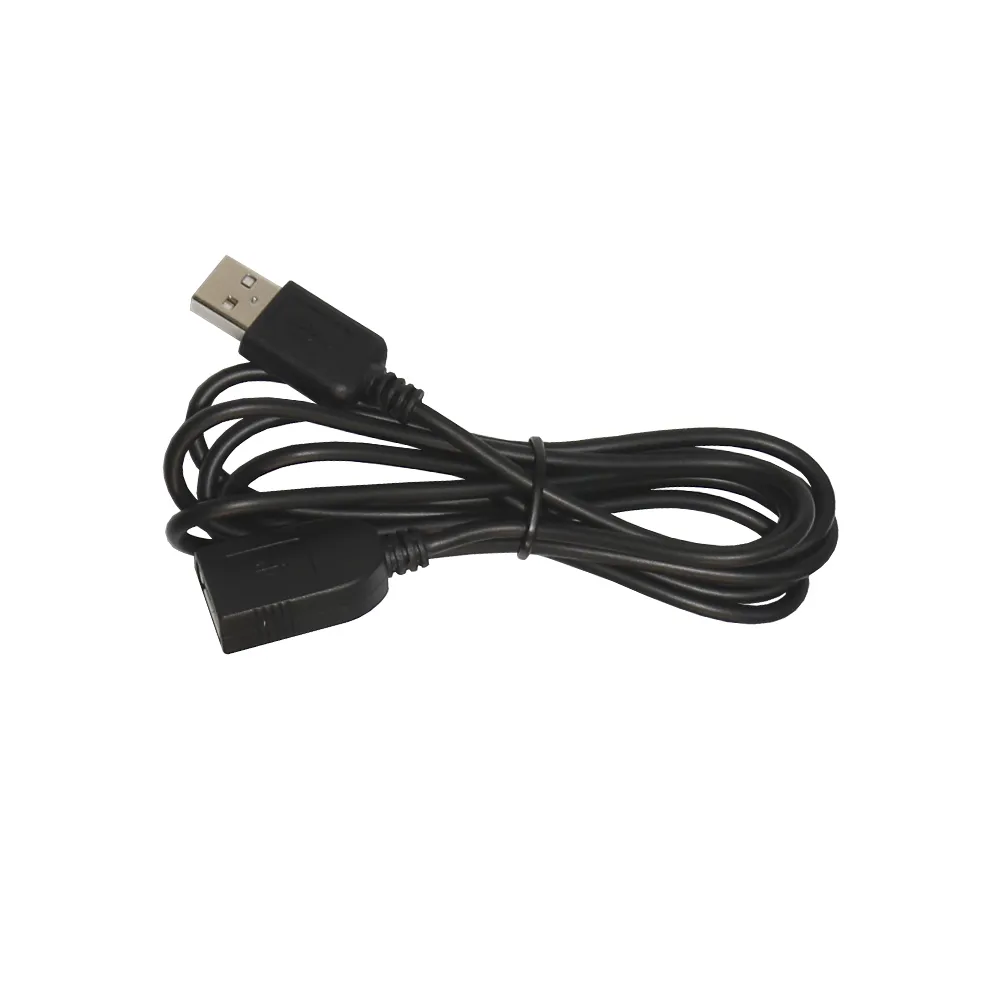
3-in-1 Cable x 1

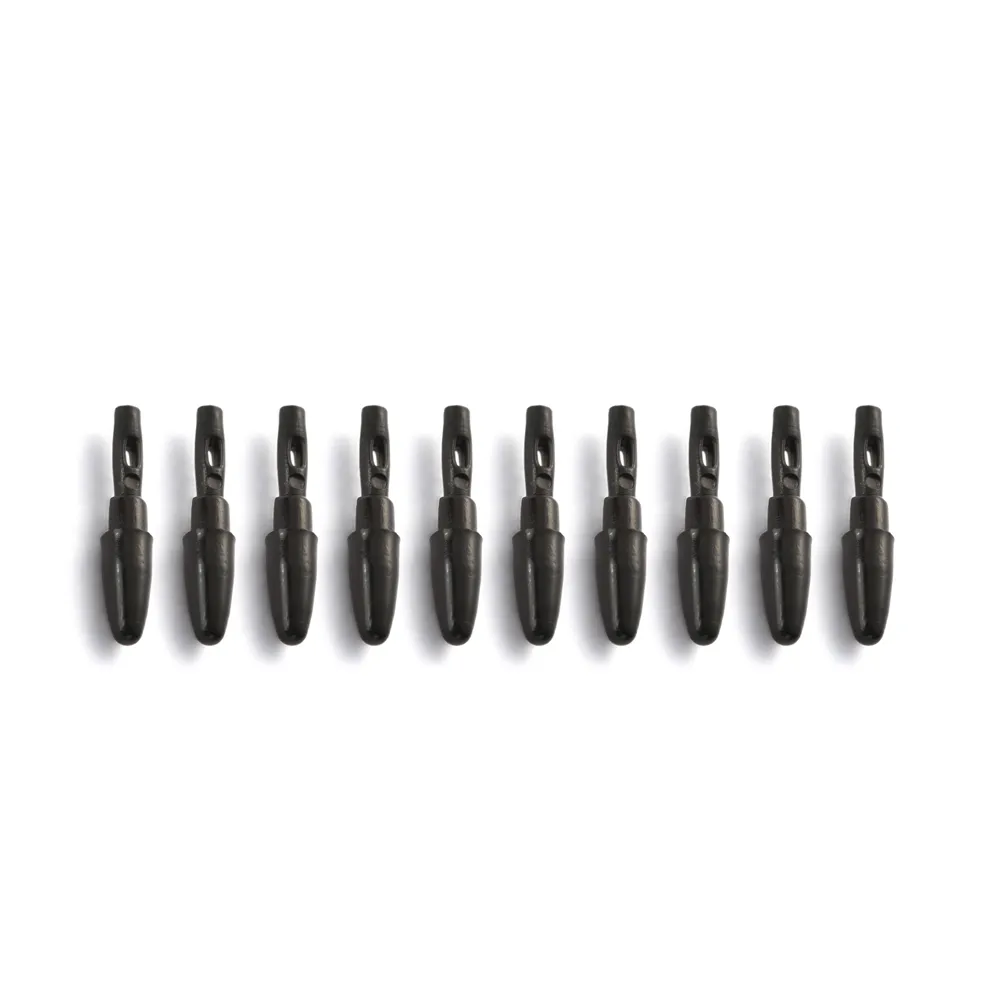
X3 Pro Slim Stylus Nib x 10

X3 Pro Stylus Nib x 10

ACS20 Stand x 1

Cleaning Cloth x 1

Glove x 1

  • Specifications

Q1: Does the XPPen Artist Ultra 14 need to be connected to a computer?

A: Yes. The Artist Ultra 14 is not a standalone drawing tablet. It must be connected to a compatible computer, Android phone, or Android tablet to work.

Q2: Does the Artist Ultra 14 support multi-touch?

A: Yes. The Artist Ultra 14 supports 10-finger multi-touch and pen input for intuitive gestures and creative control. It also features pen-priority technology: when the stylus enters the sensing area, touch input is temporarily disabled to help prevent accidental touches.

Q3: How can I prevent accidental touches while drawing on the Artist Ultra 14?

A: The Artist Ultra 14 offers several ways to prevent accidental touches:
Pen-priority mode automatically disables touch when the stylus is detected.
Customize the active touch area in the XPPen driver.
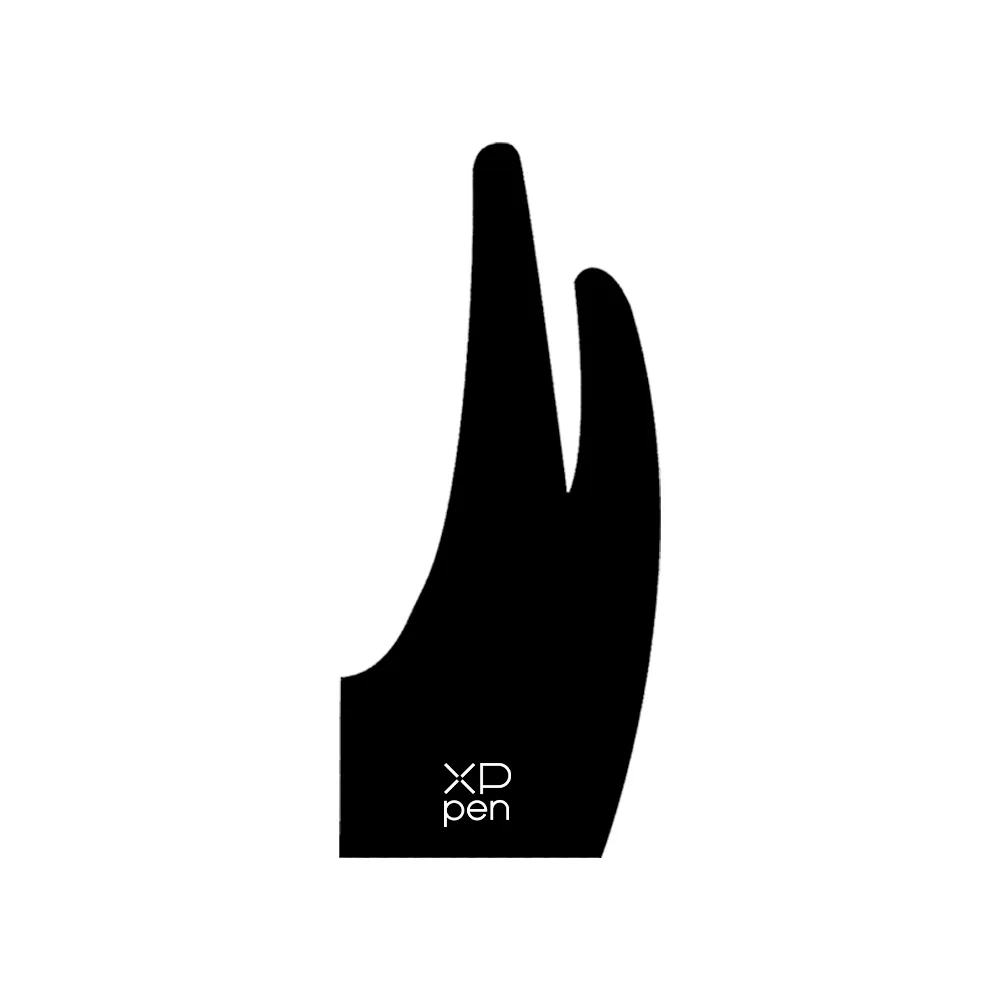
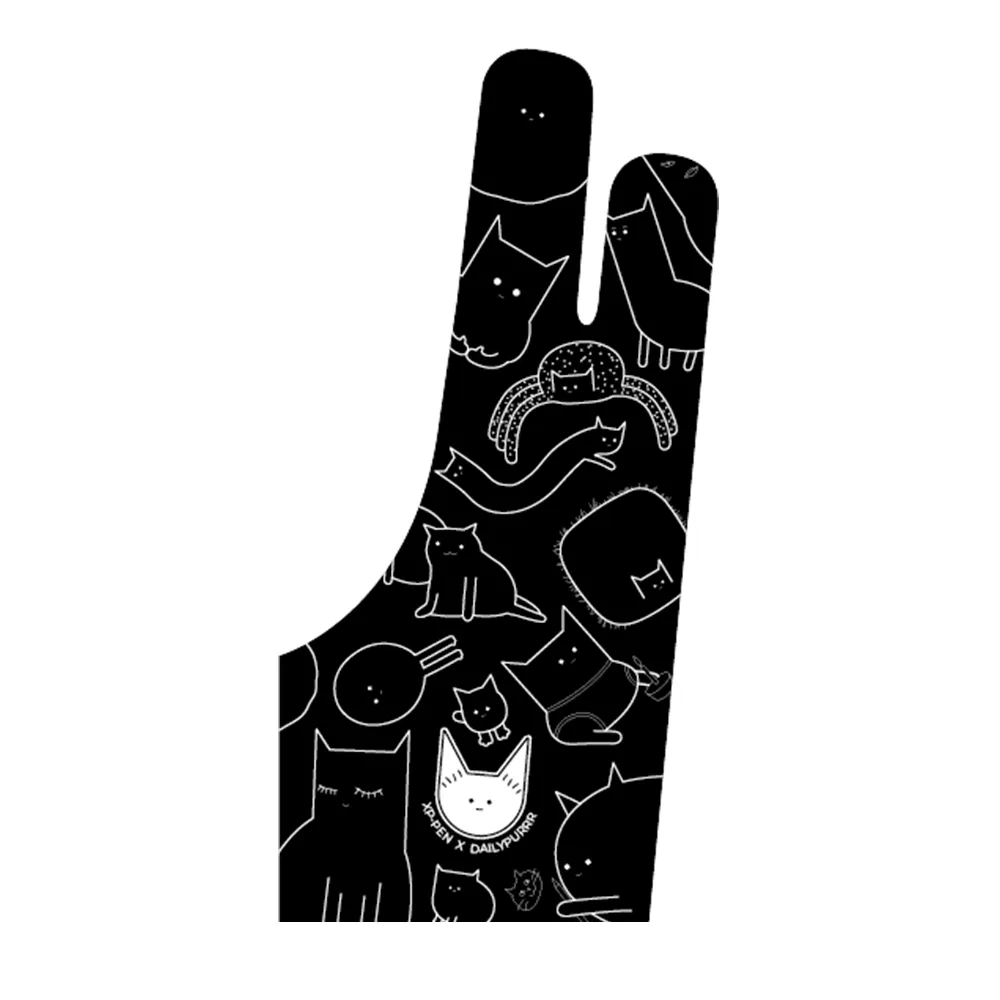
Wear the included anti-touch glove while drawing.
Use the touch switch on the top of the device to turn off touch completely.

Q4: What are the benefits of the OLED display on the Artist Ultra 14?

A: The Artist Ultra 14 features an OLED display with self-emitting pixels, delivering deep blacks, high contrast, vivid colors, and fast response times. Compared with traditional LCD pen displays, OLED technology also enables a thinner, lighter design. Hardware-level blue light reduction helps provide a more comfortable viewing experience during long creative sessions.

Q5: Does the Artist Ultra 14 OLED display flicker?

A: The Artist Ultra 14 uses DC-like dimming technology. At higher brightness levels, it uses DC dimming to help minimize flicker. At lower brightness levels, it uses 1920Hz high-frequency PWM dimming for a comfortable viewing experience.

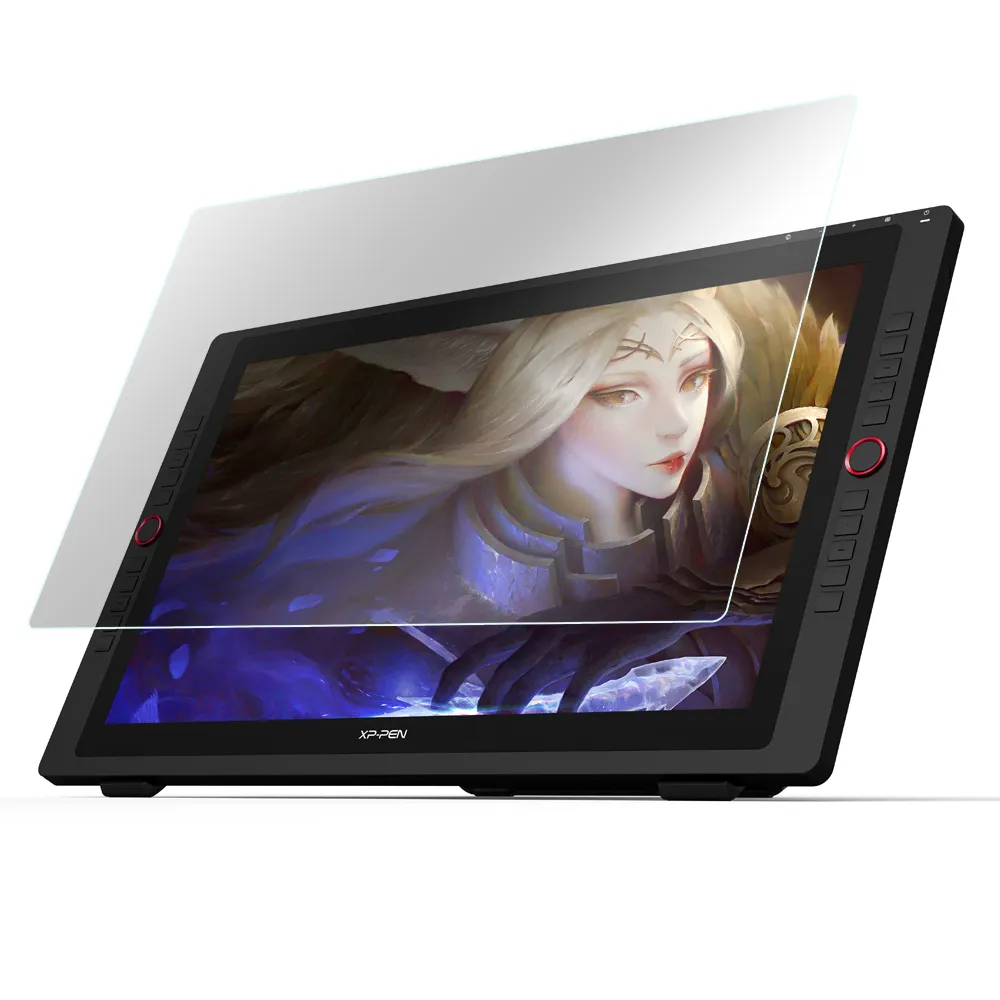
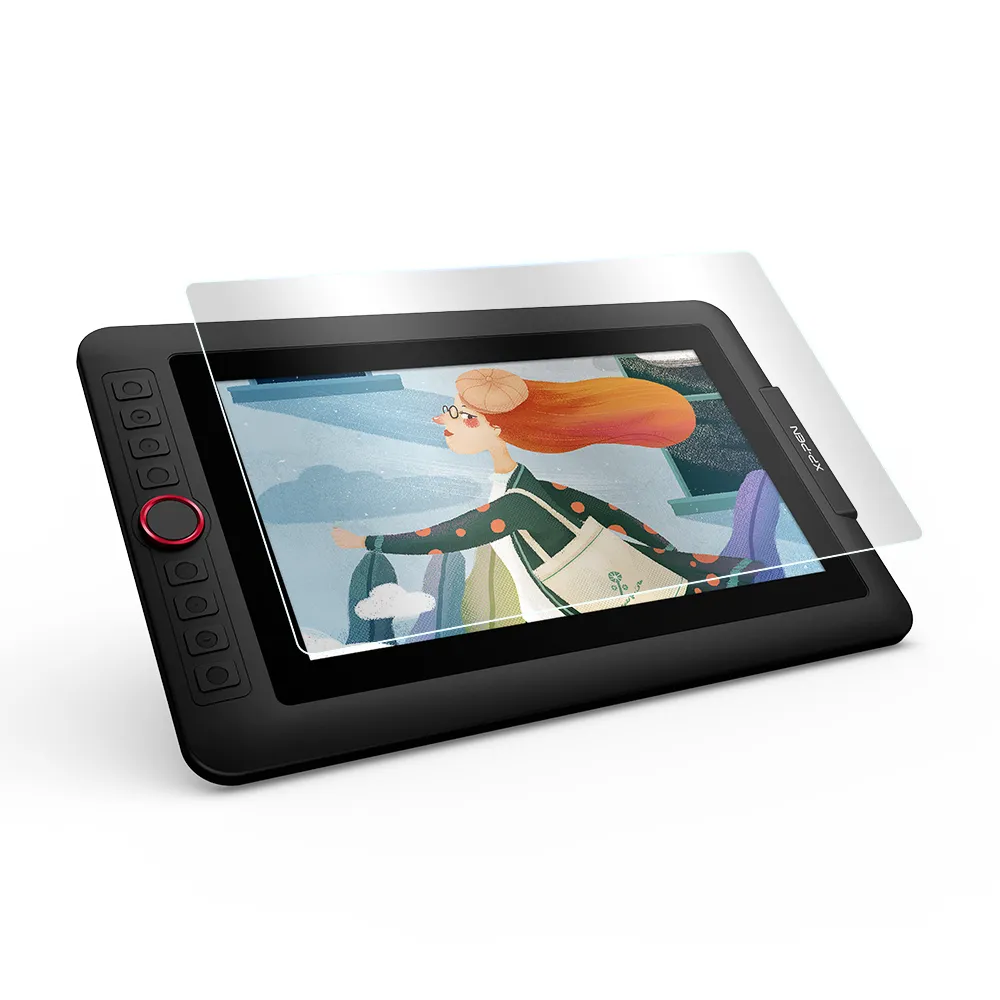
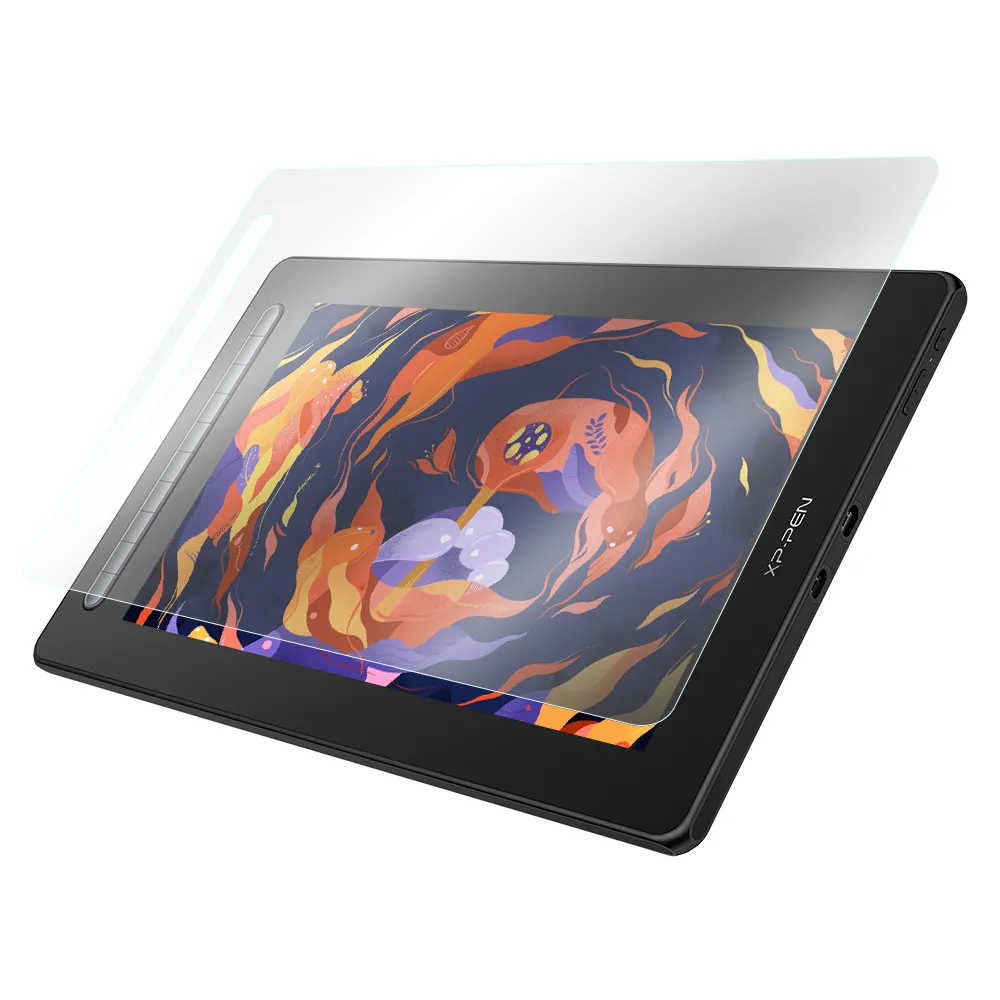
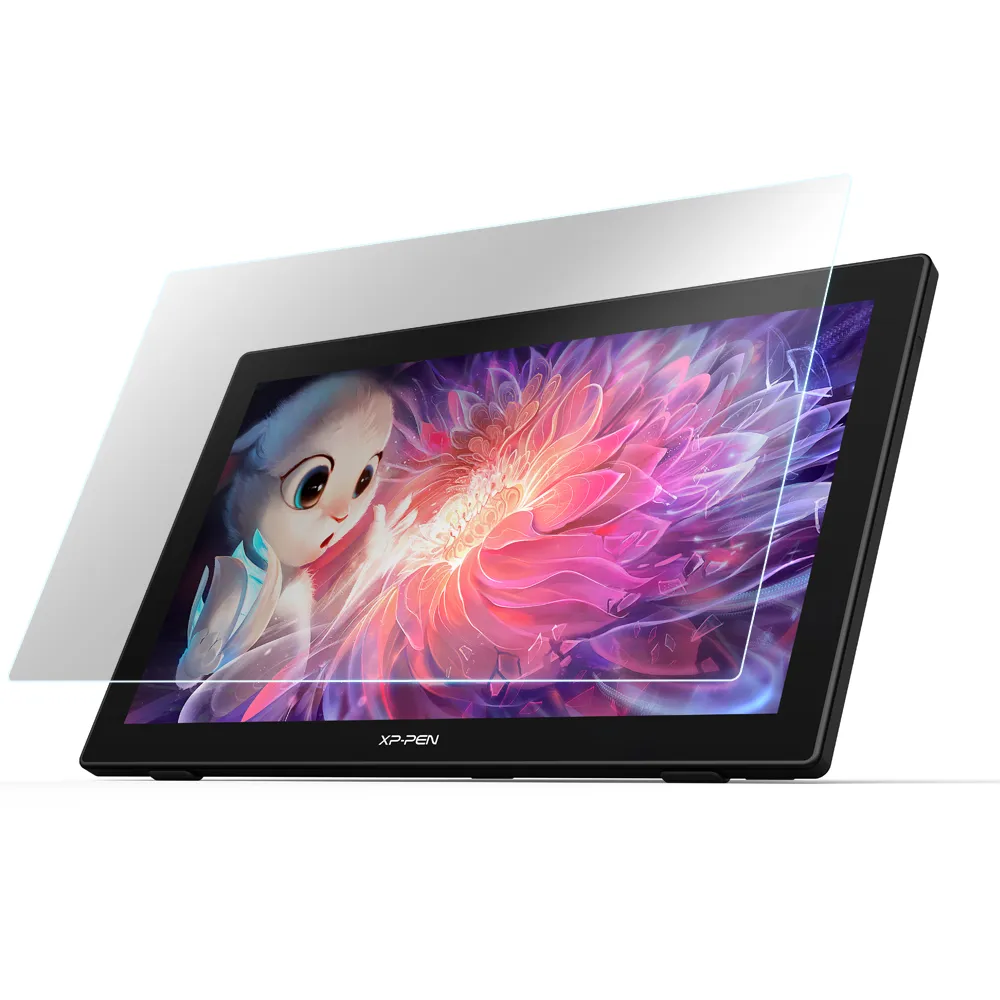
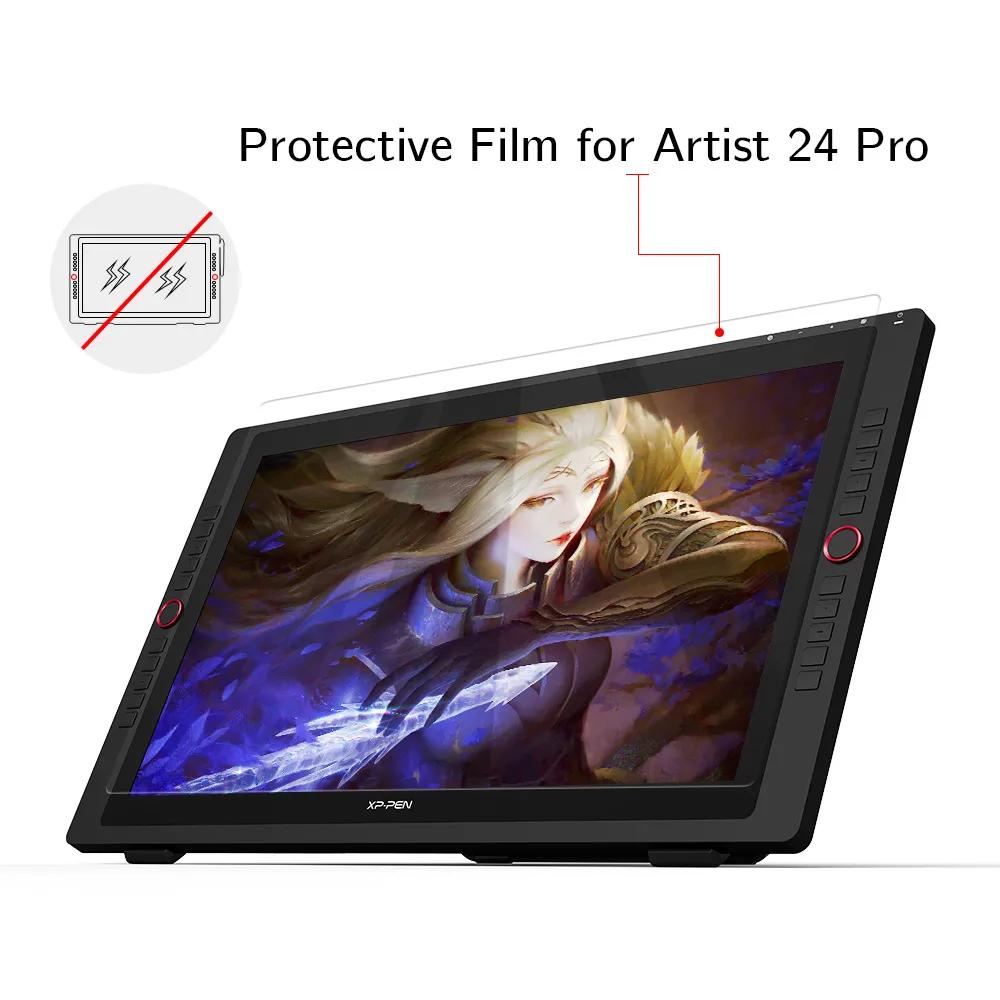
Q6: Does the Artist Ultra 14 need a screen protector?

A: No. The Artist Ultra 14 features AG etched glass designed to resist scratches from standard and felt pen nibs during normal use. The etched surface also provides a natural pen-on-paper feel while reducing glare, so an additional screen protector is not necessary.

Q7: Can the Artist Ultra 14 be used as both a pen display and a pen tablet?

A: Yes. The Artist Ultra 14 can function as both a drawing display and a pen tablet. When the device is powered on, press and hold the power button for 3 seconds to switch to pen tablet mode.

Q8: Does the Artist Ultra 14 have a fully laminated display?

A: Yes. The Artist Ultra 14 features a fully laminated display, which reduces the visual gap between the pen tip and the cursor for a more precise and natural drawing experience.

Q9: Does the Artist Ultra 14 come with a stand and support VESA mounting?

A: The Artist Ultra 14 comes with a portable foldable stand for convenient drawing and viewing angles. It does not support VESA mounting.

Q10: Is the Artist Ultra 14 suitable for beginners or professional artists?

A: The Artist Ultra 14 is positioned as a professional drawing display, with an OLED screen, multi-touch controls, and advanced pen performance. Its intuitive touch controls and clear display also make it accessible to beginners who want a premium drawing experience.

Reviews

Leave your review

0

Based on 0  Reviews

Show All Comments

0(0)

0(0)

0(0)

0(0)

0(0)

Reviews(0)

Filter By:
Sort by:

You may also like

FAST & FREE

7-day delivery sitewide.

SECURE PAYMENT

Buy now, pay later. Secured by PayPal.

TECH SUPPORT

service@xp-pen.com

18-MONTH WARRANTY

18-month warranty only for official E-store

FAST & FREE
7-day delivery sitewide.
SECURE PAYMENT
Buy now, pay later. Secured by PayPal.
TECH SUPPORT
service@xp-pen.com
18-MONTH WARRANTY
18-month warranty only for official E-store

Copyright© 2025 HANVON UGEE (HK) TECHNOLOGY CO., LIMITED All Rights Reserved.