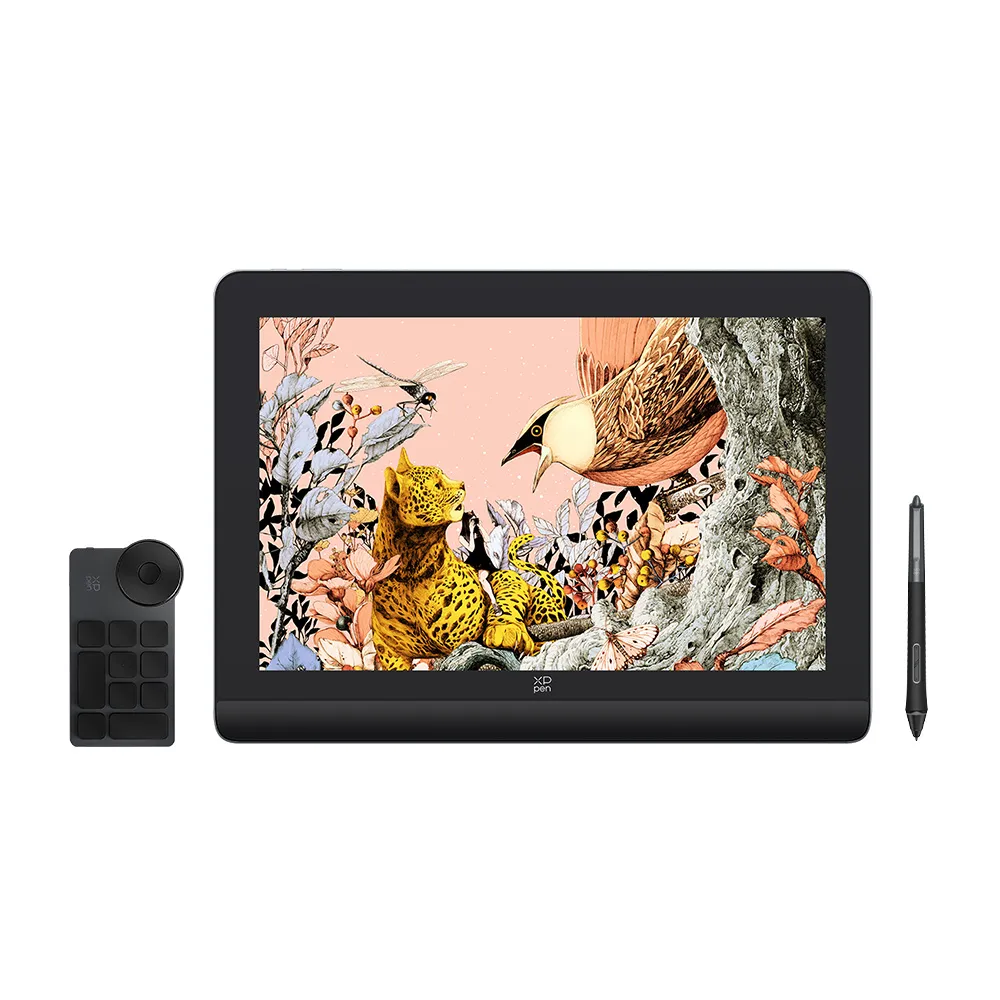
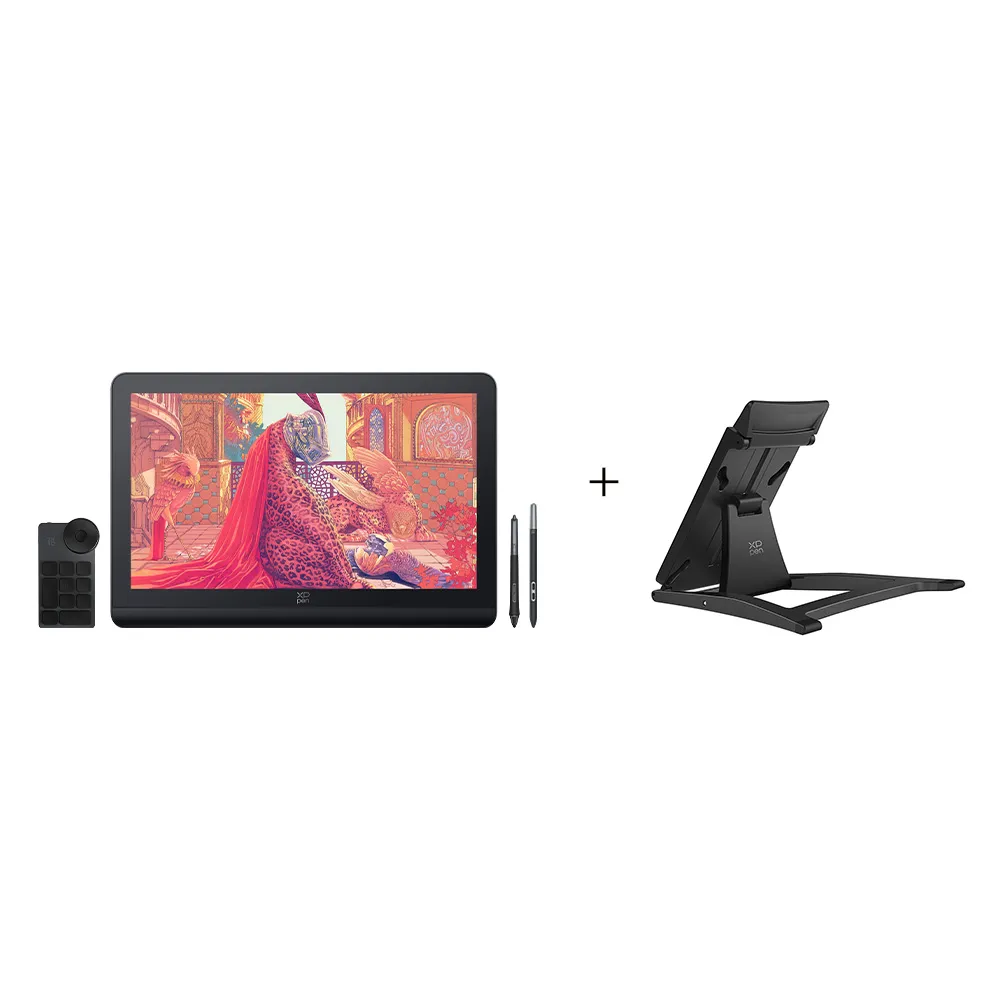
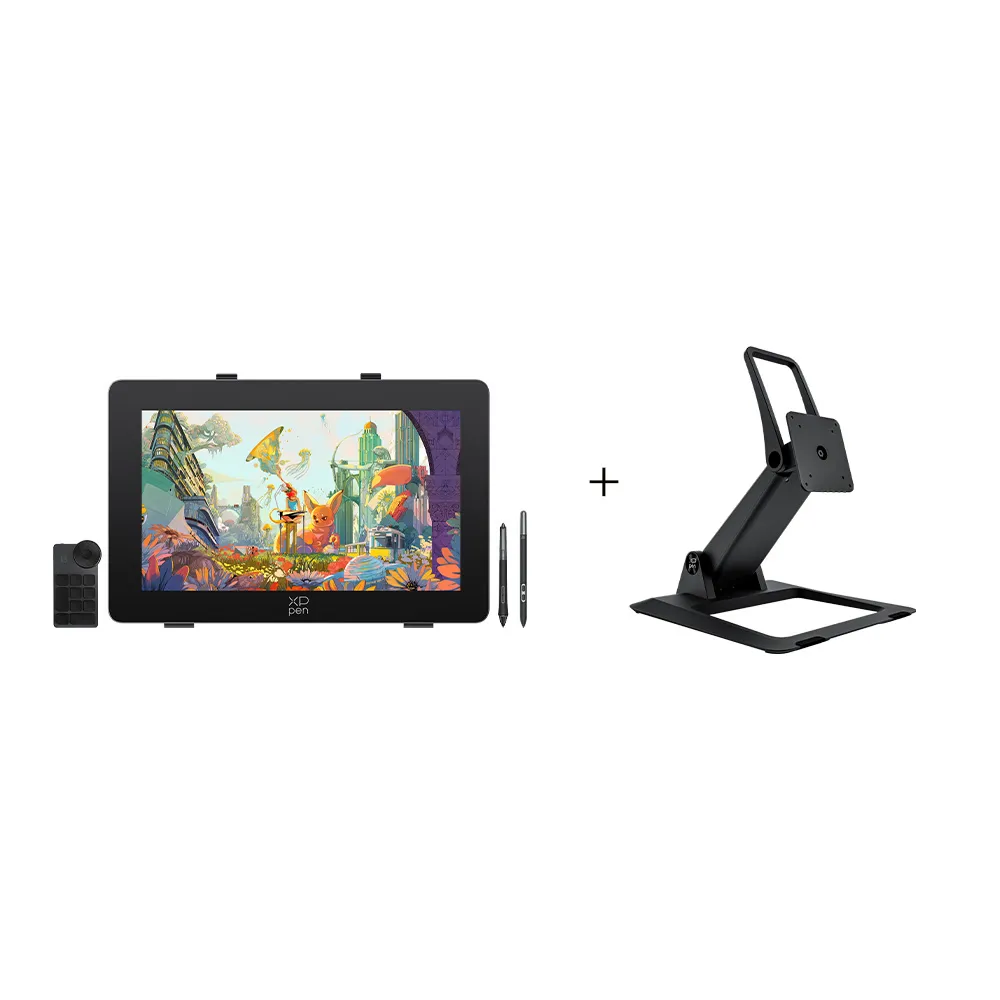
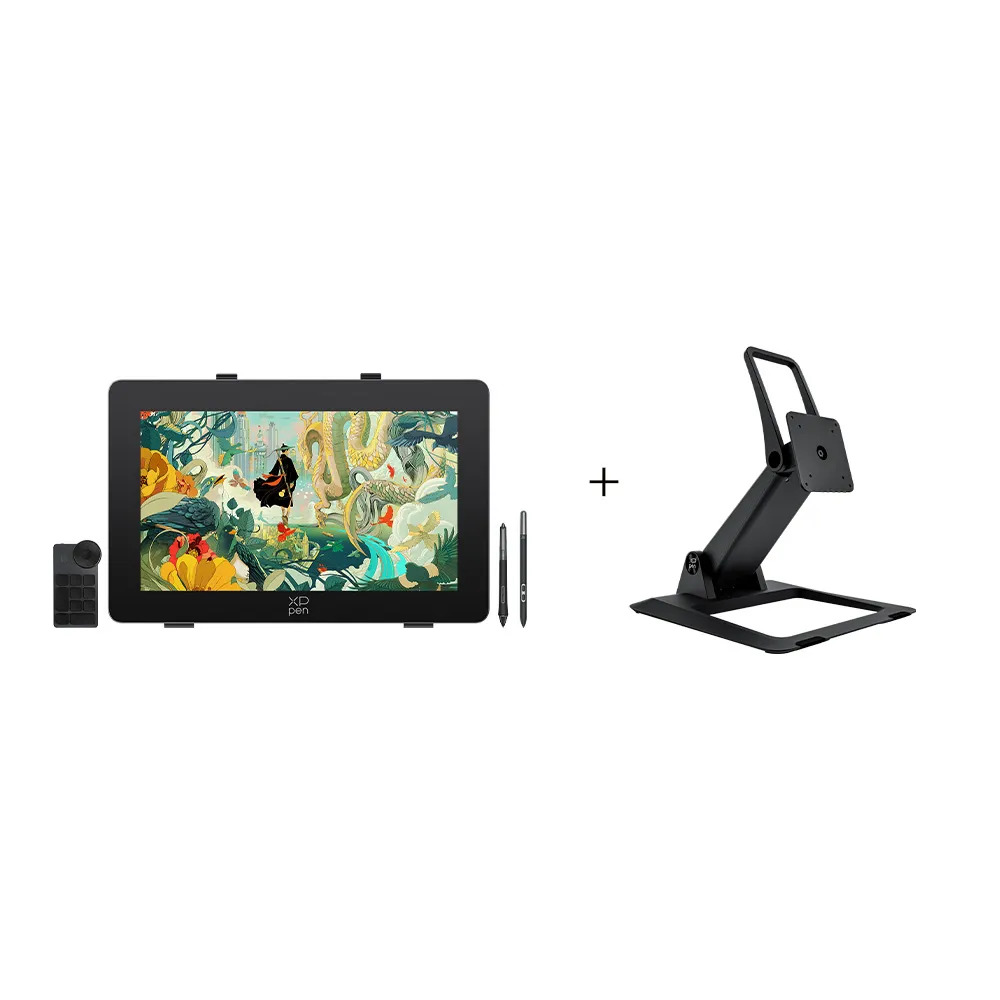
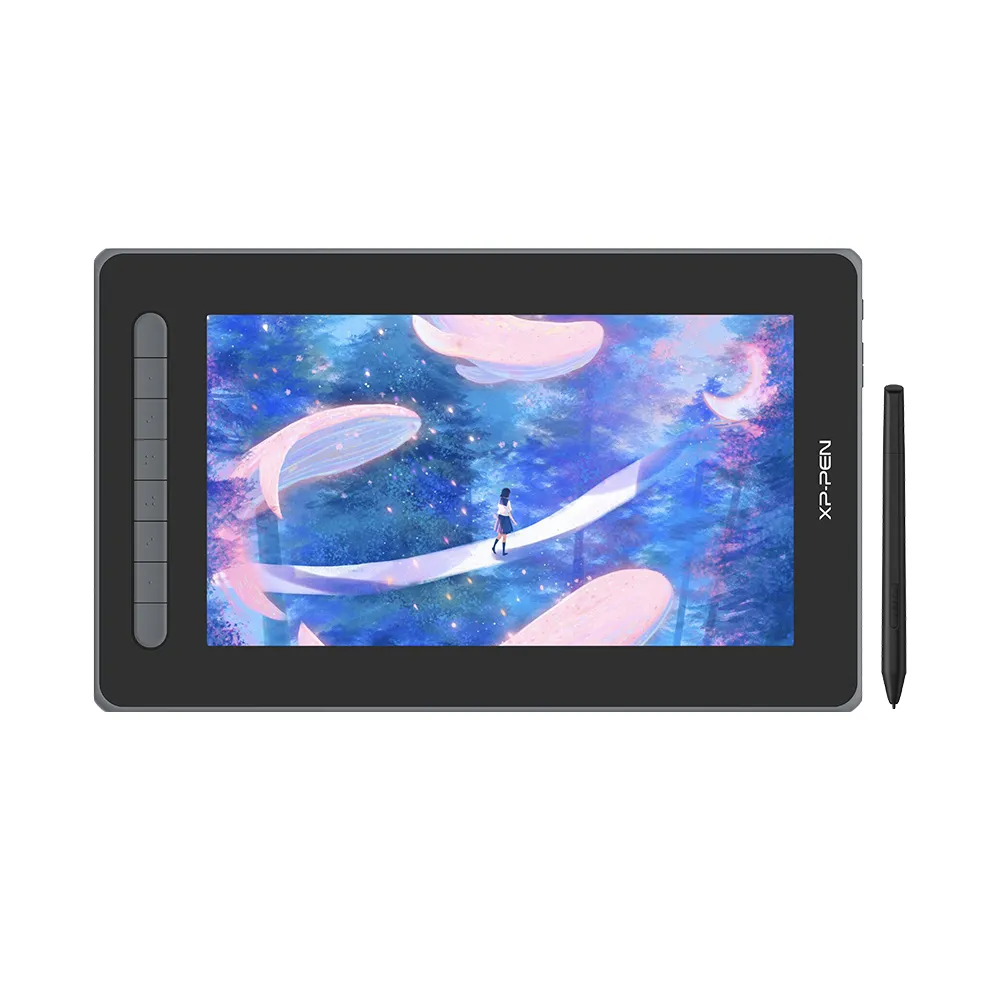
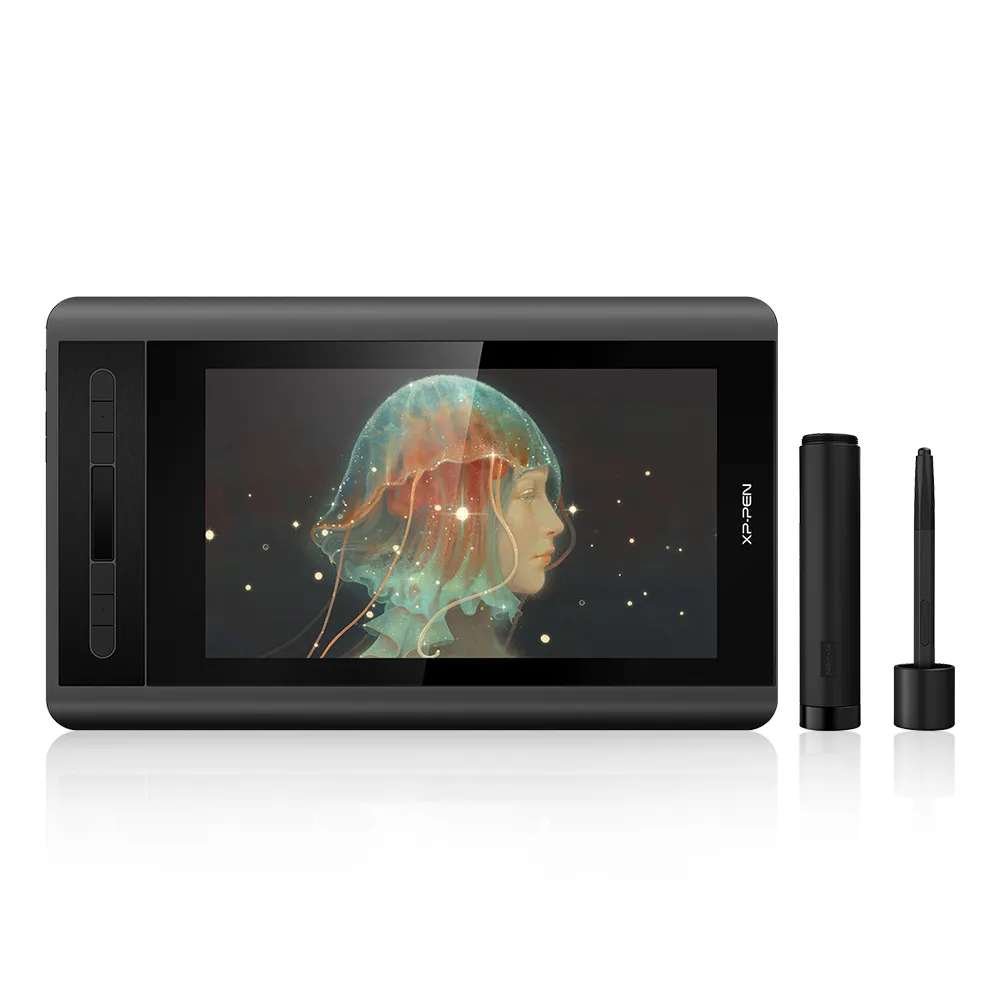
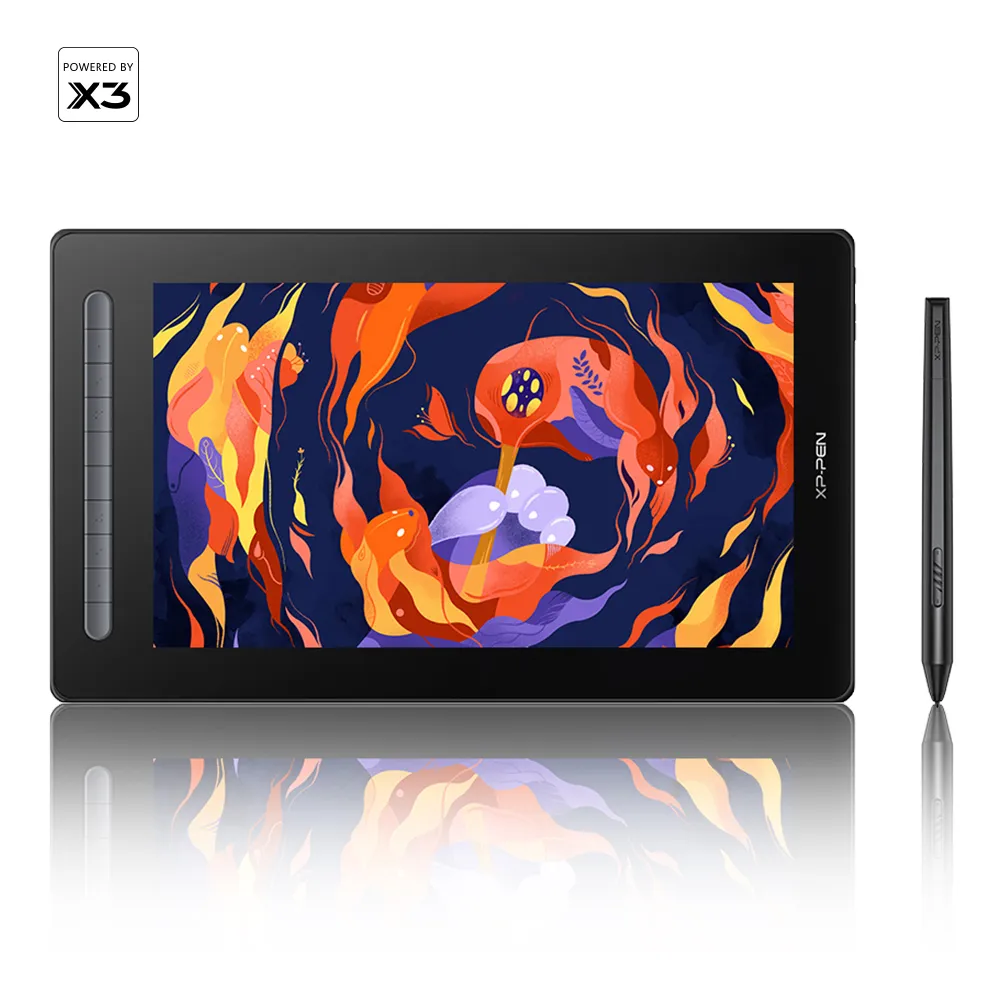
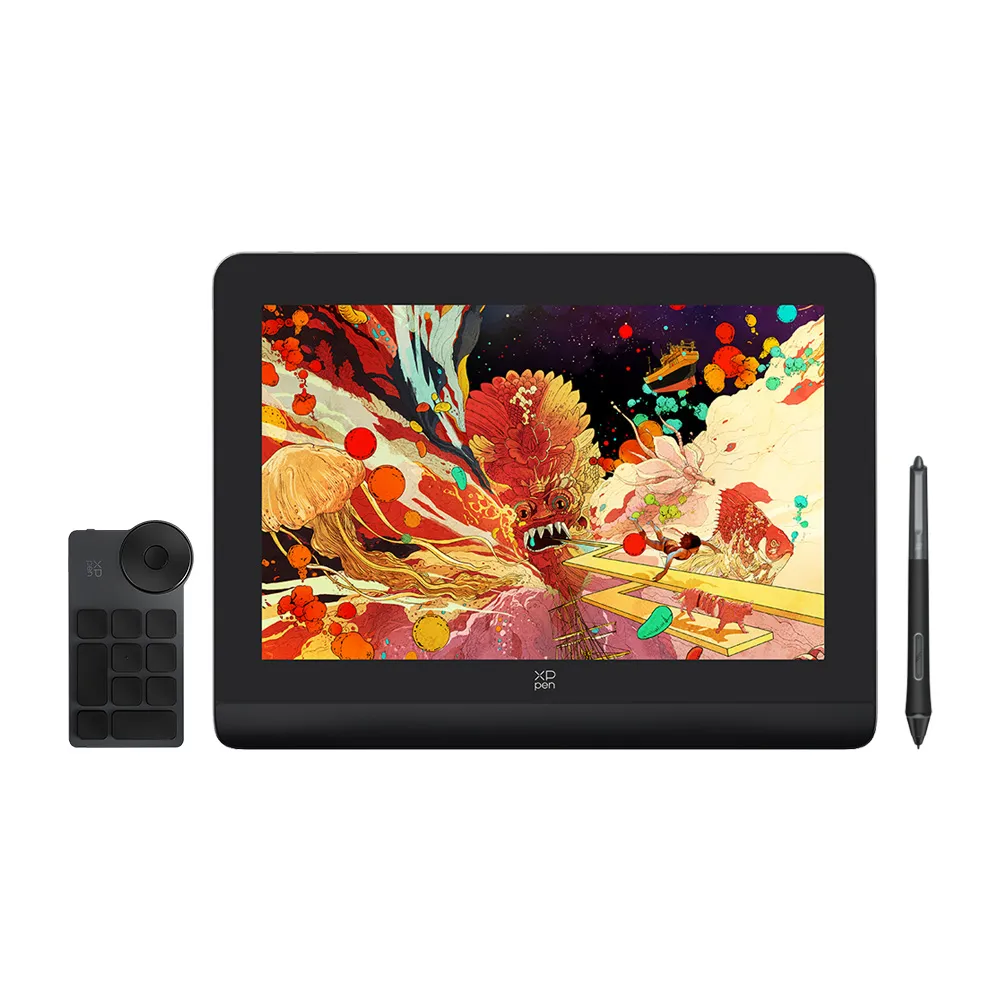
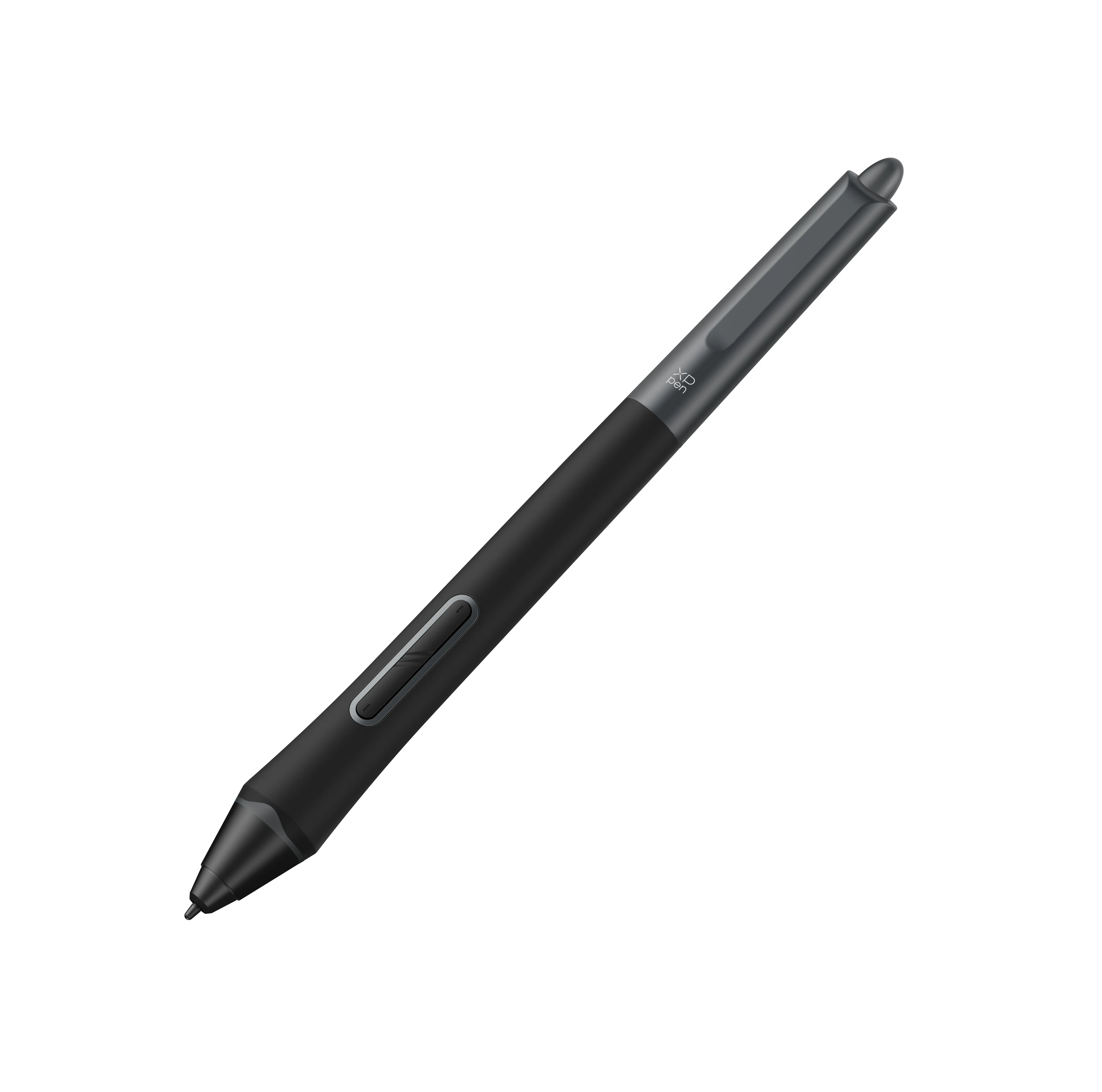
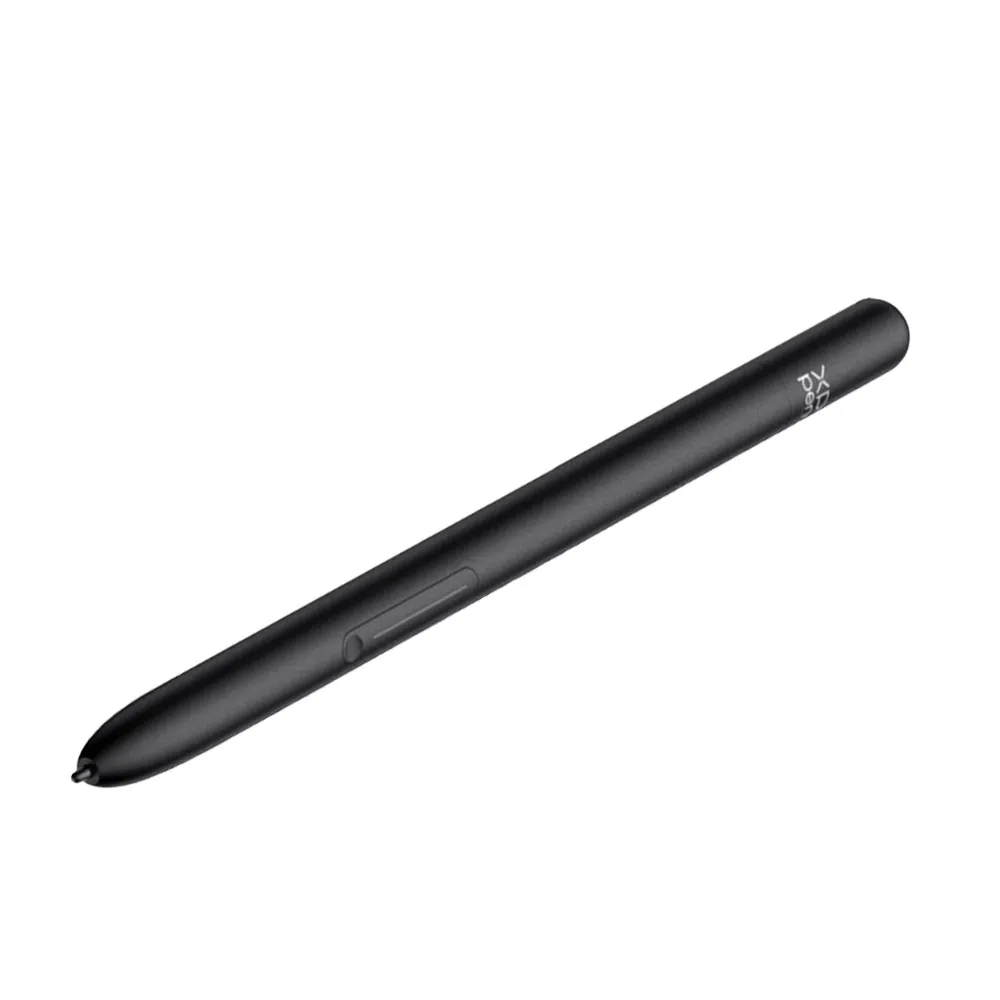
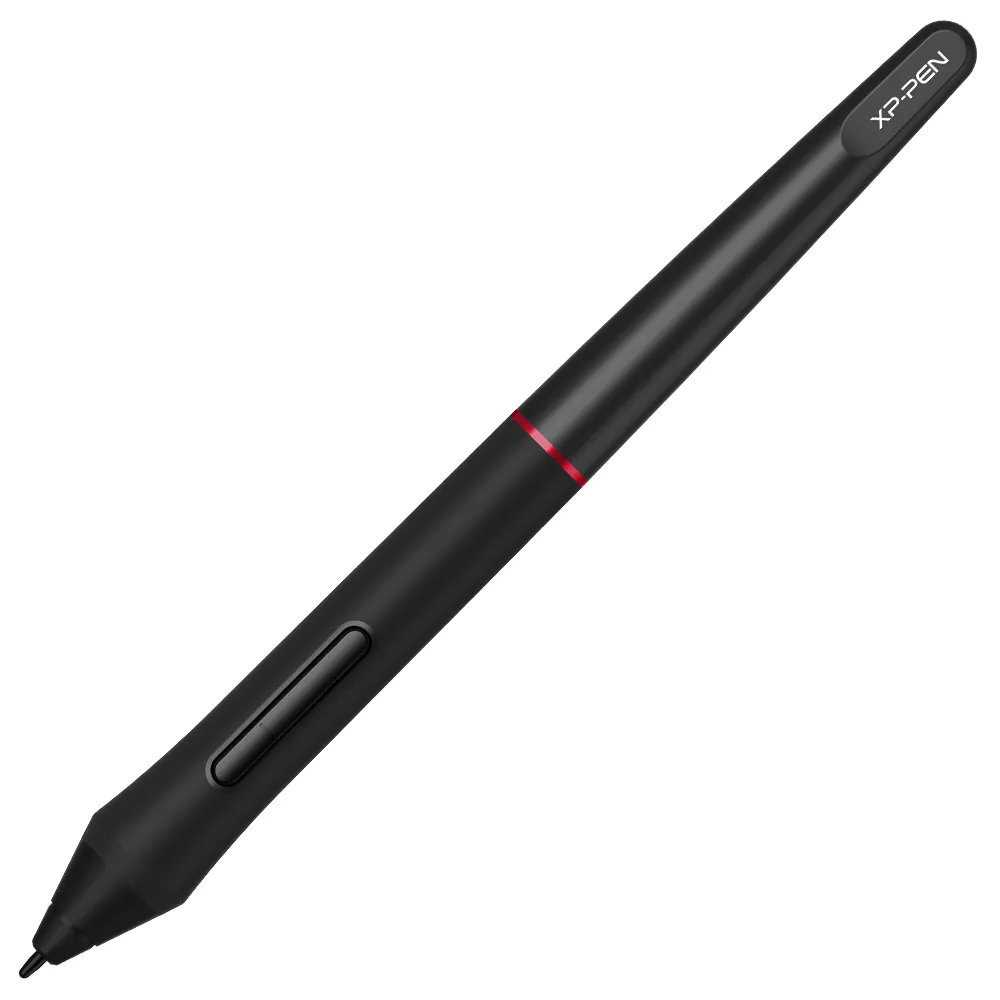
![[ Pre-Order | Ships Oct. 15 ] P05/ P05S Battery-free Stylus](https://resource.xp-pen.com/Uploads/goods/20180312/2b98dbe0c418c5f86f0c6b5c45e4ab99.webp)














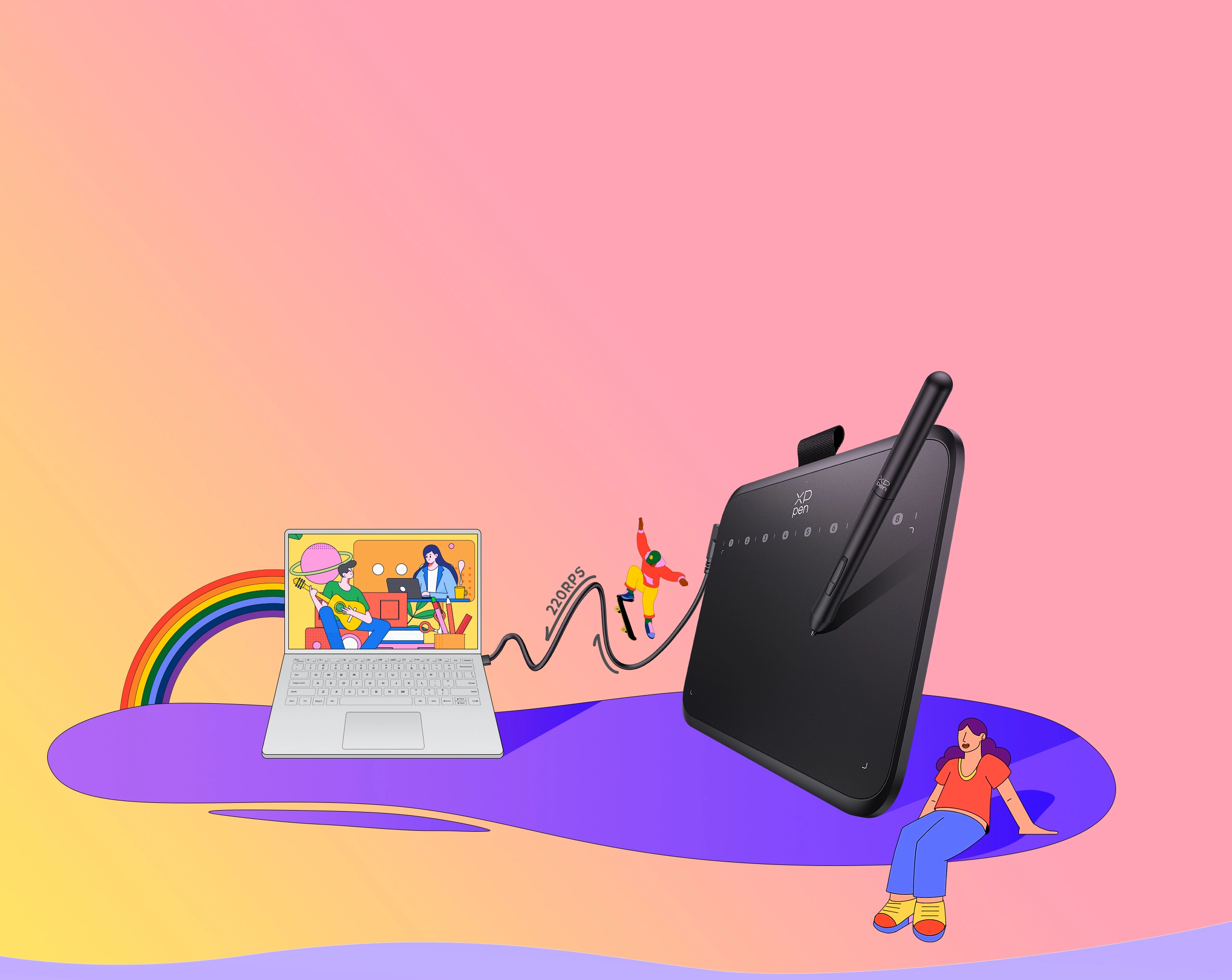










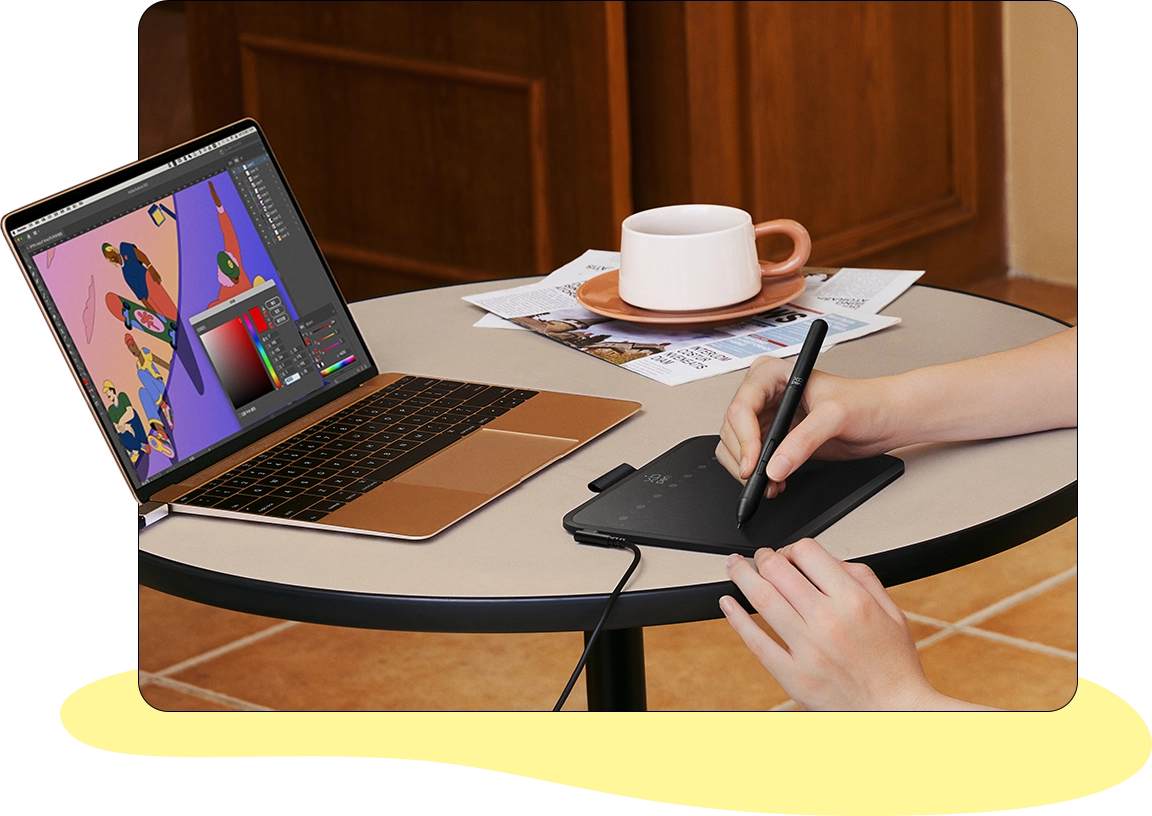
Illustration
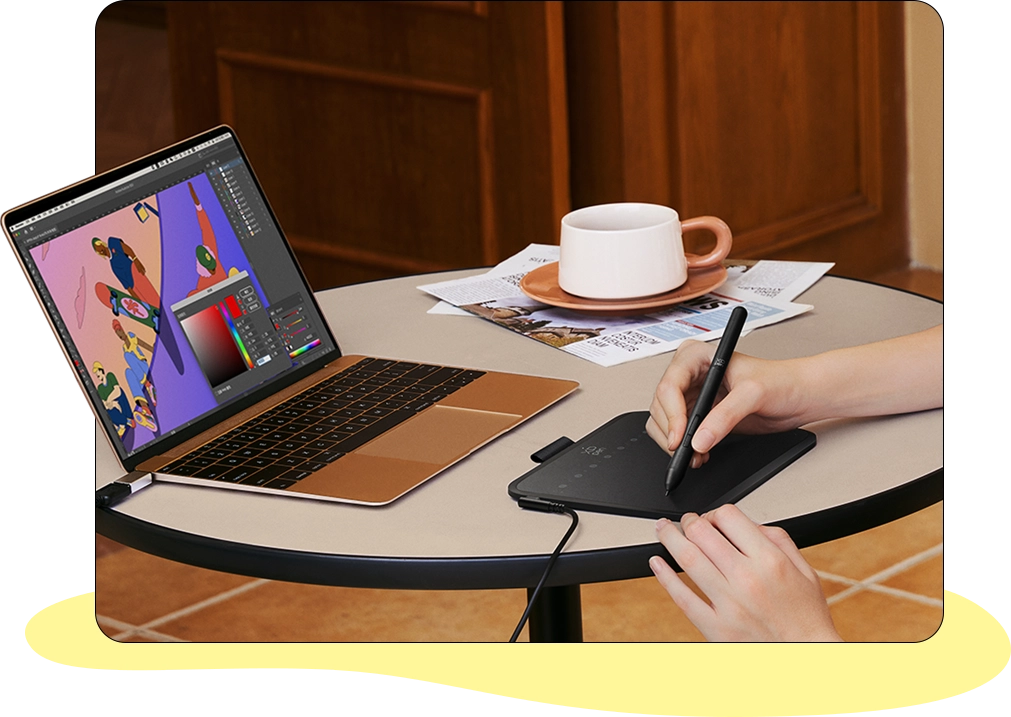
Draft sketches or render details with efficiency.


9
Key Features
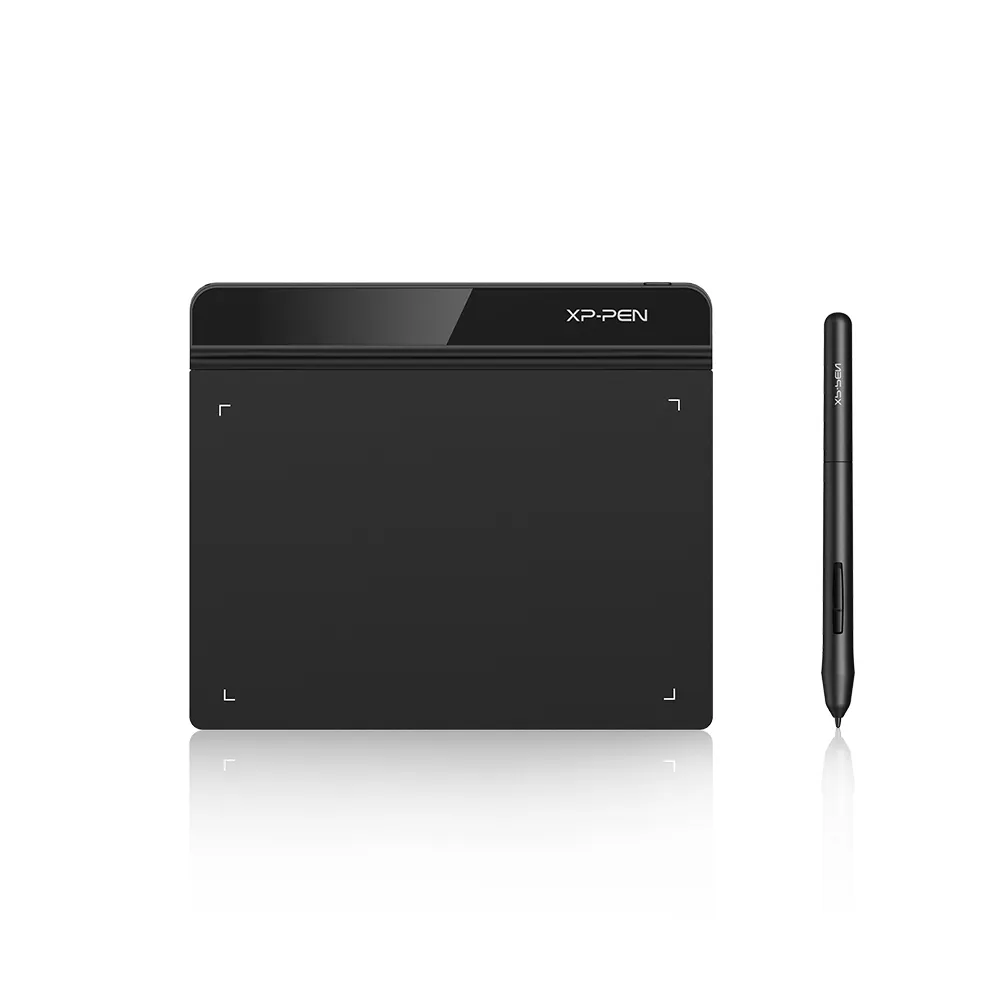
16 cm × 9 cm Active Drawing Area
170 g Lightweight
16K Pressure Levels
Light & Handy
Multiple Applications
Device Connection Required
Estimate

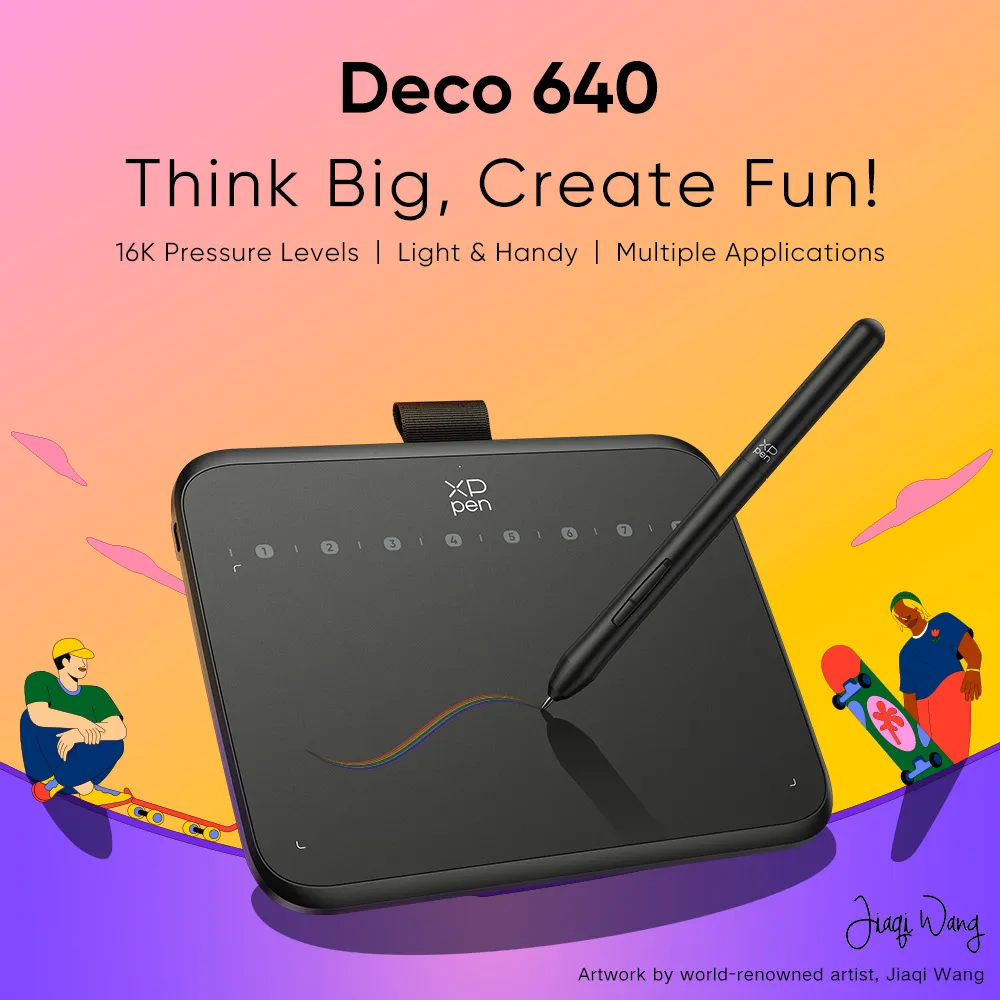
Think Big, Create Fun!
16K Pressure Levels | Light & Handy | Multiple Applications
Original Illustration by Renowned Artist,
Jiaqi Wang
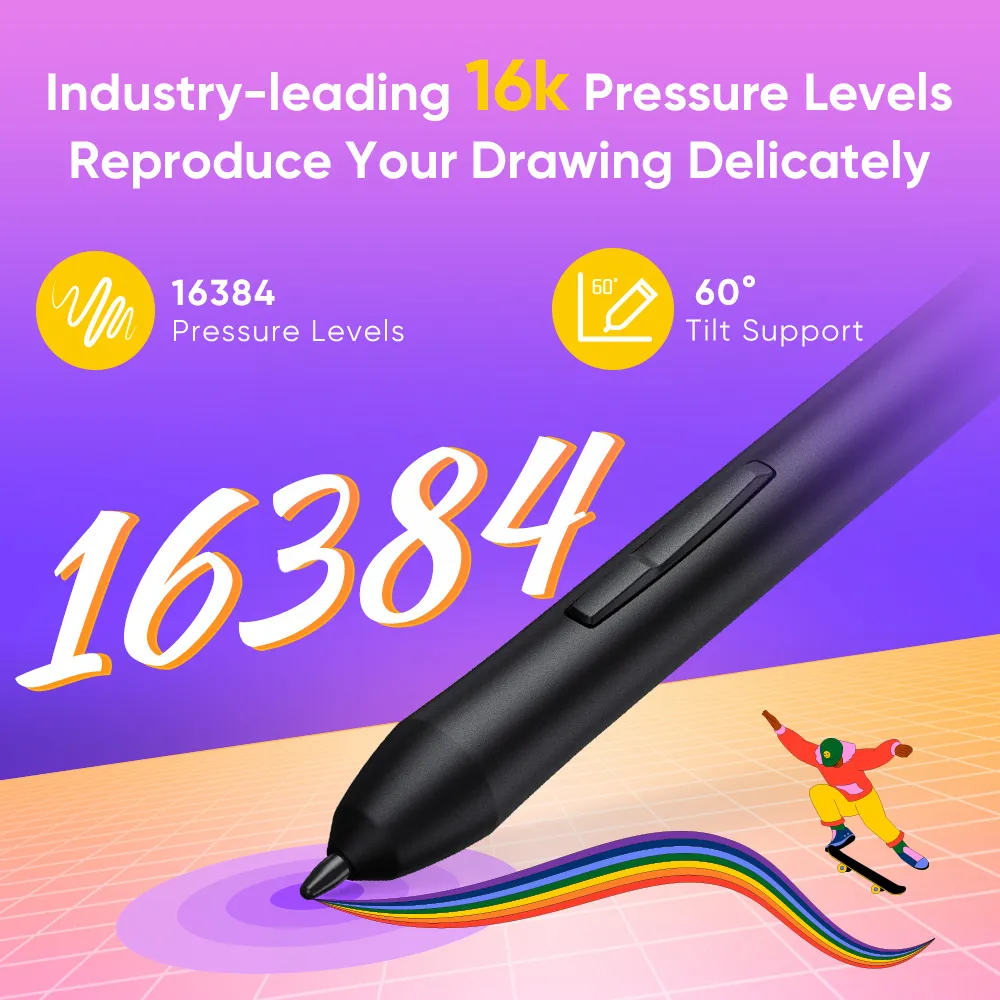
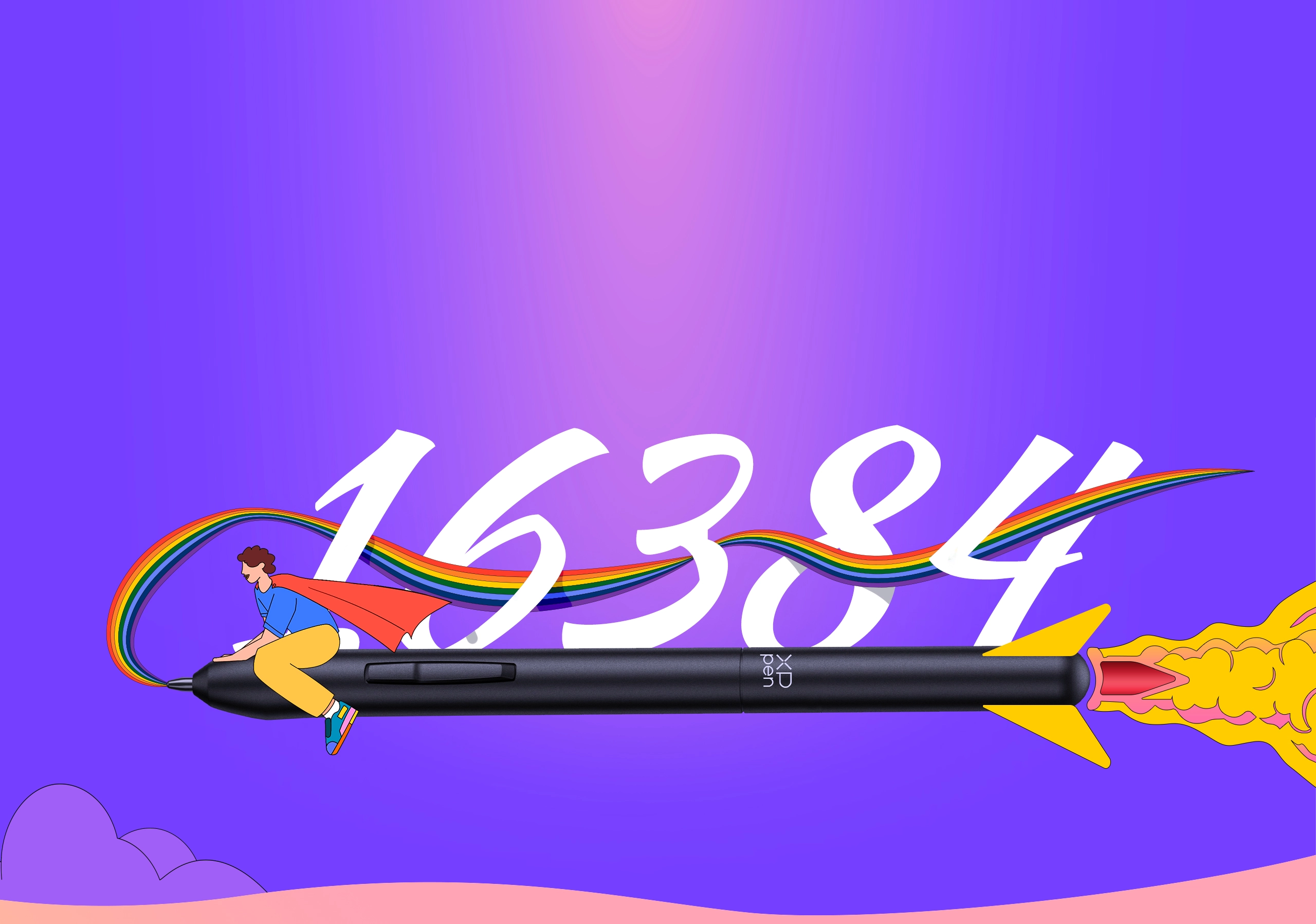
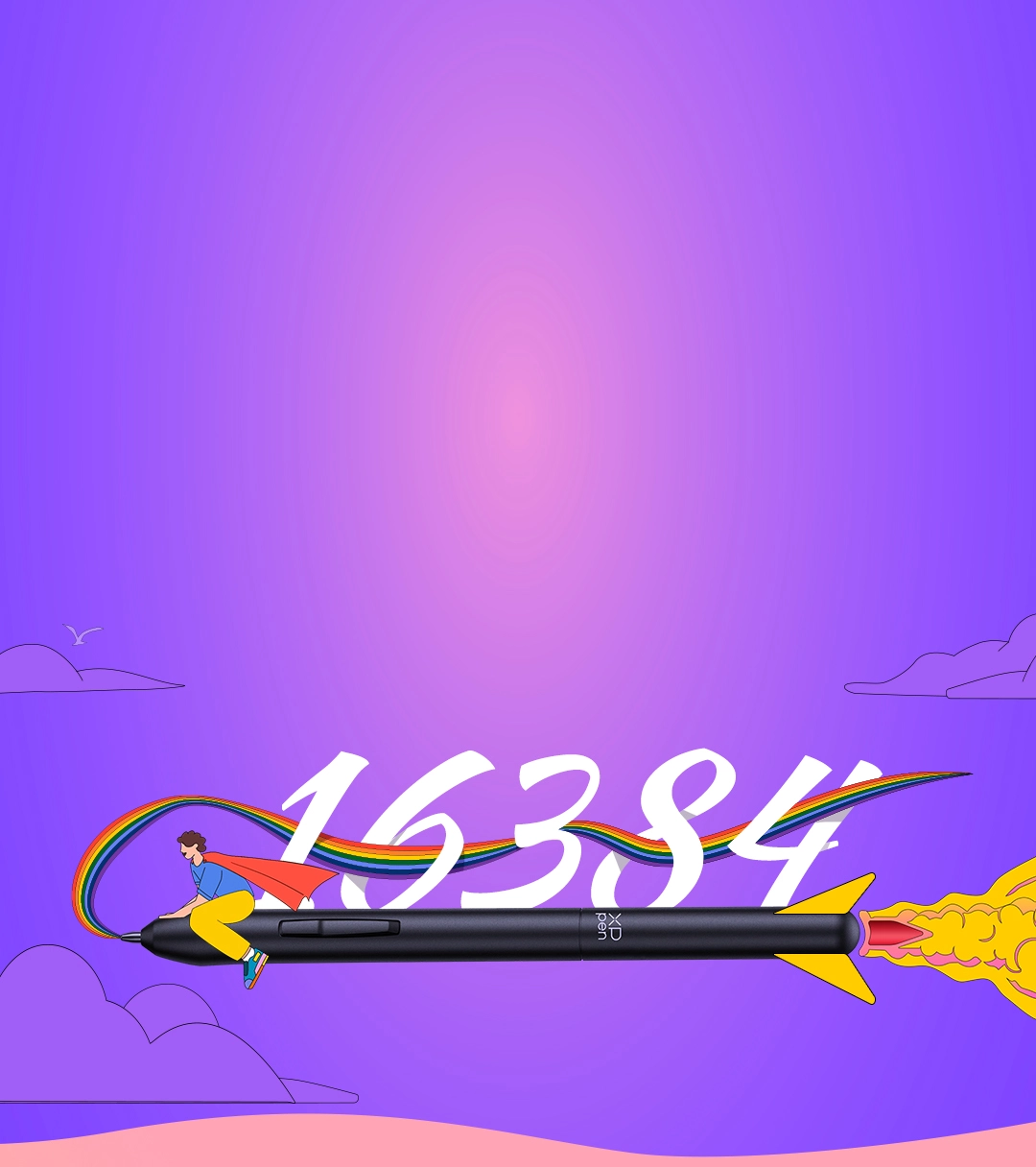
Beginners deserve the best tool. The groundbreaking 16K levels of pressure sensitivity ensure your every stroke is rendered smoothly, precisely and naturally. By supporting 60° tilt , Deco 640 makes it easy to draw shaded strokes or rich line variations. Drawing on tablet is as natural as drawing on paper.
16384
Pressure Levels
60°
Tilt Support
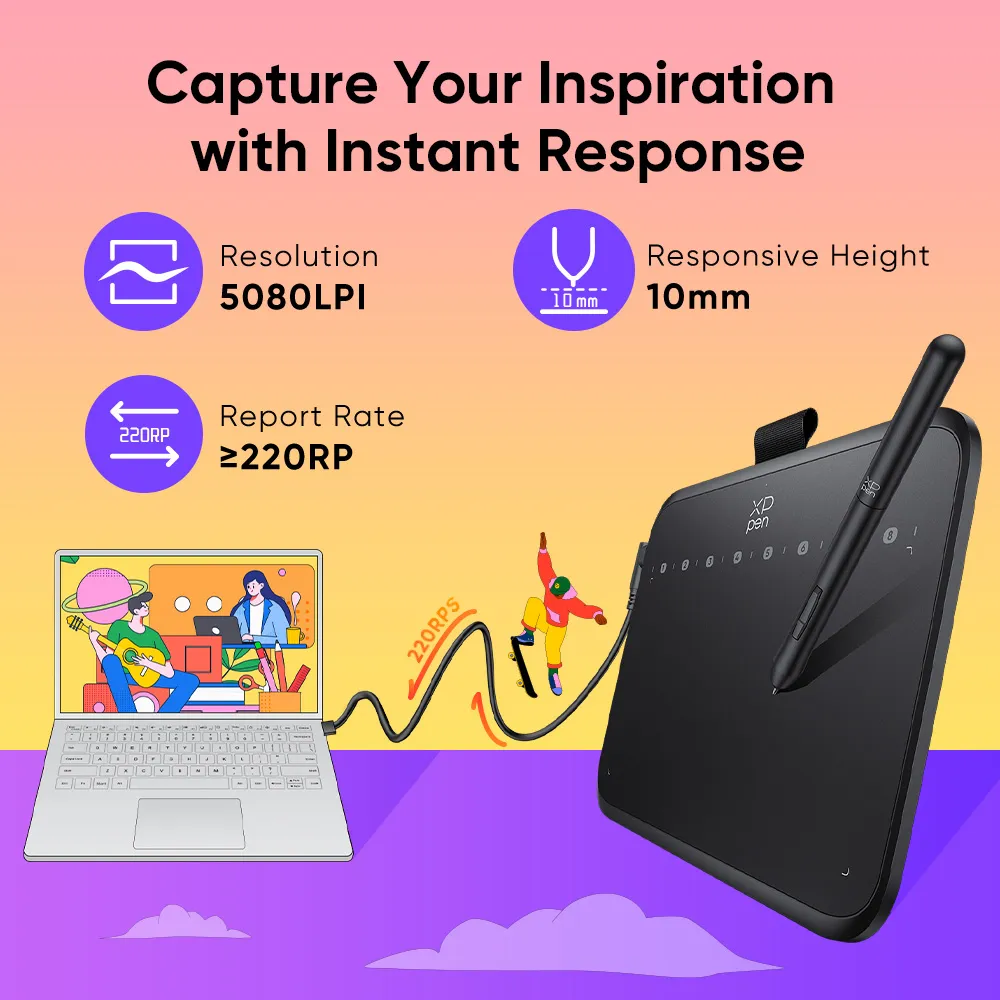
With a pen resolution of 5080 LPI and a report rate of 220 RPS, there is barely any lag for the cursor to track the pen nib and all your drawings will be transferred to the computer quickly and stably.
Resolution
5080LPI
Report Rate
≥220RPS
Responsive Height
10mm
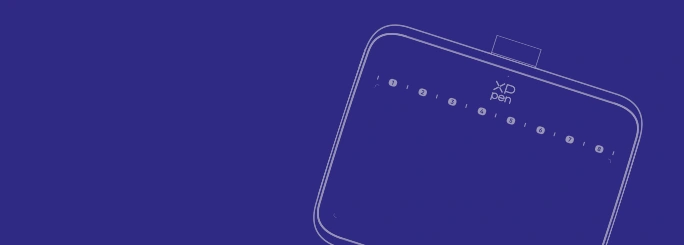
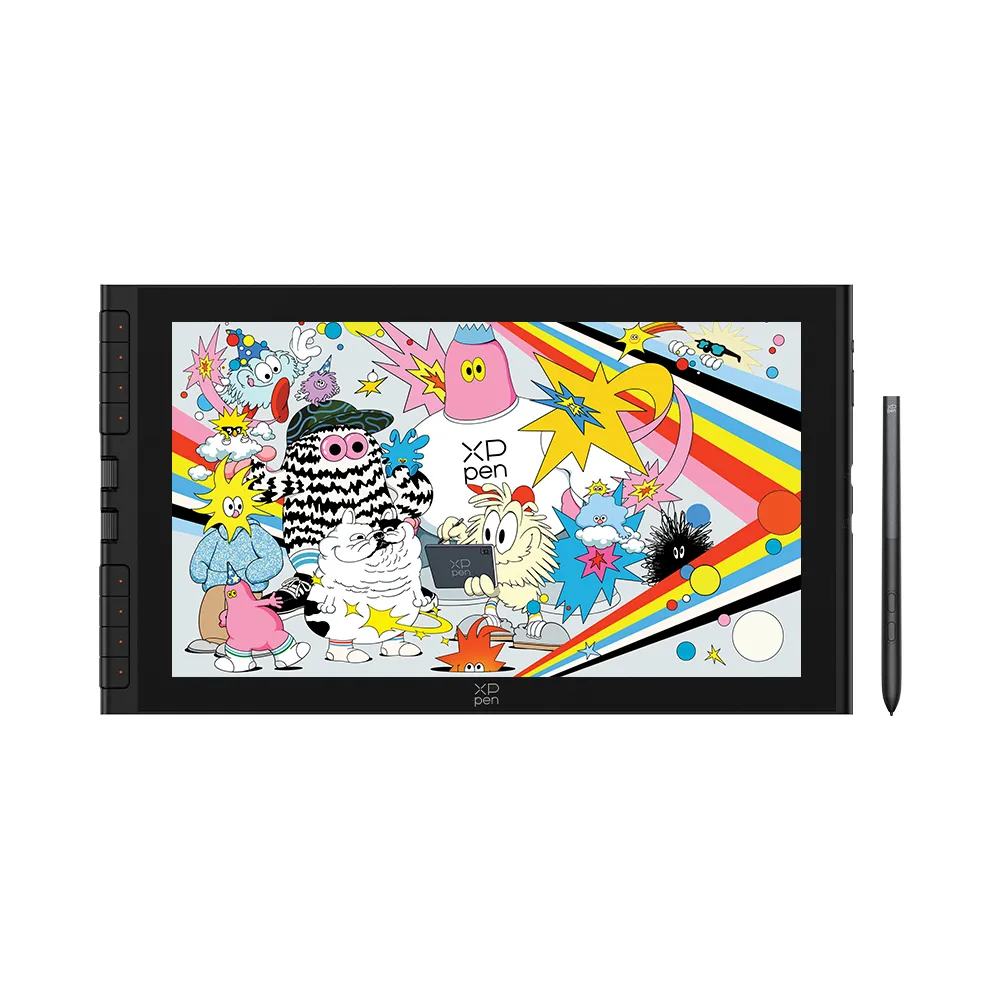
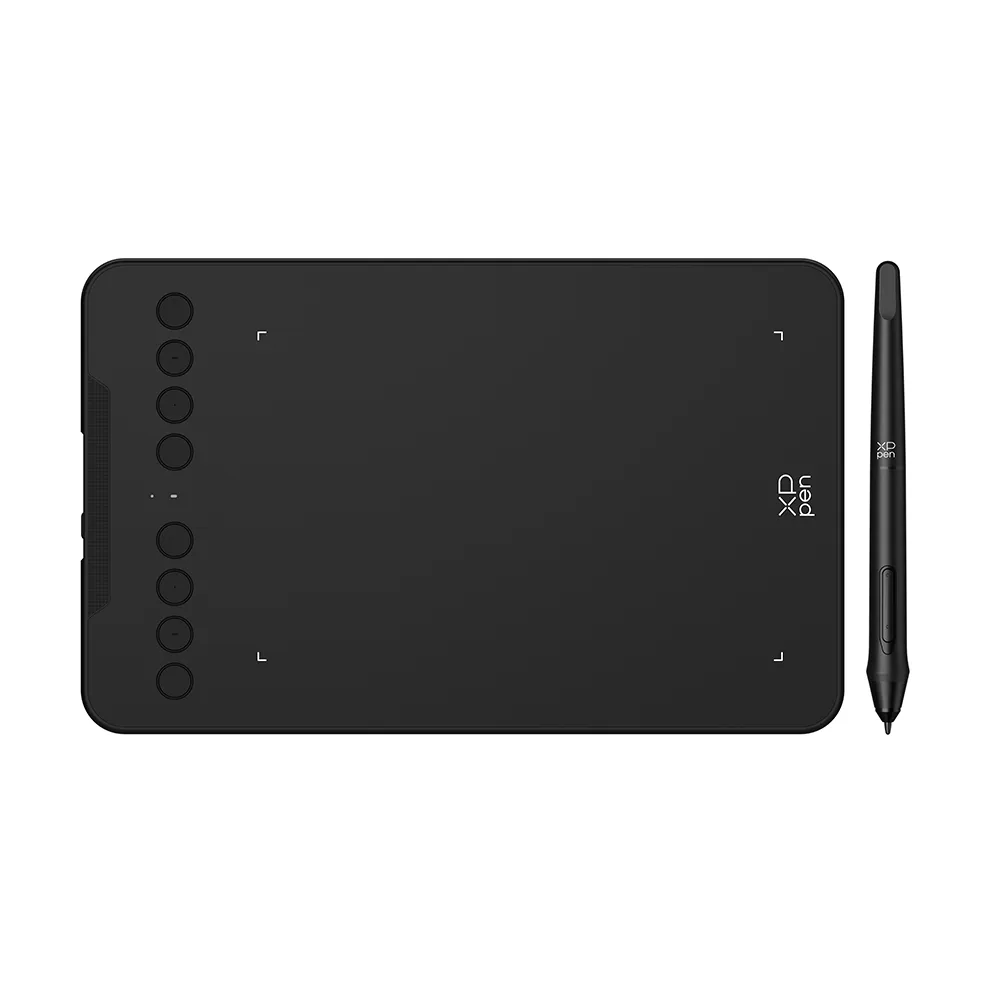
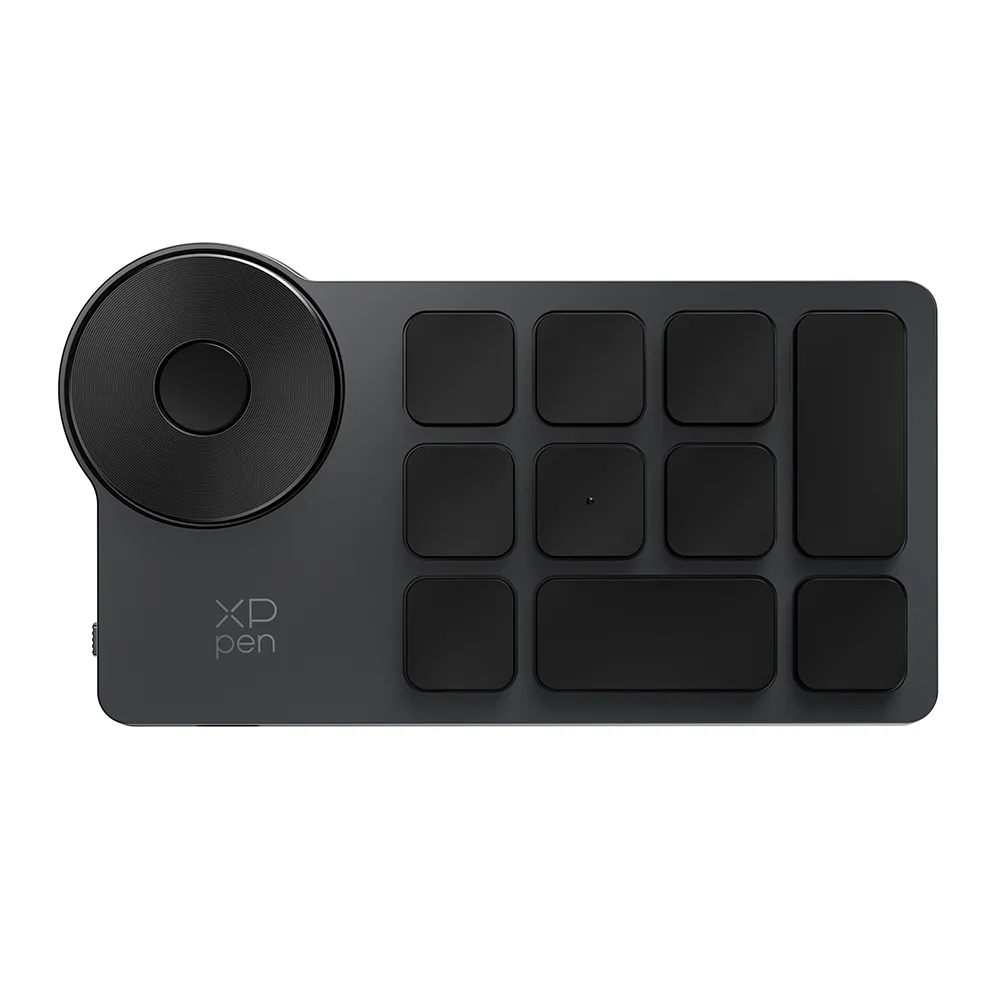
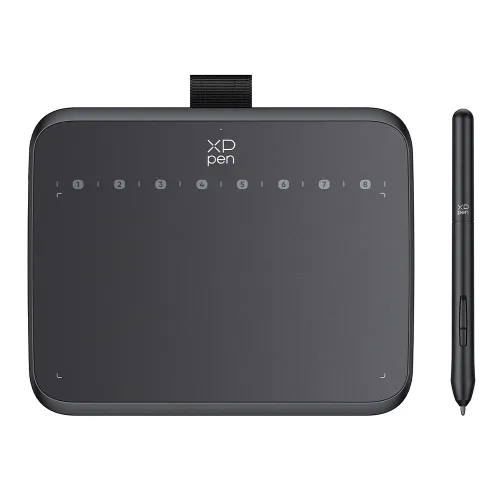
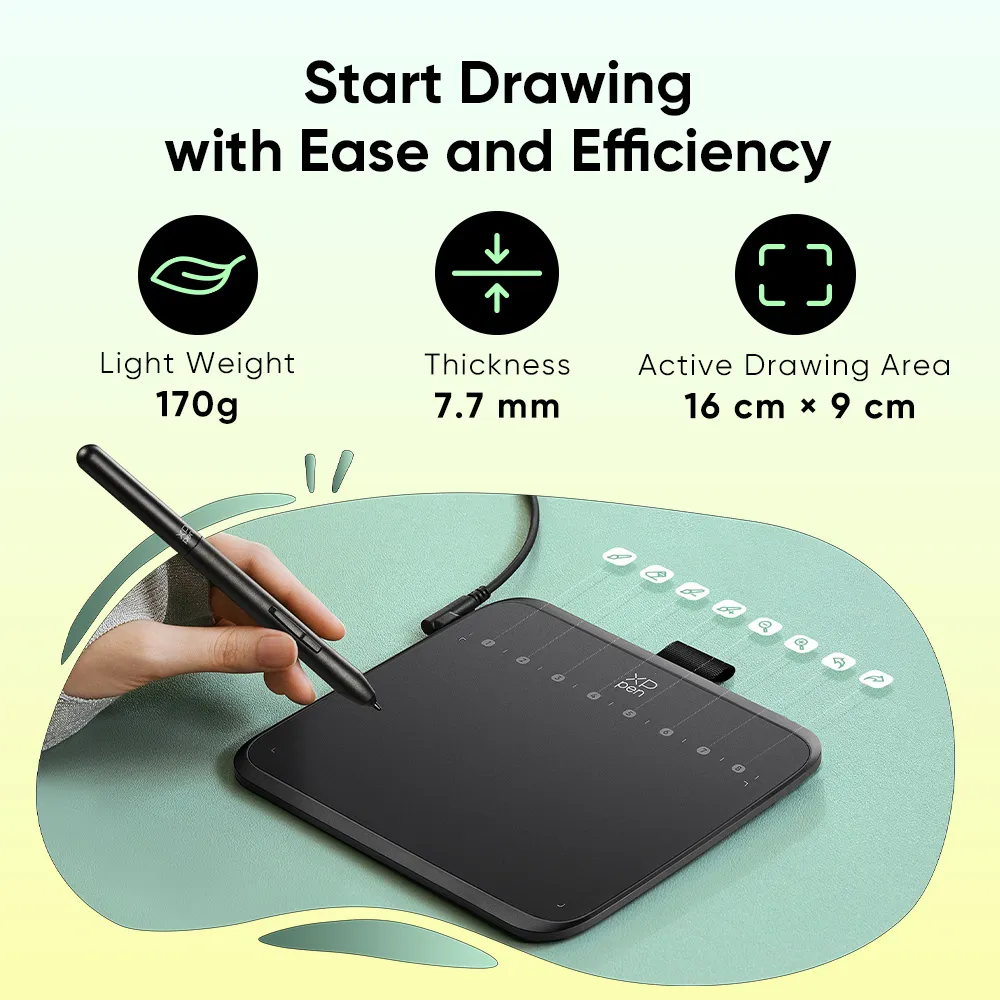
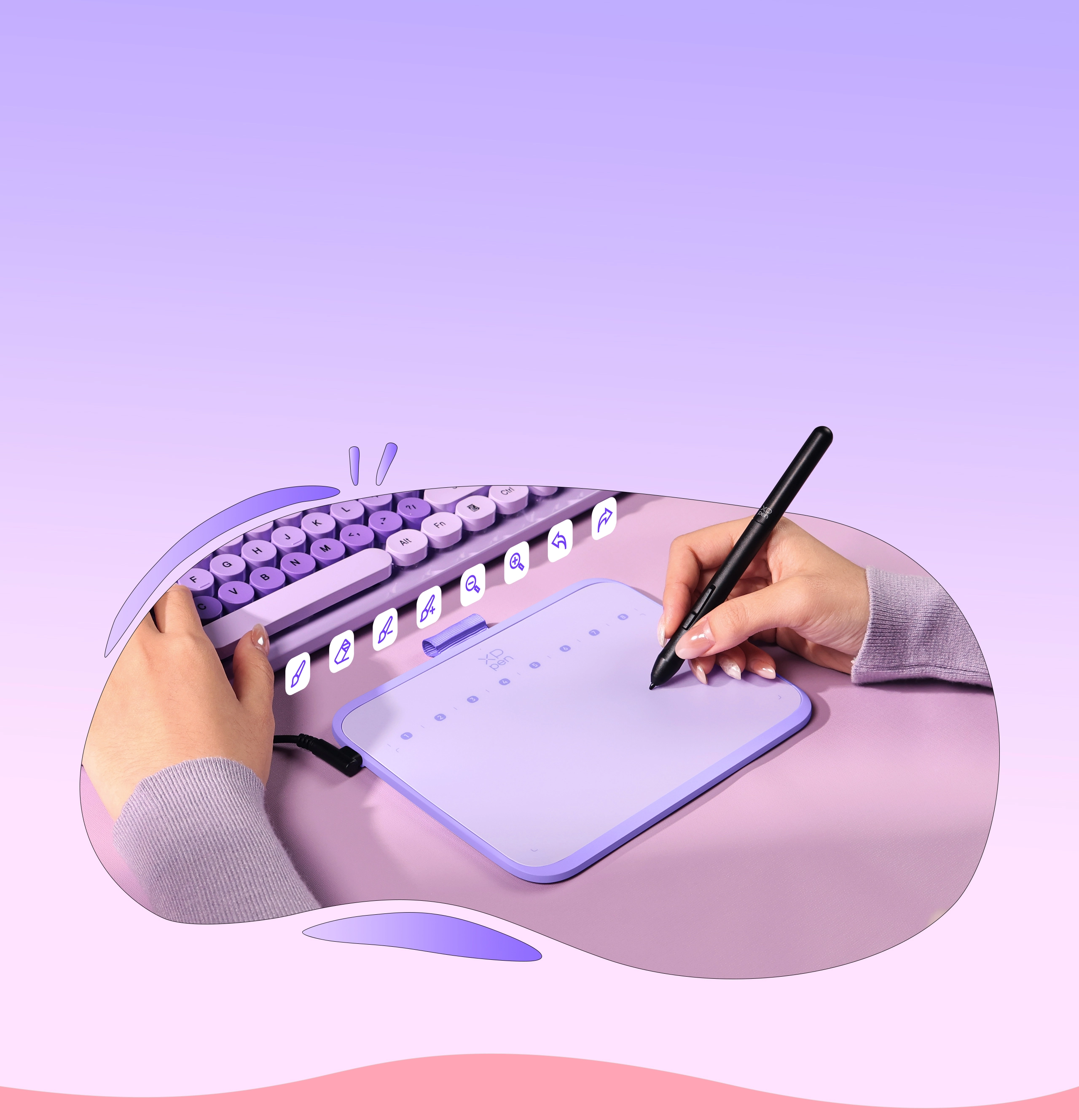
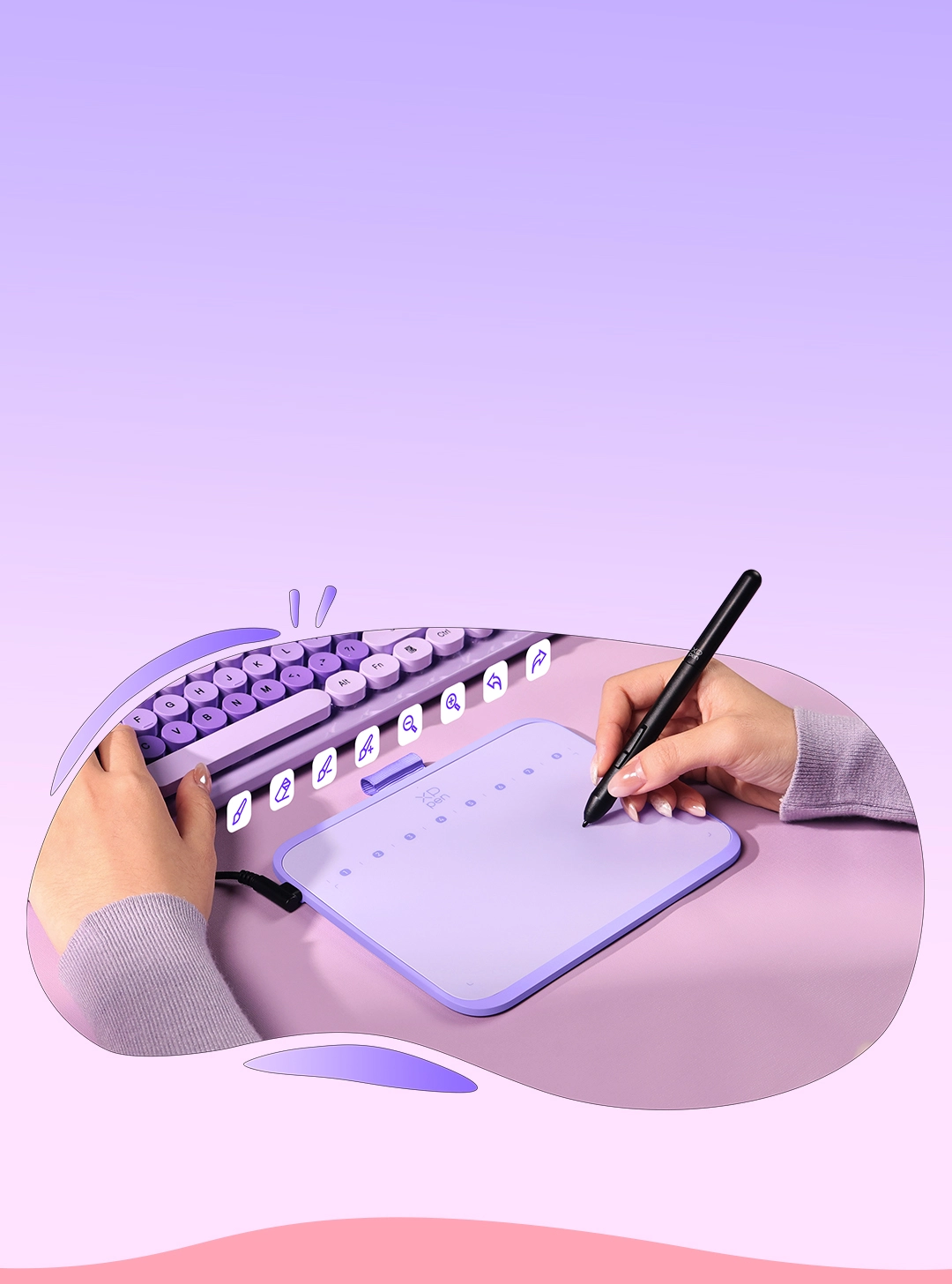
The ultra-narrow and curved edge design provides a spacious drawing area and reduces wrist fatigue. Together with 8 soft shortcut keys and a handy drawing stylus, you can easily master the skills of drawing on a tablet with efficiency and comfort.
Active Drawing Area
16cm × 9cm
Thickness
7.7mm
Light Weight
170g
Deco 640 is more than just a drawing tablet. Being slim and lightweight enough,
it is portable for you to create anywhere.
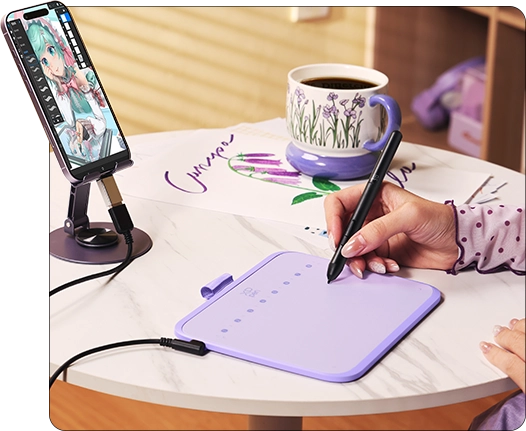
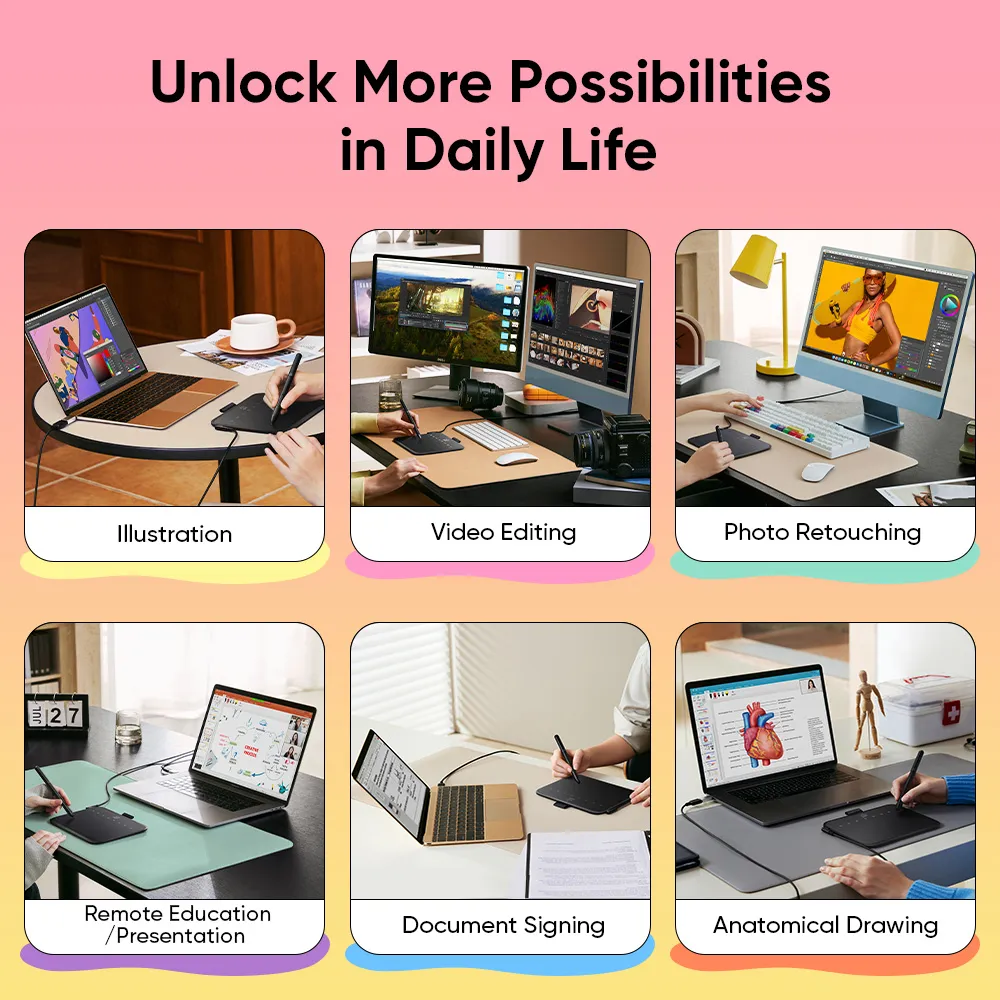
Illustration
Draft sketches or render details with efficiency.
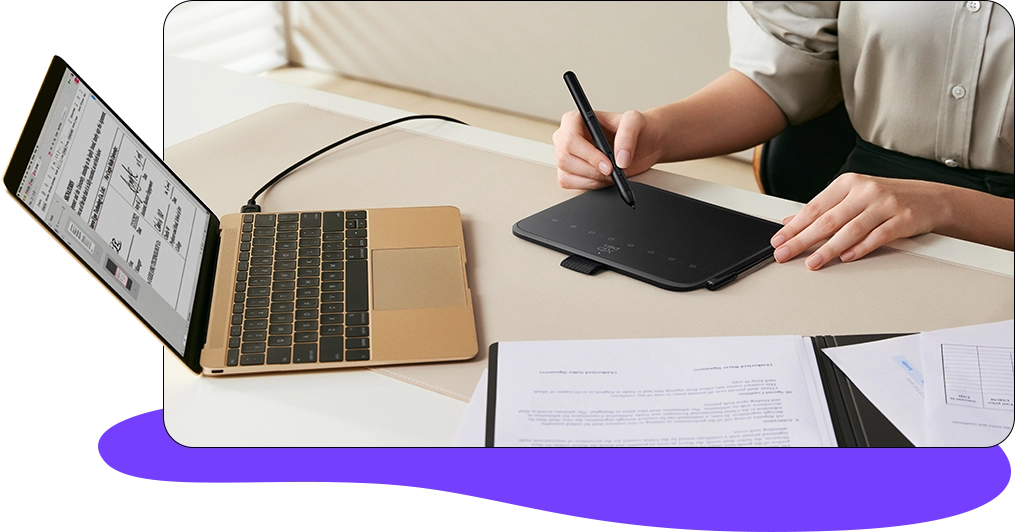
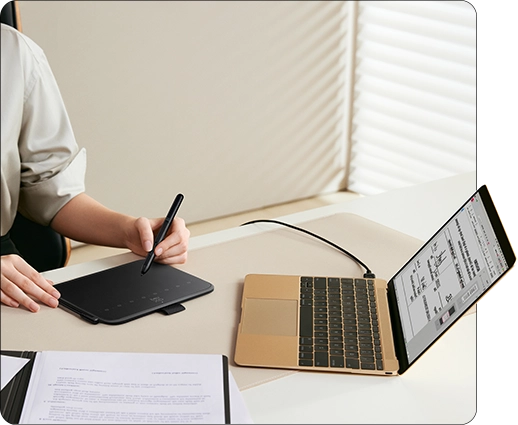
Document Signing
No more paper documents, efficient and
eco-friendly business communication.
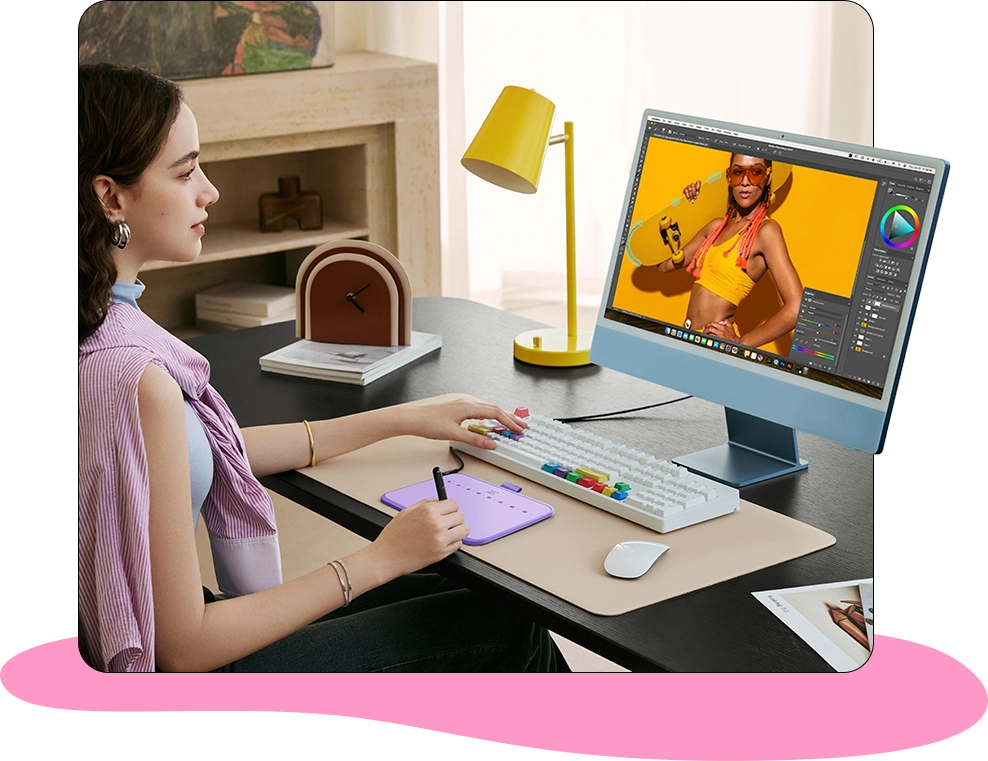
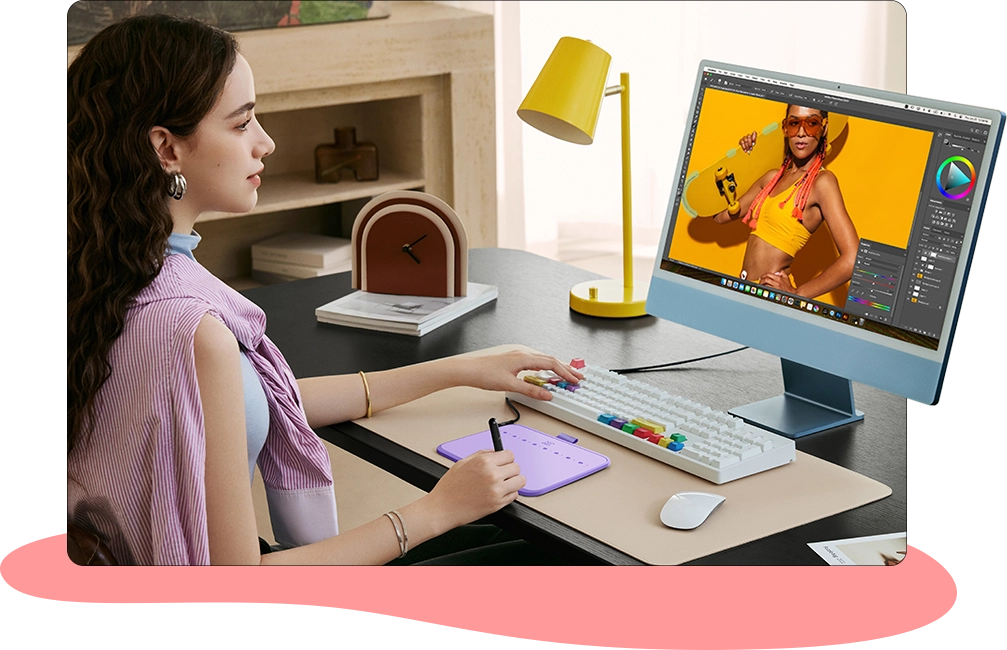
Photo Retouching
Recreate every amazing moment.
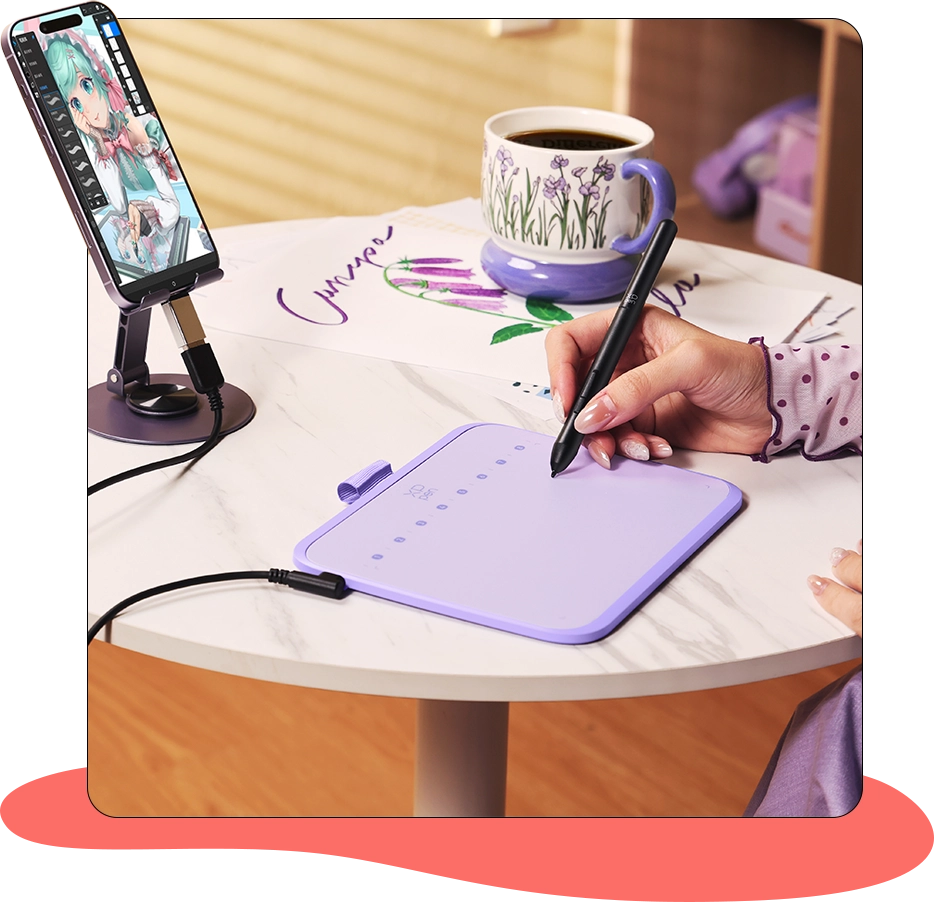
Portable Creation
At home or outdoors, no limit on creation location.
Remote Education
Teach and learn in a more flexible way.
Illustration
Draft sketches or render details with efficiency.
Portable Creation
At home or outdoors, no limit on creation location.
Document Signing
No more paper documents, efficient and
eco-friendly business communication.
Remote Education
Teach and learn in a more flexible way.
Photo Retouching
Recreate every amazing moment.
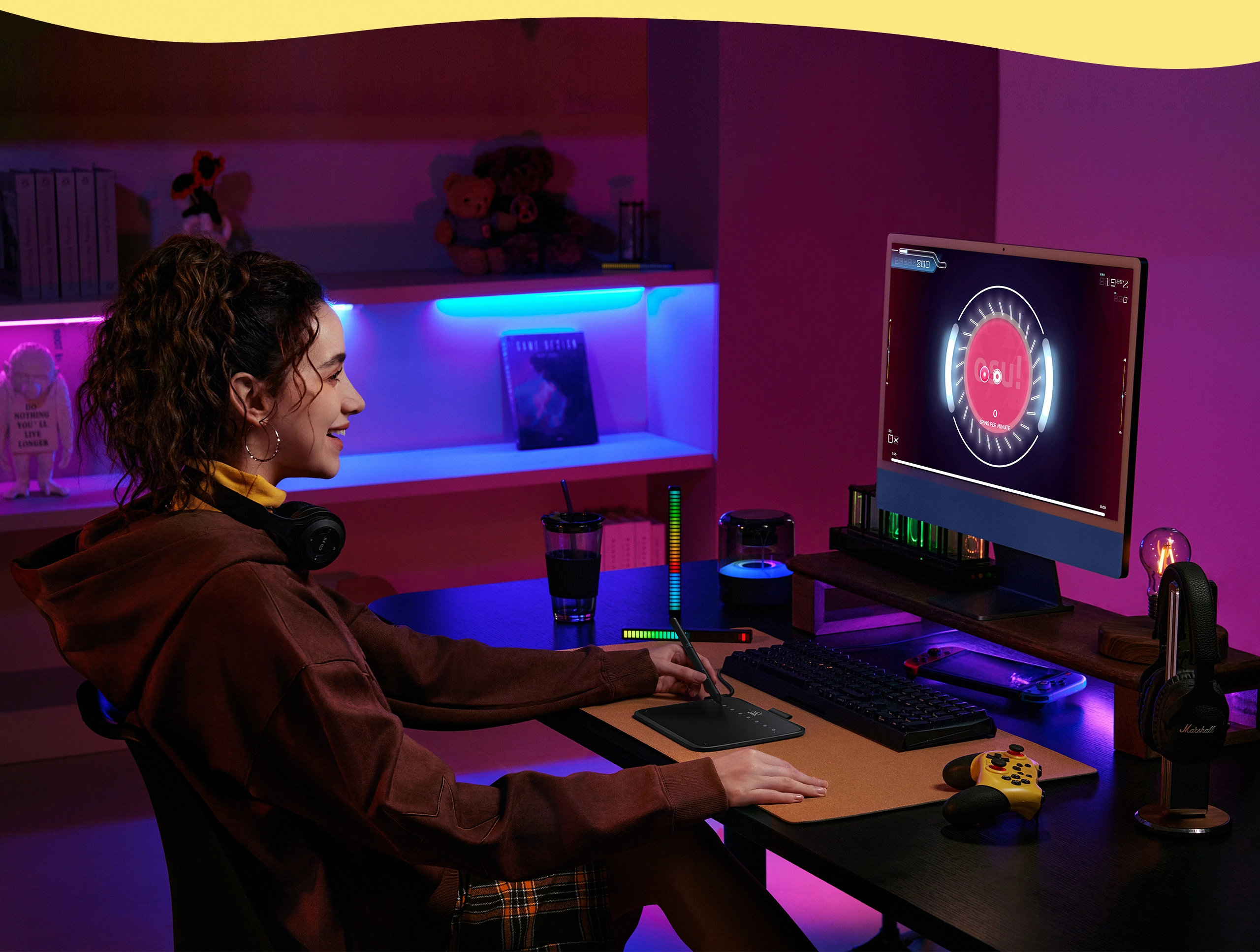
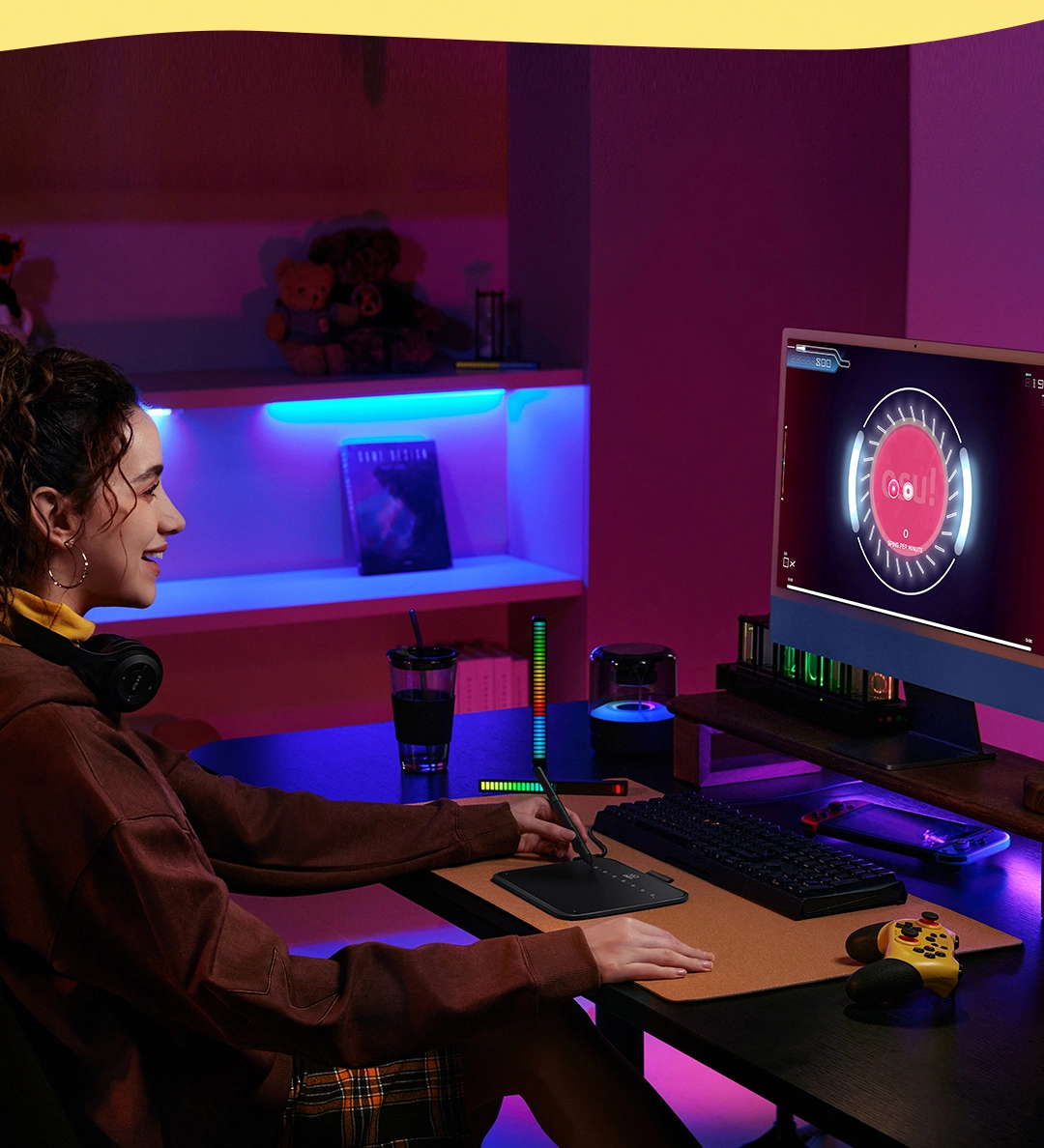
Want to get fully prepared for OSU? Deco 640 offers an immersive gaming experience
with compact size and high response speed.
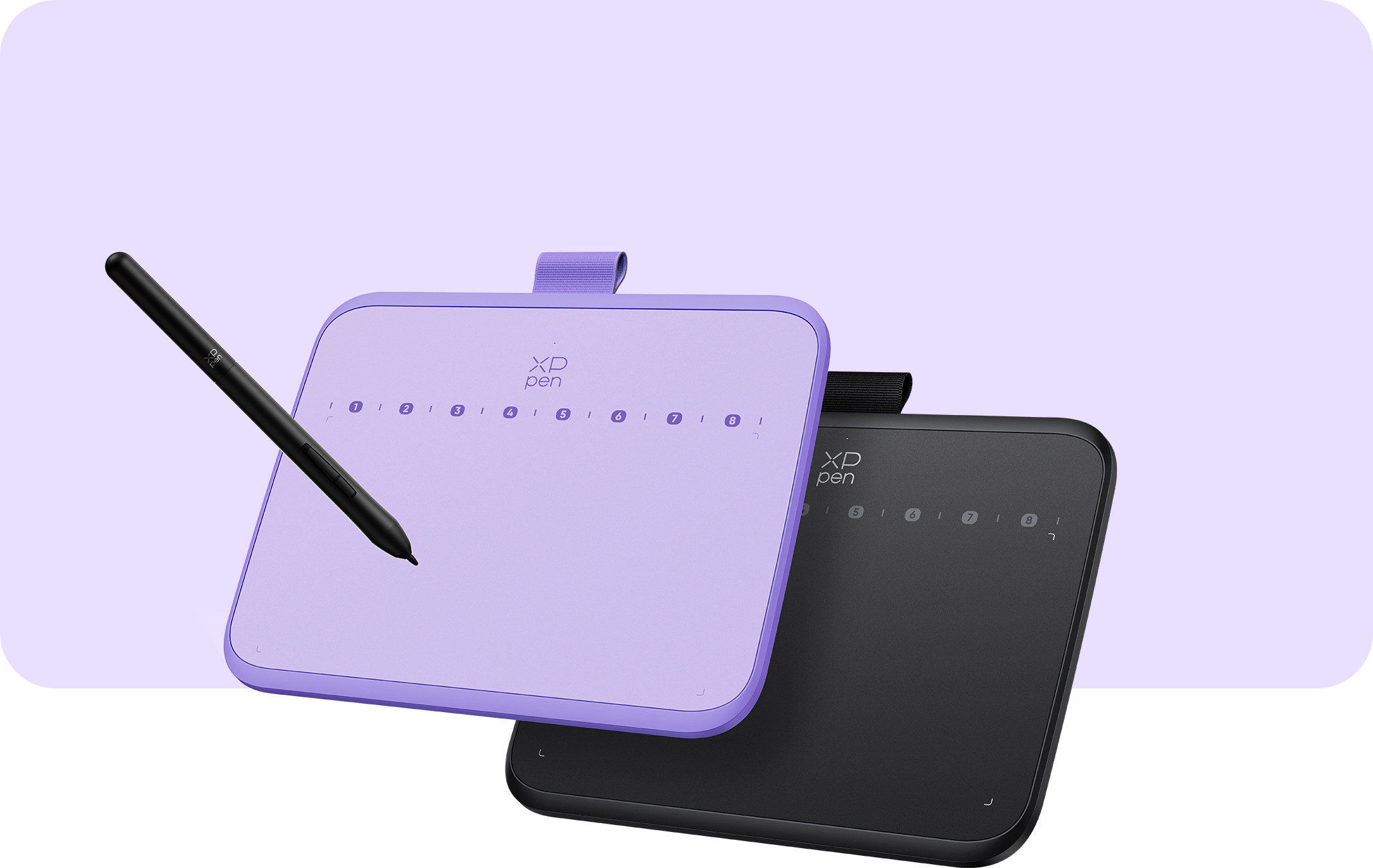
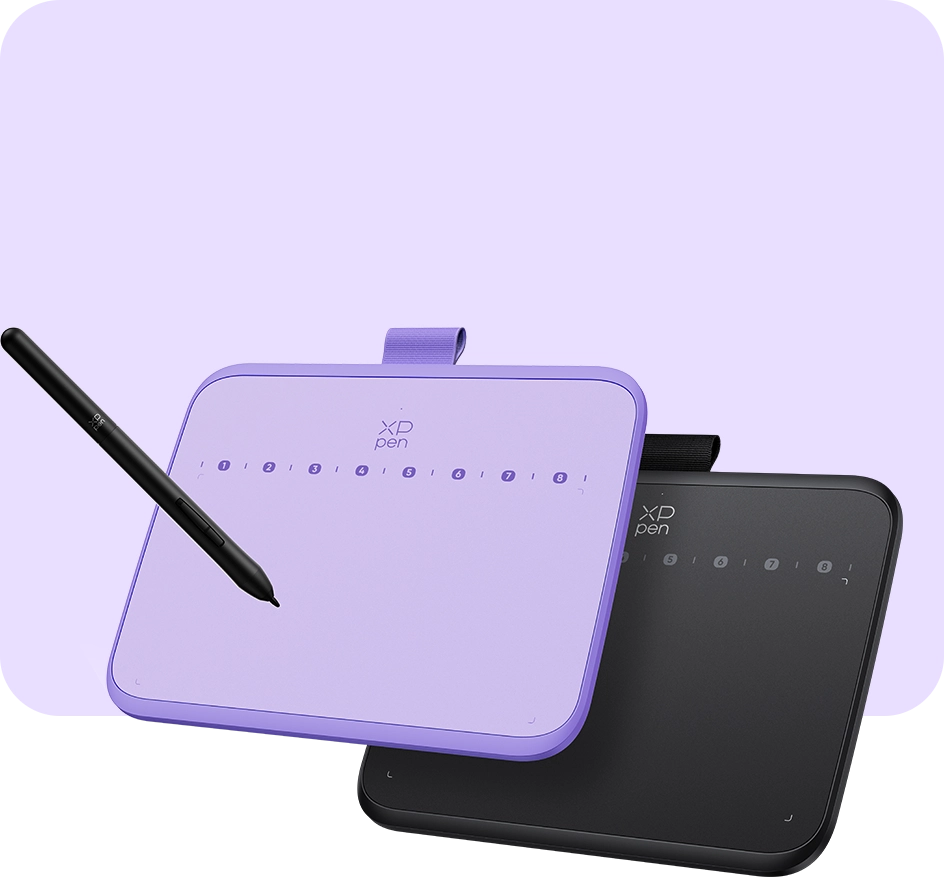
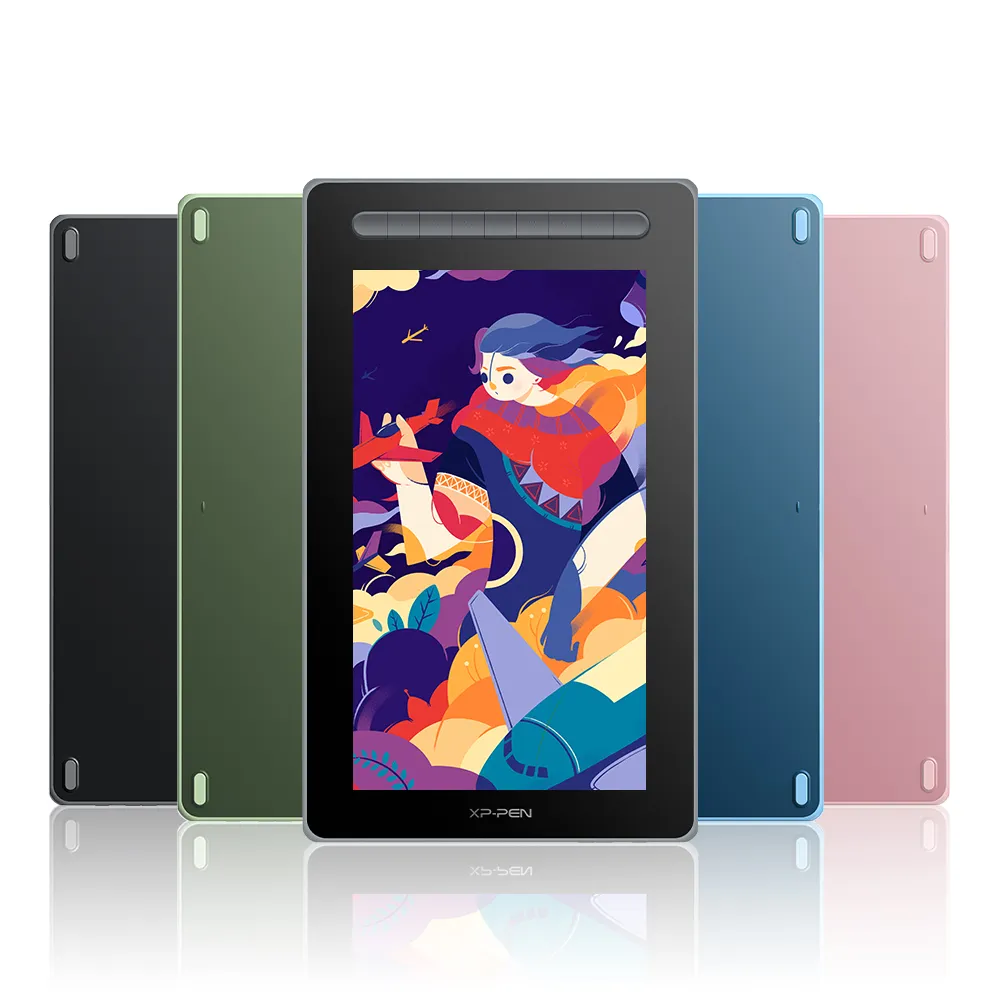
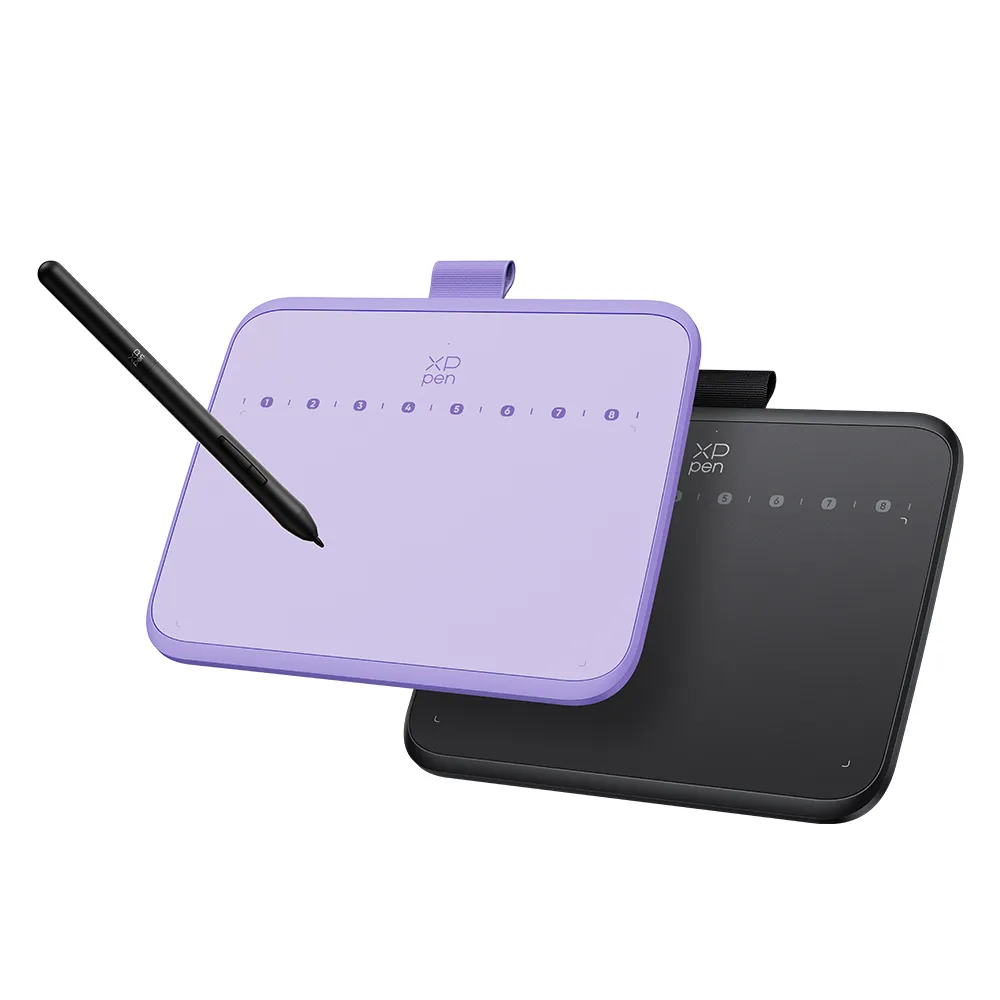
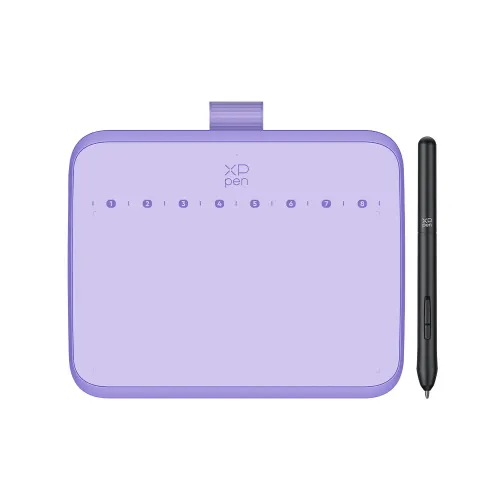
Deco 640 features two colors: black and purple.
Choose as you like and make it your start point of limitless creativity.
Purple
Black
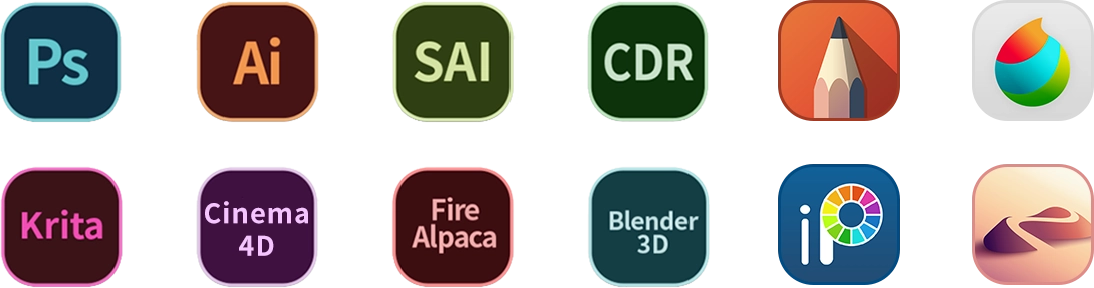
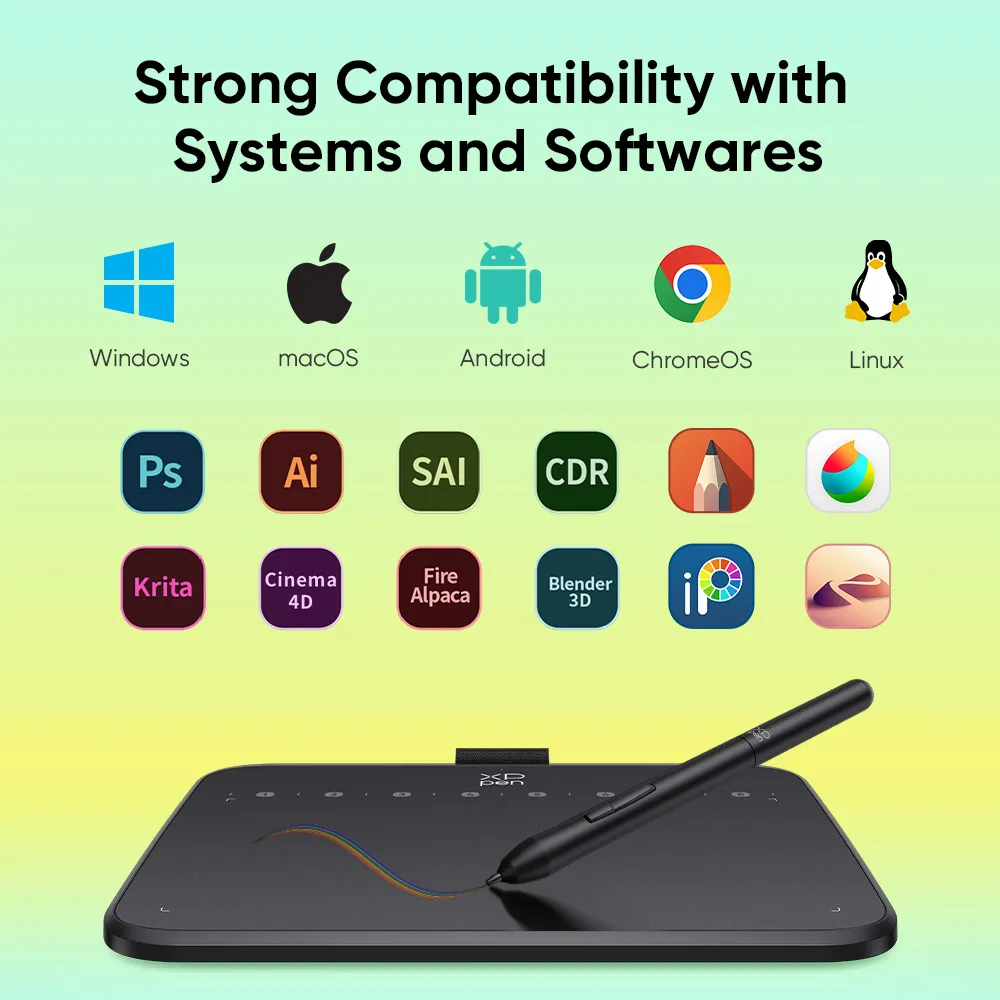
Deco 640 is compatible with Windows and macOS and supports mainstream drawing and design software.
Enjoy creation with minimal learning costs and no concerns about device configuration.
Compatiable systems
Windows 7 or above, Mac OS X 10.13 or above,
Android 10.0 or above
Support Software
PC: Photoshop, Illustrator, SAI...
Andriod Phone/Tablet: Meidibang, Ibisx, Onenote...
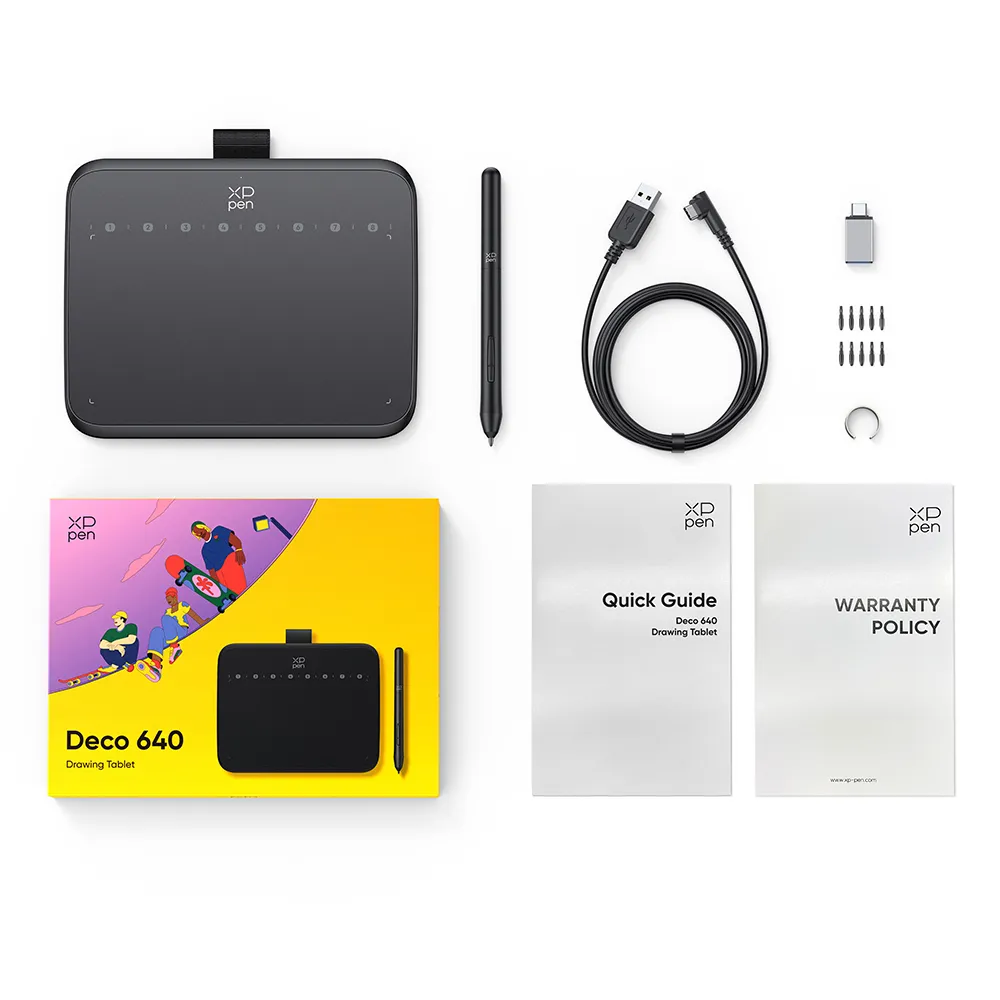
1 x Drawing Tablet
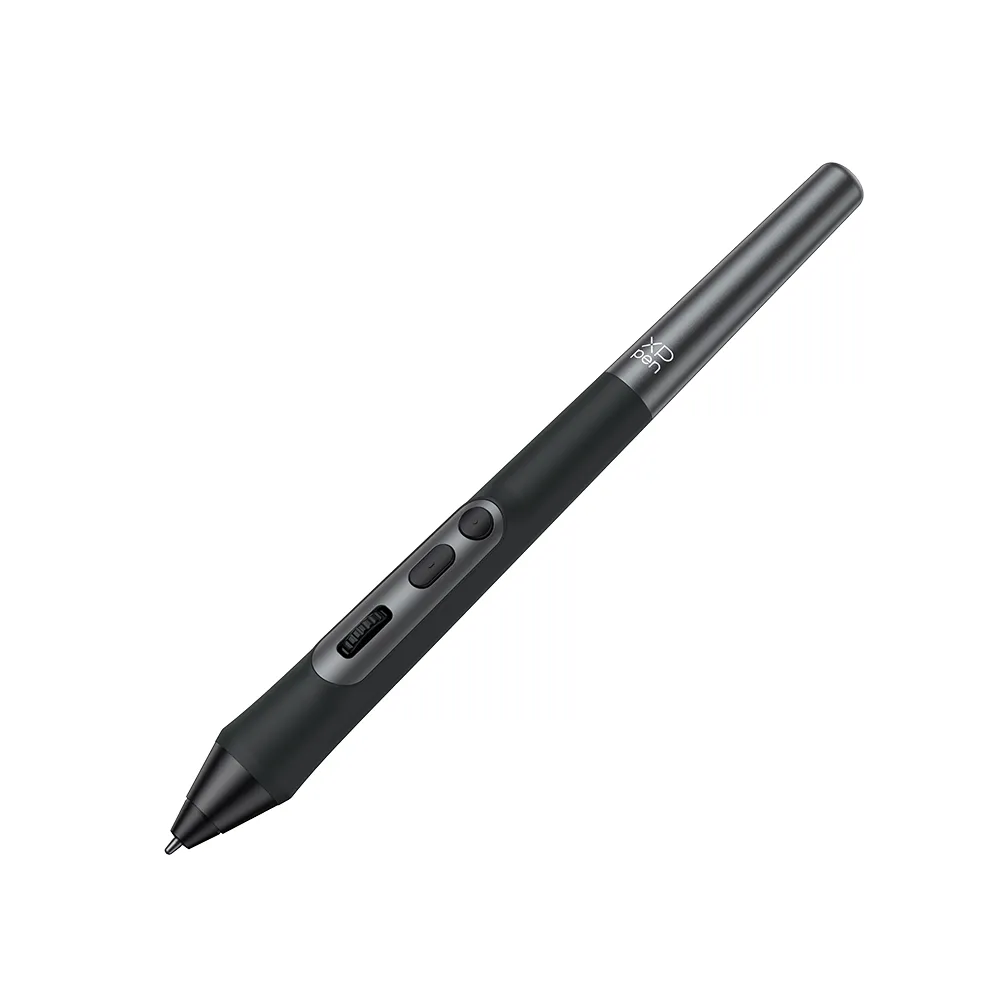
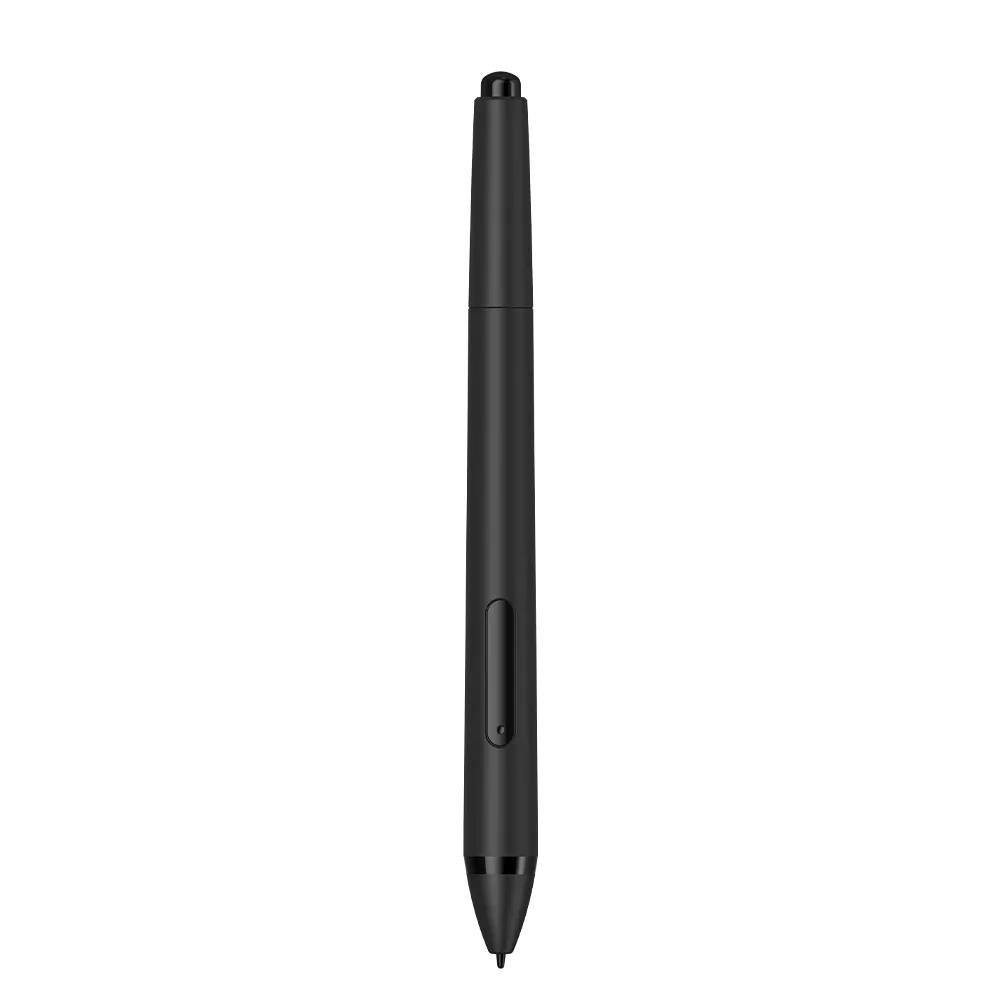
1 x Stylus
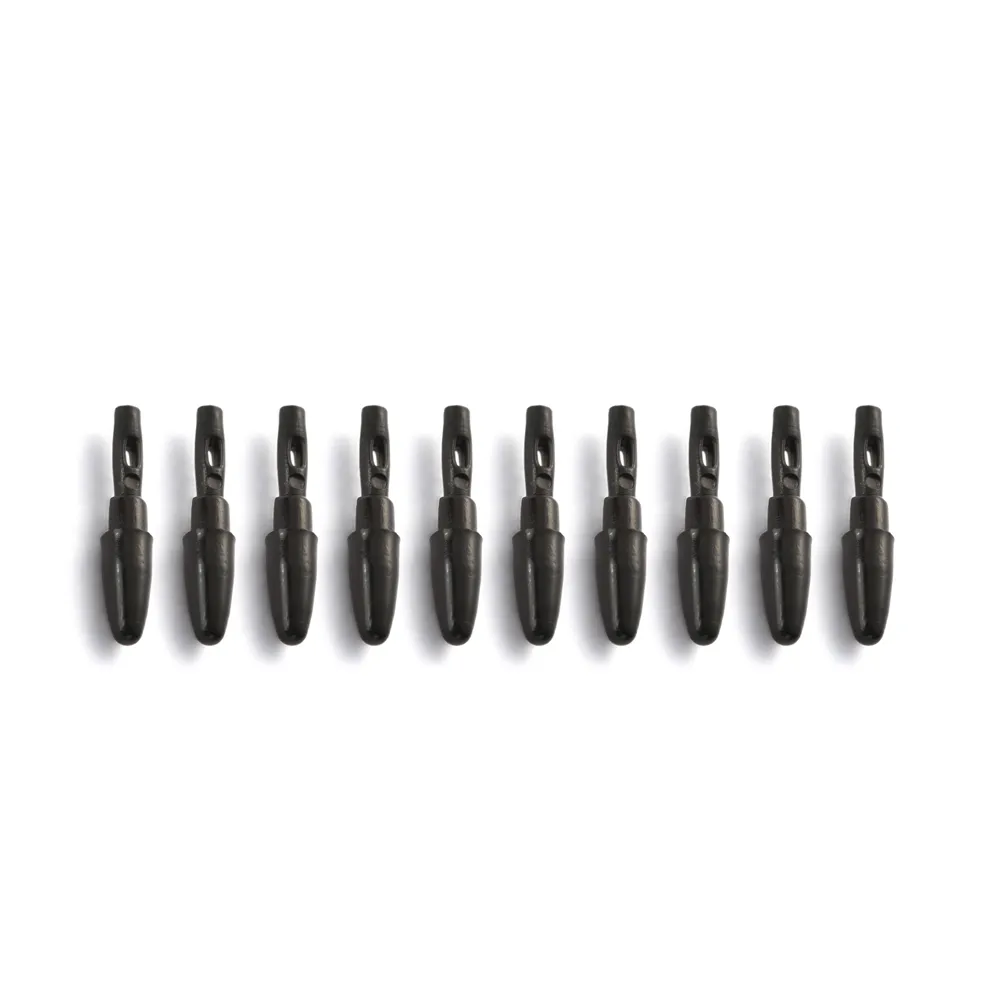
10 x Pen Nibs
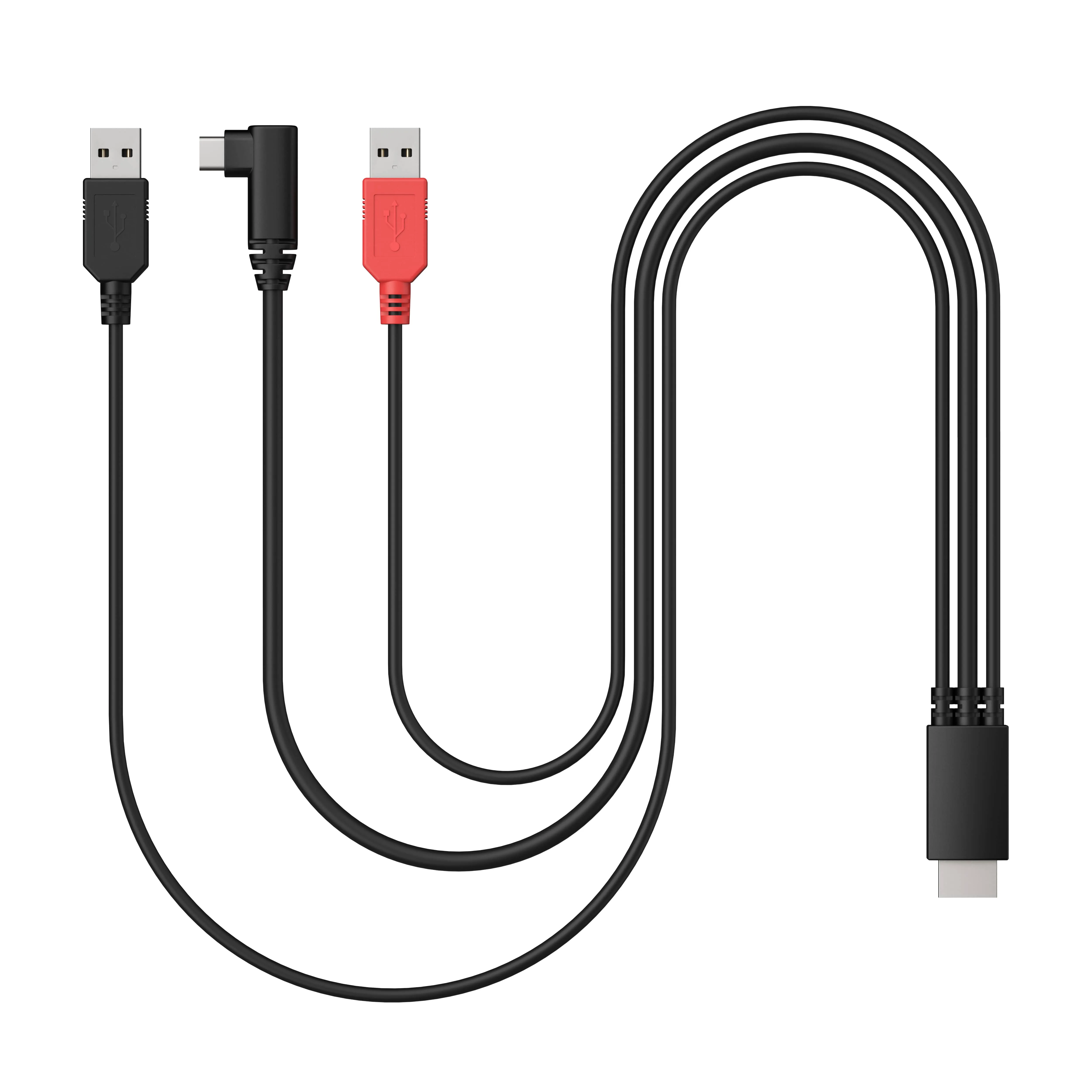
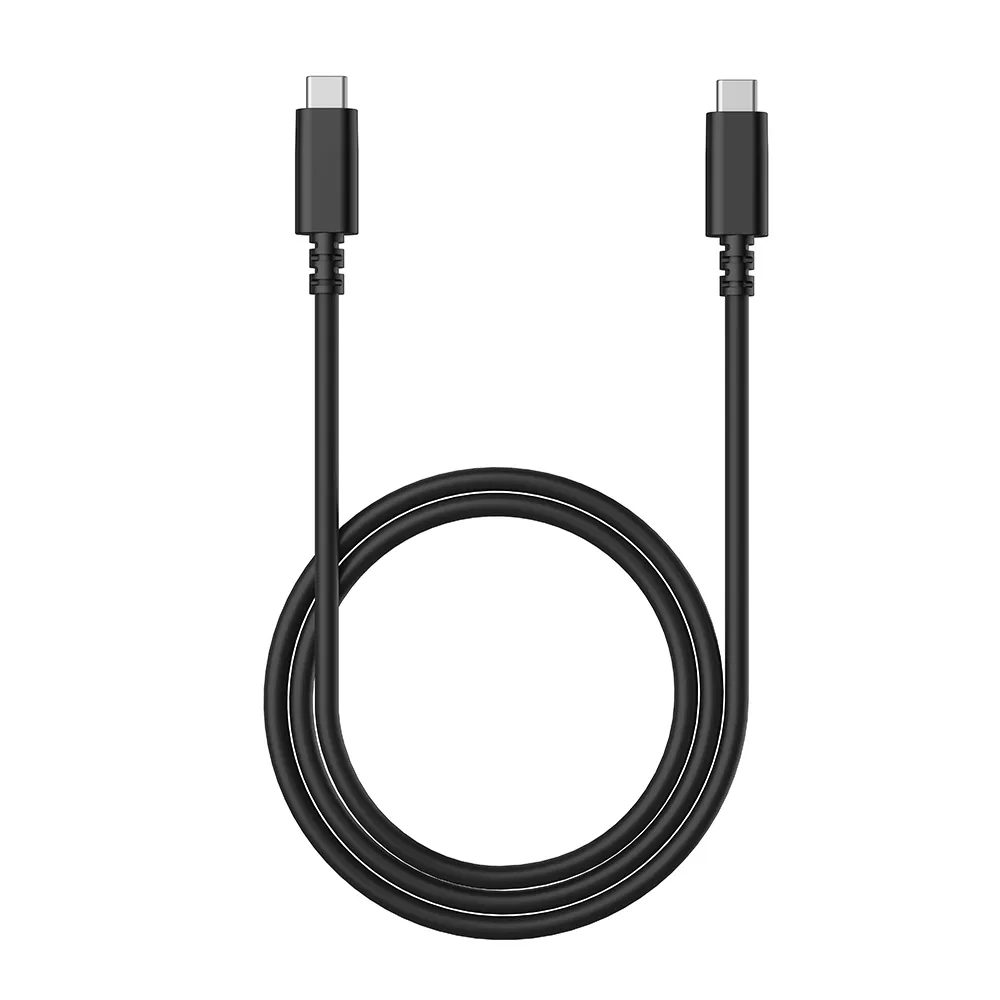
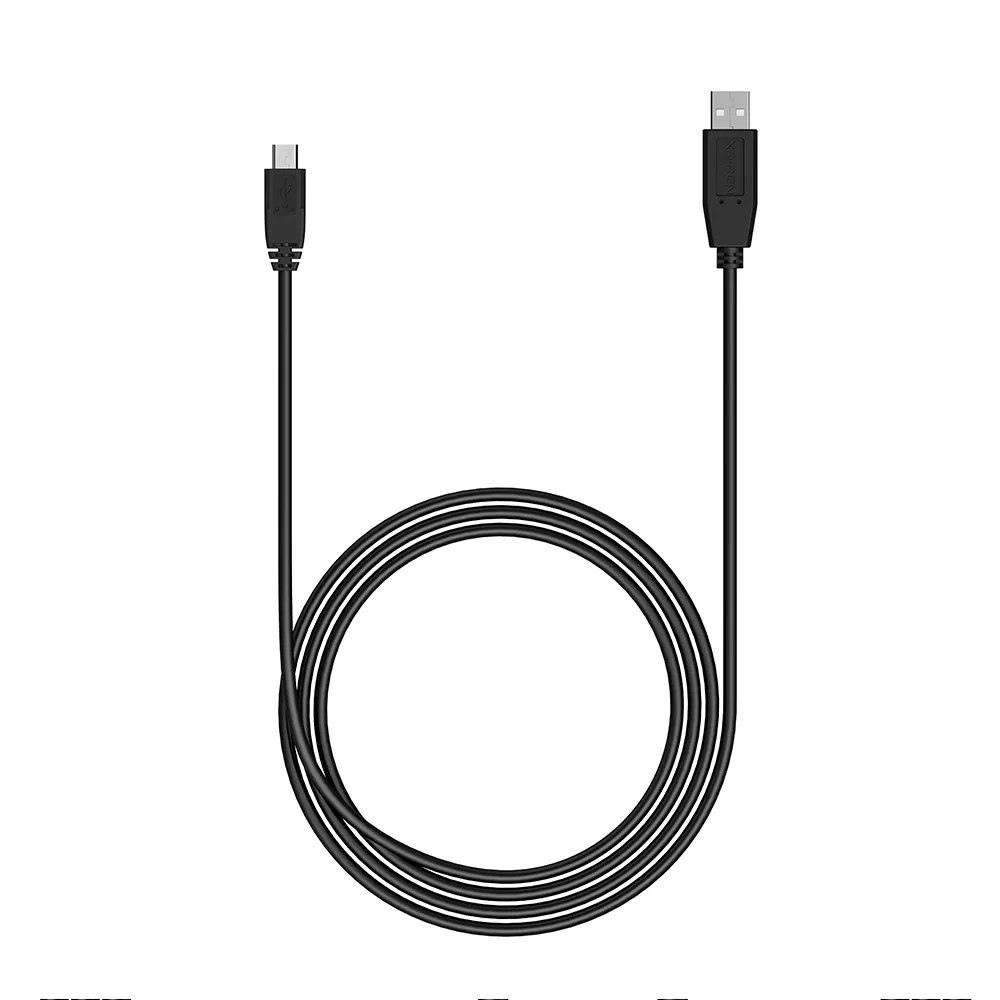
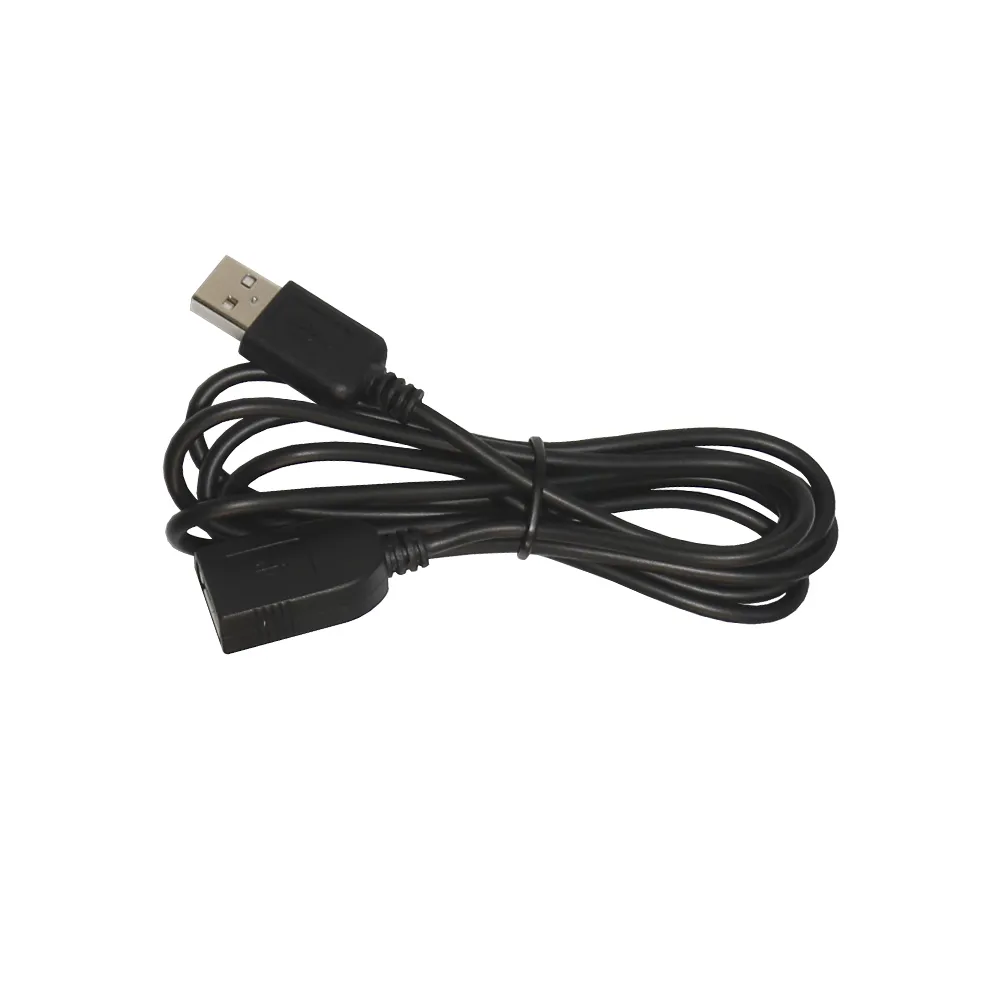
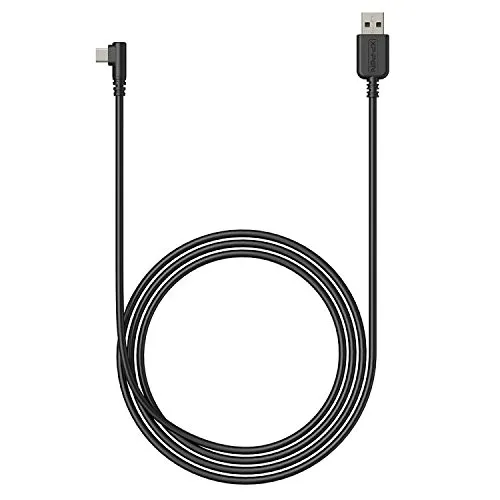
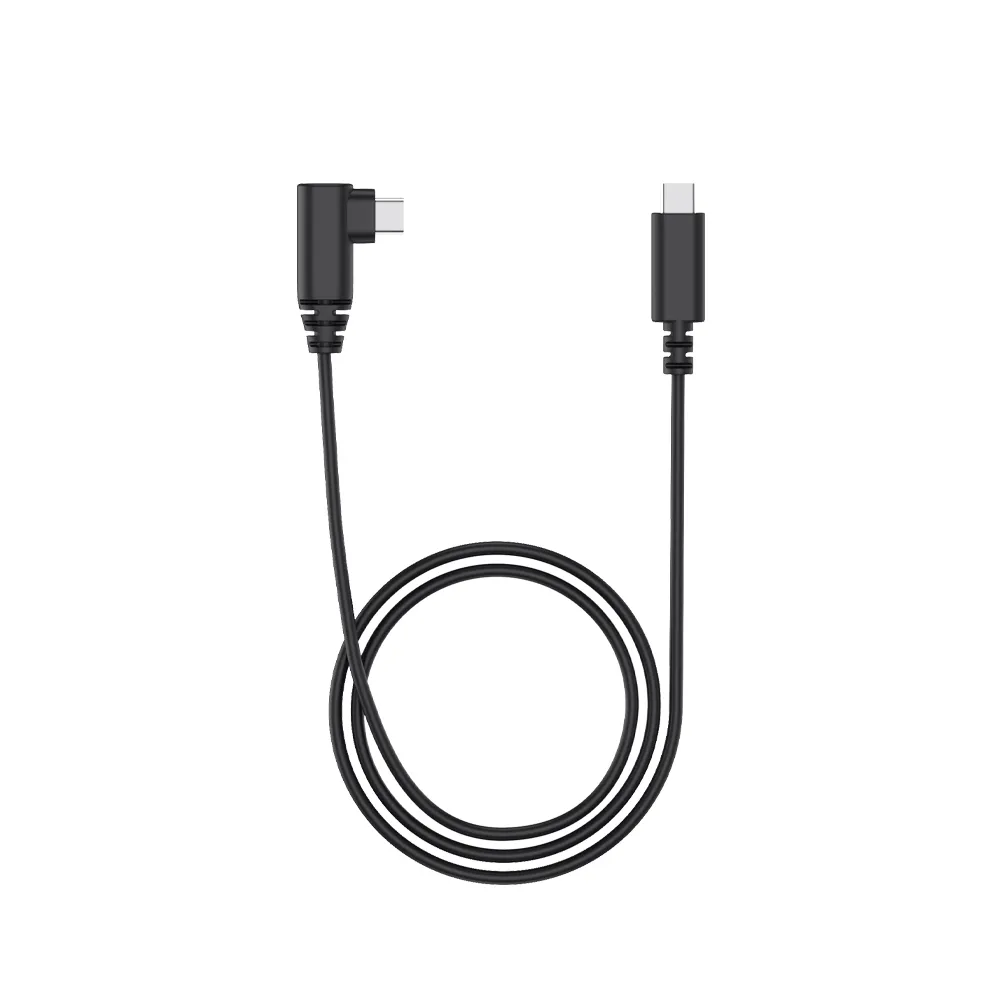
1 x USB-C to USB-A Cable
1 x Nib Extractor
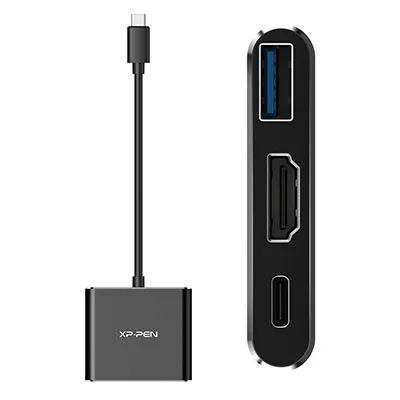
1 x USB to USB-C Adapter
Q1: What are the dimensions, weight, and work area of the XPPen Deco 640?
A: The XPPen Deco 640 measures 150 × 188.3 × 7.7 mm, has a net weight of 170 g, and features a work area of 160 × 90 mm, offering a compact yet efficient space for digital drawing.
Q2: Can I remove the sticker/film on the XPPen Deco 640?
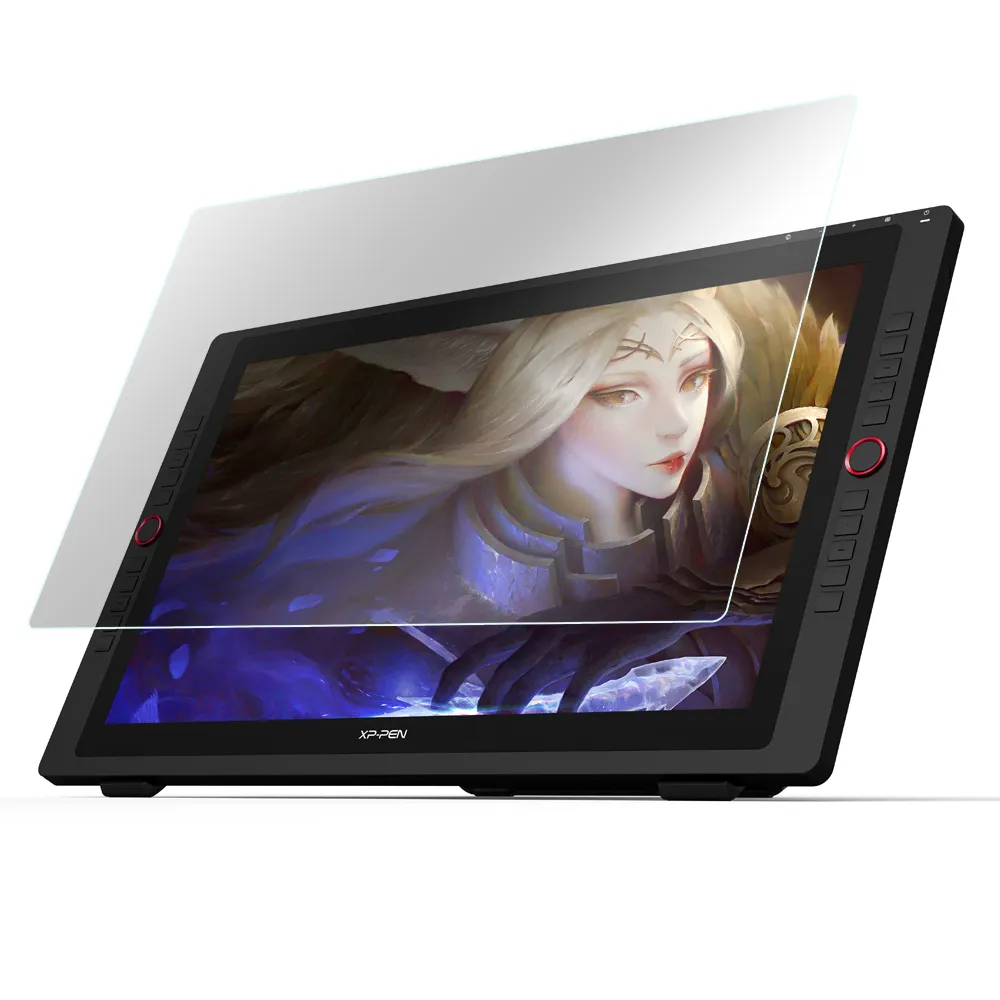
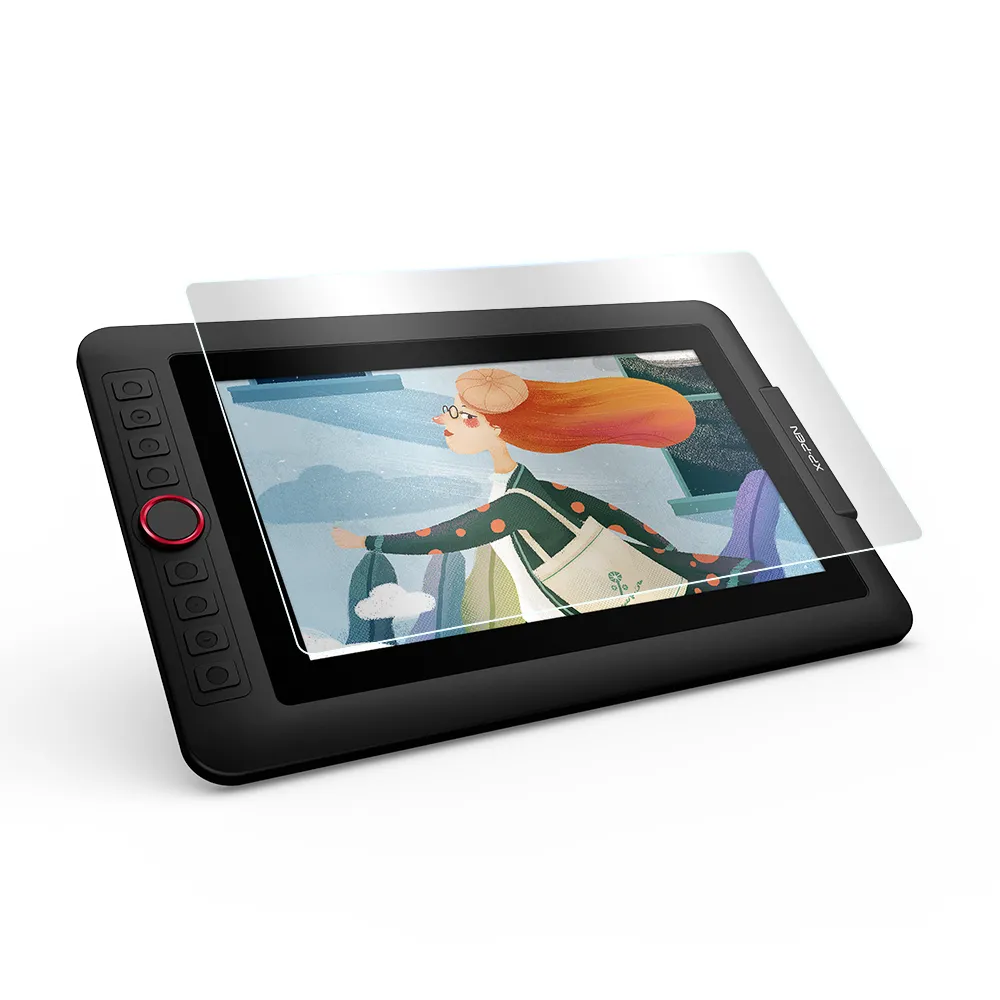
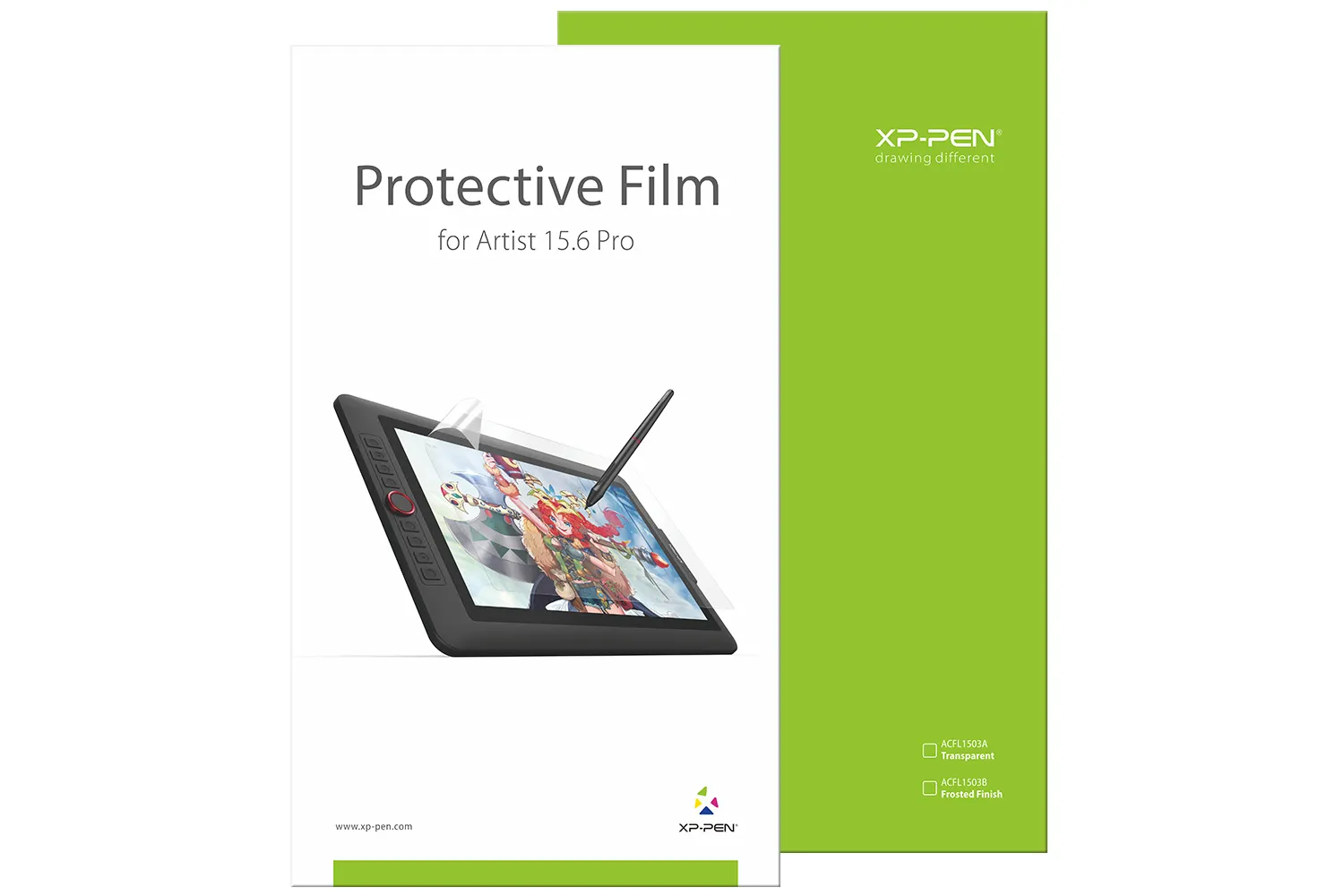
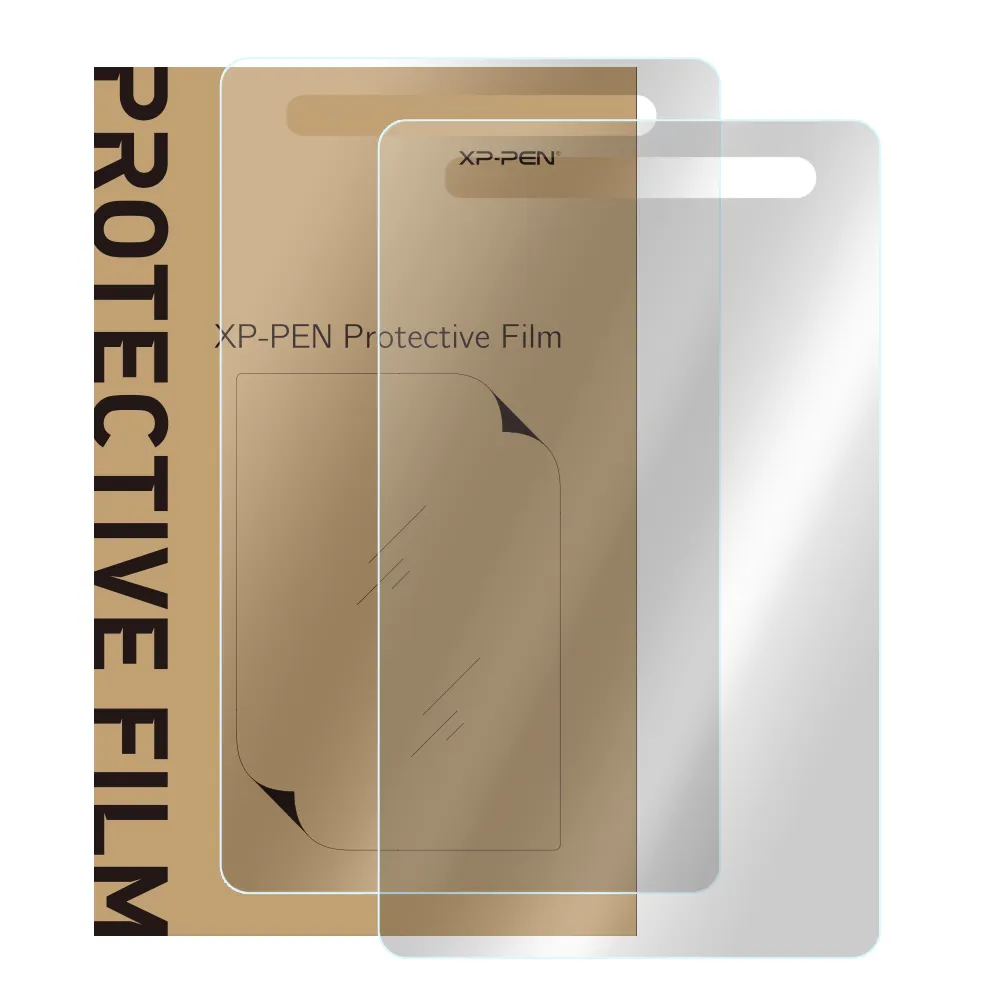
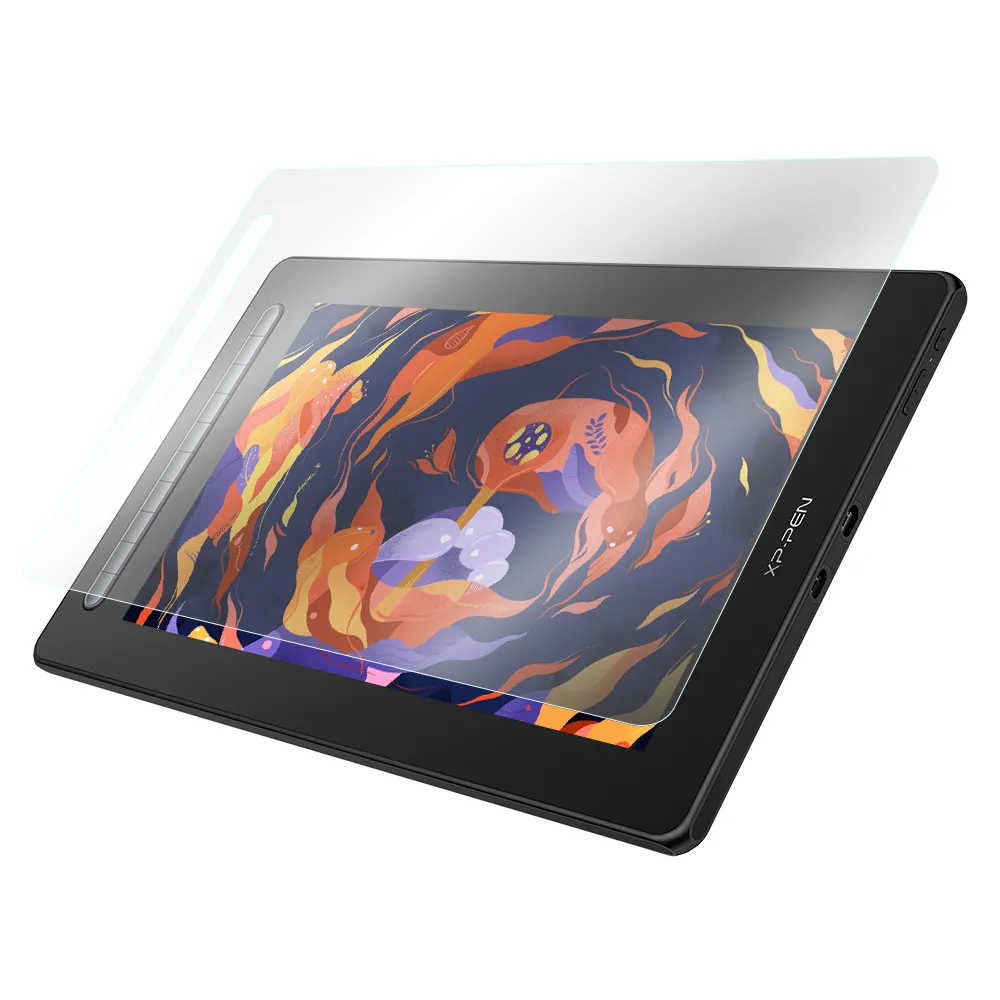
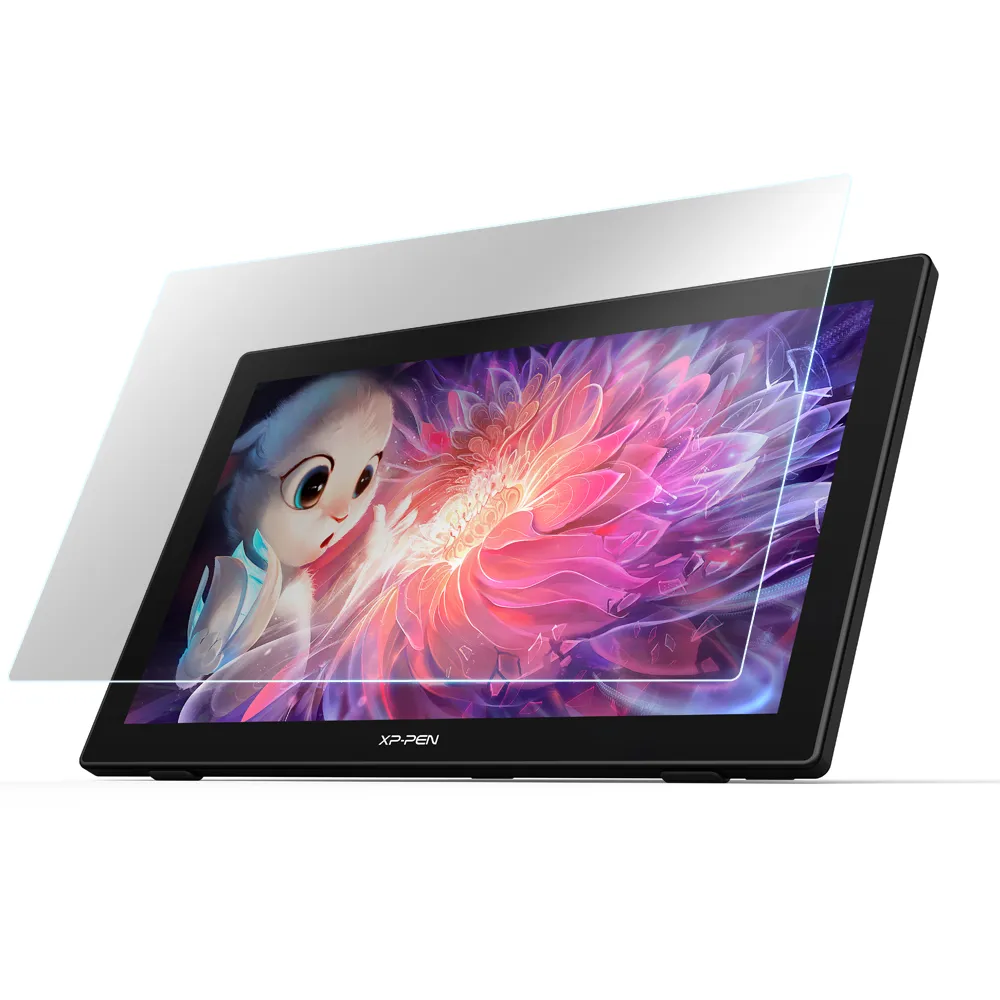
A: Yes. The Deco 640 comes with a protective film to safeguard the surface during transportation. You can peel it off before use to prevent scratches from the pen and ensure a smooth drawing experience.
Q3: What is the pen model for the XPPen Deco 640, and which replacement nibs are compatible?
A: The XPPen Deco 640 comes with the PN01D battery-free stylus. The compatible replacement nibs for this pen are the PN01 series. You can purchase the stylus and replacement nibs here: Replacement Nibs | PN01D Stylus.
Q4: What is the pen’s initial activation force on the XPPen Deco 640, and does it use the X3 chip?
A: The Deco 640 stylus has an initial activation force (IAF) of 30 g. It uses EMR (Electro-Magnetic Resonance) technology and does not include the X3 series chip.
Q5: Can I customize the pen settings on the XPPen Deco 640, and how?
A: Yes. If you connect the Deco 640 to a computer, you can customize pen settings through the driver software. When using a phone, the ability to adjust pen settings depends on whether the app you are using supports custom configurations.
Q6: What functions can the shortcut keys on the Deco 640 be used for?
A: The XP-Pen Deco 640 has 8 customizable soft shortcut keys that can be set for functions like undo, zoom, brush adjustment, or switching tools, helping artists create faster and work more efficiently.
Q7: Which operating systems are compatible with the XPPen Deco 640?
A: The XPPen Deco 640 is compatible with Windows 7 or later, macOS 10.13 or later, Android 10.0 or later, Chrome OS 88 or later, and Linux, ensuring broad compatibility for various devices.
Q8: Which software is the XPPen Deco 640 compatible with?
A: The XPPen Deco 640 supports popular PC software such as Photoshop, Illustrator, and SAI. On Android phones and tablets, it works with apps like MediBang, IbisX, and OneNote, making it versatile for both professional and casual digital art.
Reviews(9)
FAST & FREE
7-day delivery sitewide.
SECURE PAYMENT
Buy now, pay later. Secured by PayPal.
TECH SUPPORT
service@xp-pen.com
18-MONTH WARRANTY
18-month warranty only for official E-store
Get the latest on XPPen products, free trials, and more.
Copyright© 2026 HANVON UGEE (HK) TECHNOLOGY CO., LIMITED All Rights Reserved.