



Select your country/region to shop
3
10
Key Features
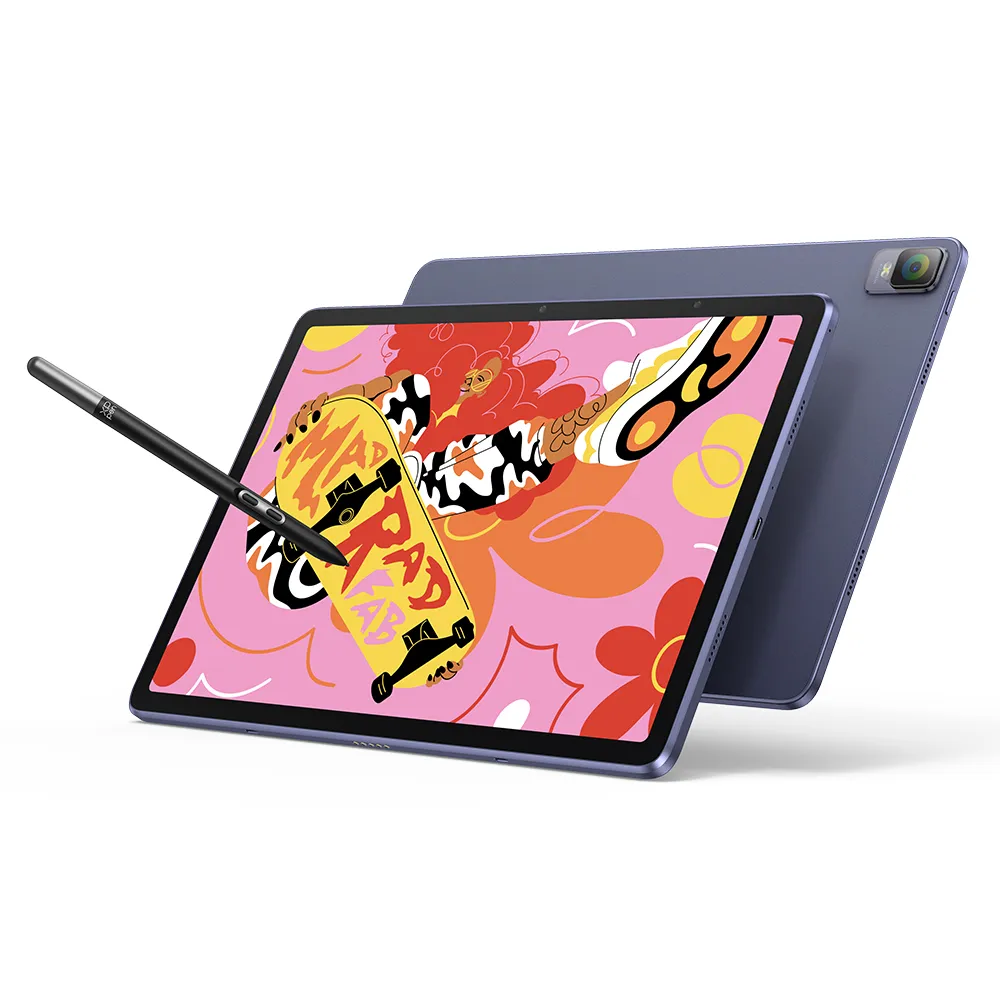
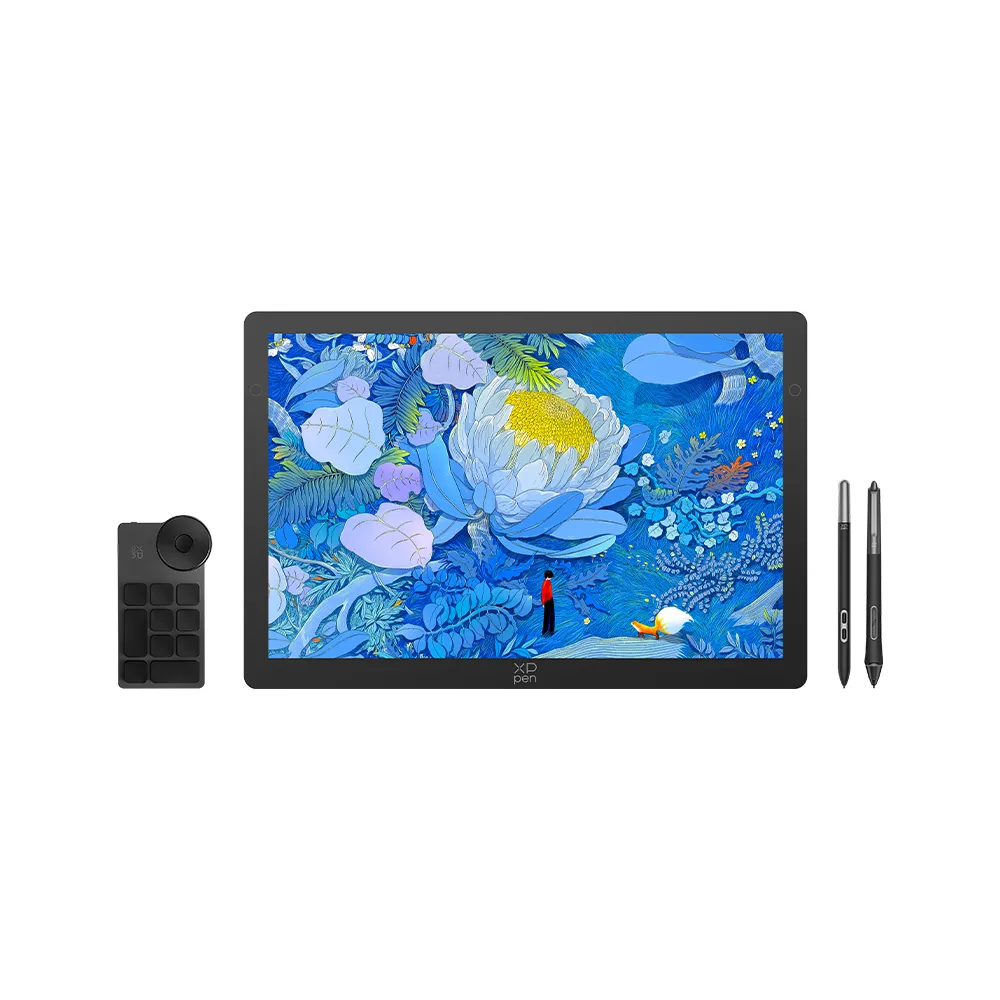
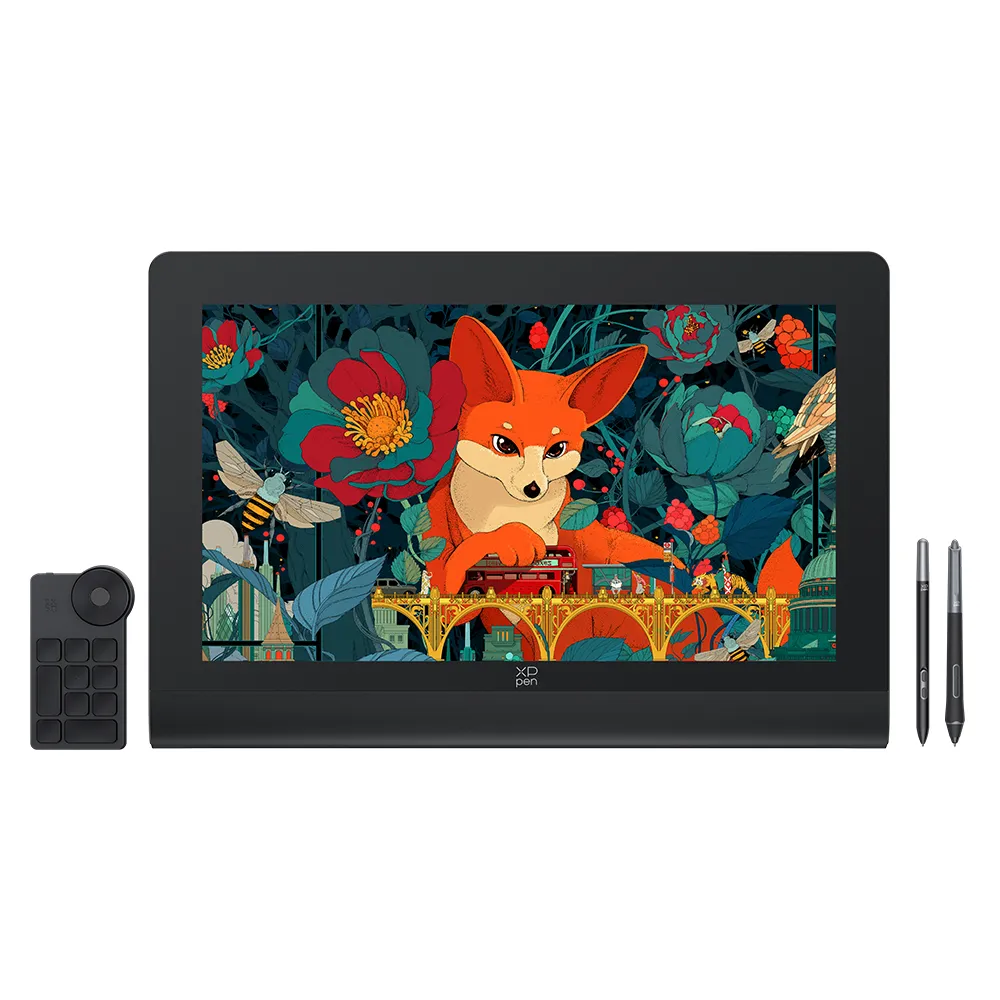
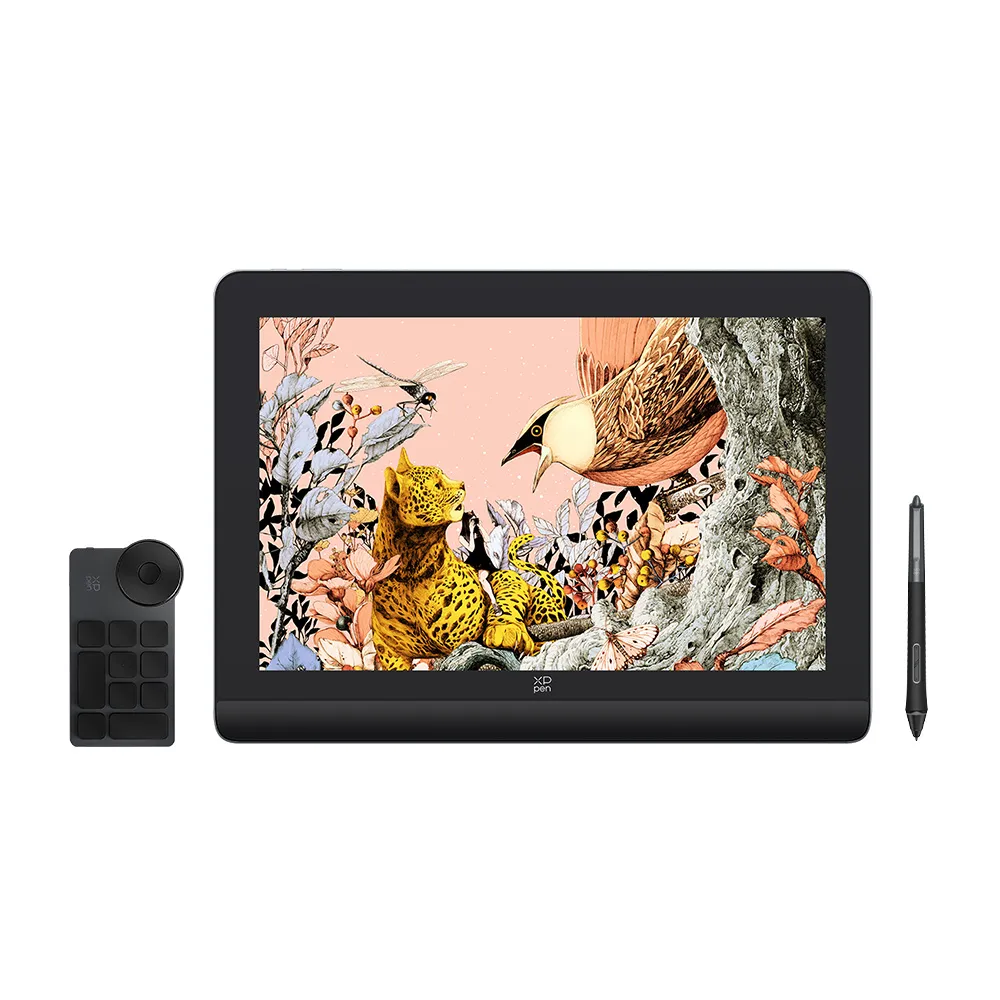
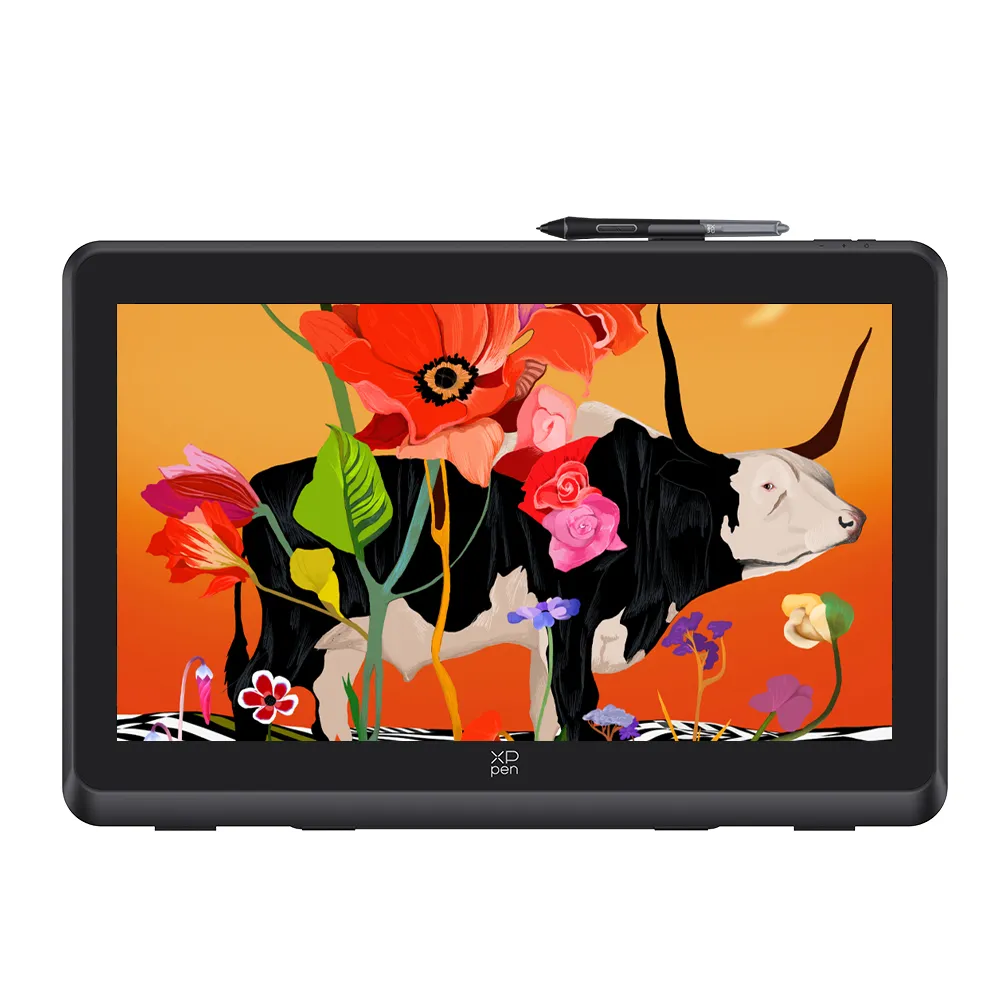
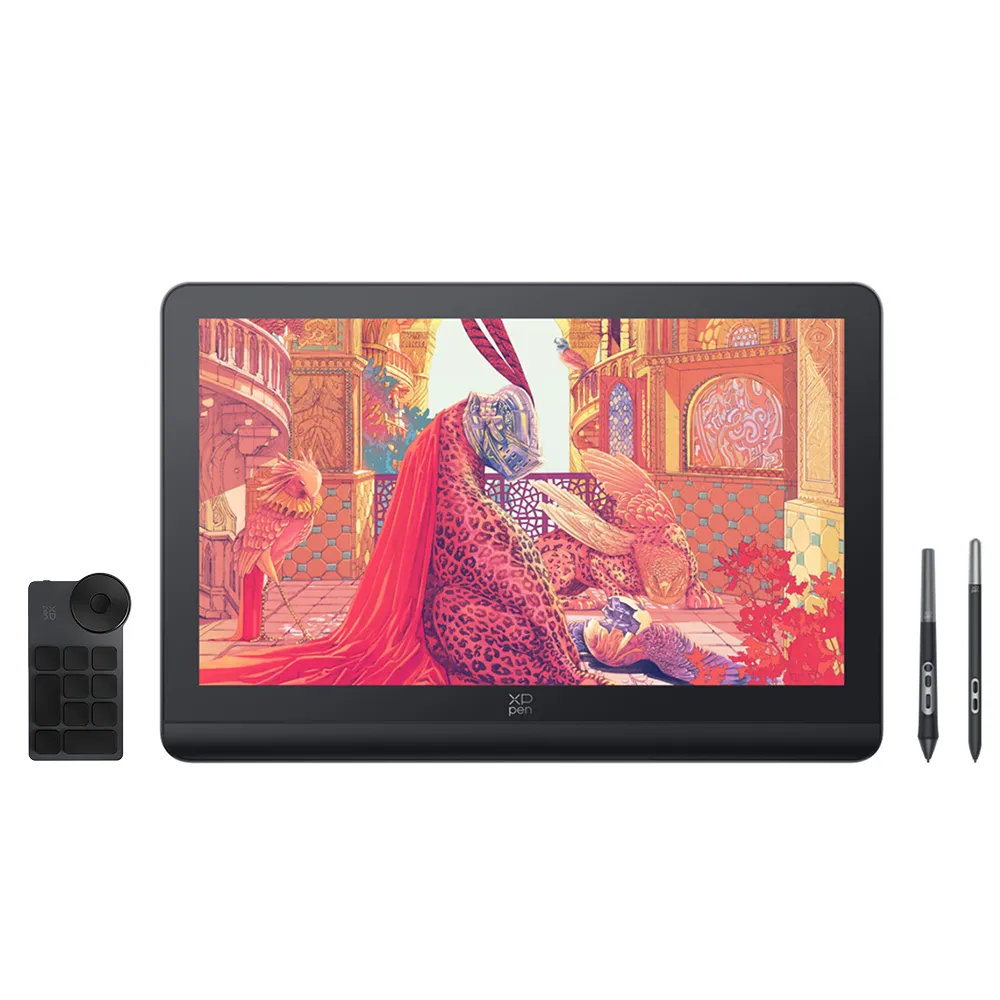
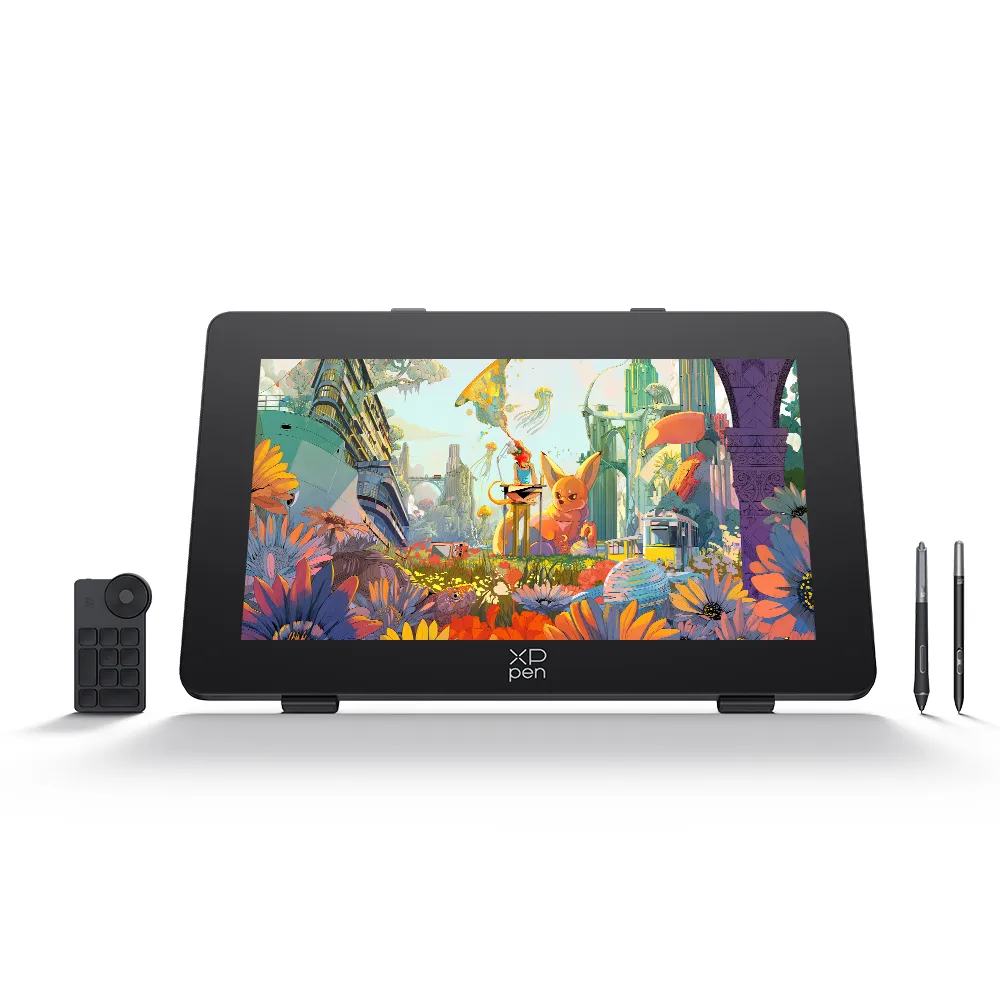
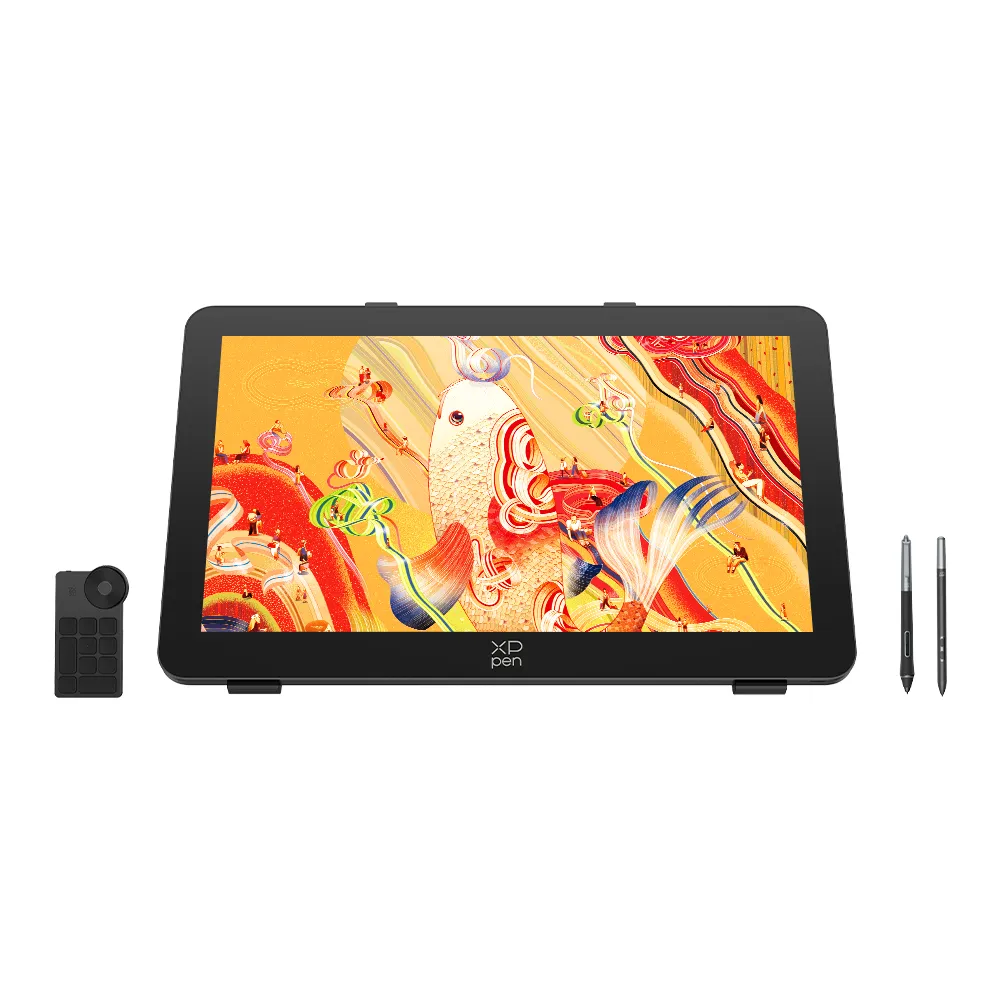
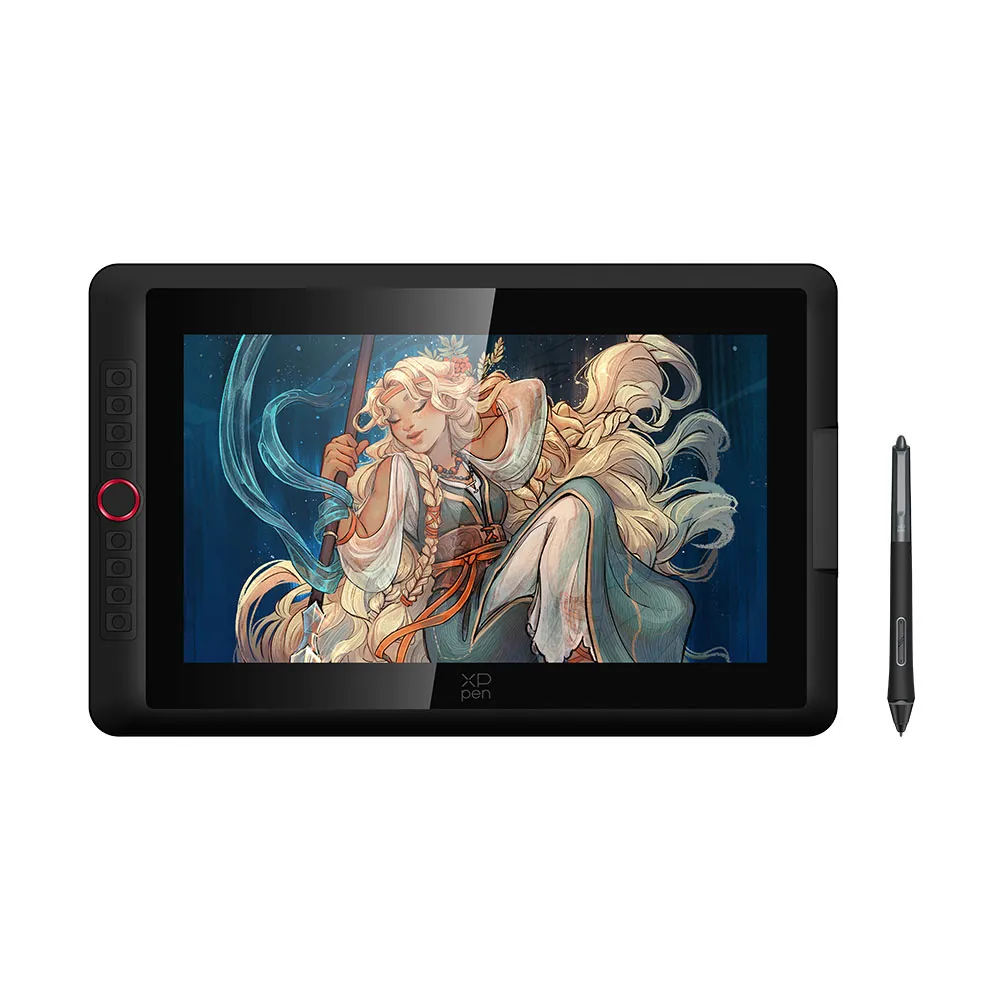
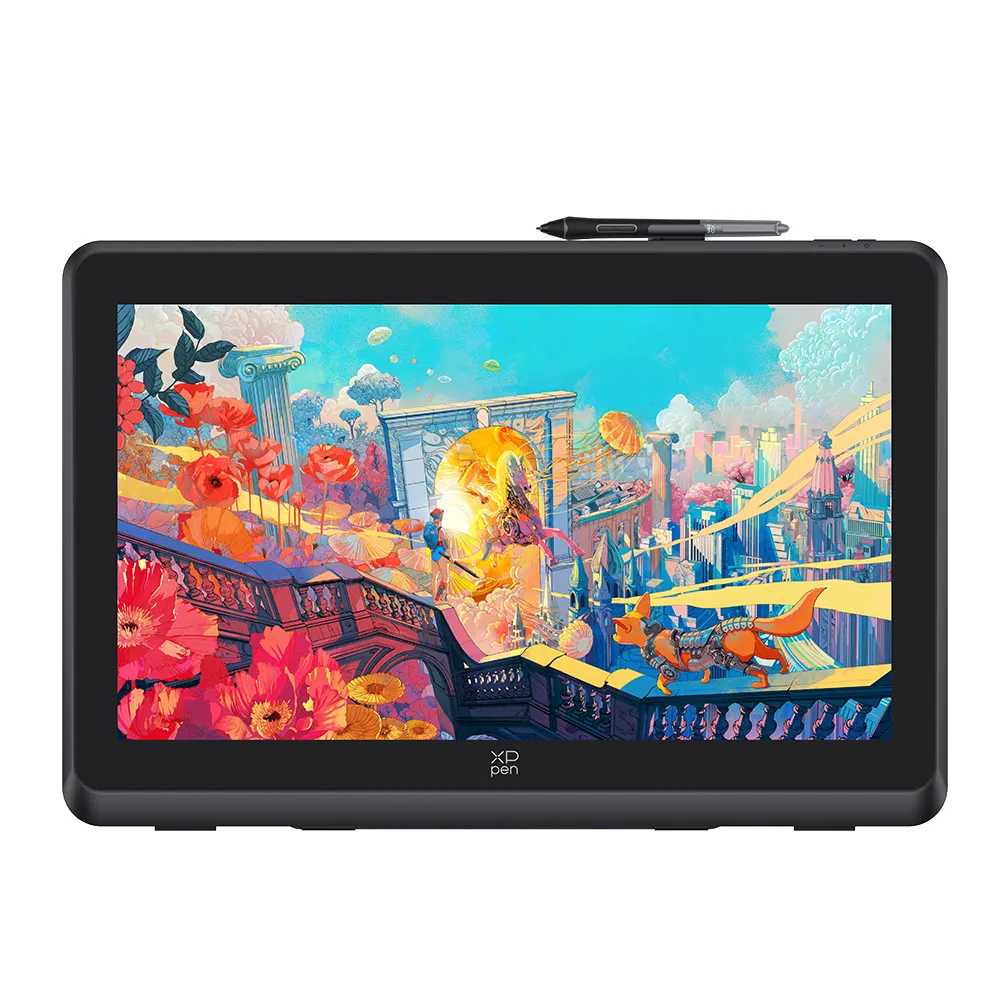
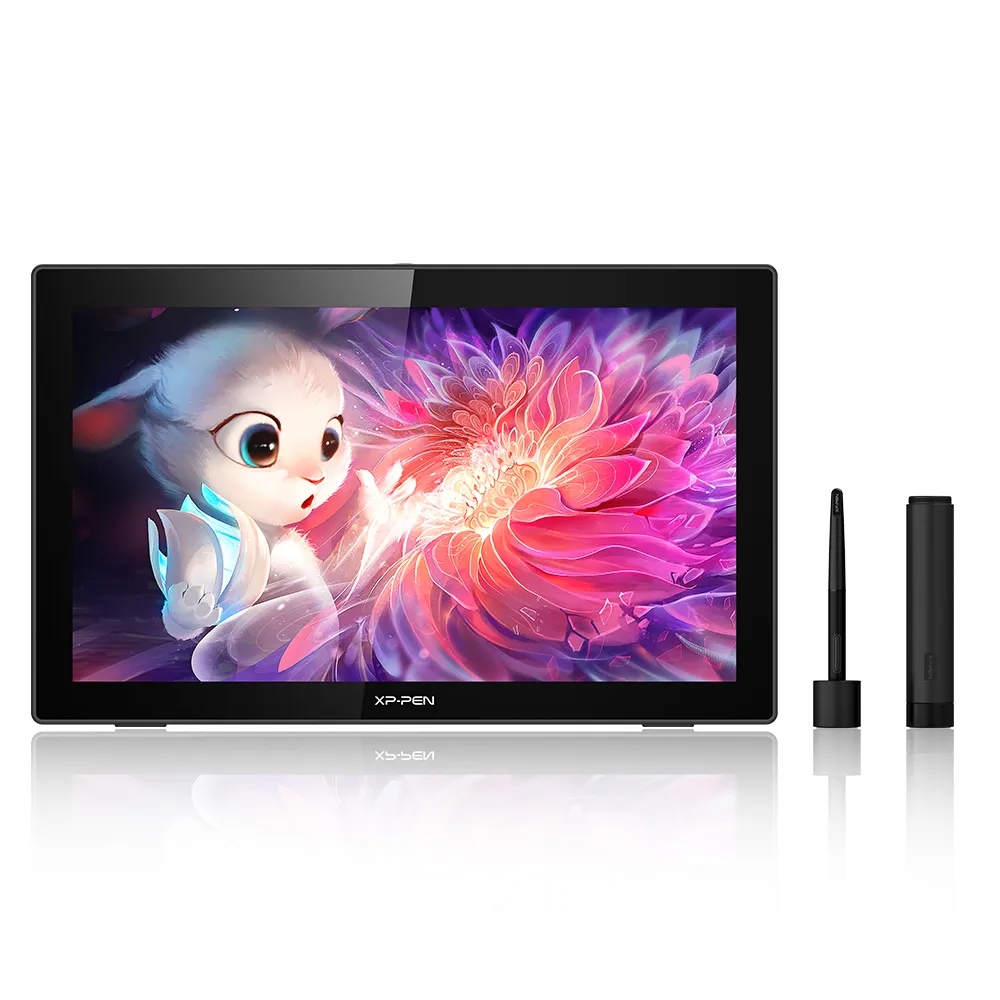
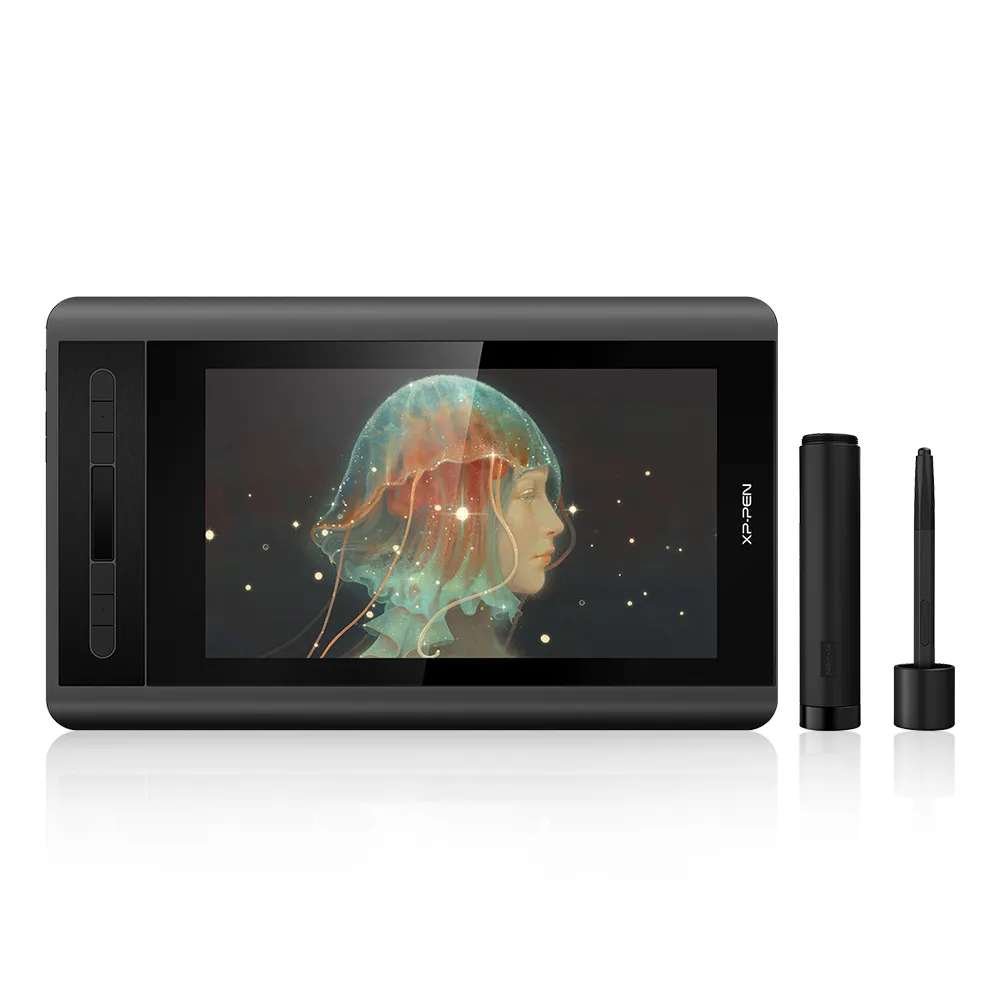
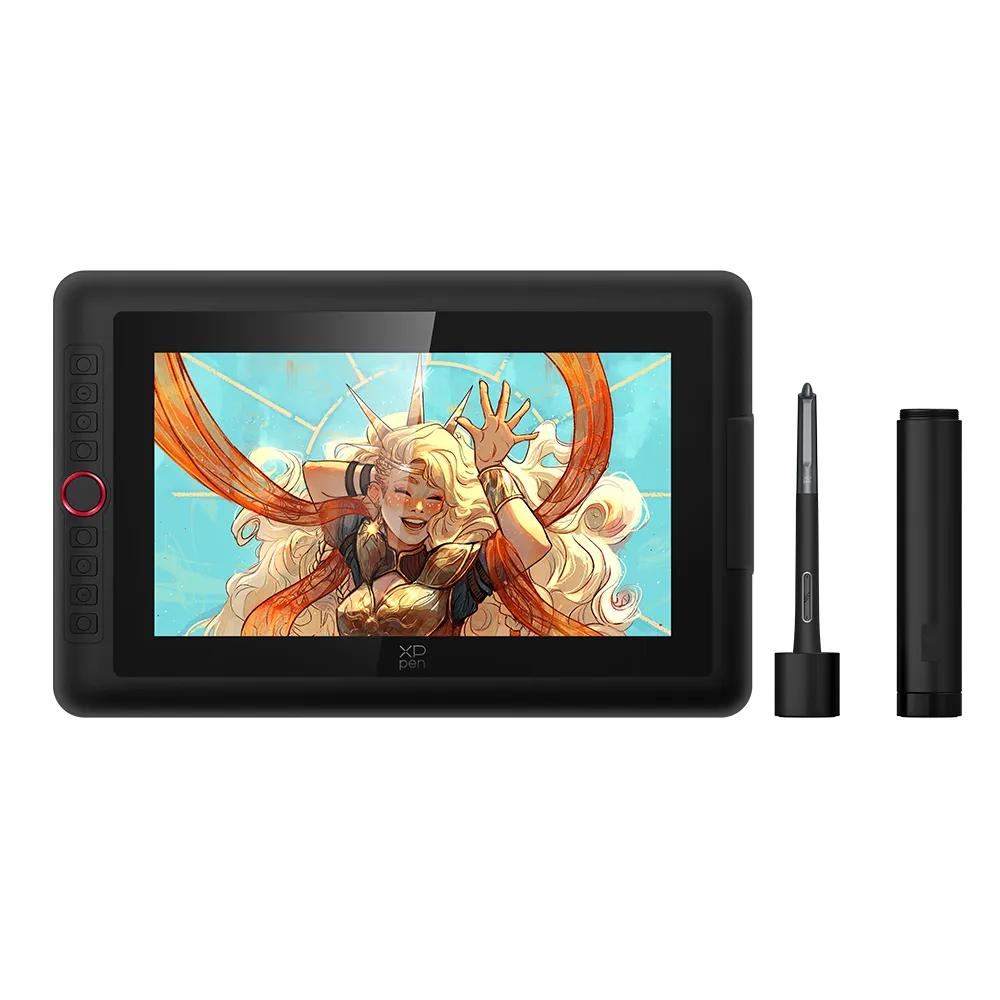
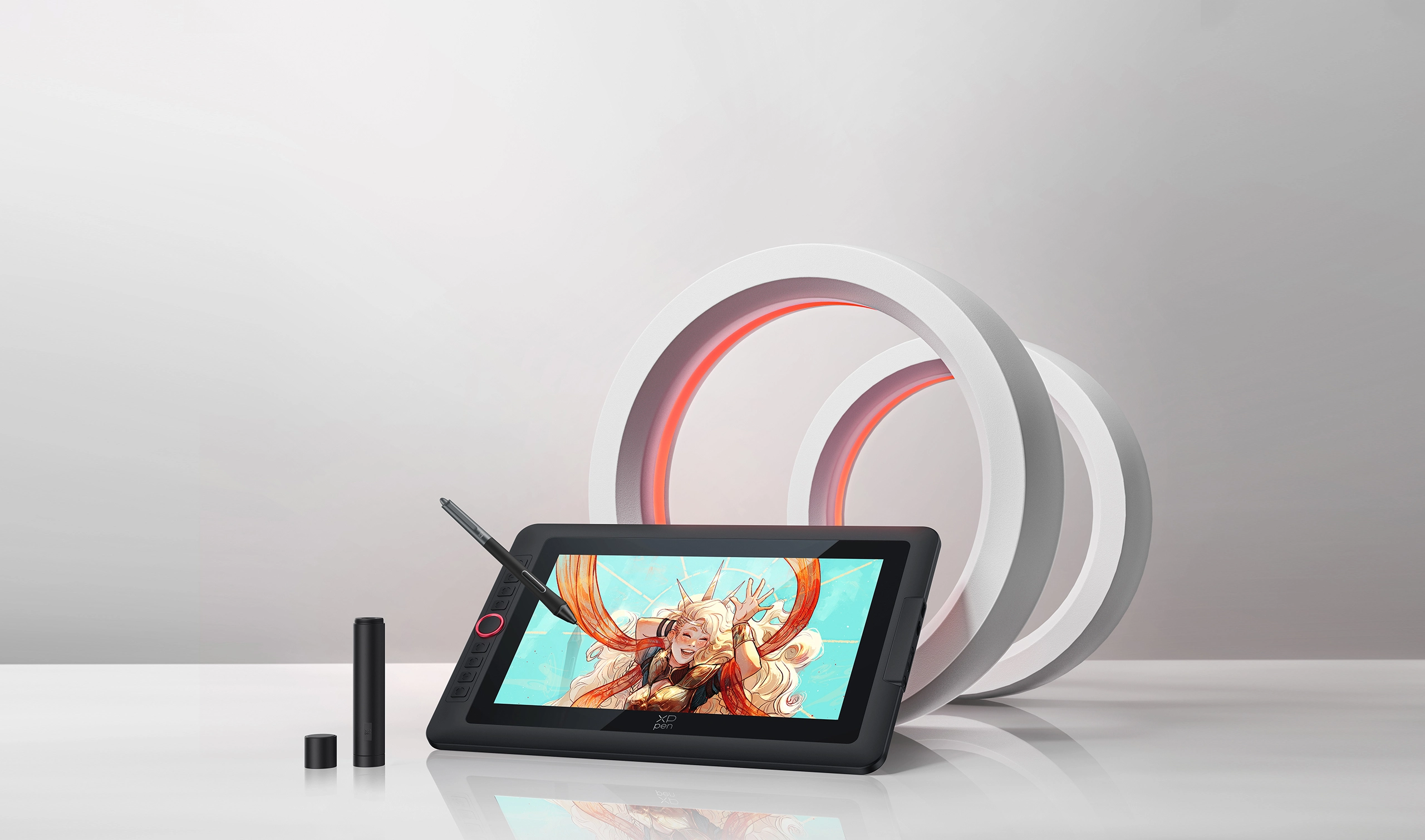
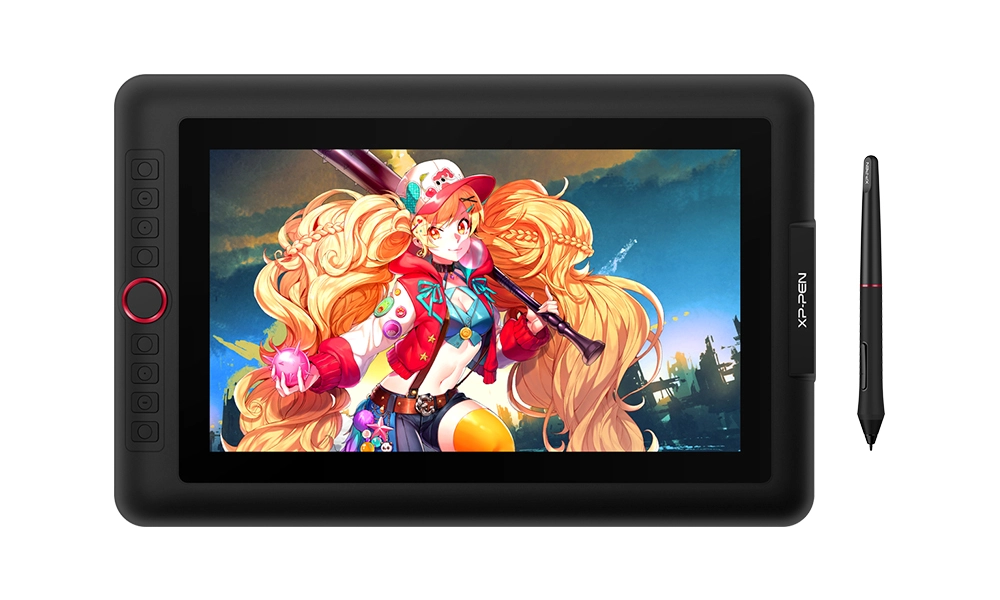
13.3-Inch Display
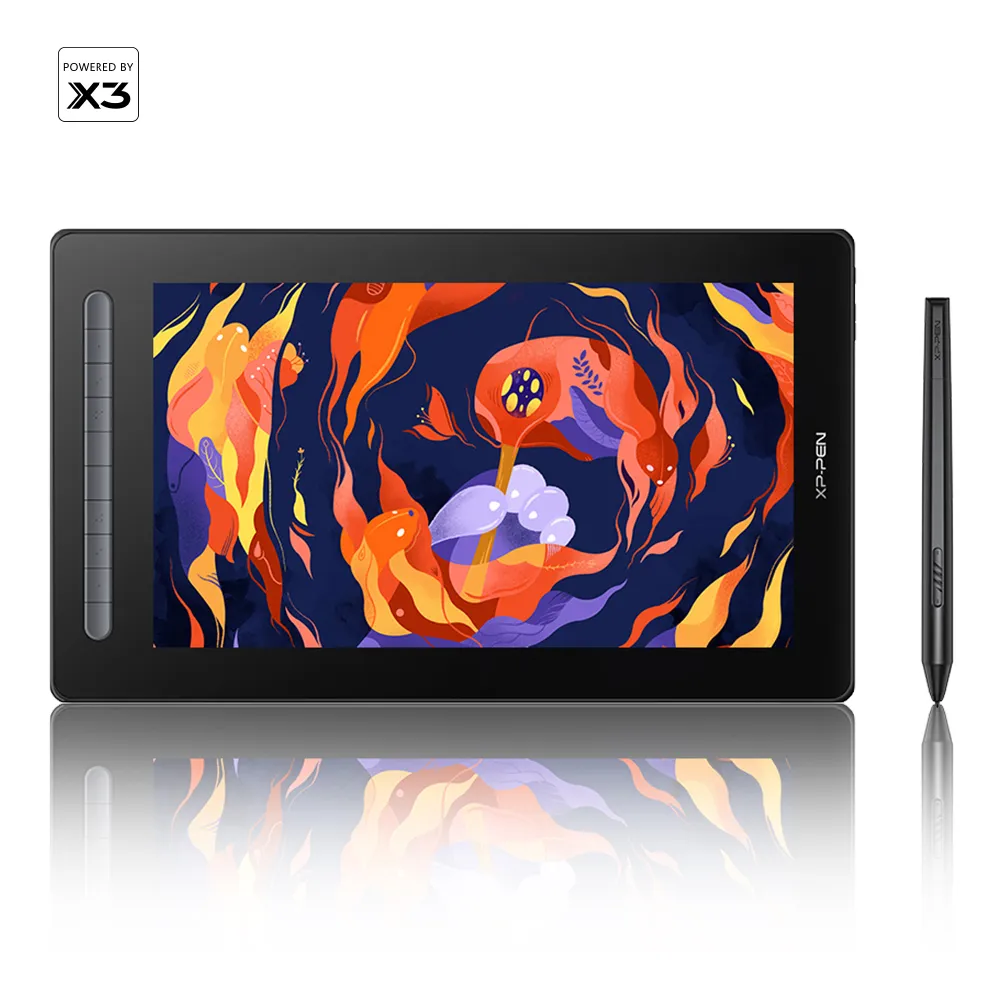
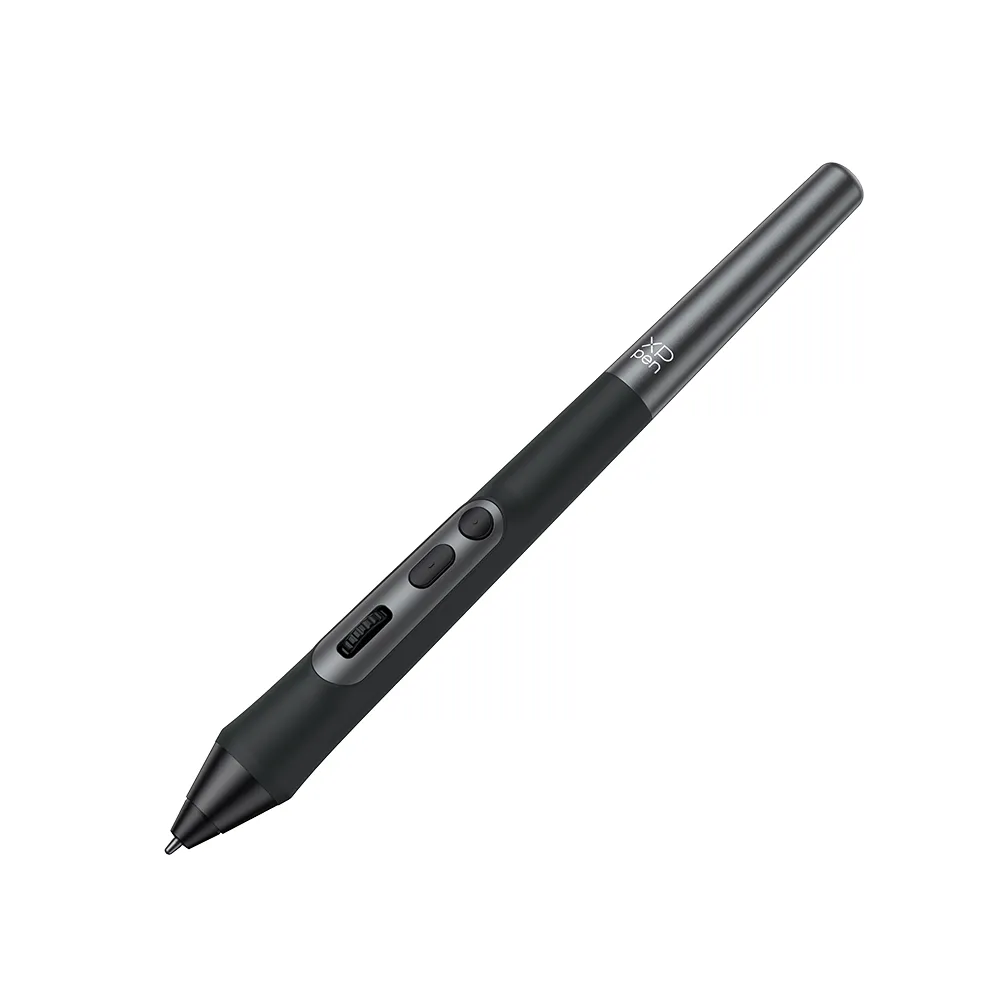
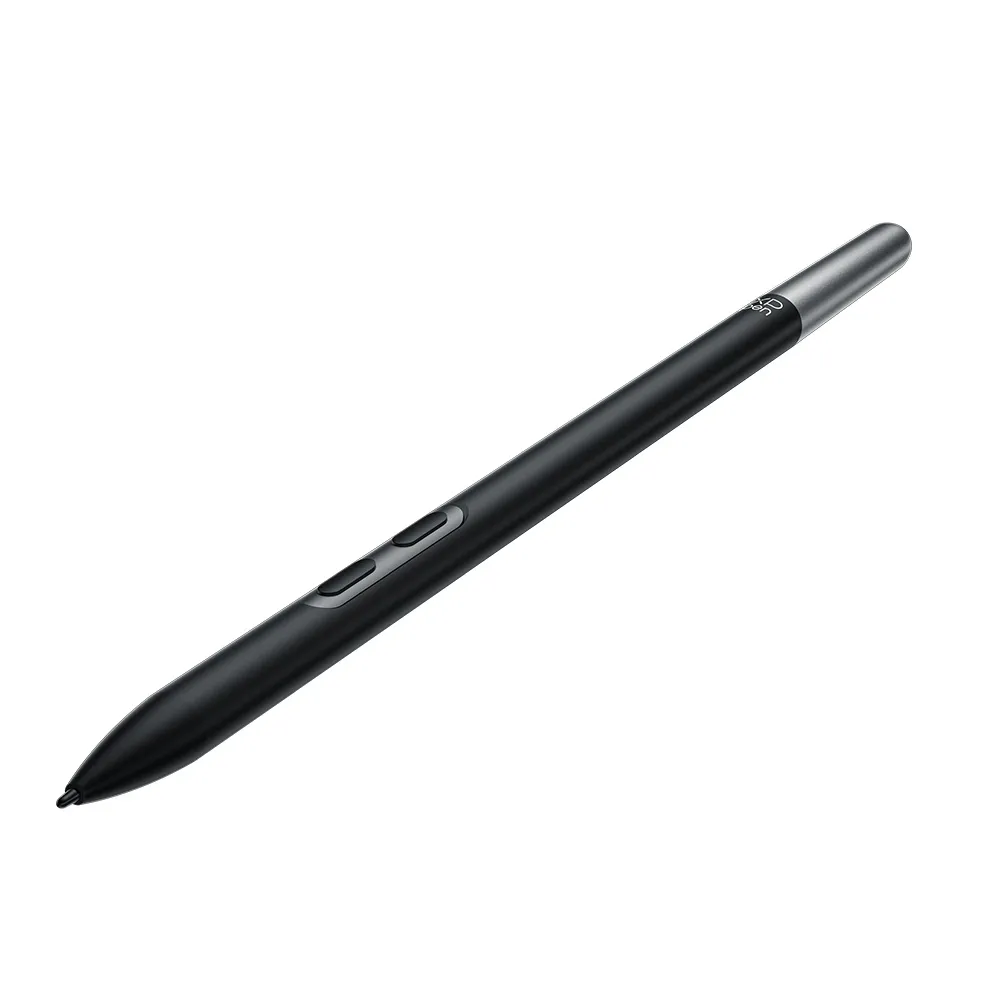
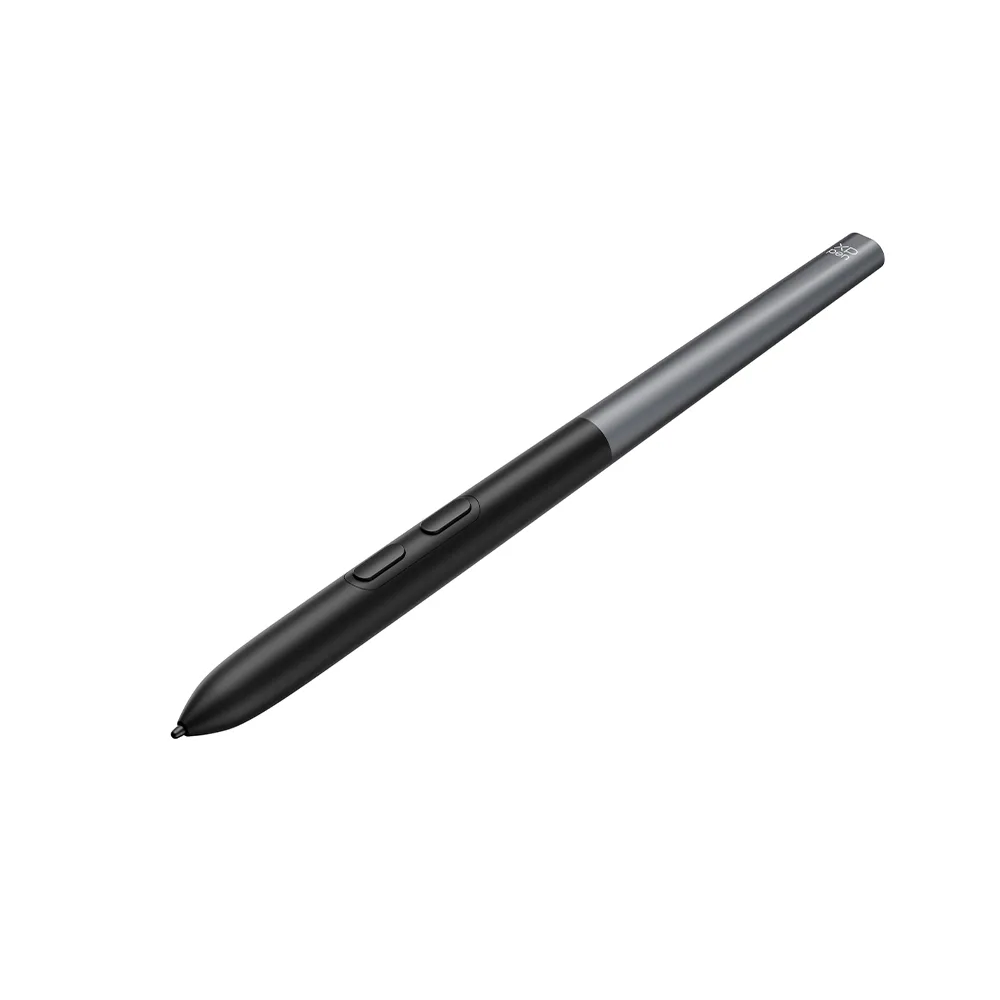
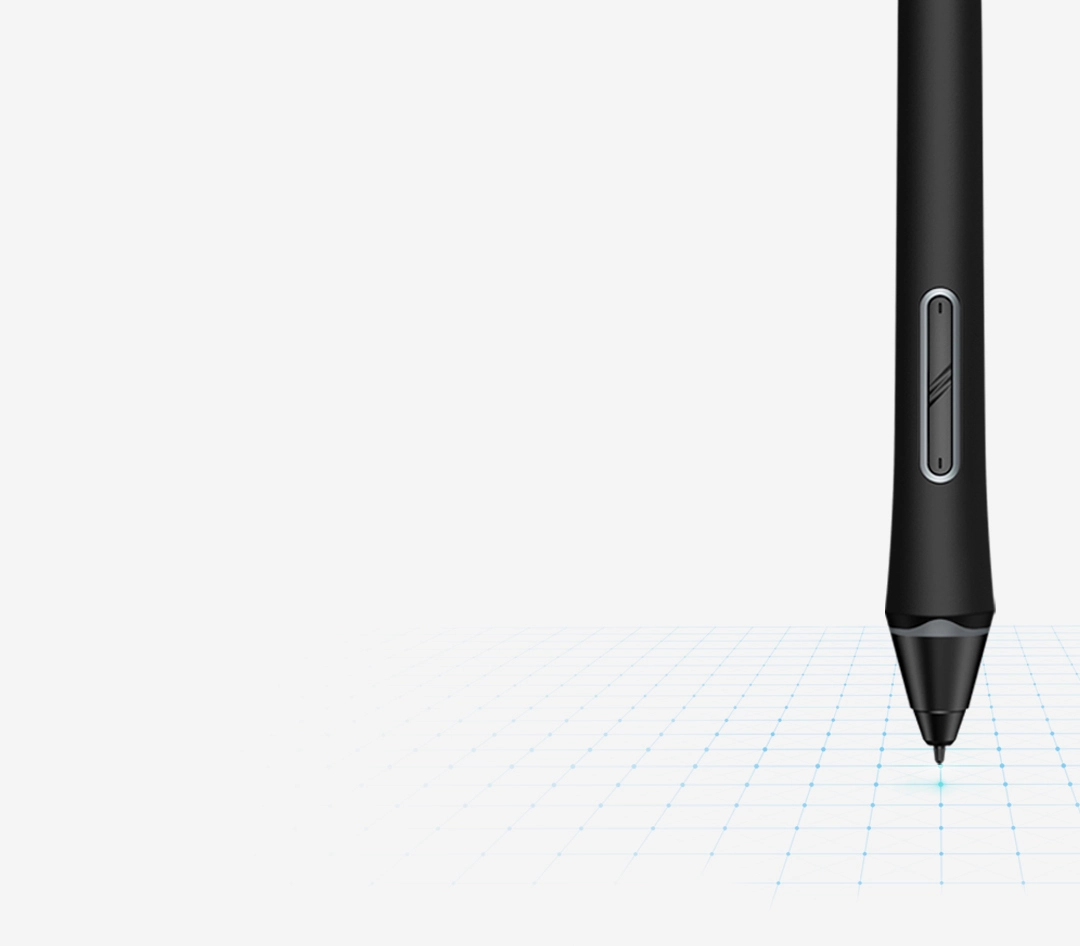
X3 Pro Smart Chip Stylus
16K Pressure Levels
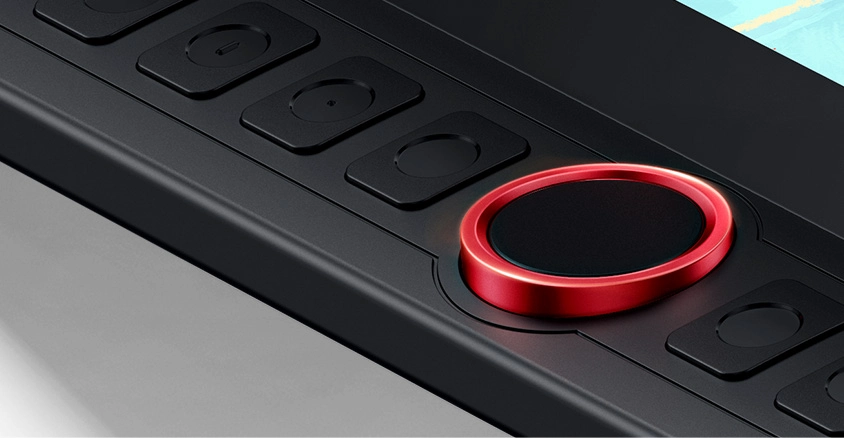
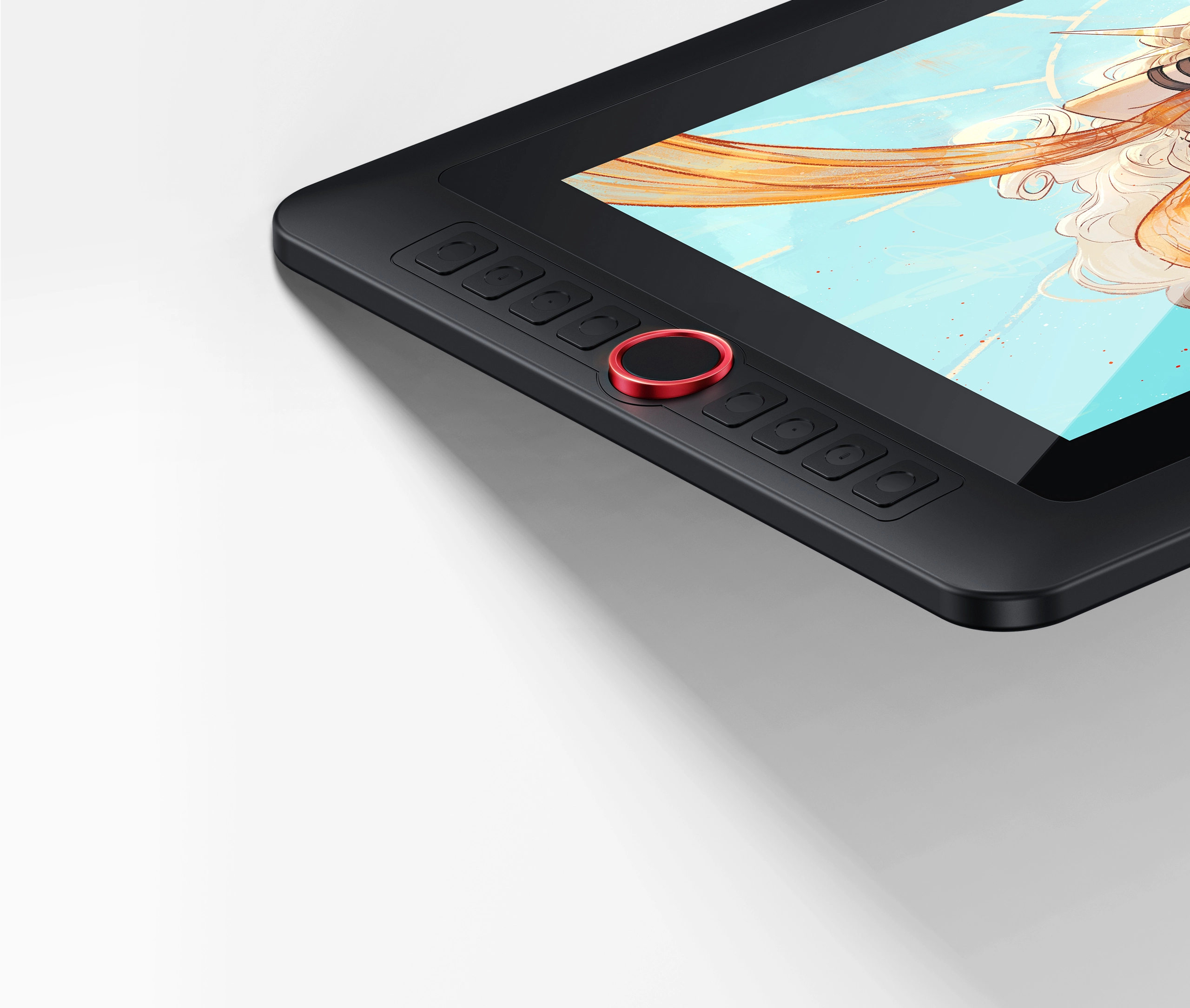
Red Dial Quick Keys
Device Connection Required
Add to Cart
Buy Now
Estimate
Estimate
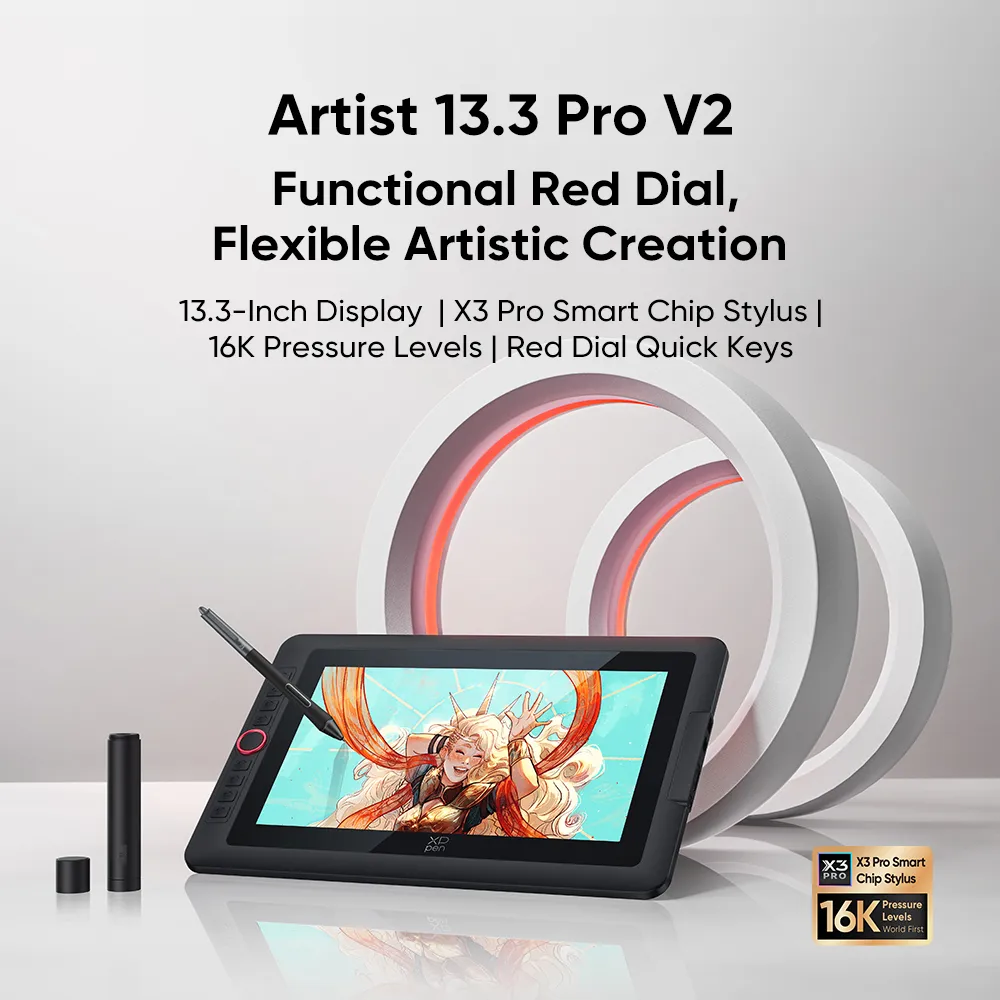
Functional Red Dial,
Flexible Artistic Creation
13.3-Inch Display | X3 Pro Smart Chip Stylus | 16K Pressure Levels | Red Dial Quick Keys
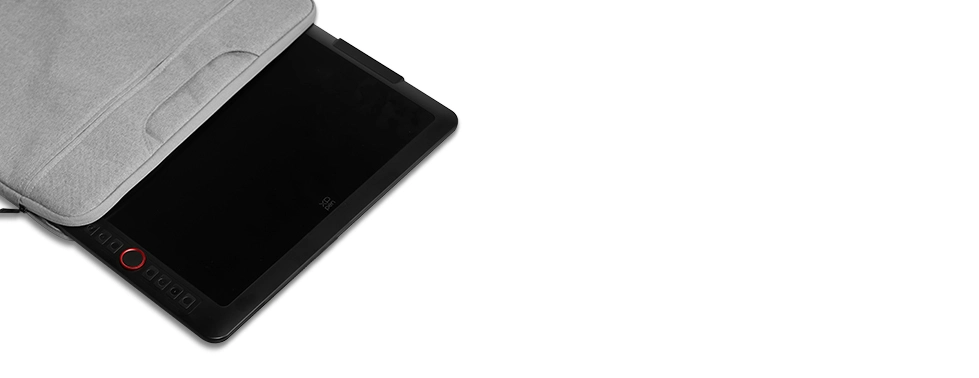
13.3-Inch Display
Travel with Your Inspiration
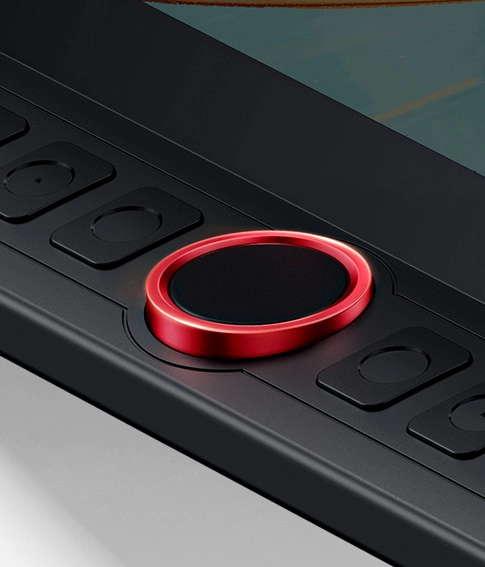
Red Dial Quick Keys
Smooth Creative Workflow
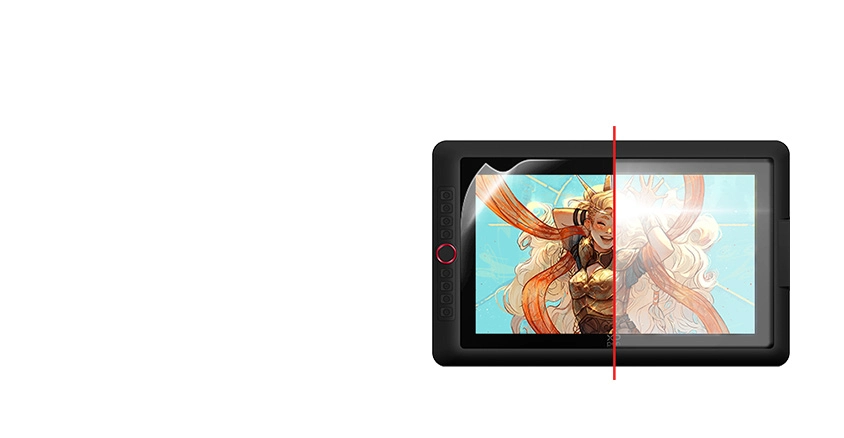
Full-laminated Display +
Anti-glare Film
No Visual Gap,
No Glare Interference
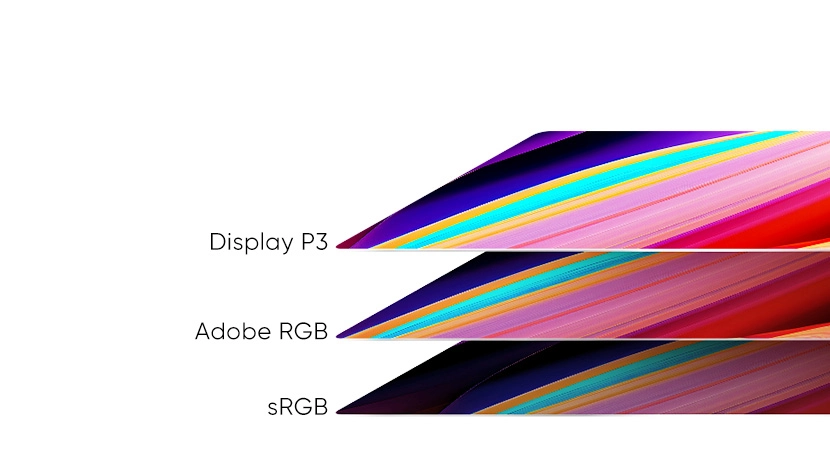
99% sRGB
Excellent Color Performance
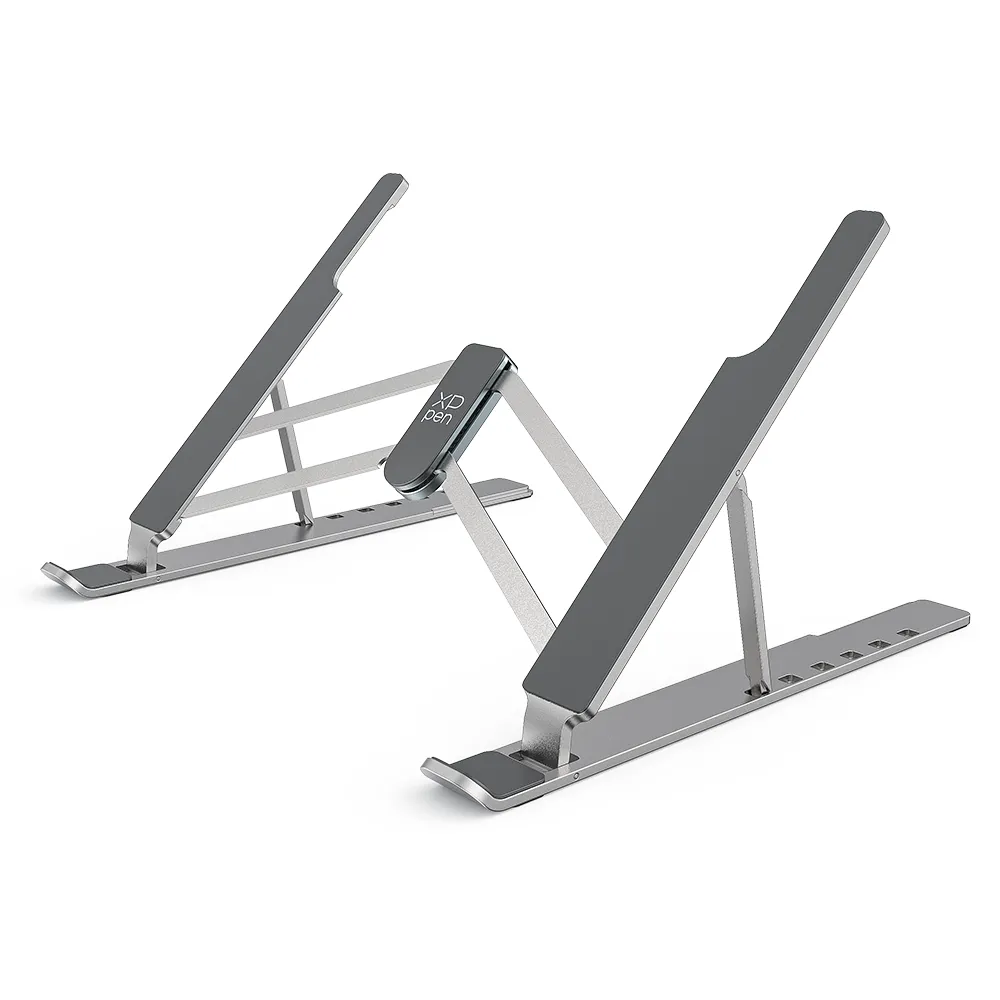
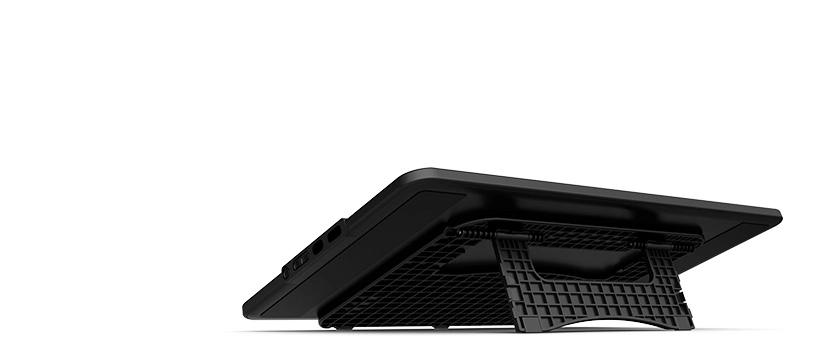
Portable & Foldable Stand
Keep the Drawing Display Safe and Stable
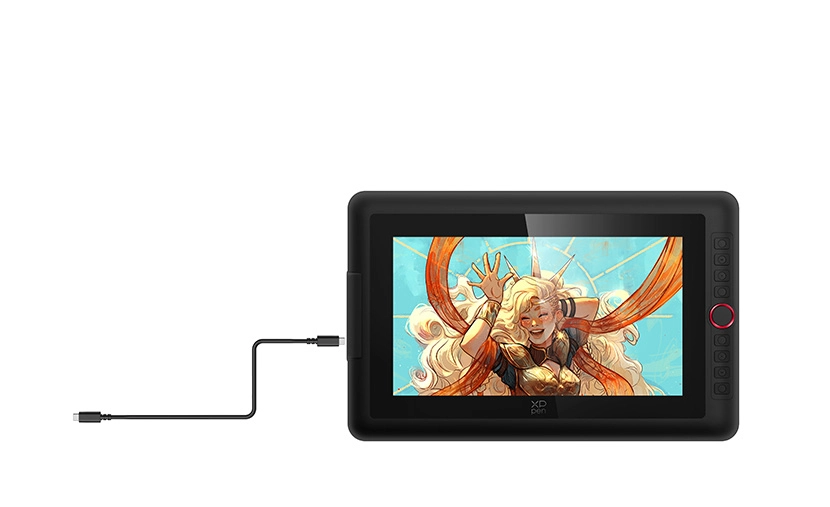
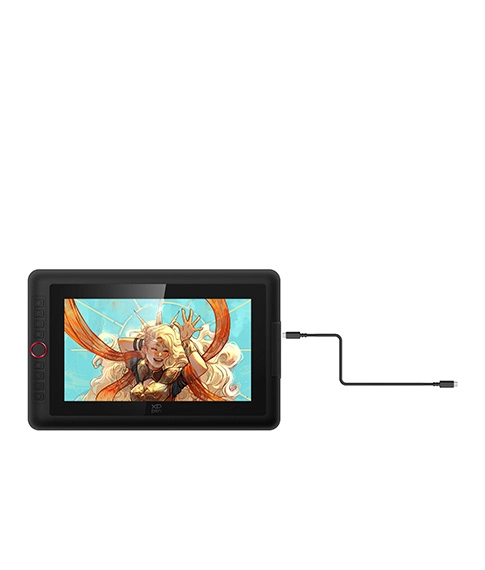
Full-featured USB-C Cable
Easy Connection, Effortless Efficiency
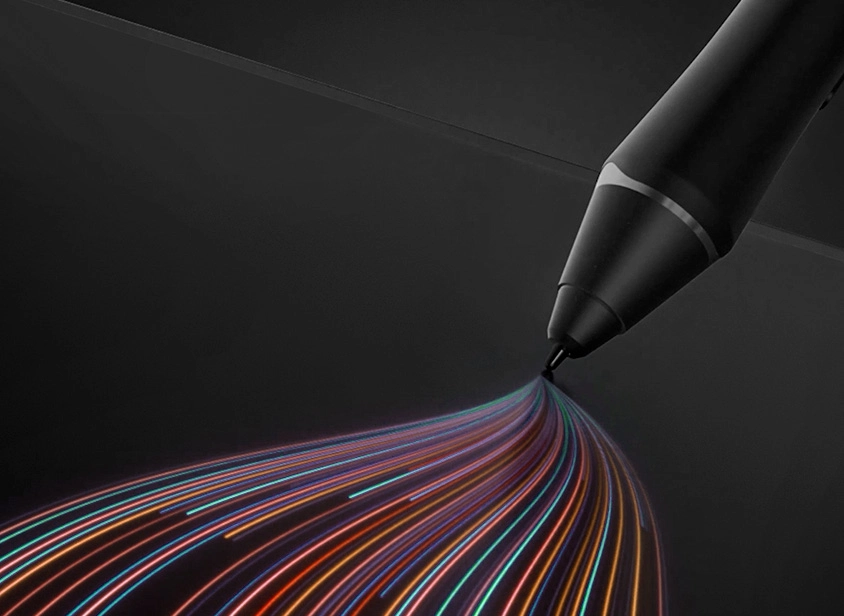
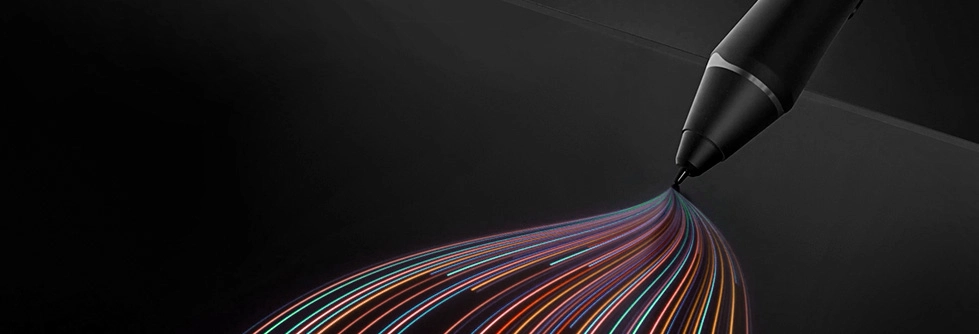
X3 Pro Smart Chip Stylus
World-first 16K Pressure Levels
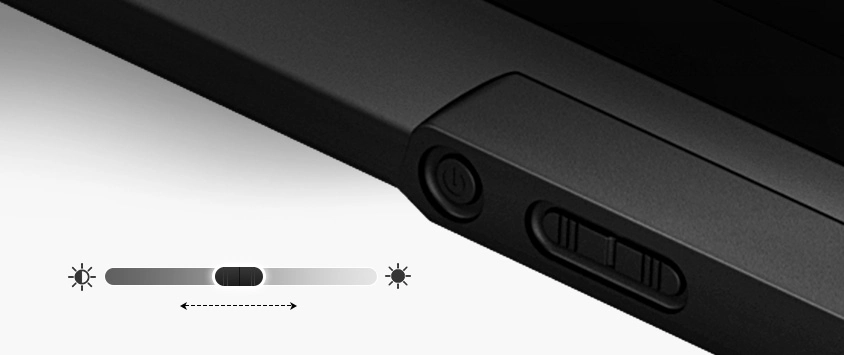
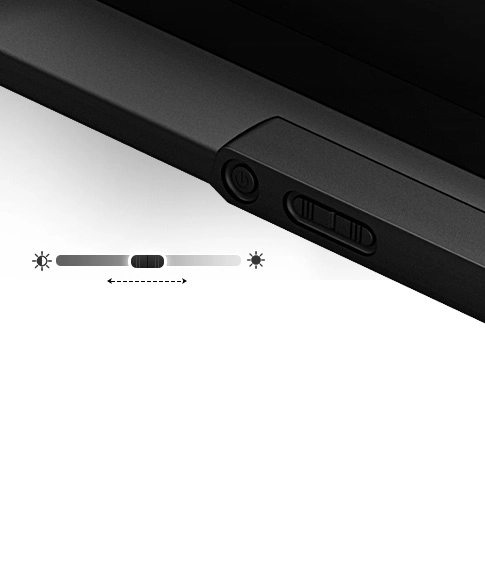
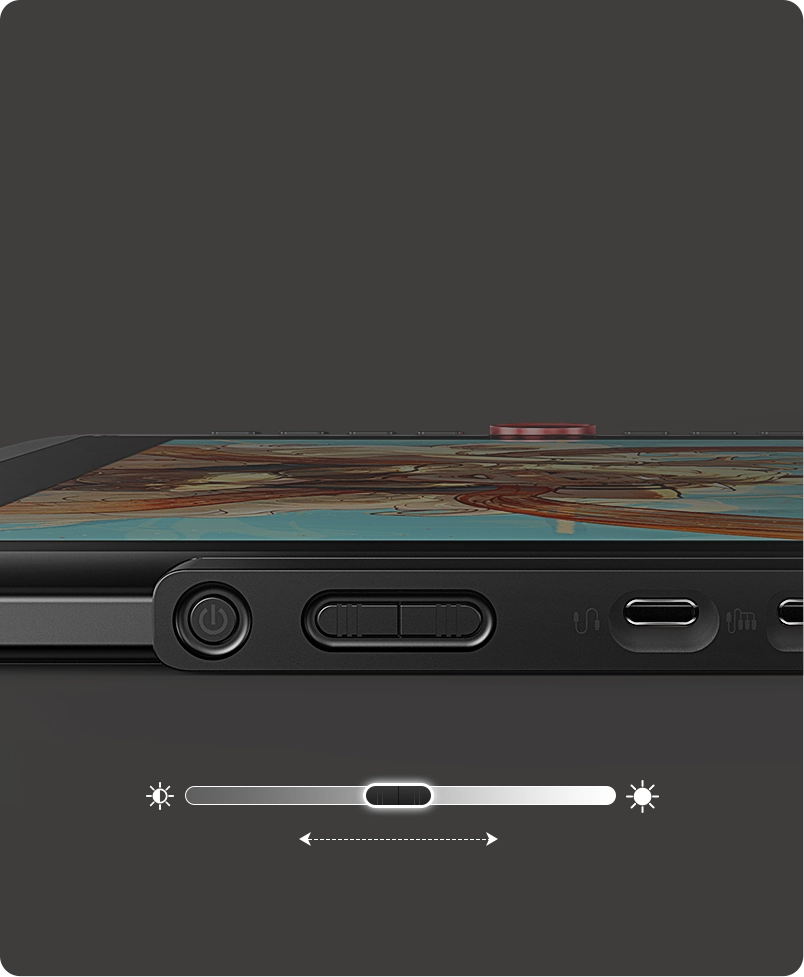
Adjustable Brightness Button
Draw Freely in Any Environment
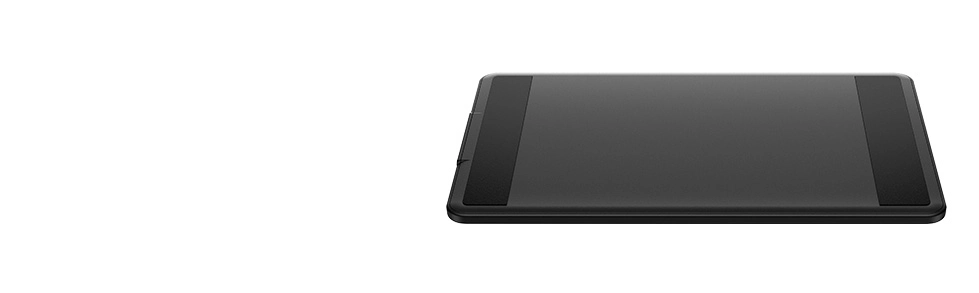
Metal Backplate
Better Heat Dissipation and Superior Texture
13.3-Inch Display
Travel with Your Inspiration
Red Dial Quick Keys
Smooth Creative Workflow
Adjustable Brightness Button
Draw Freely in Any Environment
X3 Pro Smart Chip Stylus
World-first 16K Pressure Levels
Full-featured USB-C Cable
Easy Connection, Effortless Efficiency
99% sRGB
Excellent Color Performance
Metal Backplate
Better Heat Dissipation and Superior Texture
Portable & Foldable Stand
Keep the Drawing Display Safe and Stable
Full-laminated Display + Anti-glare Film
No Visual Gap,
No Glare Interference
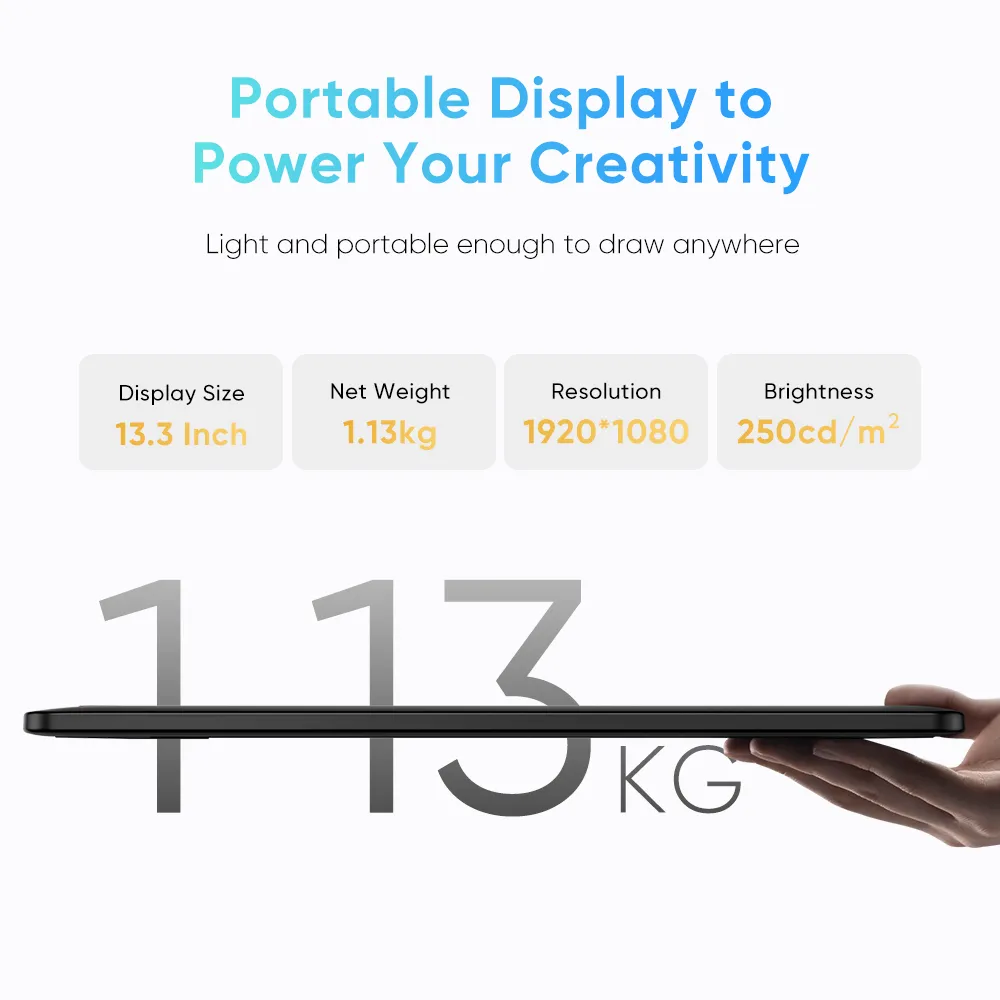
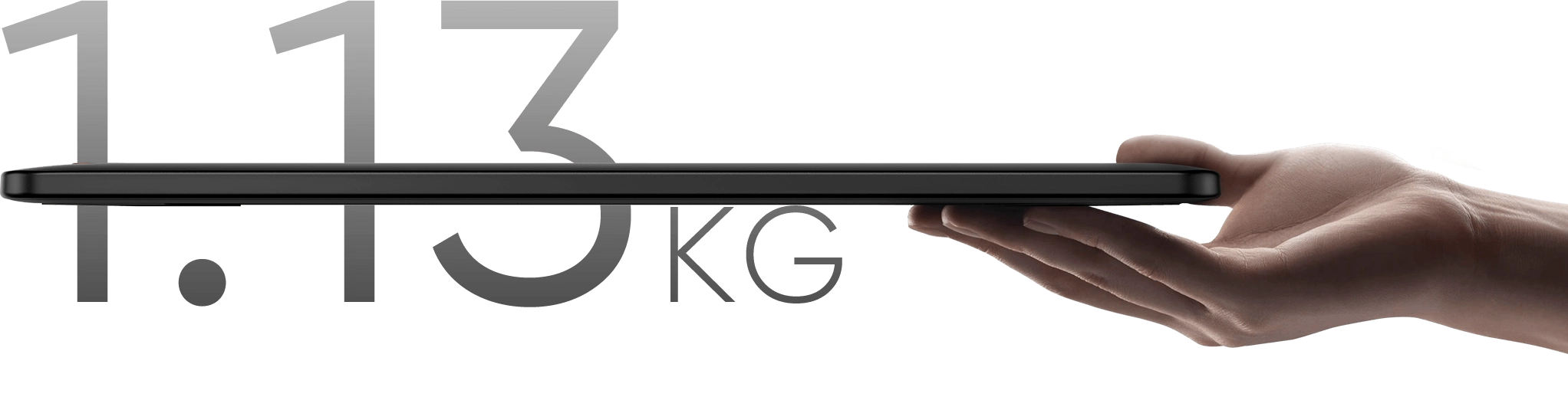
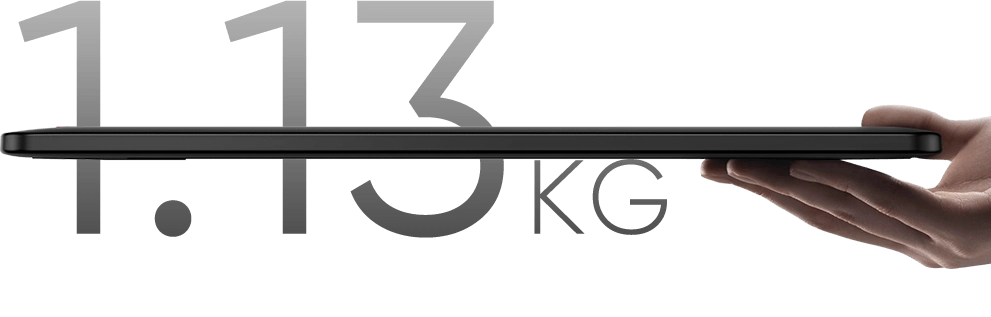
Weighing only 1.13 kg, this 13.3-inch device is highly portable. Its resolution is specifically crafted
to deliver an engaging drawing experience tailored to your needs!
Display Size
13.3 Inch
Net Weight
1.139kg
Resolution
1920*1080
Aspect Ratio
16:9
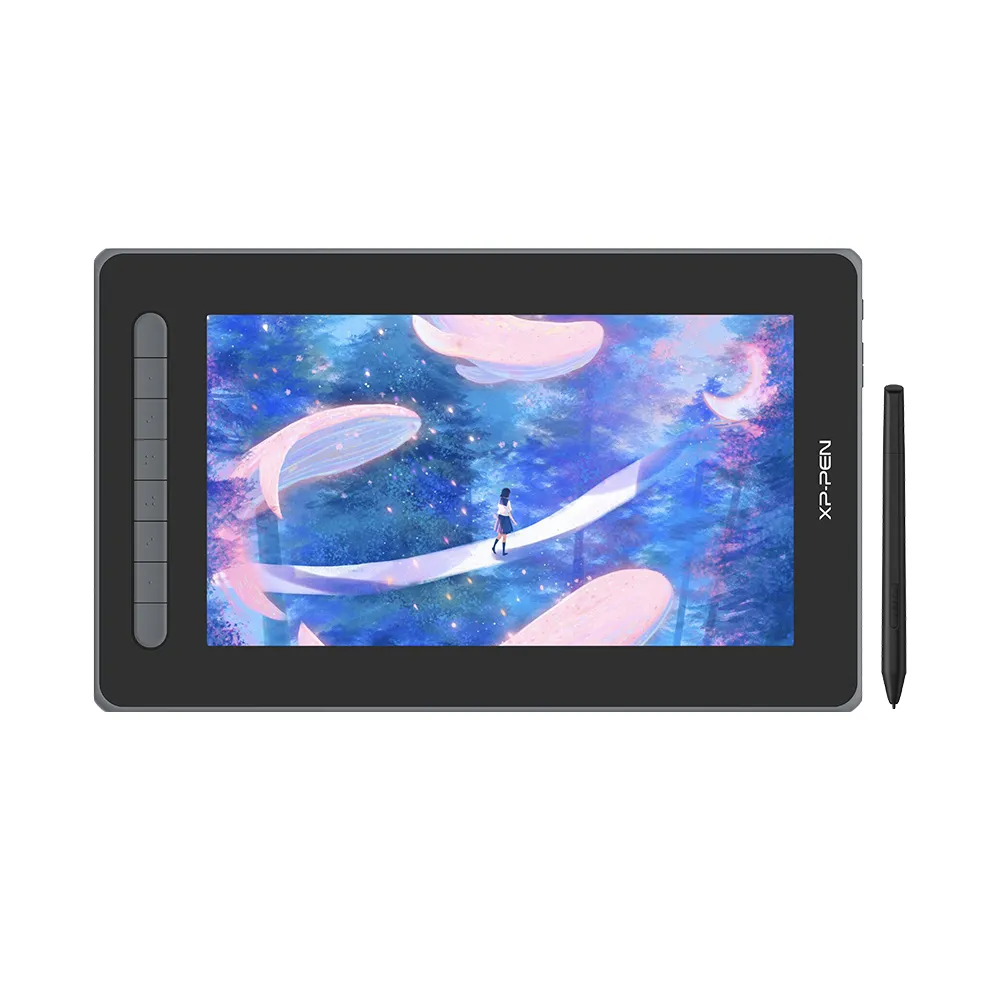
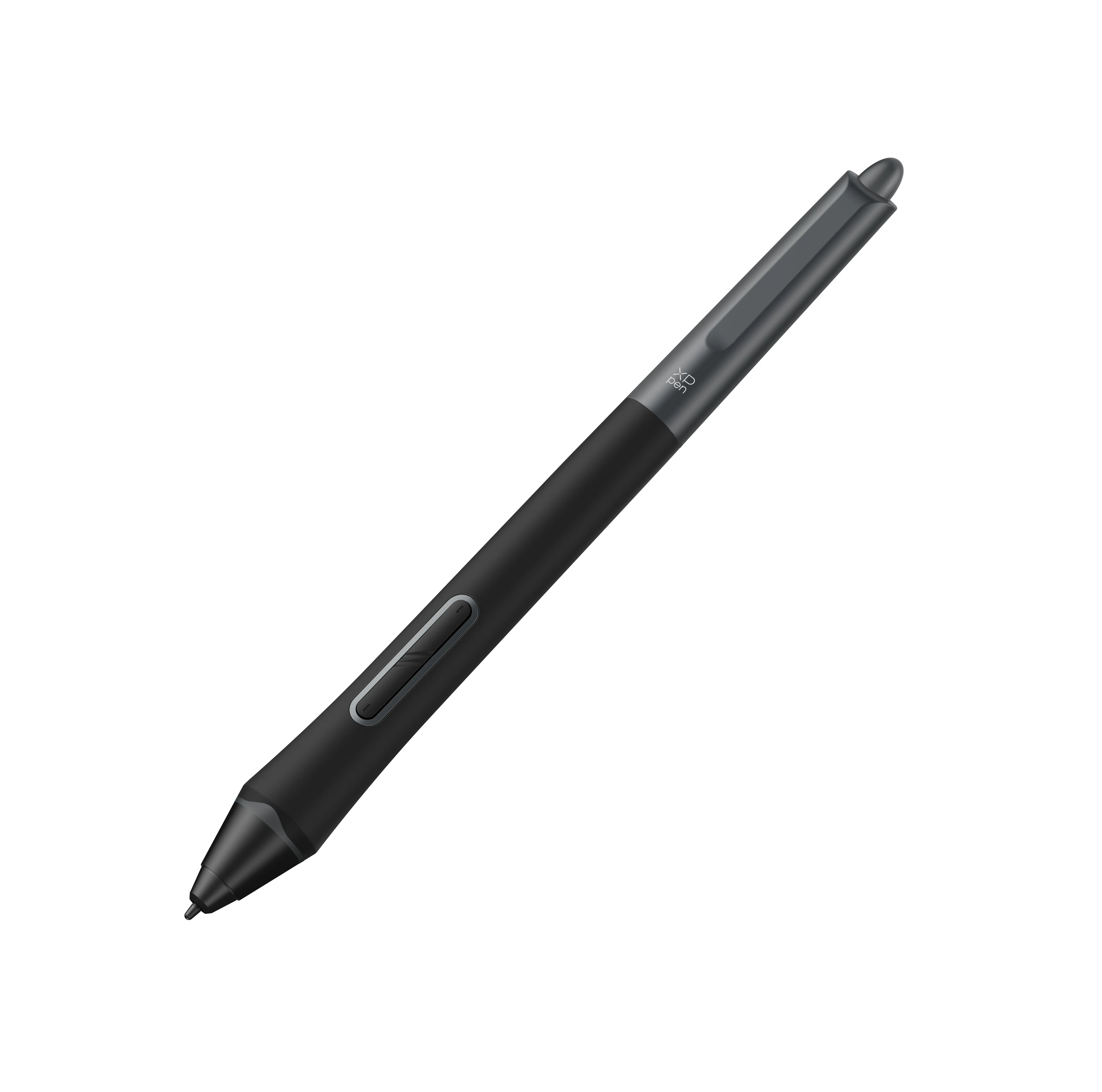
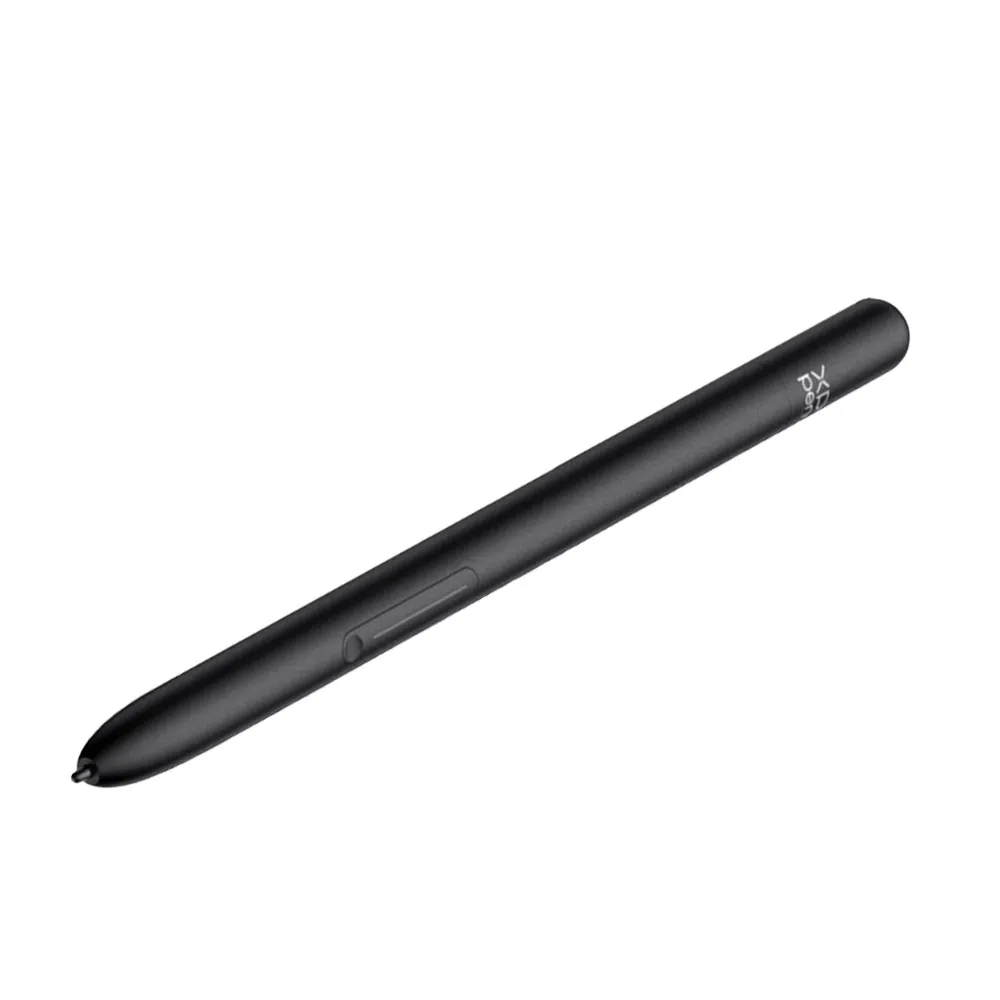
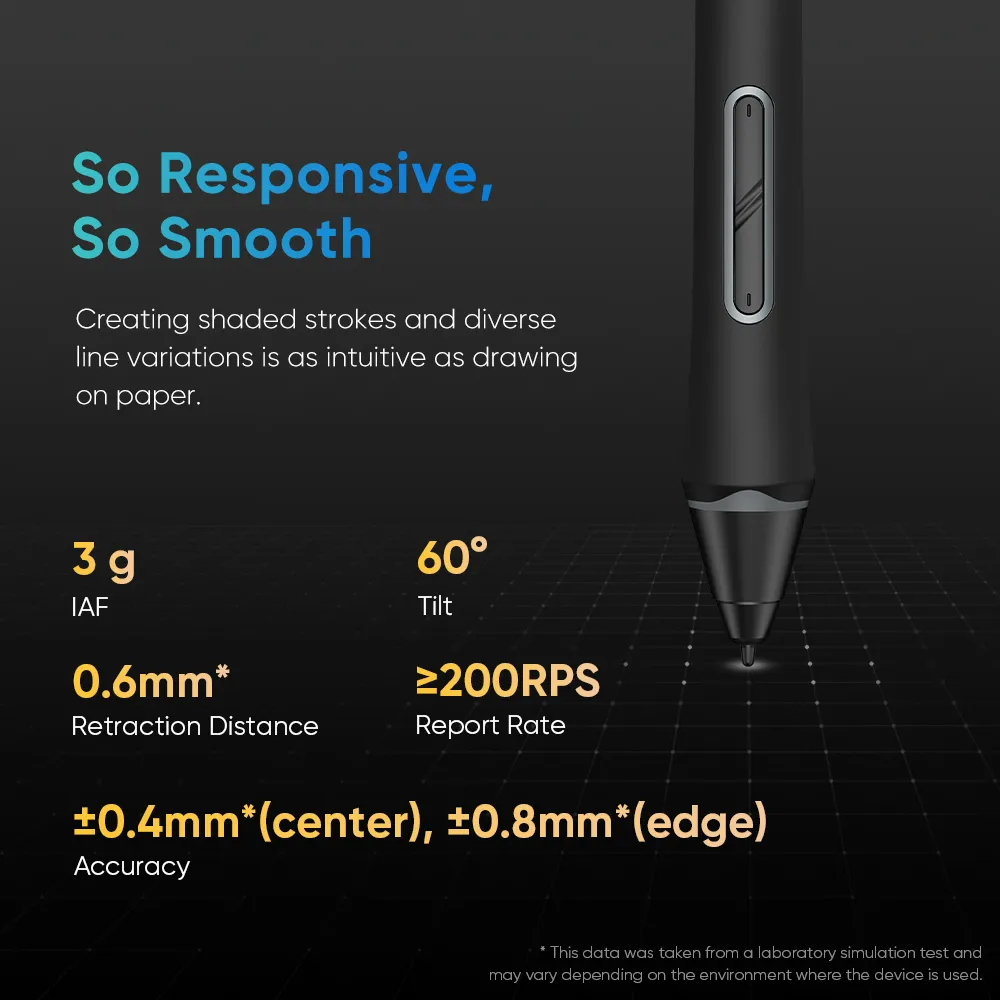
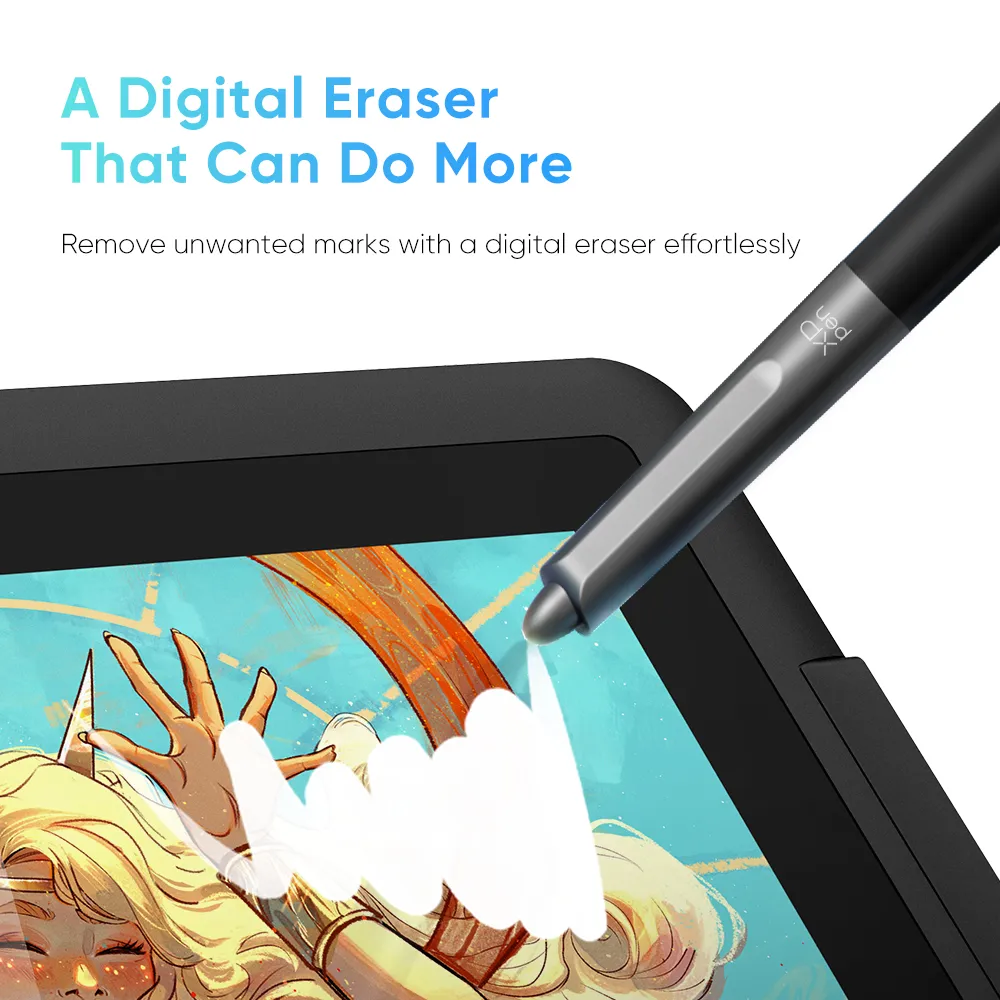
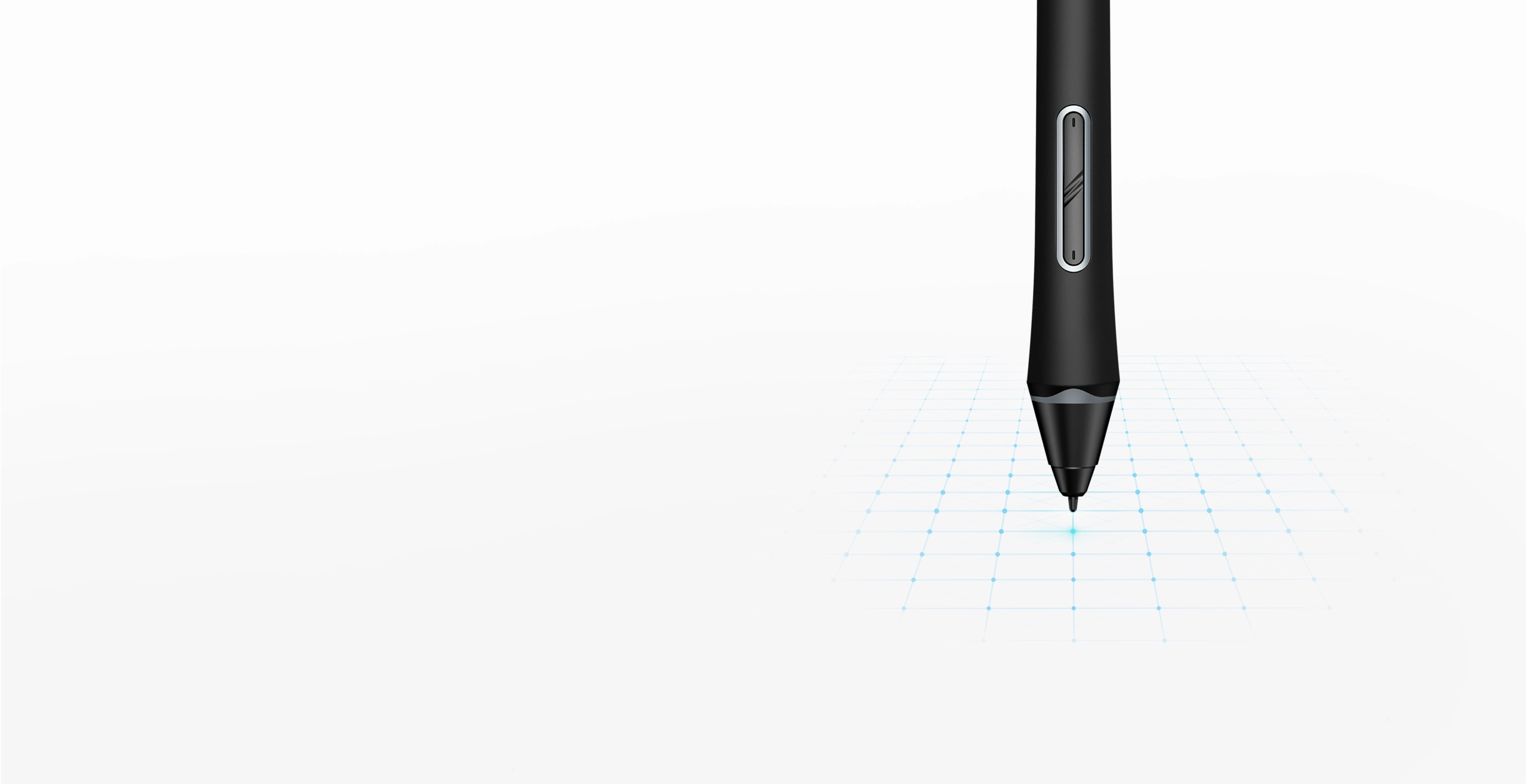
Your battery-free stylus is powered by the X3 Pro Smart Chip for smoother, more precise strokes. It features felt nibs for a paper-like feel, two shortcut keys, a digital eraser, and a comfortable silicone grip.
3 g
IAF
60°
Tilt
0.6mm*
Retraction Distance
16384
Levels Pressure Sensitivity
* This data was taken from a laboratory simulation test and may vary depending on the environment where the device is used.
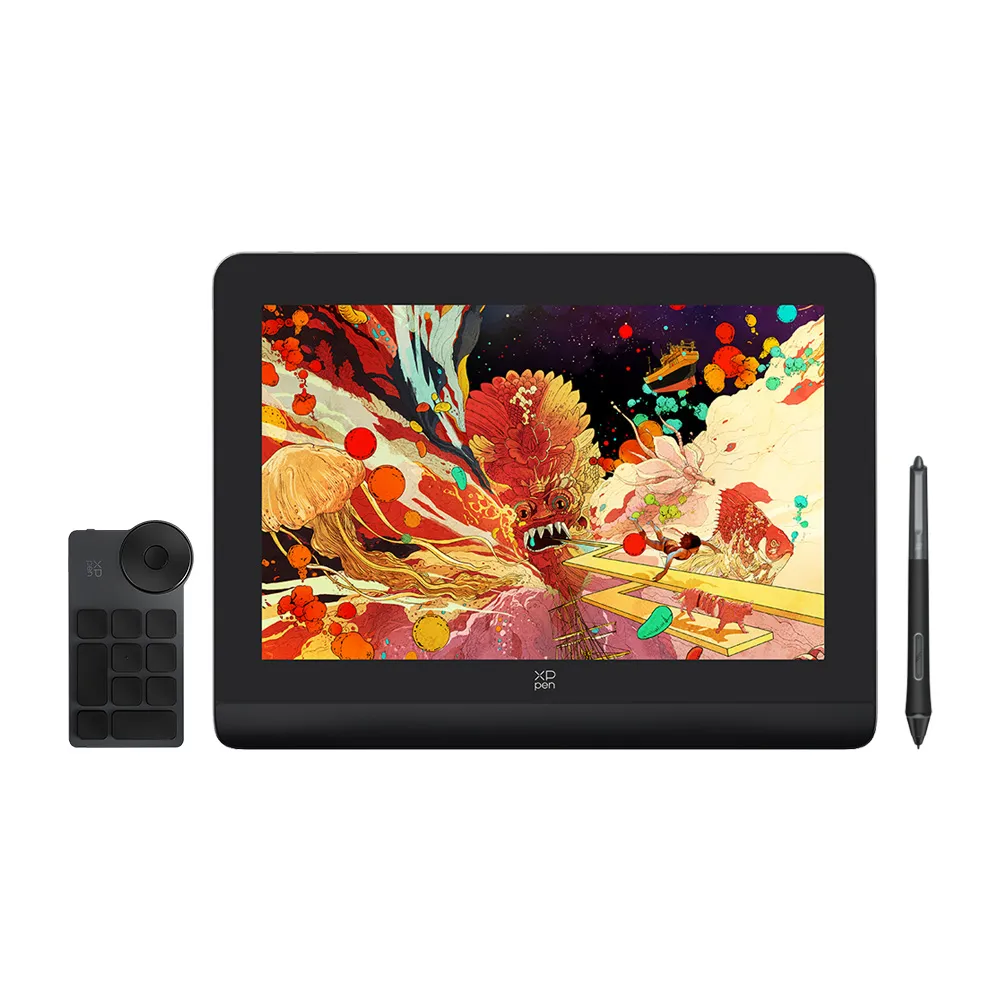
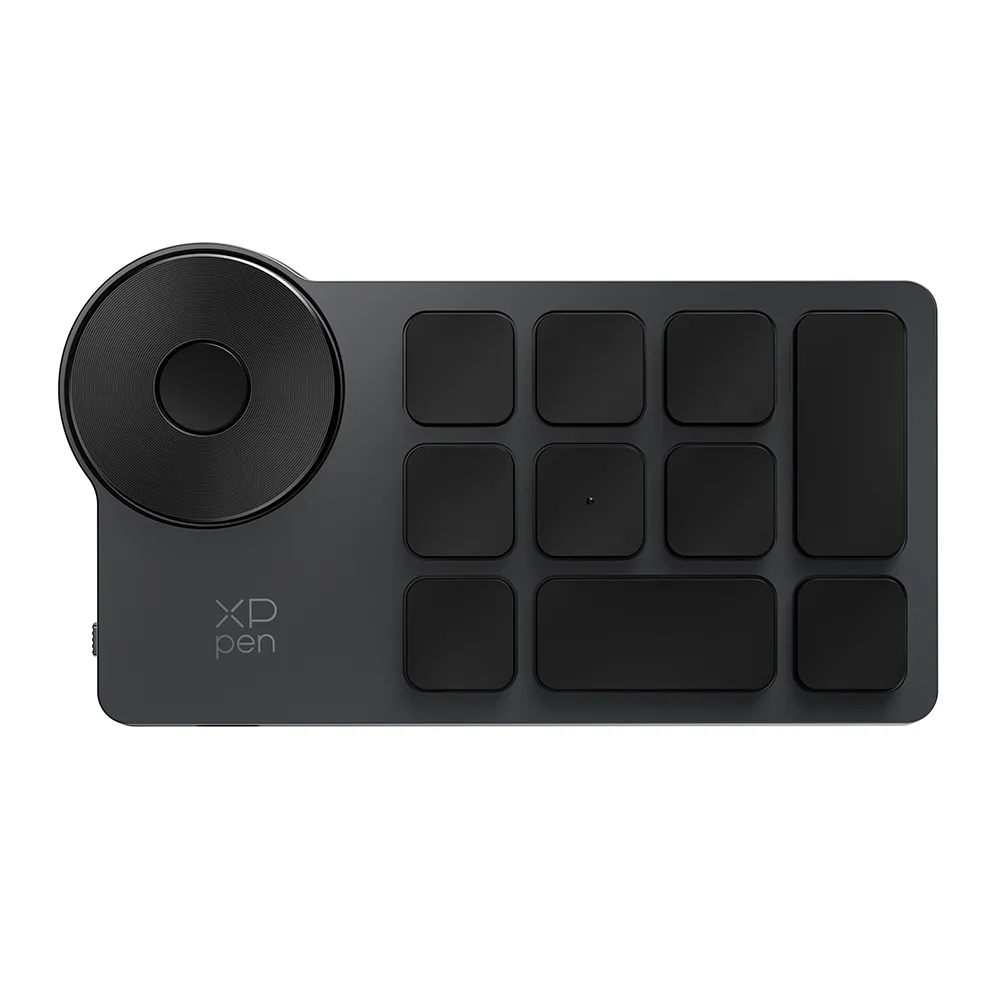
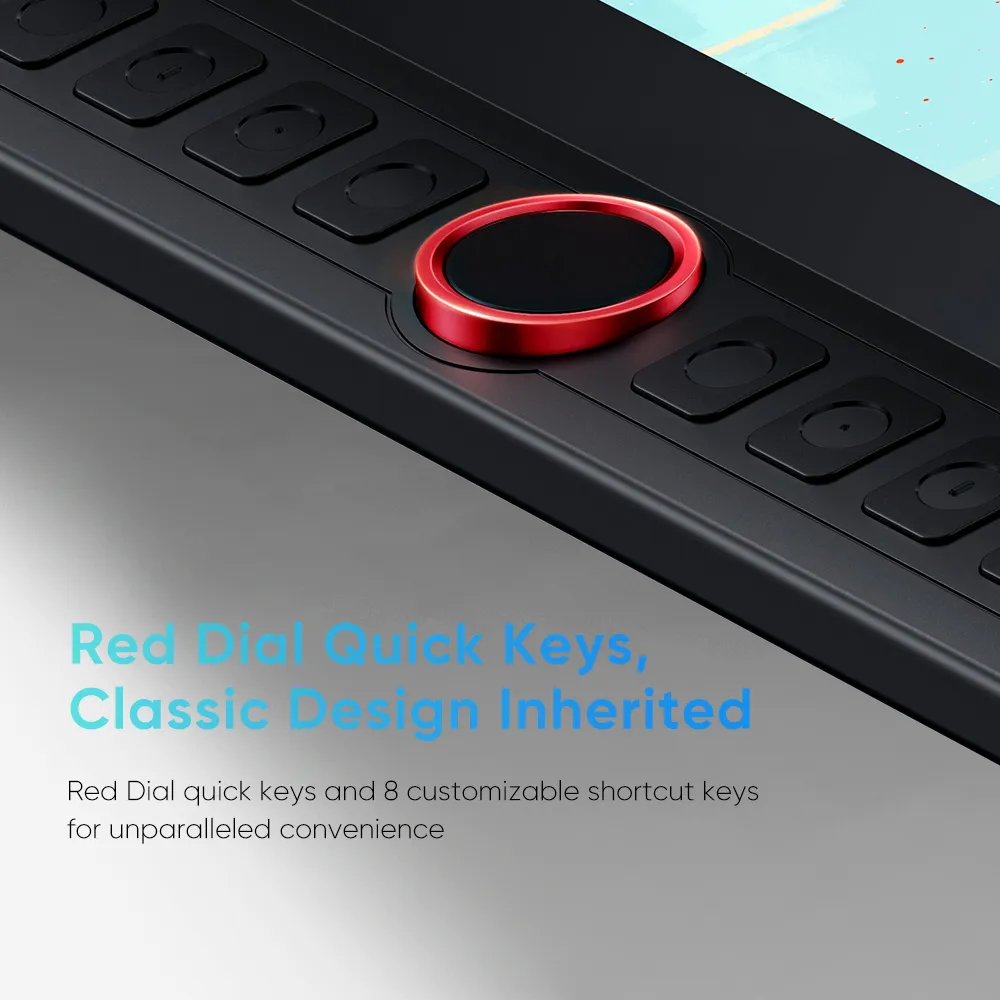
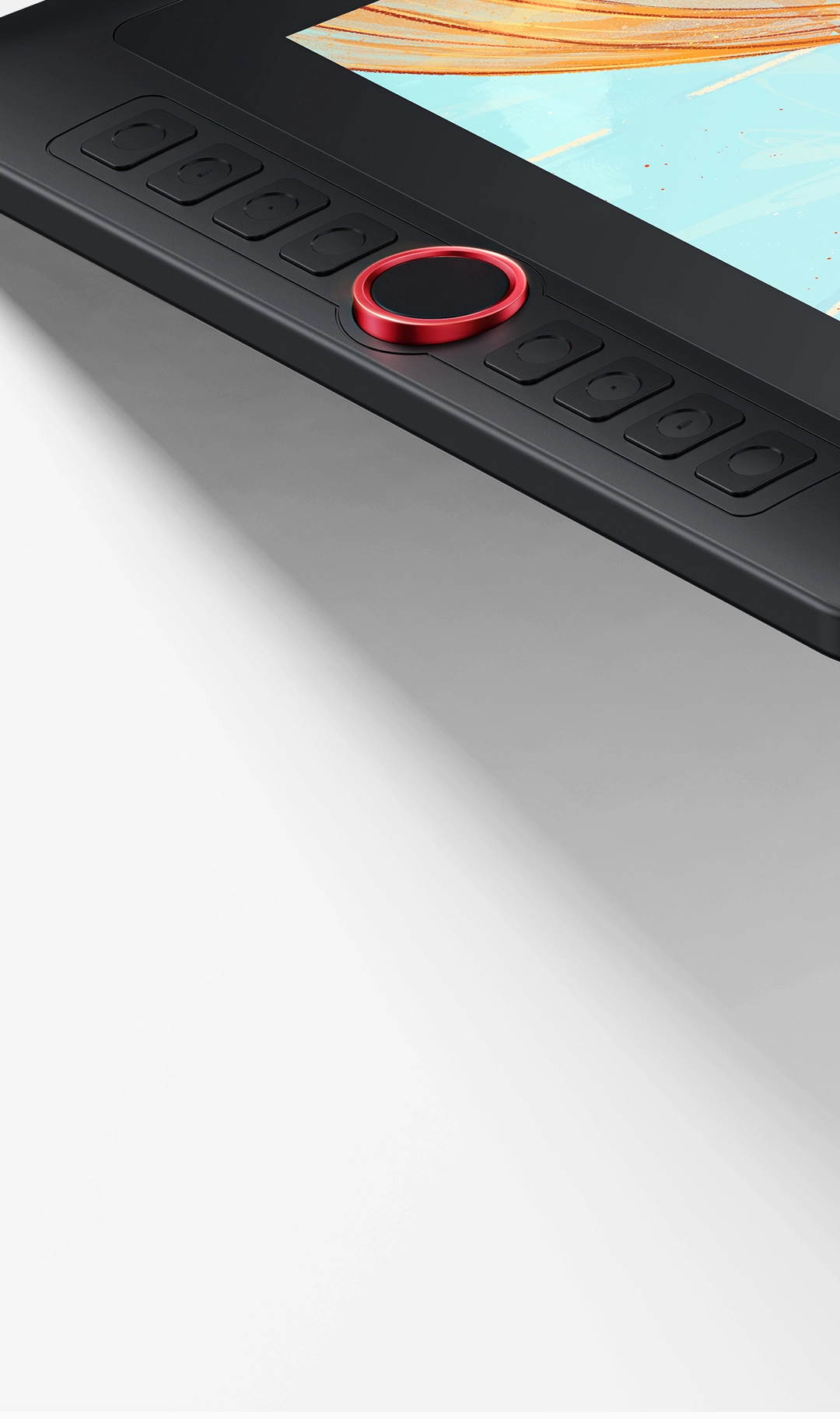
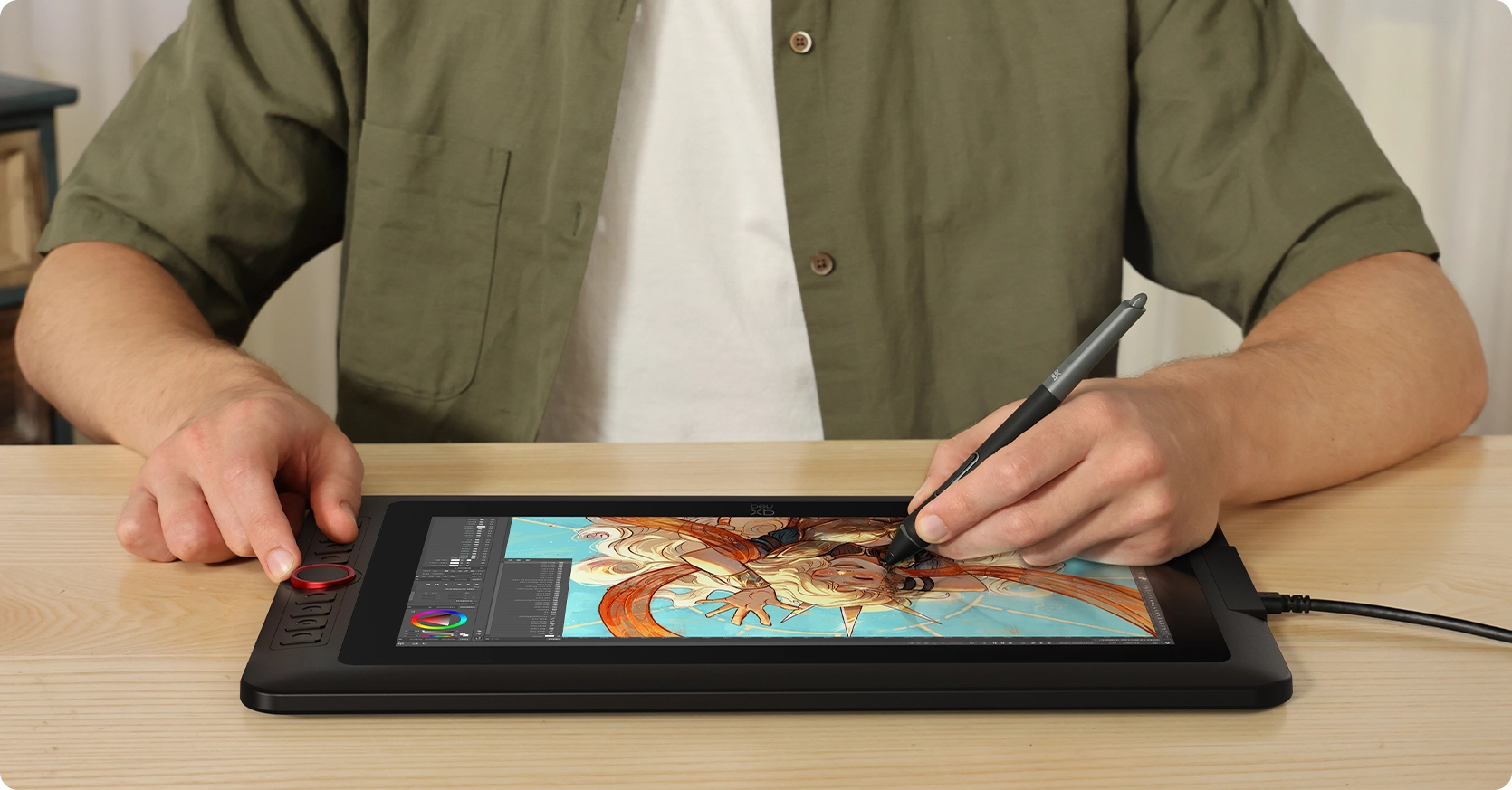
This drawing display boasts the sleek Red Dial quick keys and 8 customizable shortcut keys for unparalleled convenience, allowing for fast and easy creation whether on your tabletop or in other locations.
Switch Brush
Switch Screen
Zoom In/Out
Undo/Redo
Copy/Paste
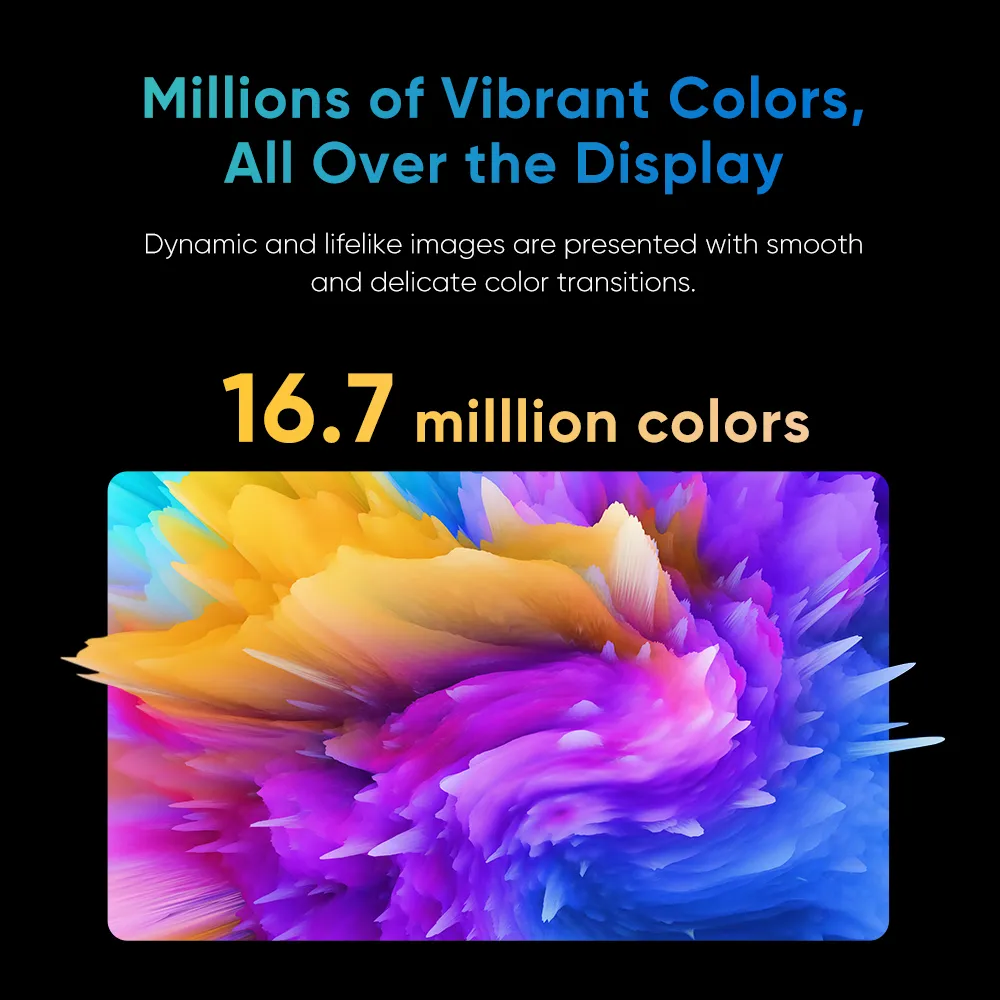
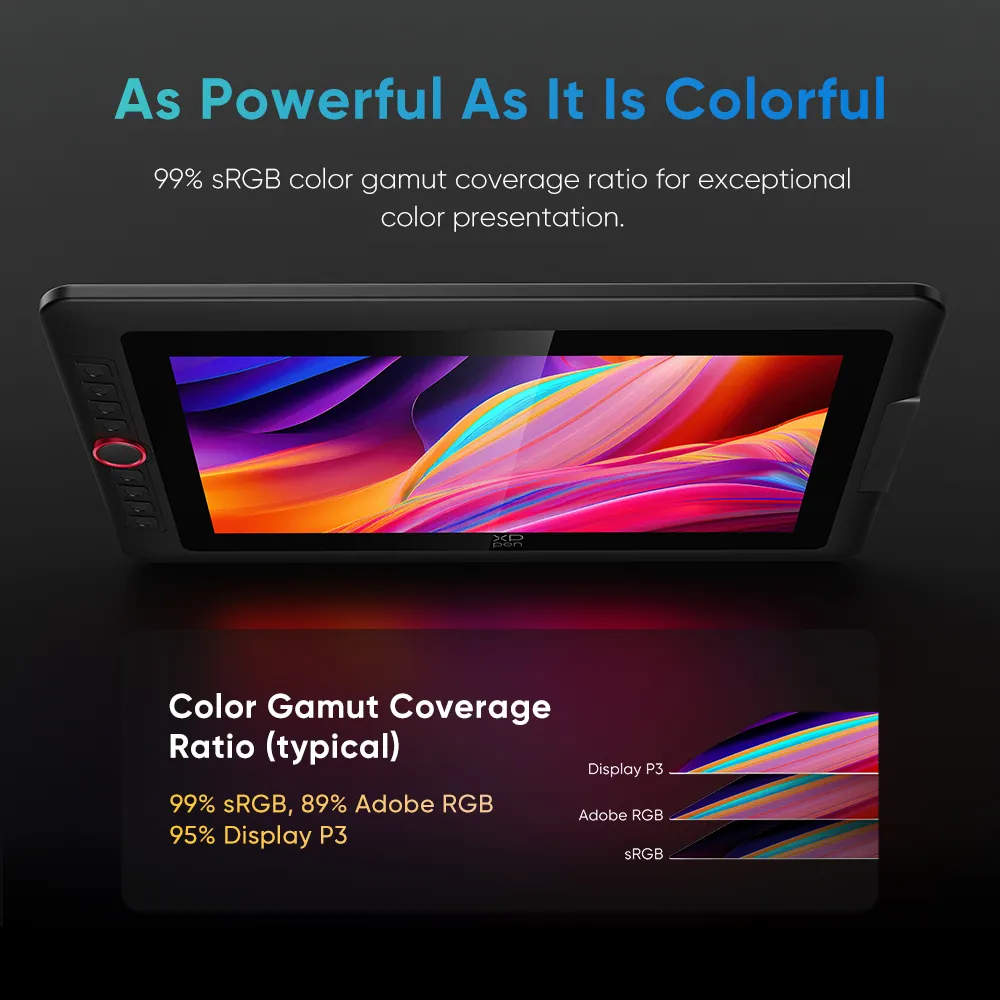
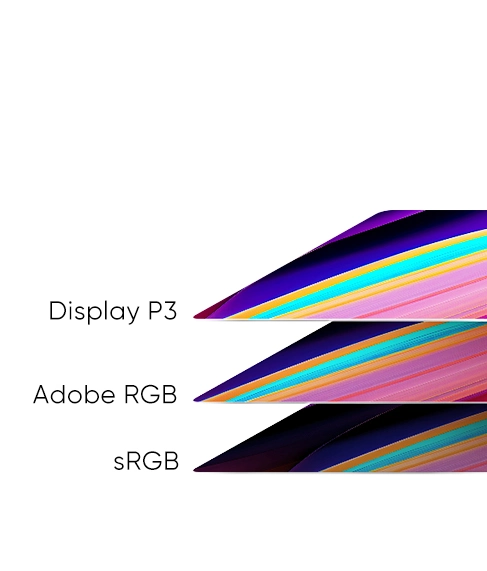
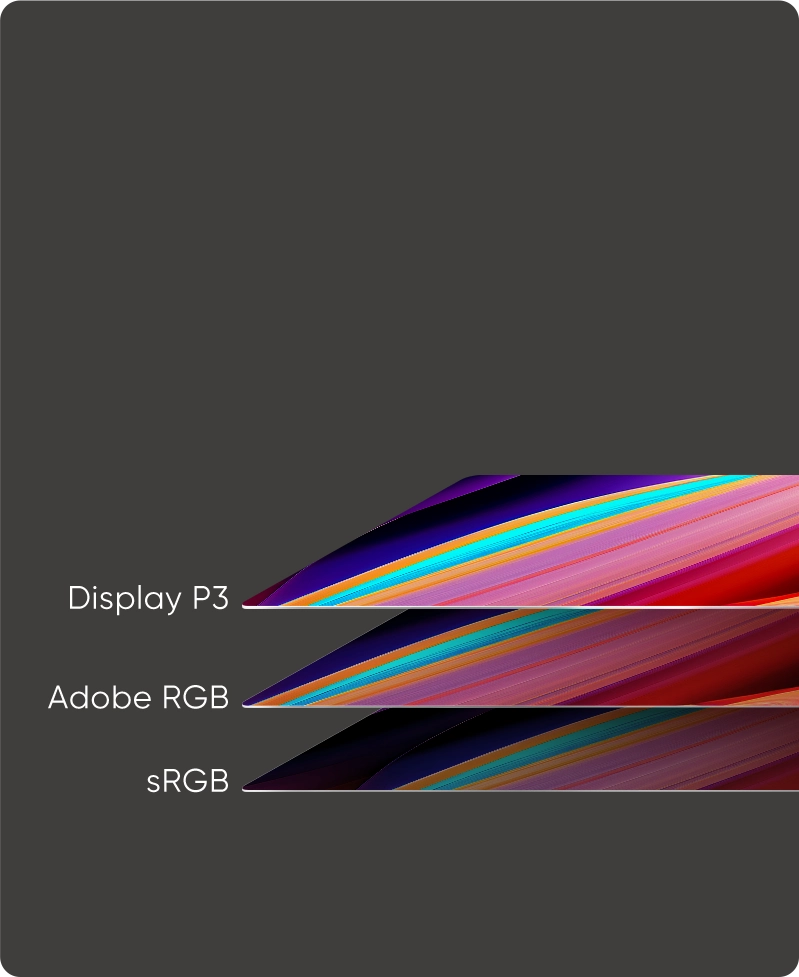
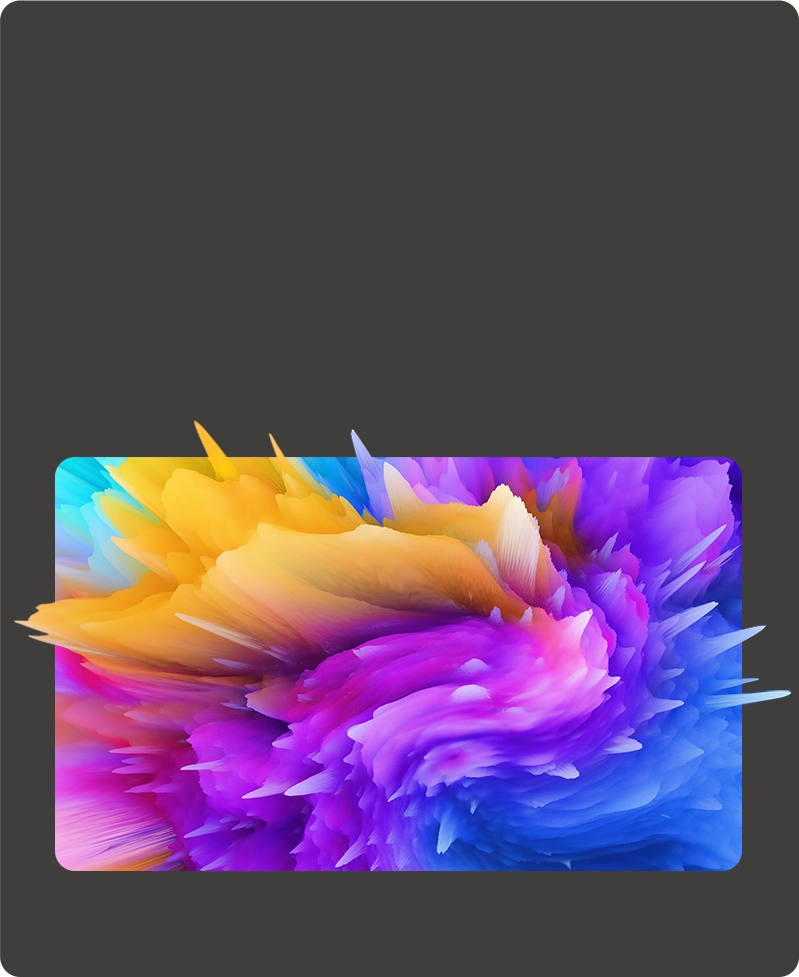
The display features 99% sRGB, 250 cd/m² brightness, and supports 16.7 million colors—delivering vibrant, accurate visuals with smooth transitions and adjustable brightness for any setting.
Brightness
250 cd/m²
Color Gamut Coverage
Ratio (typical)
99% sRGB, 89% Adobe RGB
95% Display P3
Millions of Vibrant Colors,
All Over the Display
16.7 milllion colors
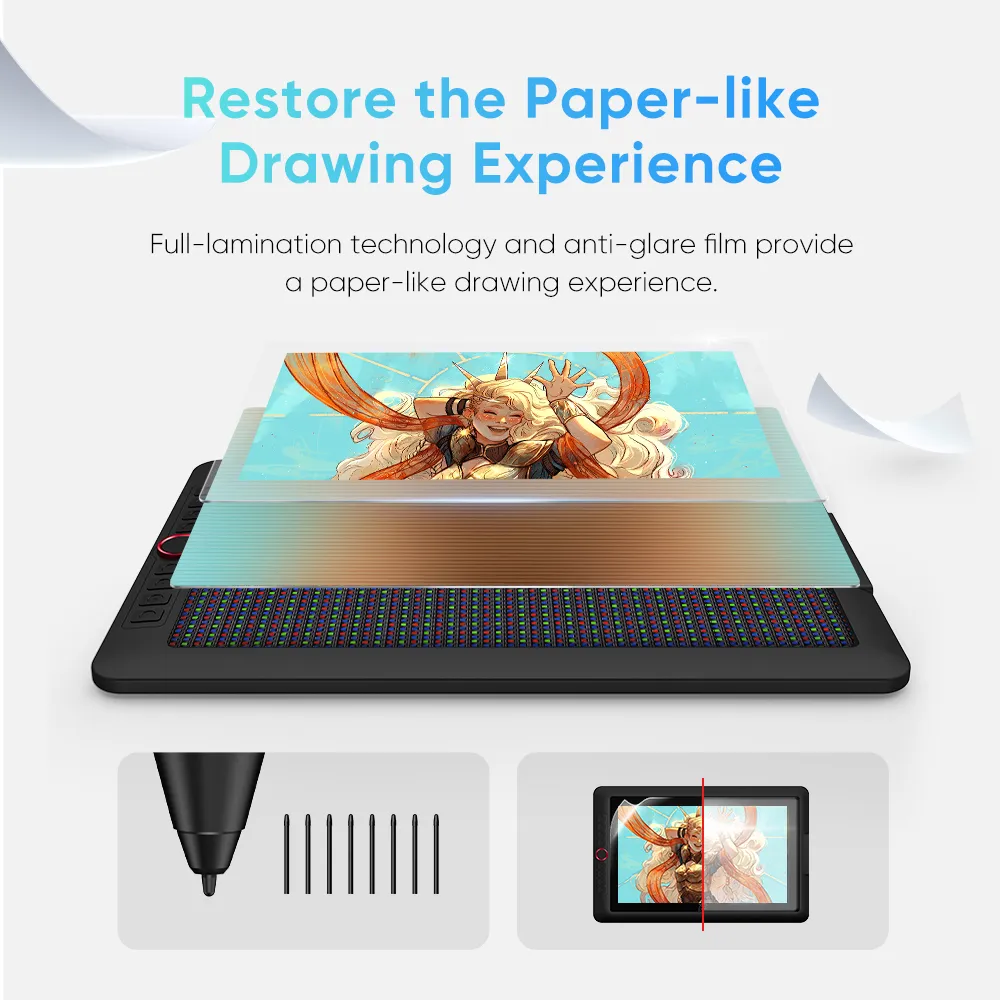
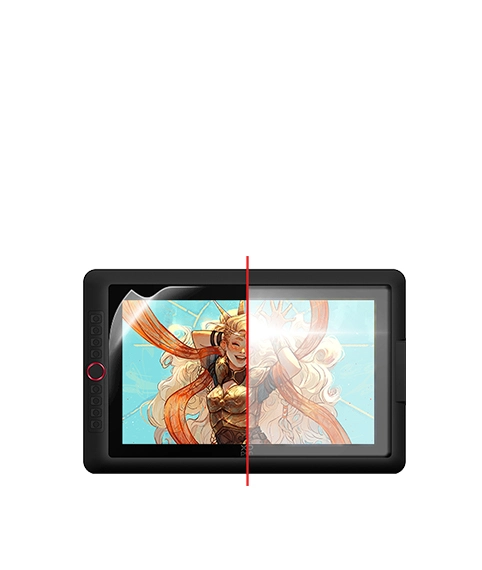
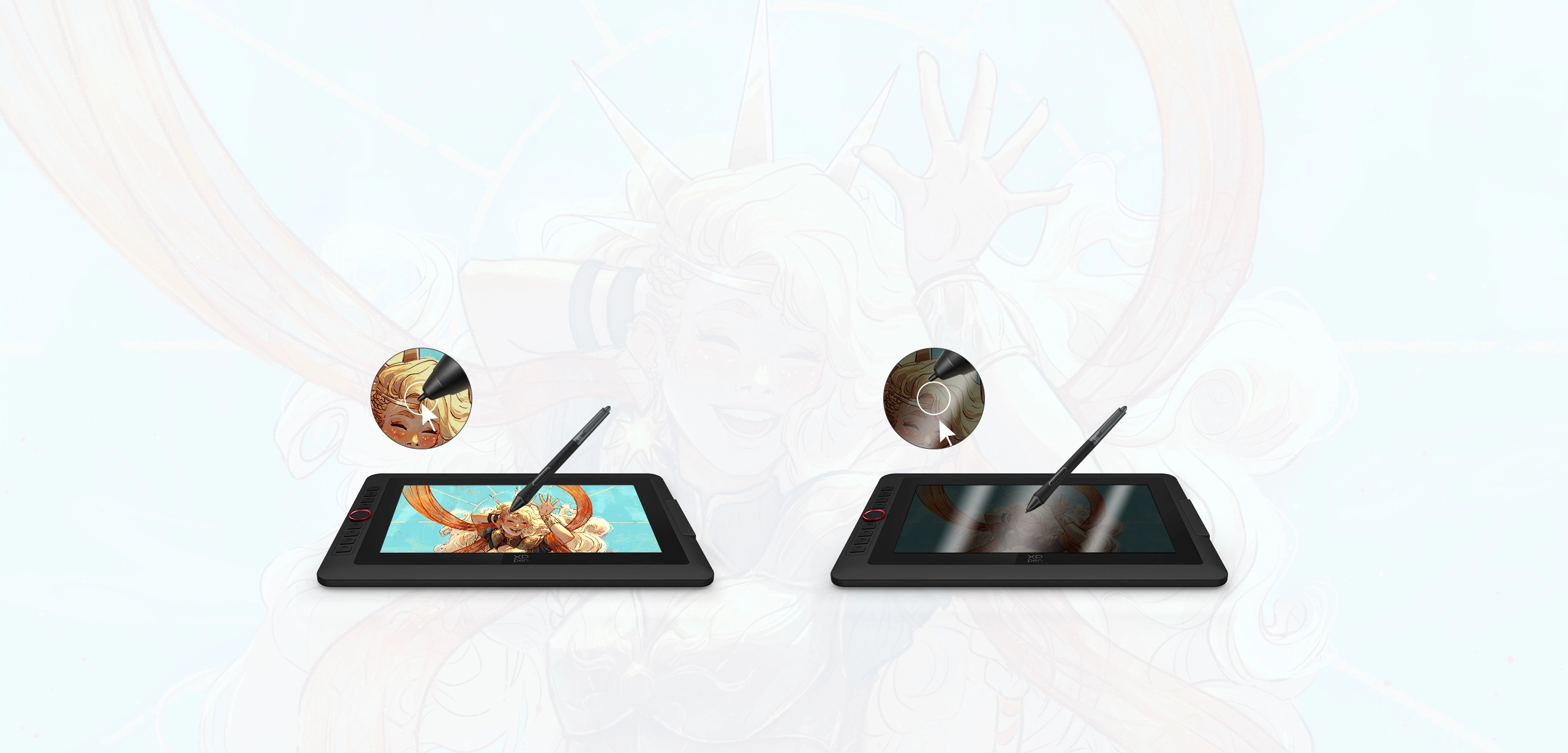
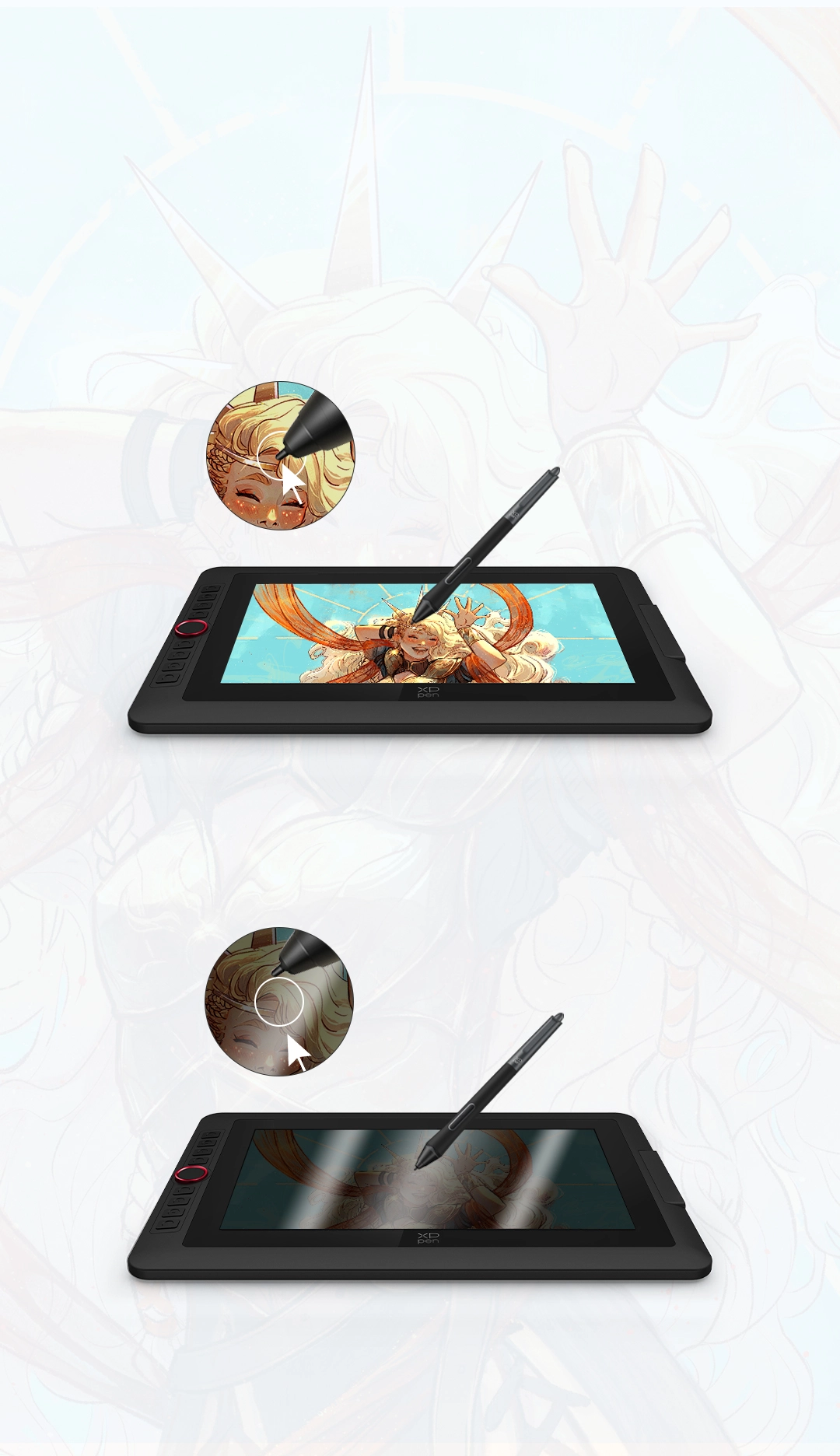
Full-lamination and anti-glare flim reduce the space between the pen nib and the display,
minimizing reflections for uninterrupted creative expression.
Full Lamination
Screen
Non Lamination
Screen
Anti-glare Film
Non Anti-glare Film
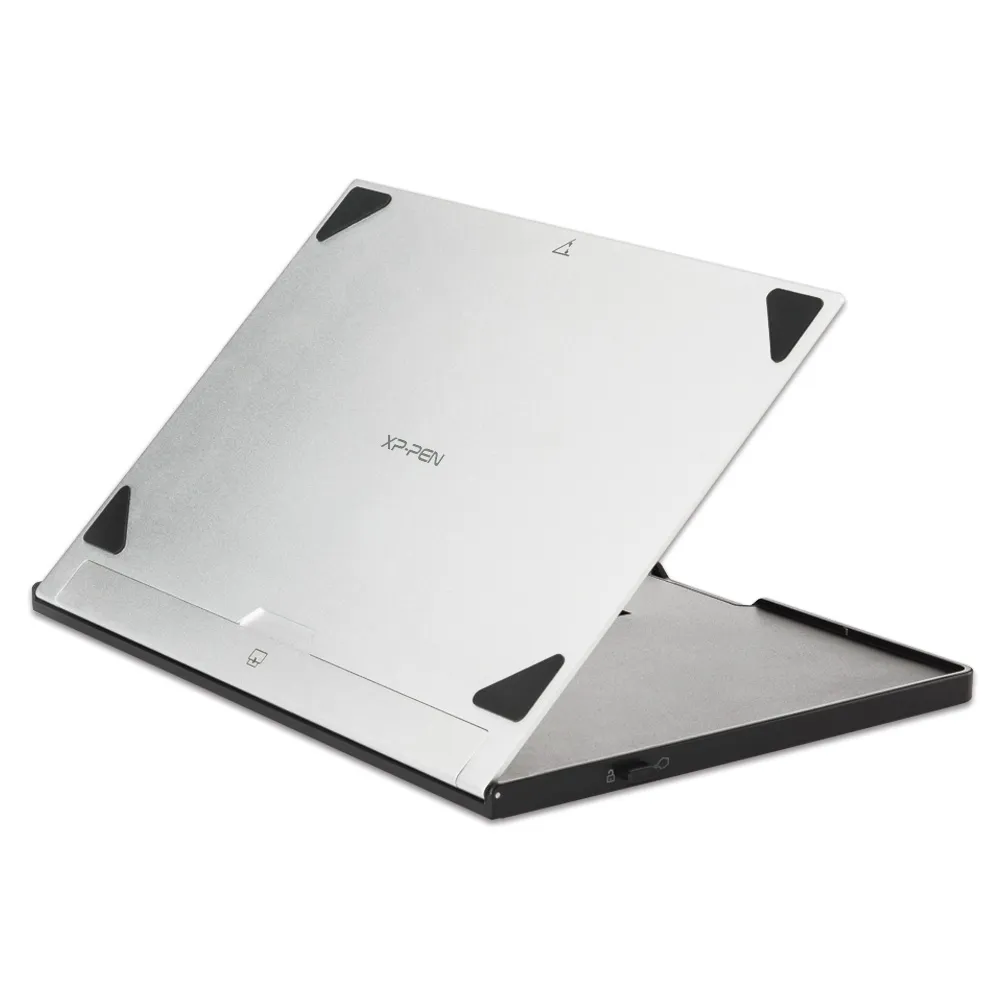
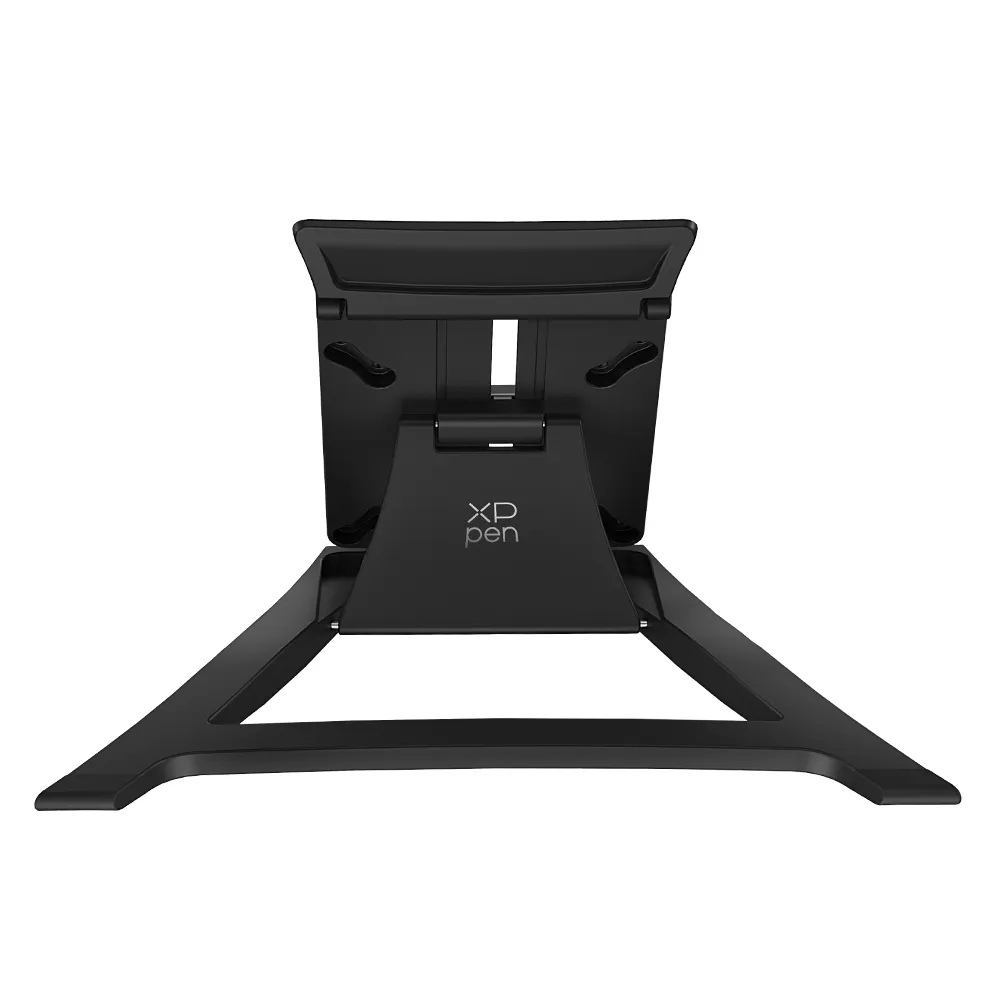
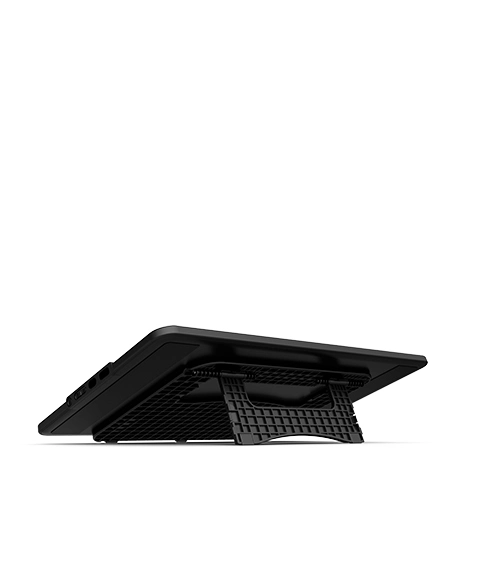
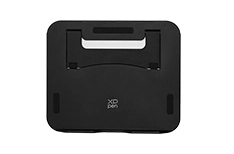
Portable and Foldable Stand
Prevent shaking or sliding and relieve eye fatigue and hand stiffness.
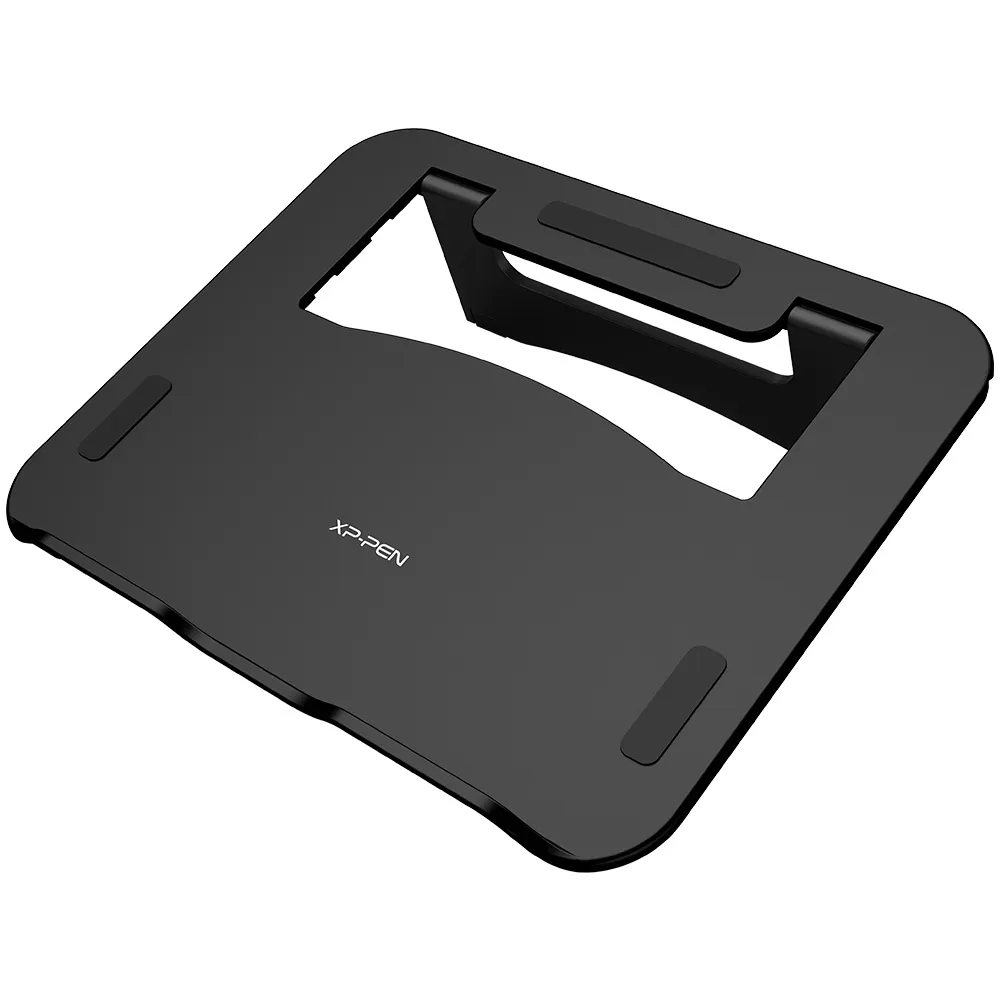
Pen Holder
Store and protect your stylus and pen nibs.
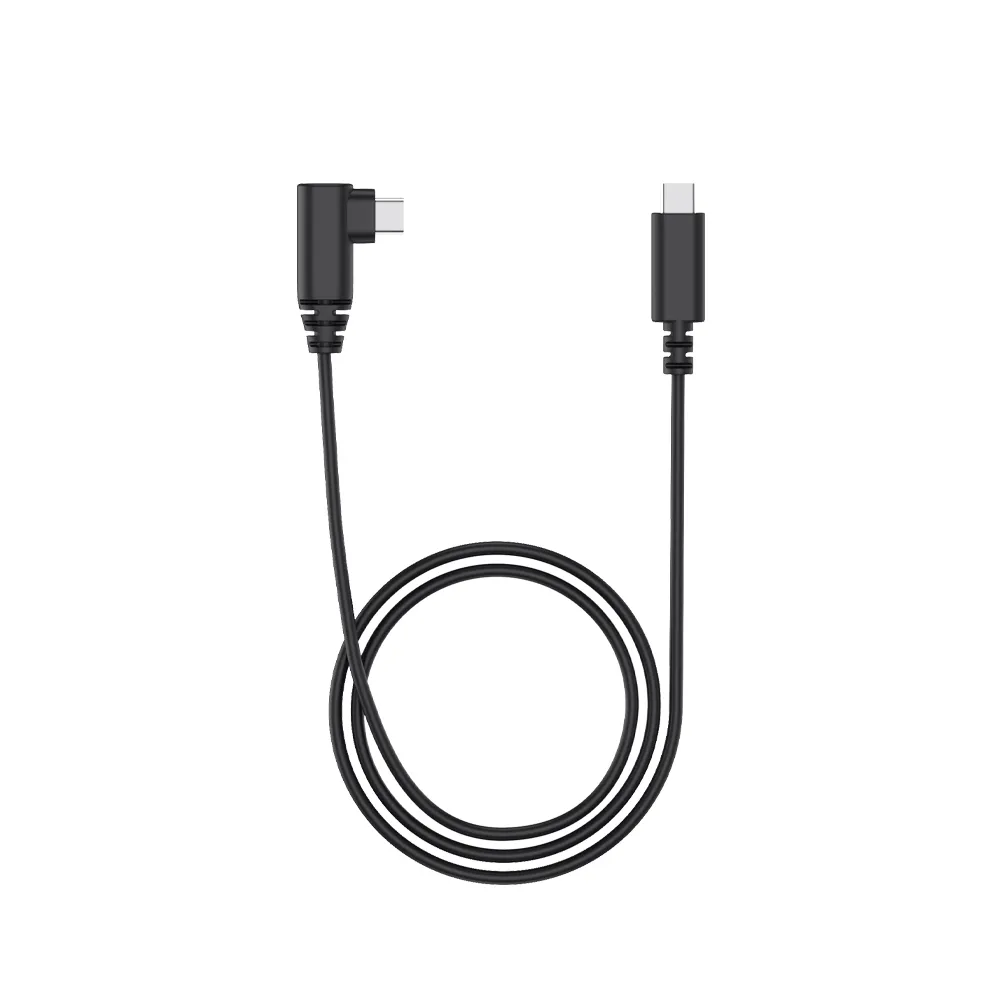
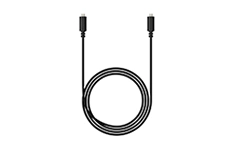
Full-featured USB-C Cable
No need for adapter, connect directly to your computer.
Comfort and Efficient for Both Hands
Don't worry if you are a left-hander. You can flip the drawing display through driver settings and set different shortcut keys to adapt to your dominant hand.
Works smoothly with various systems and software.
Compatible with Windows 7 (or later), macOS 10.13 (or later), Android (USB3.1 DP1.2), ChromeOS 88 (or later) and Linux.
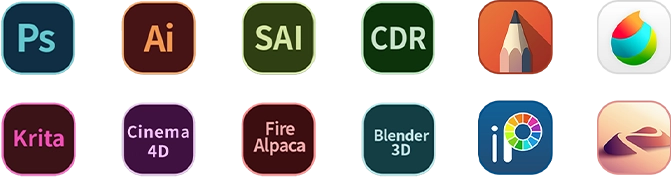
Compatible with popular digital art software such as Adobe Photoshop, Illustrator, SAI, CDR, Clip Studio Paint, GIMP, Krita, MediBang, FireAlpaca, Toonboom, Maya, and Blender3D, etc.
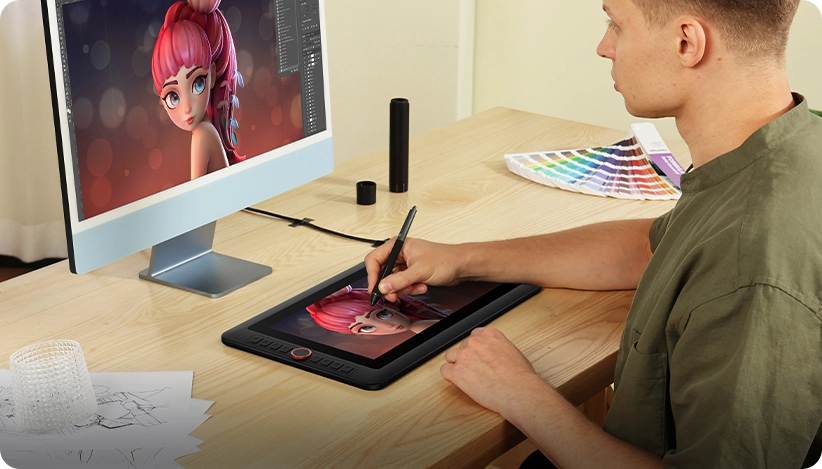
Illustration Creation
Animation Creation
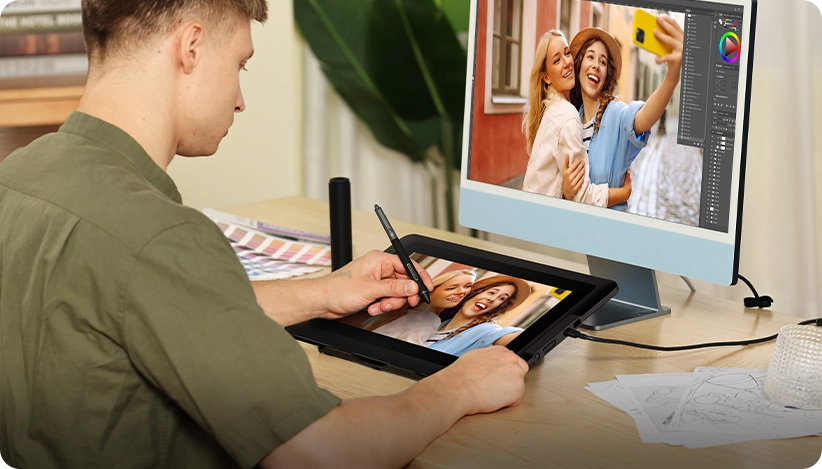
Photography and Photo Retouching
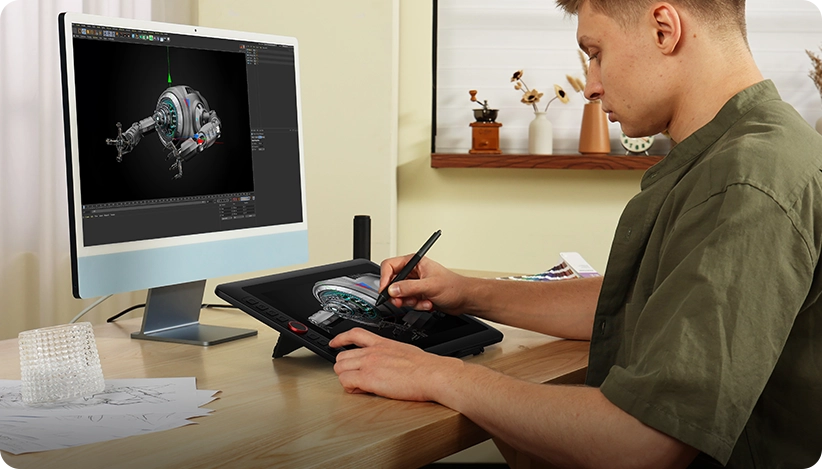
3D Design
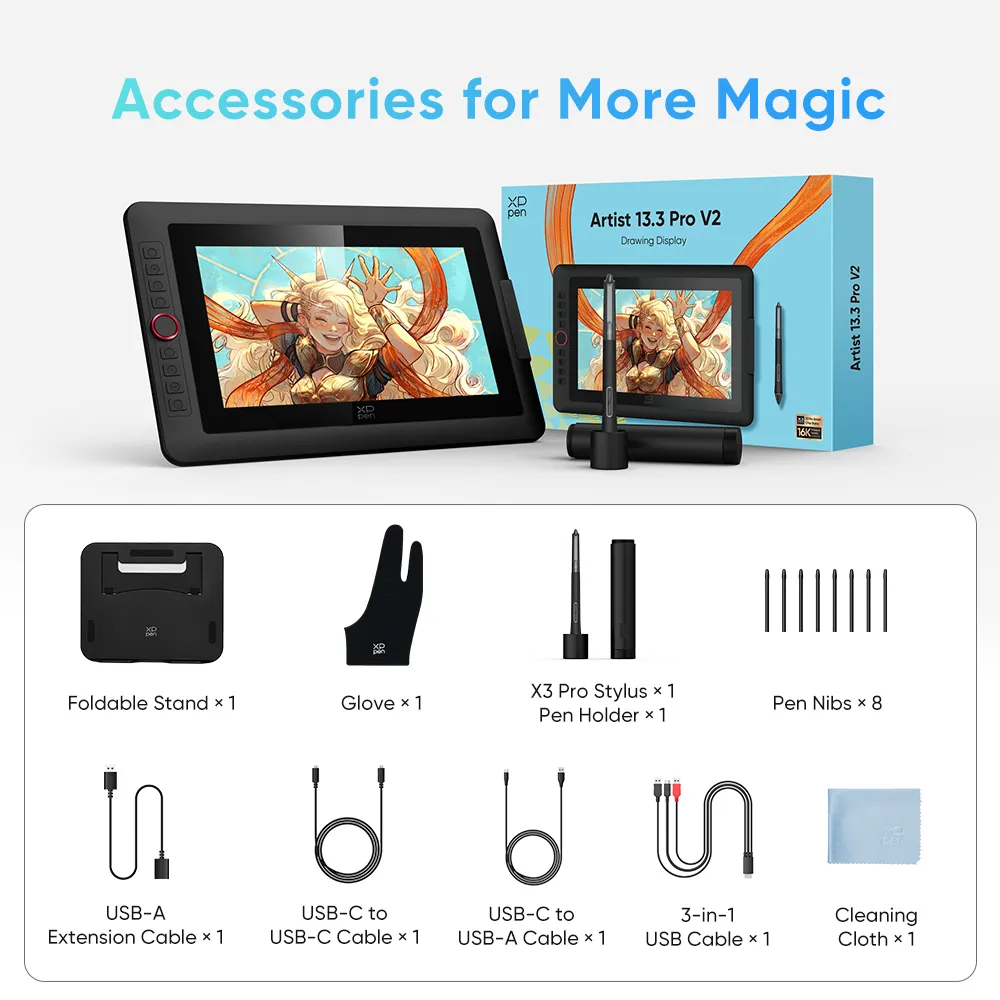
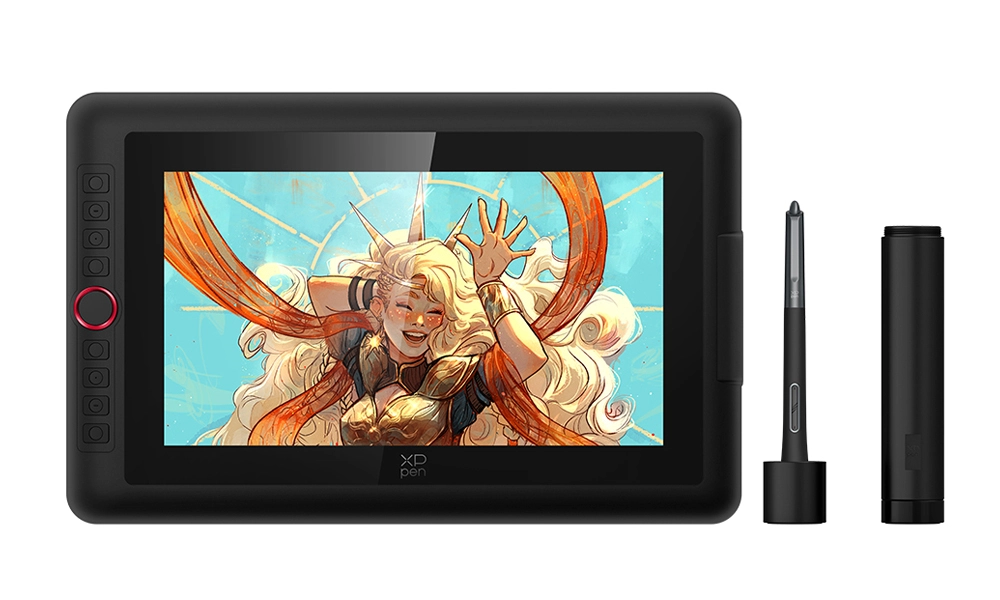
Drawing Display
× 1
X3 Pro Stylus
× 1
Pen Holder
× 1
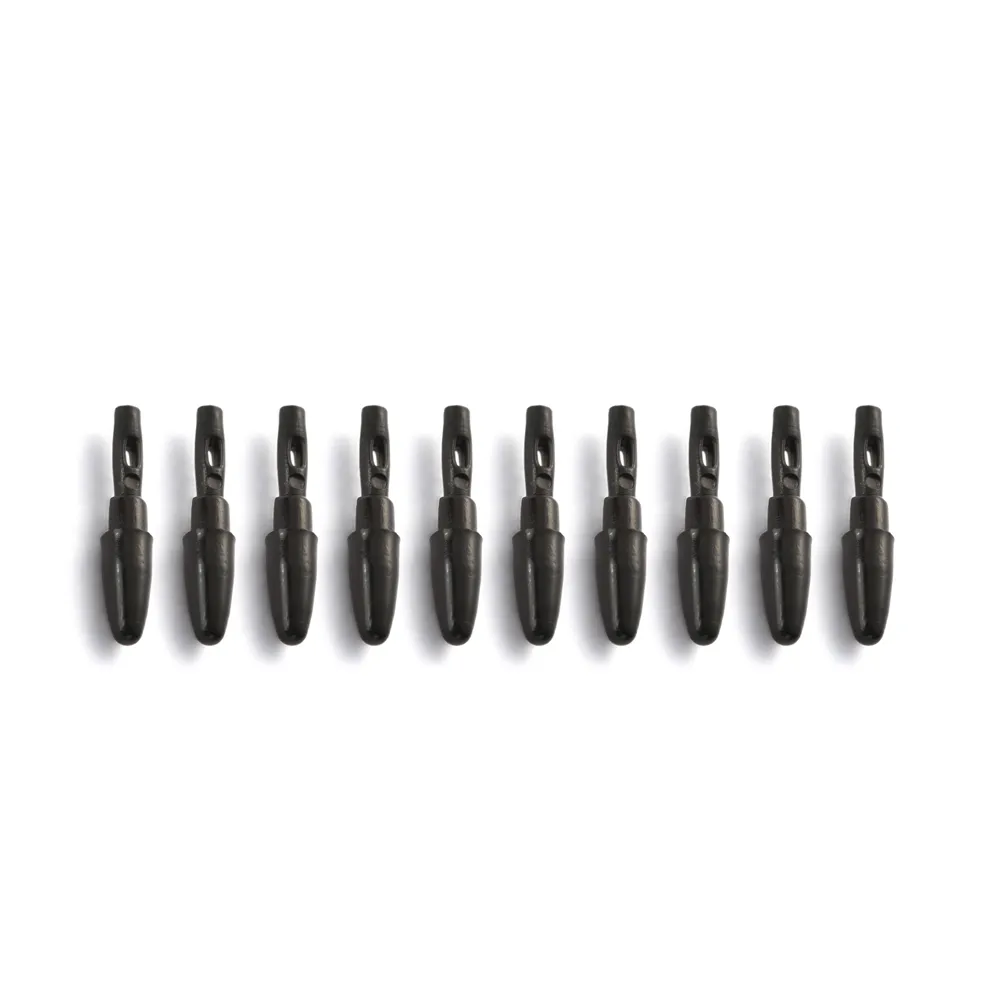
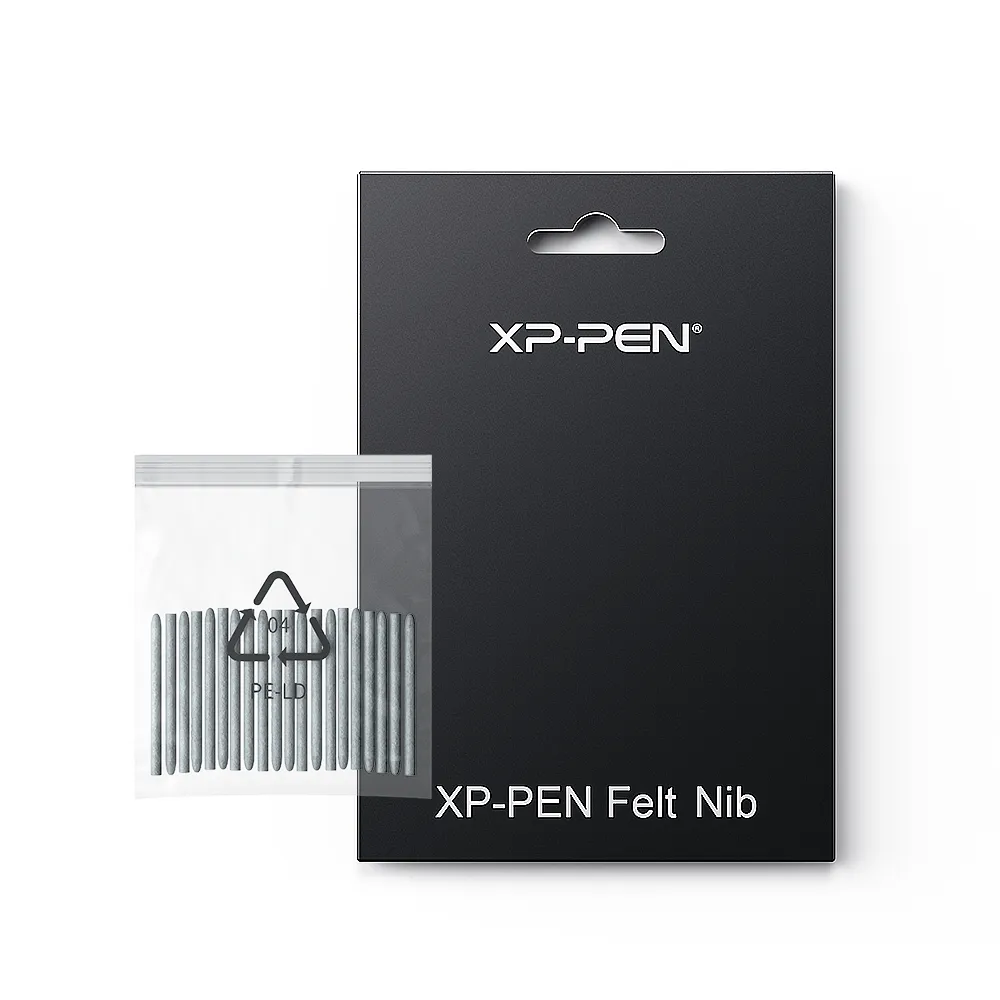
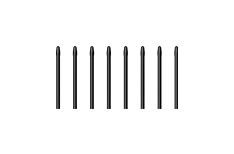
Pen Nibs
× 1
Foldable Stand
× 1
Foldable Stand
× 1
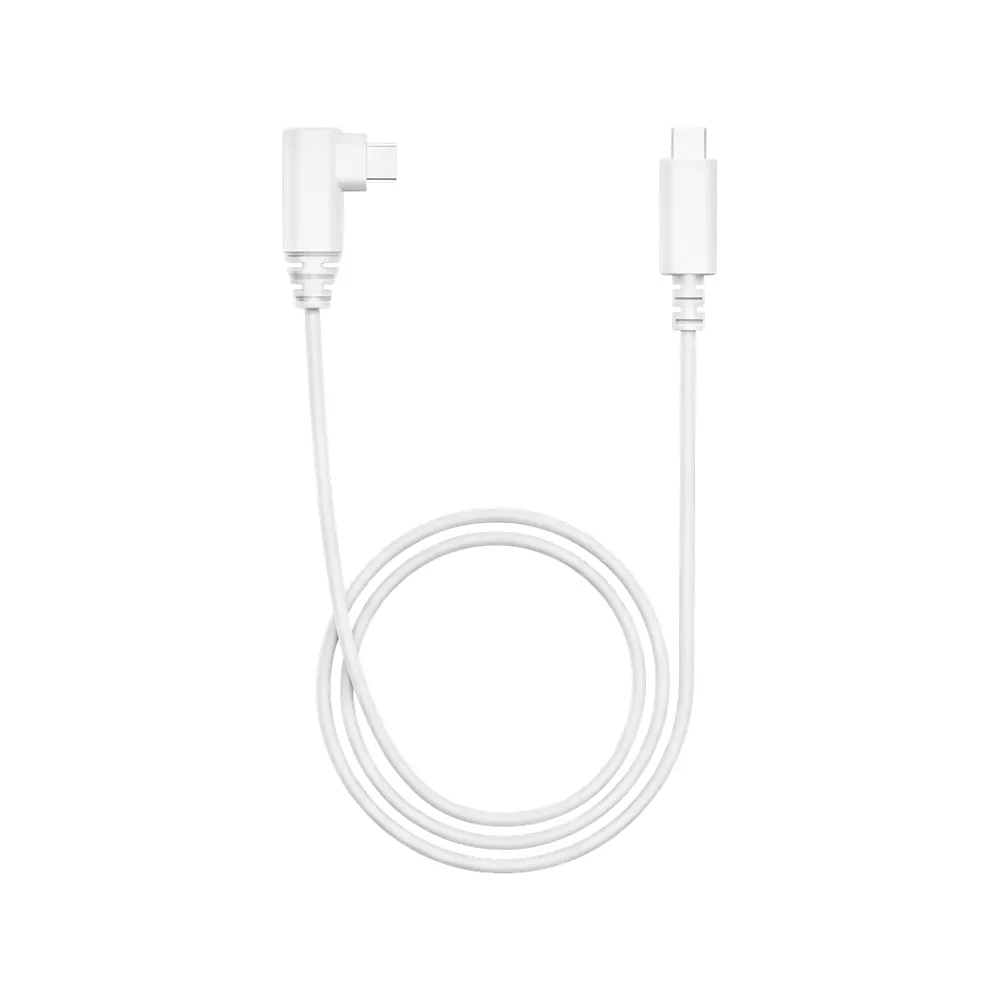
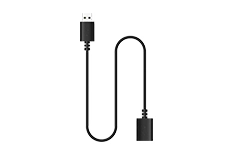
USB-A Extension Cable
× 1
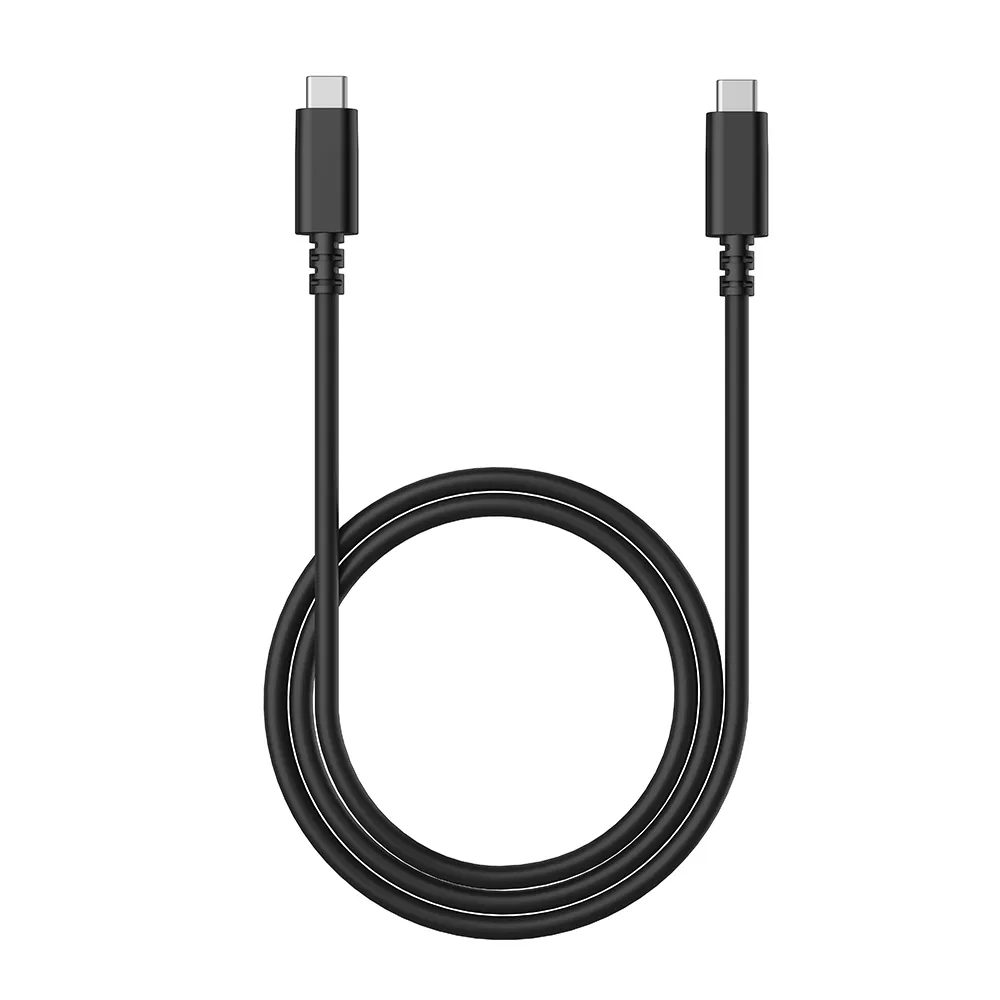
USB-C toUSB-C Cable
× 1
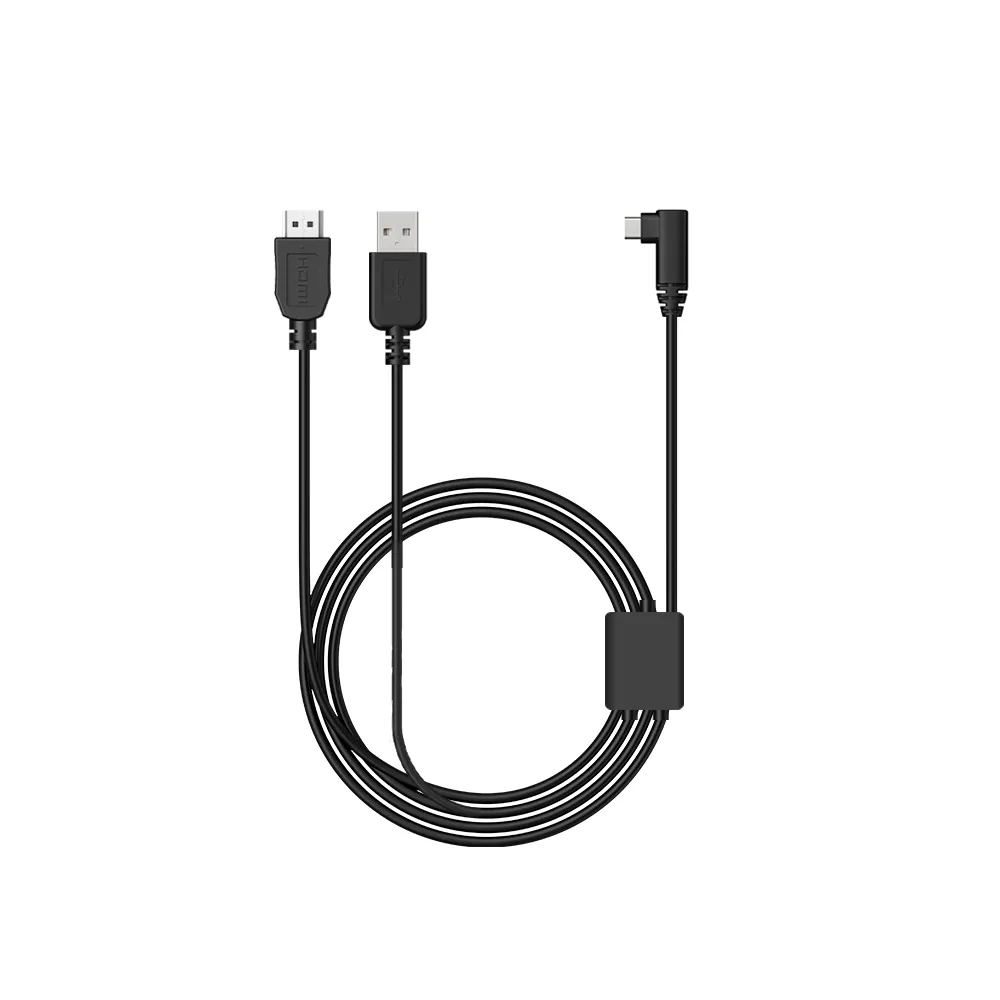
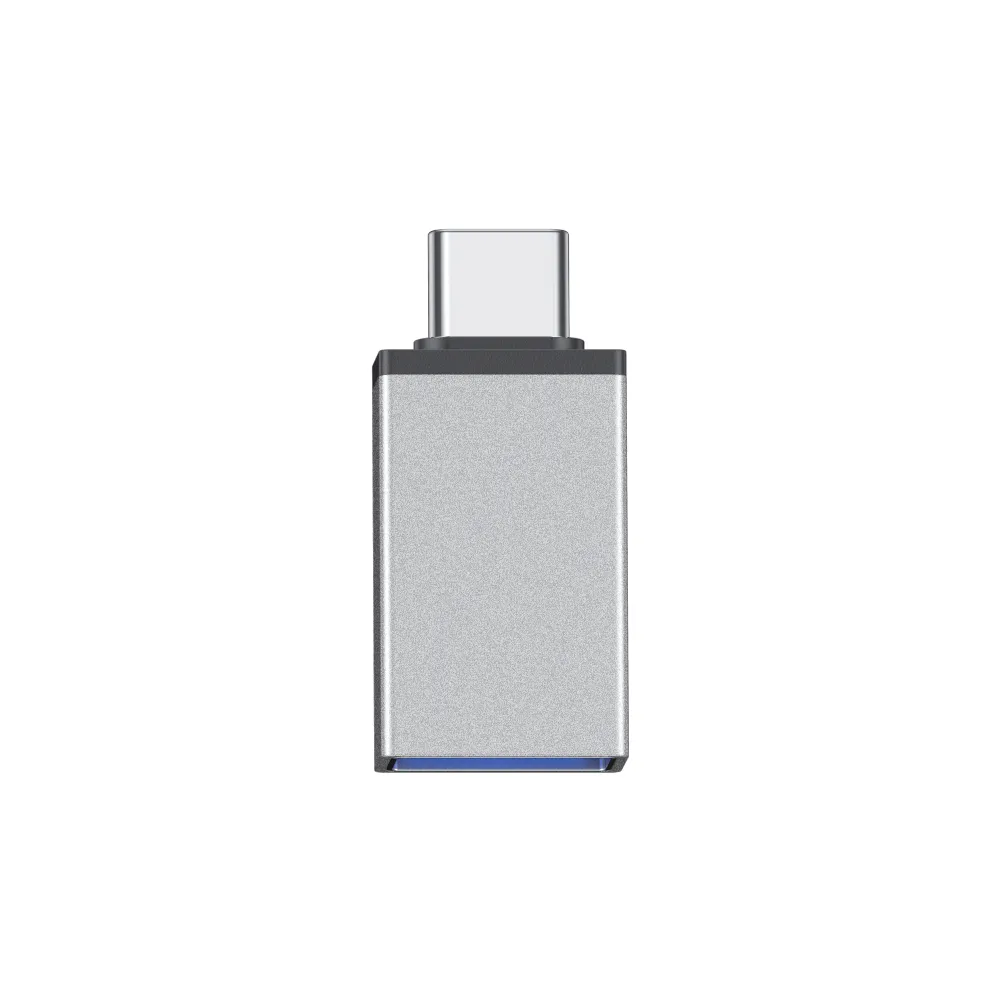
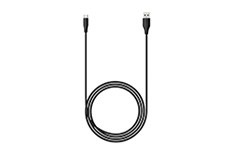
USB-C to USB-A Cable
× 1
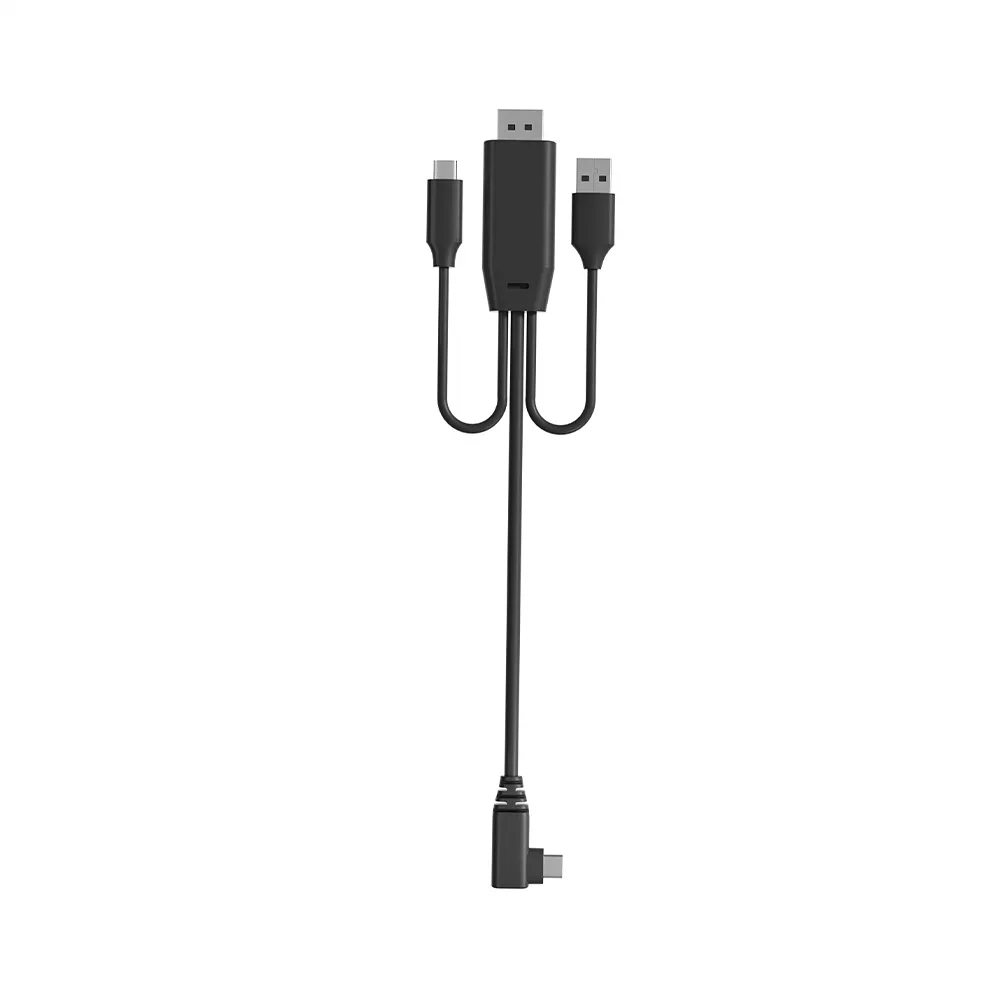
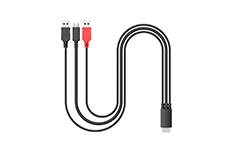
3-in-1 USB Cable
× 1
Cleaning Cloth
× 1
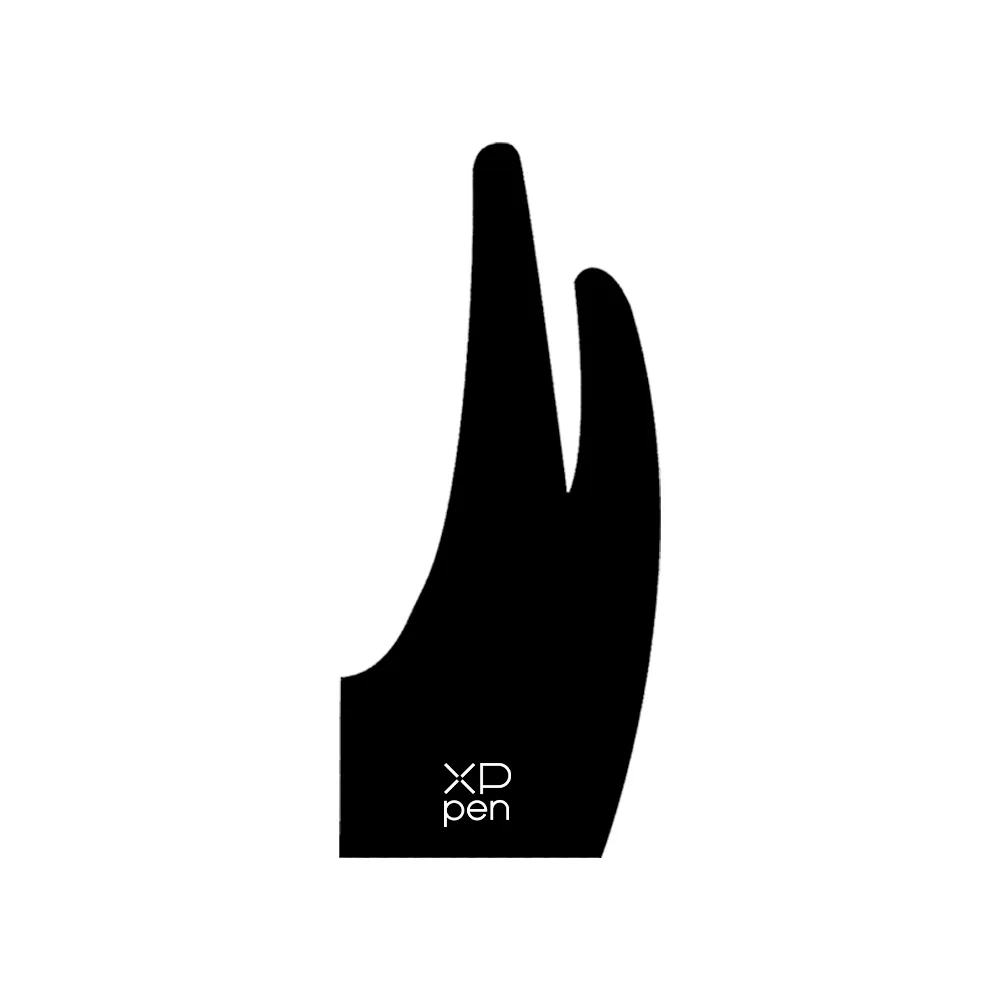
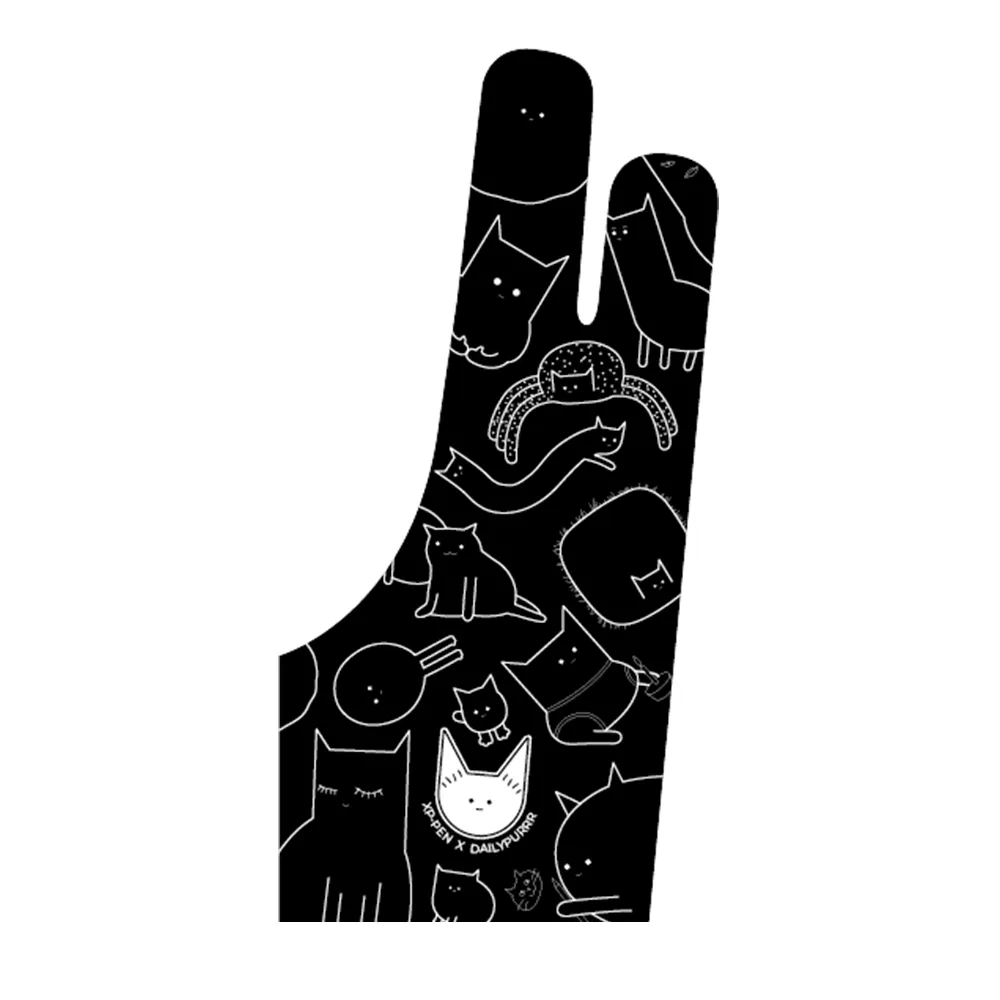
Glove
× 1
| Product Name | Artist 13.3 Pro V2 Drawing Display | |
| Product Model | MD130FH | |
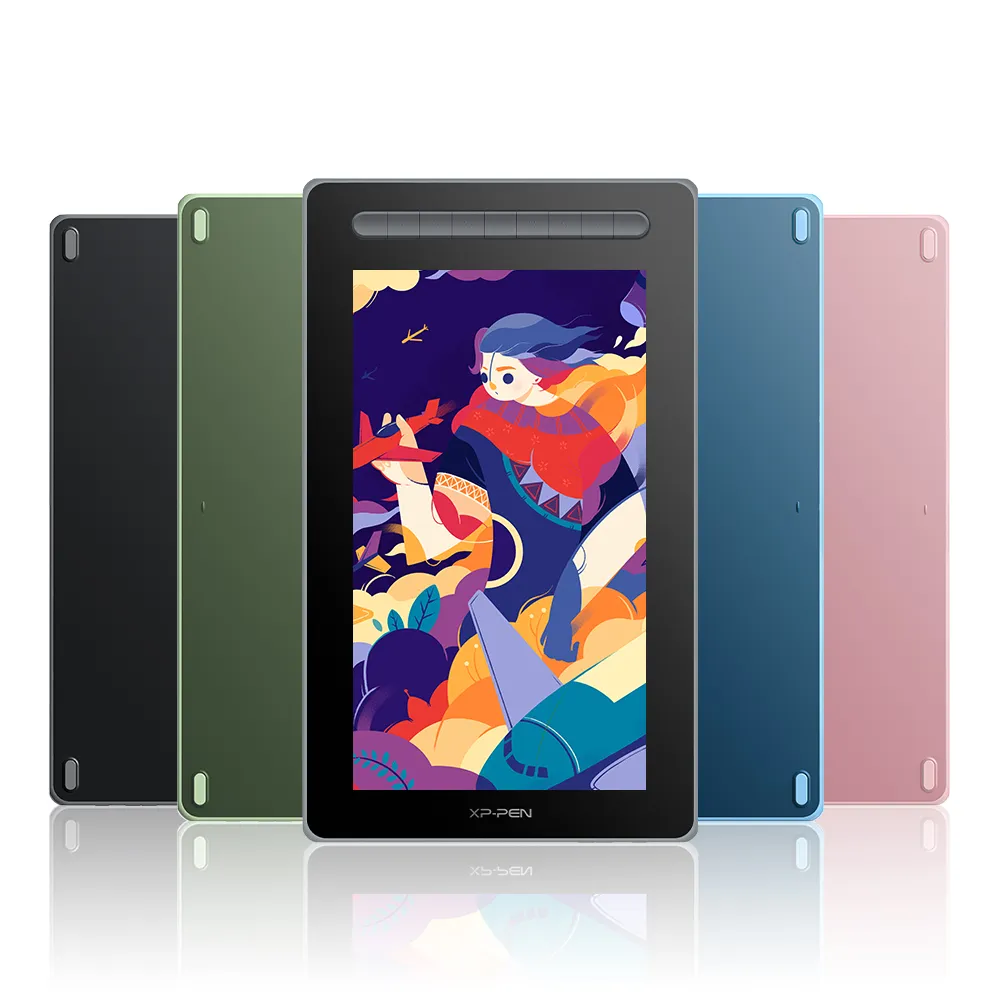
| Color | Black | |
| Dimensions | 390.4 x 249.98 x 12.9 mm | |
| Work Area | 294.76*166.24 mm | |
| Net Weight | 1.139 kg(Stand Not Included) | |
| Display Resolution | 1920*1080 | |
| Color Gamut Coverage Ratio (typical) | 99% sRGB, 89% Adobe RGB, 95% Display P3 | |
| Display Color | 16.7 Million | |
| Full Lamination | Yes | |
| Viewing Angle | 178° | |
| Brightness (typical) | 250 cd/㎡ | |
| Stylus | X3 Pro Smart Chip Stylus | |
| Pressure Levels | 16384 | |
| Tilt | 60° | |
| Initial Activation Force | 3g | |
| Accuracy | ±0.4 mm (center) | |
| Reading Height: | 10mm (center) | |
| Resolution | 5080LPI | |
| Report Rate | ≥200RPS | |
| Port | USB-C | |
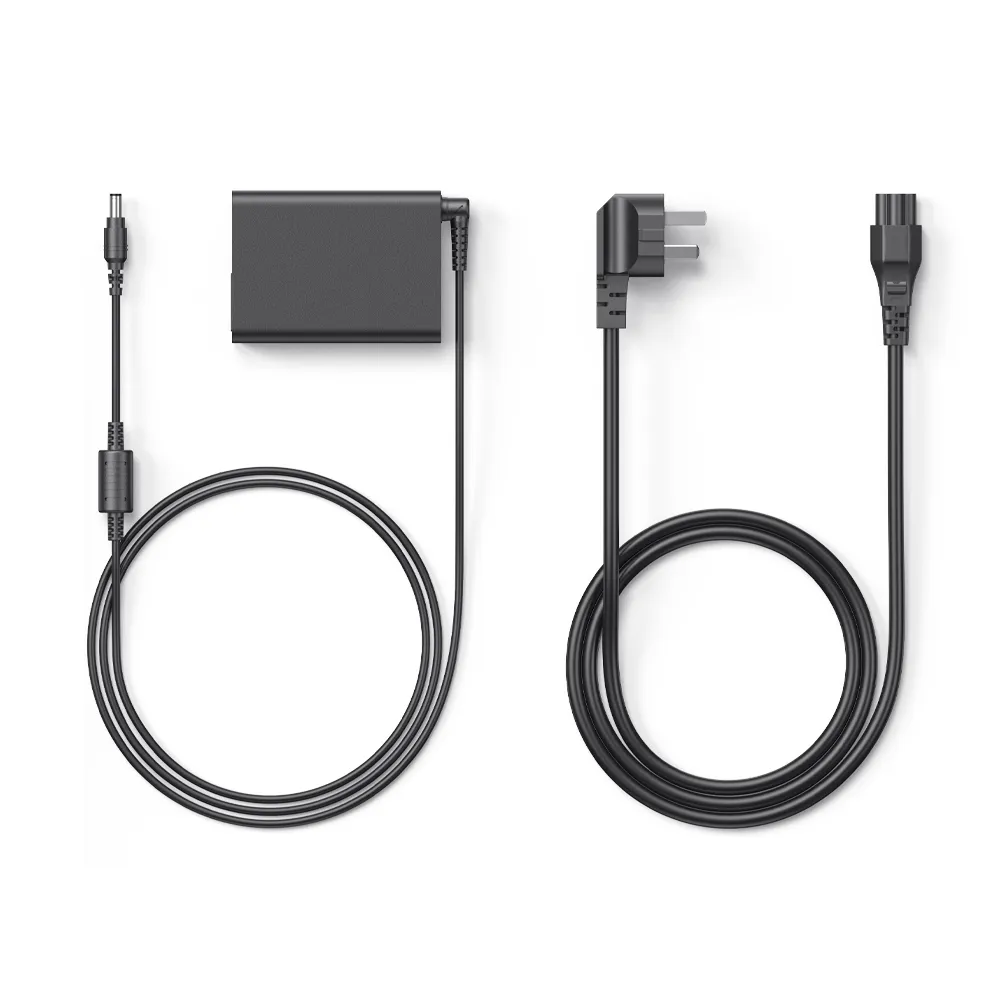
| Power Input | 5V⎓2A | |
| Compatibility | Windows 7 (or later), macOS 10.13 (or later), Android (USB3.1 DP1.2), ChromeOS 88 (or later), Linux | |
Q1: What’s the difference between the Artist 13.3 Pro V2 and the Artist 13.3 Pro?
A: The Artist 13.3 Pro V2 supports full-featured USB-C connection for easier setup, while the original uses a 3-in-1 cable. The V2 also features upgraded 16,384 pressure levels for smoother, more precise strokes compared to the original version.
Q2: What is the display size and weight of the Artist 13.3 Pro V2?
A: The Artist 13.3 Pro V2 features a vibrant 13.3-inch display, making it compact yet highly functional. It weighs approximately 1.139 kg without the stand, offering a lightweight and portable design for artists on the go.
Q3: What kind of stylus does the Artist 13.3 Pro V2 use?
A: It comes with the X3 Pro Smart Chip Stylus, offering 16,384 pressure levels, ±60° tilt support, and a stable, battery-free experience.
Q4: What’s the display resolution of the Artist 13.3 Pro V2?
A: It features a 1920 × 1080 full HD resolution, providing sharp visuals and accurate color performance for creative work.
Q5: Is the screen of the Artist 13.3 Pro V2 fully laminated?
A: Yes, the display is fully laminated, reducing parallax and enhancing drawing precision.
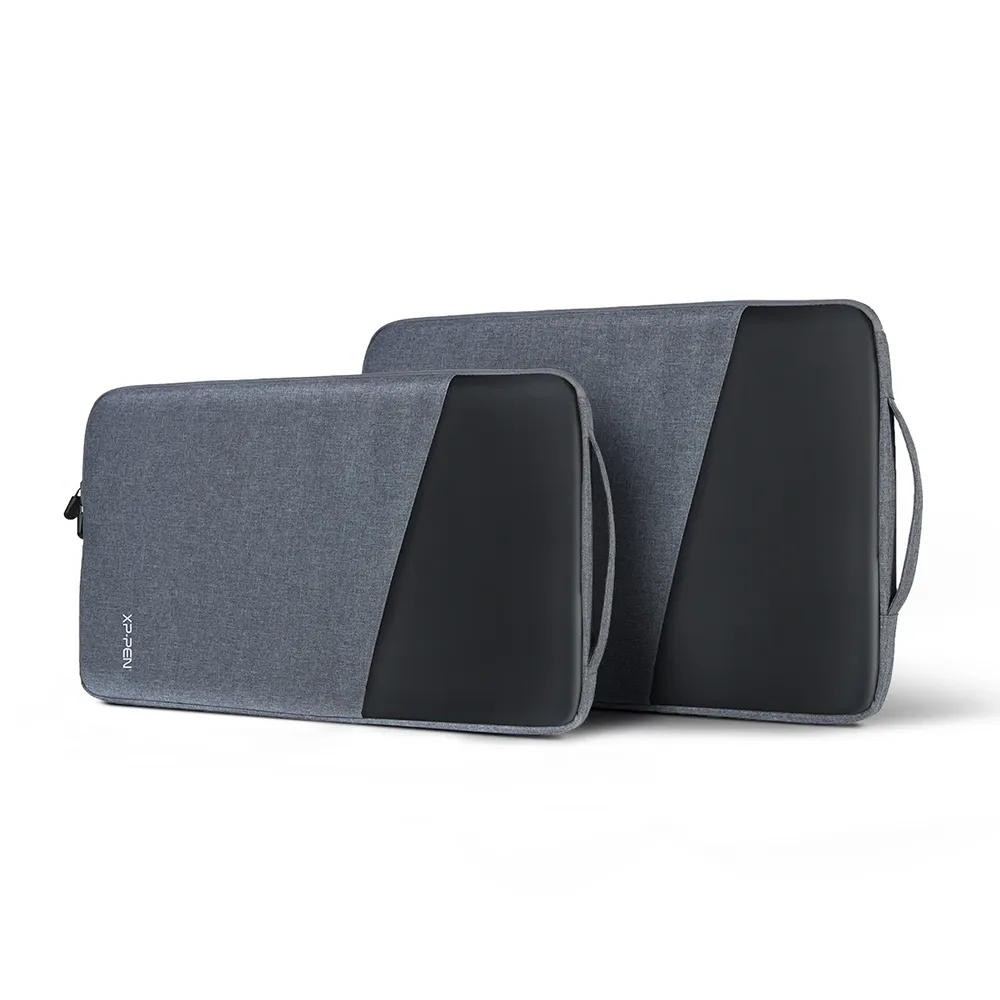
Q6: Is there a protective sleeve available for the Artist 13.3 Pro V2?
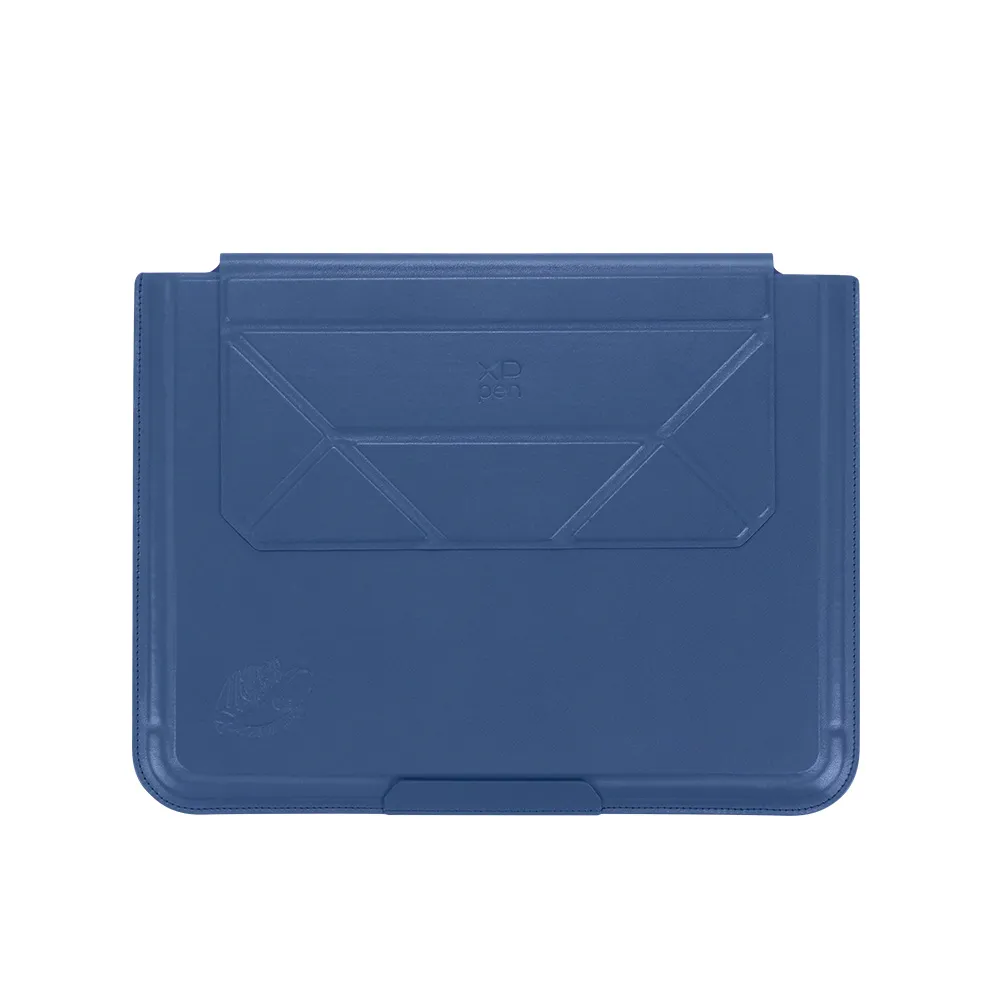
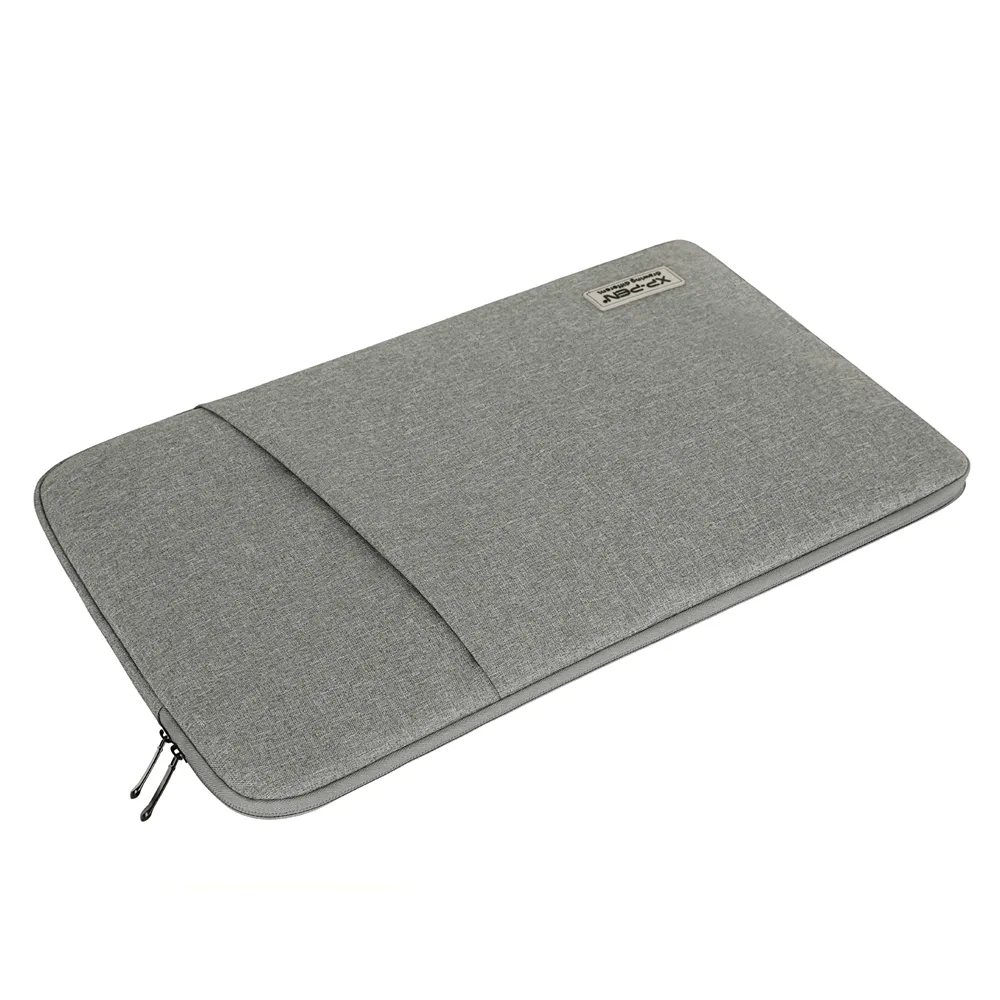
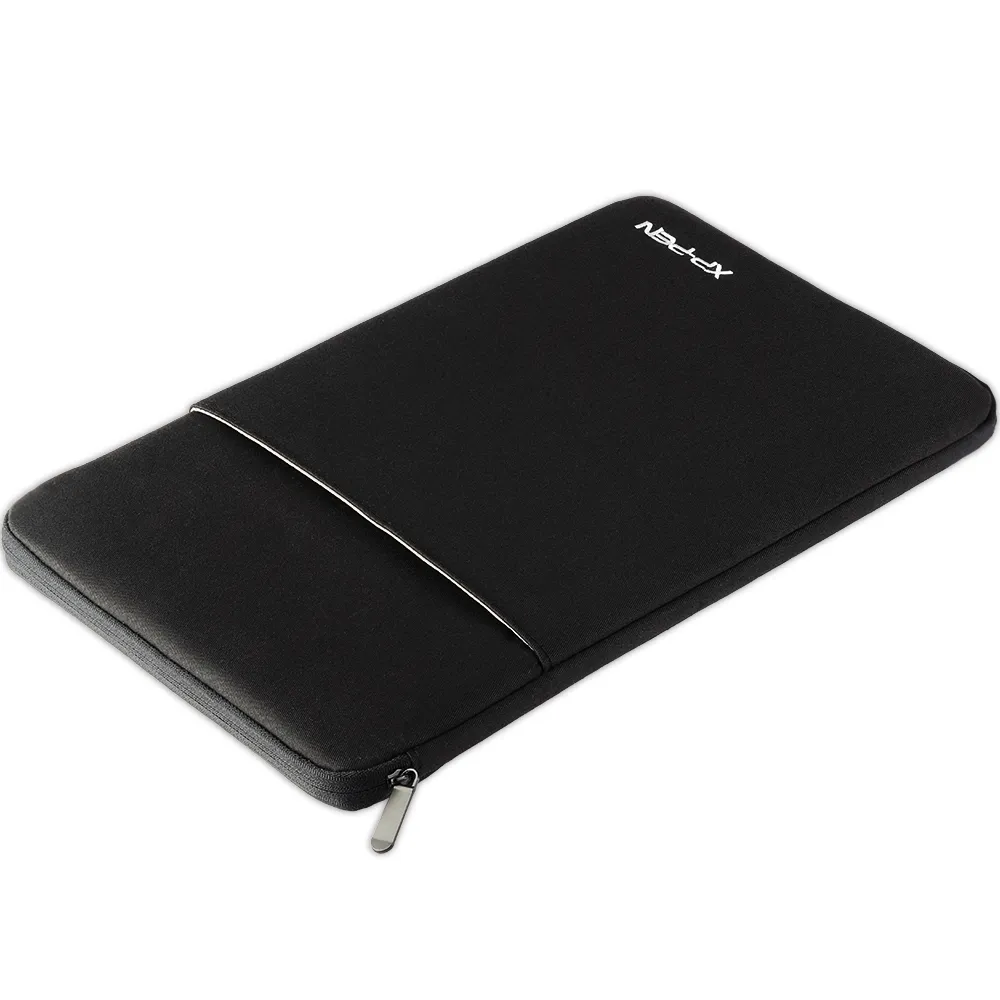
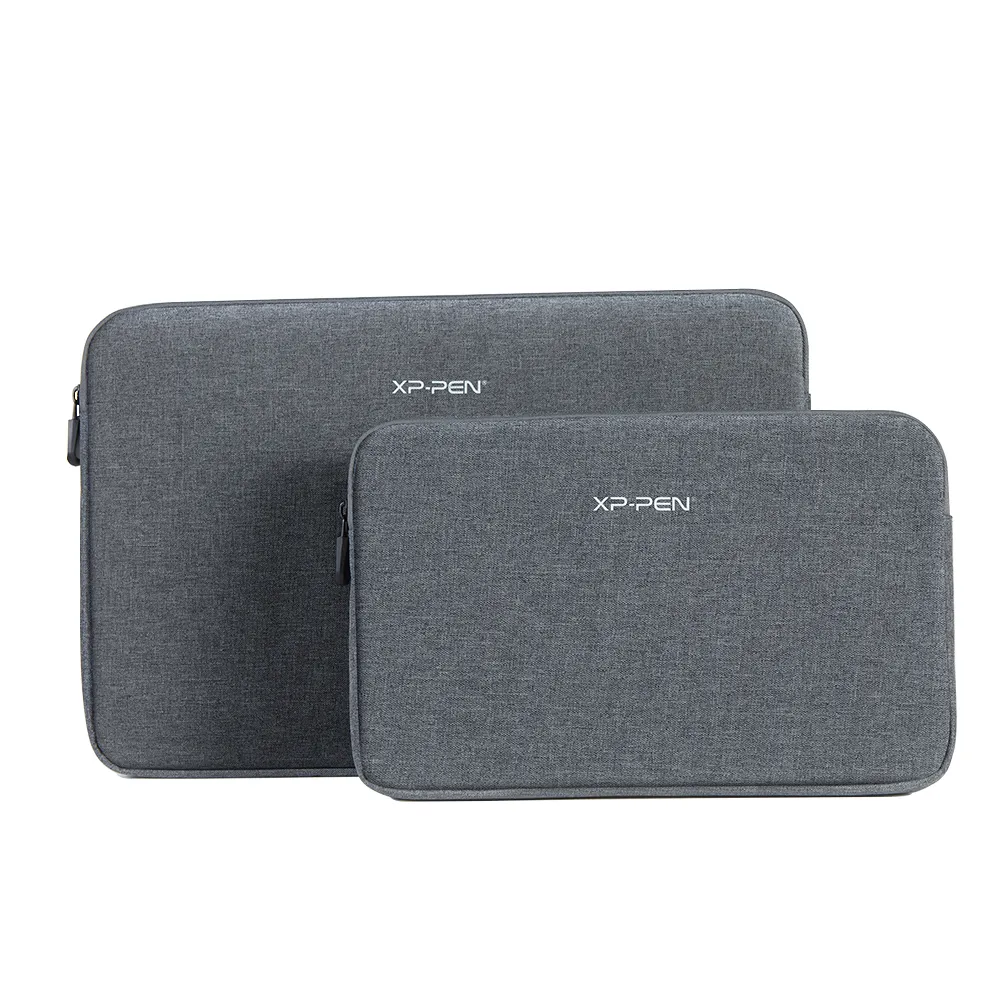
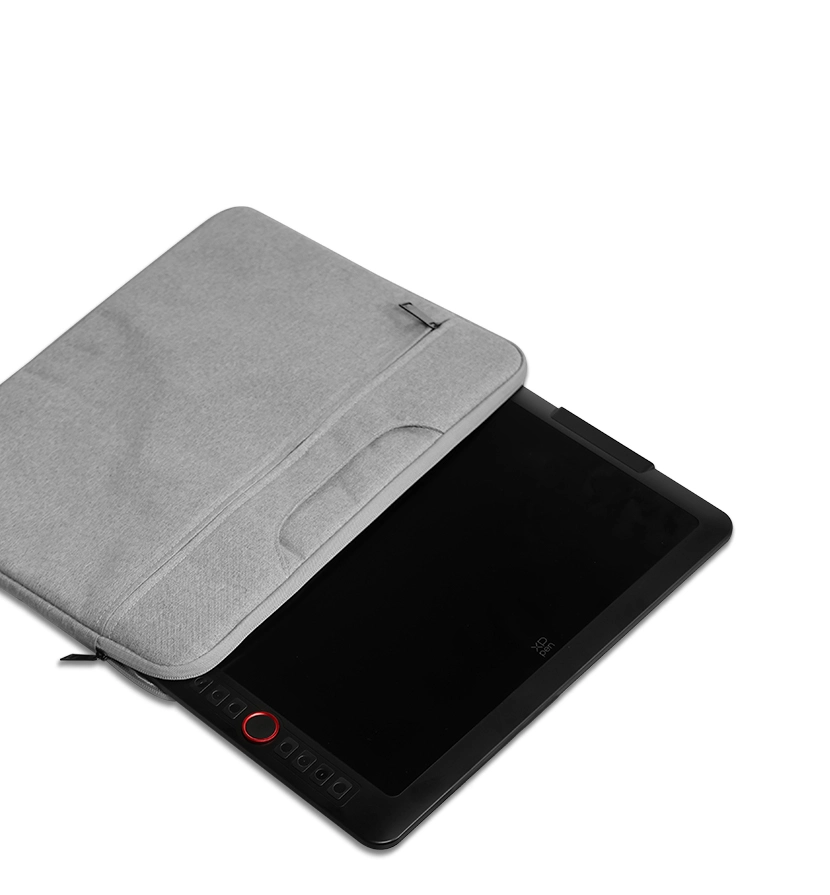
A: Yes, the ACJ02 protective sleeve is compatible with the Artist 13.3 Pro V2. You can purchase it here.
Q7: Does the Artist 13.3 Pro V2 support left-handed users?
A: Yes, you can switch to left-handed mode through the driver settings for a more comfortable experience.
Q8: Is the Artist 13.3 Pro V2 compatible with iOS devices?
A: No, the Artist 13.3 Pro V2 is not compatible with iPad or any iOS device. It requires a Windows or macOS system to function properly.
Q9: What operating systems are compatible with the Artist 13.3 Pro V2 drawing tablet?
A: The Artist 13.3 Pro V2 supports Windows 7 and later versions, various Linux distributions(specific versions), and macOS X 10.10 or higher. This wide compatibility ensures smooth performance across most modern computers.
Q10: Which digital art software works with the Artist 13.3 Pro V2?
A: The Artist 13.3 Pro V2 is compatible with popular digital art programs including Adobe Photoshop, Illustrator, SAI, CorelDRAW (CDR), GIMP, Krita, Medibang, Fire Alpaca, Blender 3D, and many others, ensuring a versatile creative experience.
Leave your review
4.7
Based on 3 Reviews
Show All Comments
67%(2)
33%(1)
0(0)
0(0)
0(0)
Reviews(3)
Ask a Question
FAST & FREE
7-day delivery sitewide.
SECURE PAYMENT
Buy now, pay later. Secured by PayPal.
TECH SUPPORT
service@xp-pen.com
18-MONTH WARRANTY
18-month warranty only for official E-store
Get the latest on XPPen products, free trials, and more.
Copyright© 2025 HANVON UGEE (HK) TECHNOLOGY CO., LIMITED All Rights Reserved.
LOTTERY_GIFT_LIMIT_TIPS